
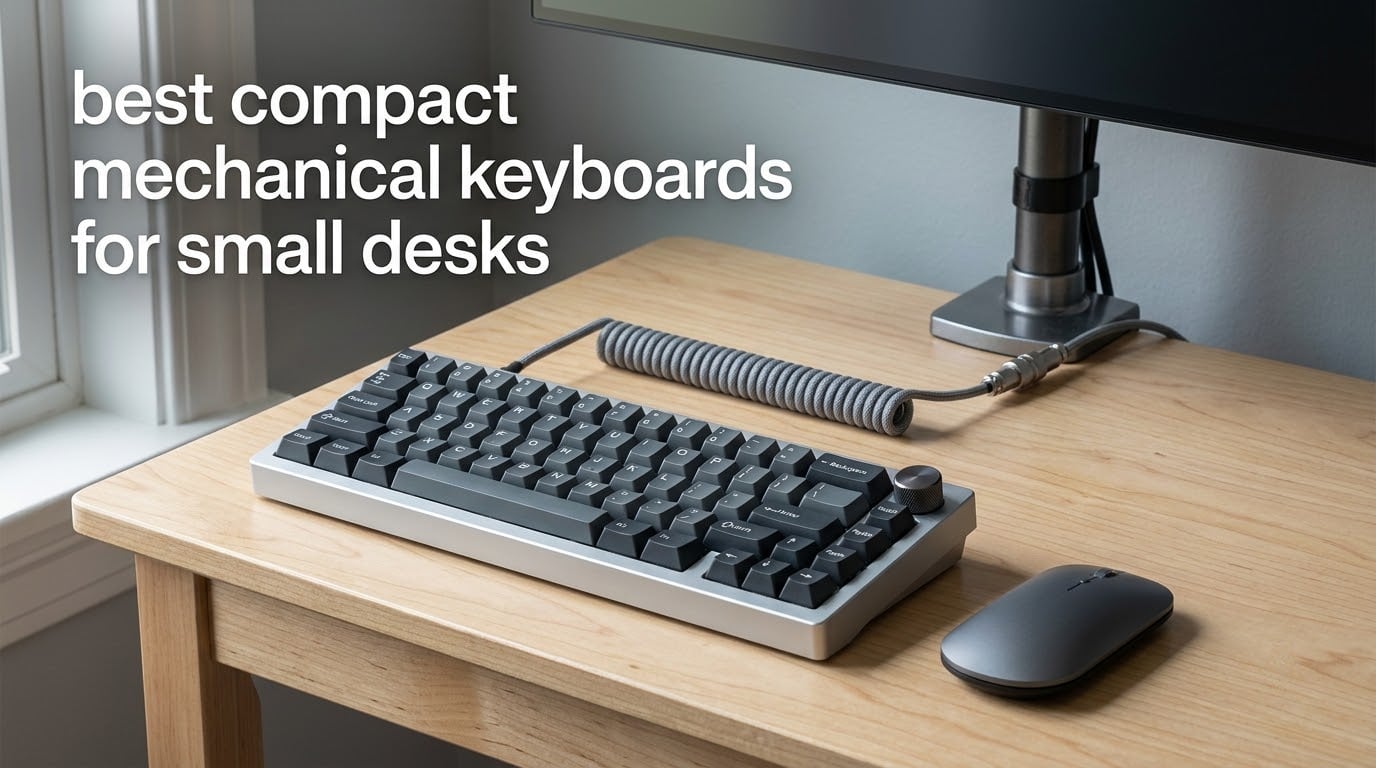
The best compact mechanical keyboards for small desks fall into three tiers: 60% boards that strip out the function row and arrows, 75% boards that keep the function row and arrows, and low-profile boards that trade key travel for a thinner case. Our top pick is the HyperX Alloy Origins 60, a 61-key aluminum board with double-shot PBT keycaps that stays planted and frees roughly six inches of desk width compared with a full-size keyboard.
Why does desk width matter so much? A full-size board pushes your mouse arm outward, which shortens every mouse stroke and pulls your shoulder into a worse angle. Shrink the board and the mouse comes back under your shoulder, where it belongs. That single change does more for a cramped workspace than any other single upgrade, and it is the reason this roundup only covers compact mechanical keyboards rather than mixing in full-size options.
We compared 11 boards that all earn a place on a small desk, weighing layout size, switch type, connectivity, build weight, keycap material and the review data owners left behind. All of them are mechanical, and all of them remove the numpad, so what you are really choosing between is how many keys you are willing to remap and how much noise you can live with. If you also need standing desk space, our compact standing desk picks cover the same desk-space logic from the furniture side.
Table of Contents
Top 3 Best Compact Mechanical Keyboards for Small Desks in 2026

HyperX Alloy Origins 60
- 61-key 60% layout
- Aircraft-grade aluminum body
- Double-shot PBT keycaps
- 80M keystroke switches

AULA F75 75% Wireless
- 81-key 75% layout with knob
- Tri-mode up to five devices
- Hot-swappable sockets
- Gasket mount

Redragon K617 60%
- 61-key 60% layout
- Hot-swappable 3-pin and 5-pin
- 20 RGB lighting modes
- 50M keystroke switches
The HyperX Alloy Origins 60 takes the top spot because it holds the highest rating in the group while carrying a heavy aluminum chassis that resists sliding on a desk with little room to spare. The AULA F75 is the smarter buy if you want a function row, a knob and wireless in one package, and the Redragon K617 is the cheapest way into hot-swap sockets and full RGB.
Why a Compact Keyboard Frees Desk Space You Can Measure
Here is the part most roundups skip: the width numbers. A full-size keyboard with a numpad is about 18.5 inches wide, and a tenkeyless board still runs close to 15 inches. The 75% boards in this list measure 12.7 to 13.7 inches across, and the 60% boards measure 11.4 to 12.2 inches. That is the space your mouse gets back.
Depth matters more than people expect on a shallow desk. The MageGee MK-Box and the DIERYA T68SE are only 3.89 and 3.9 inches deep, which means they leave an entire palm rest of room in front of them. The Keychron K3 is 4.57 inches deep and less than an inch tall, so it also slides under a monitor arm or a raised shelf.
One warning before you measure: buying a mechanical keyboard does not automatically solve the desk-space problem. Plenty of full-size mechanicals are wider than the tenkeyless board you replaced. Check the listed width, not the switch type.
All 11 Best Compact Mechanical Keyboards for Small Desks in October
| Product | Specifications | Action |
|---|---|---|
| HyperX Alloy Origins 60 |
|
Check Latest Price |
| AULA F75 75% Wireless |
|
Check Latest Price |
| Redragon K617 60% |
|
Check Latest Price |
 Logitech G PRO X 60% Wireless Logitech G PRO X 60% Wireless |
|
Check Latest Price |
 AULA WIN68 HE Hall Effect AULA WIN68 HE Hall Effect |
|
Check Latest Price |
 RK ROYAL KLUDGE R75 RK ROYAL KLUDGE R75 |
|
Check Latest Price |
 Keychron K3 V2 Low-Profile Keychron K3 V2 Low-Profile |
|
Check Latest Price |
 Kisnt KN85 75% Wireless Kisnt KN85 75% Wireless |
|
Check Latest Price |
 MageGee MK-Box 60% MageGee MK-Box 60% |
|
Check Latest Price |
 DIERYA T68SE 60% DIERYA T68SE 60% |
|
Check Latest Price |
 Newmen GM326 75% Newmen GM326 75% |
|
Check Latest Price |
1. HyperX Alloy Origins 60 – Best Overall Compact Mechanical Keyboard for Small Desks
- Heavy aluminum chassis stays planted
- Double-shot PBT caps resist shine and solvents
- 80 million keystroke switch rating
- Consistent smooth linear switches
- Works with PC
- PS5
- PS4 and Xbox consoles
- F1 to F12 hidden behind the Fn layer
- No half-width key for Japanese input
- NGENUITY lighting software is basic
This is the board we kept on the test desk. At 11.7 by 6 inches and 970 g, it has the mass to stay exactly where you put it, which matters more on a cramped surface than any spec sheet. The aluminum switch plate adds weight without adding width, so nothing about the heft costs you mouse space.
Typing on the included linear switches is smooth and unfussy, and the switches are rated for 80 million keystrokes, the highest figure in this group. Double-shot PBT keycaps are the detail that matters most over a multi-year span, because the legends are moulded into both sides of the cap and will not wear off the way printed ABS legends do.
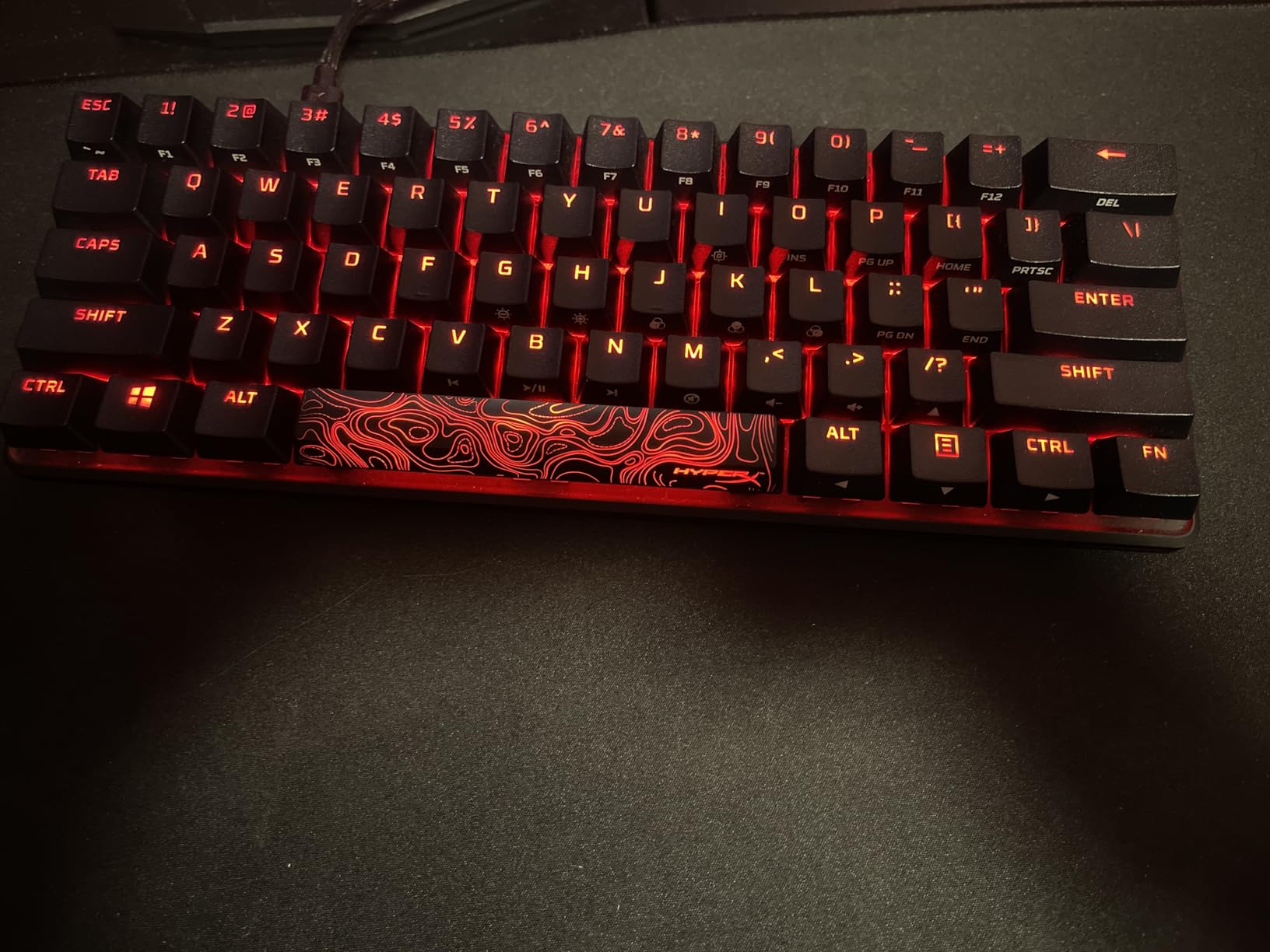
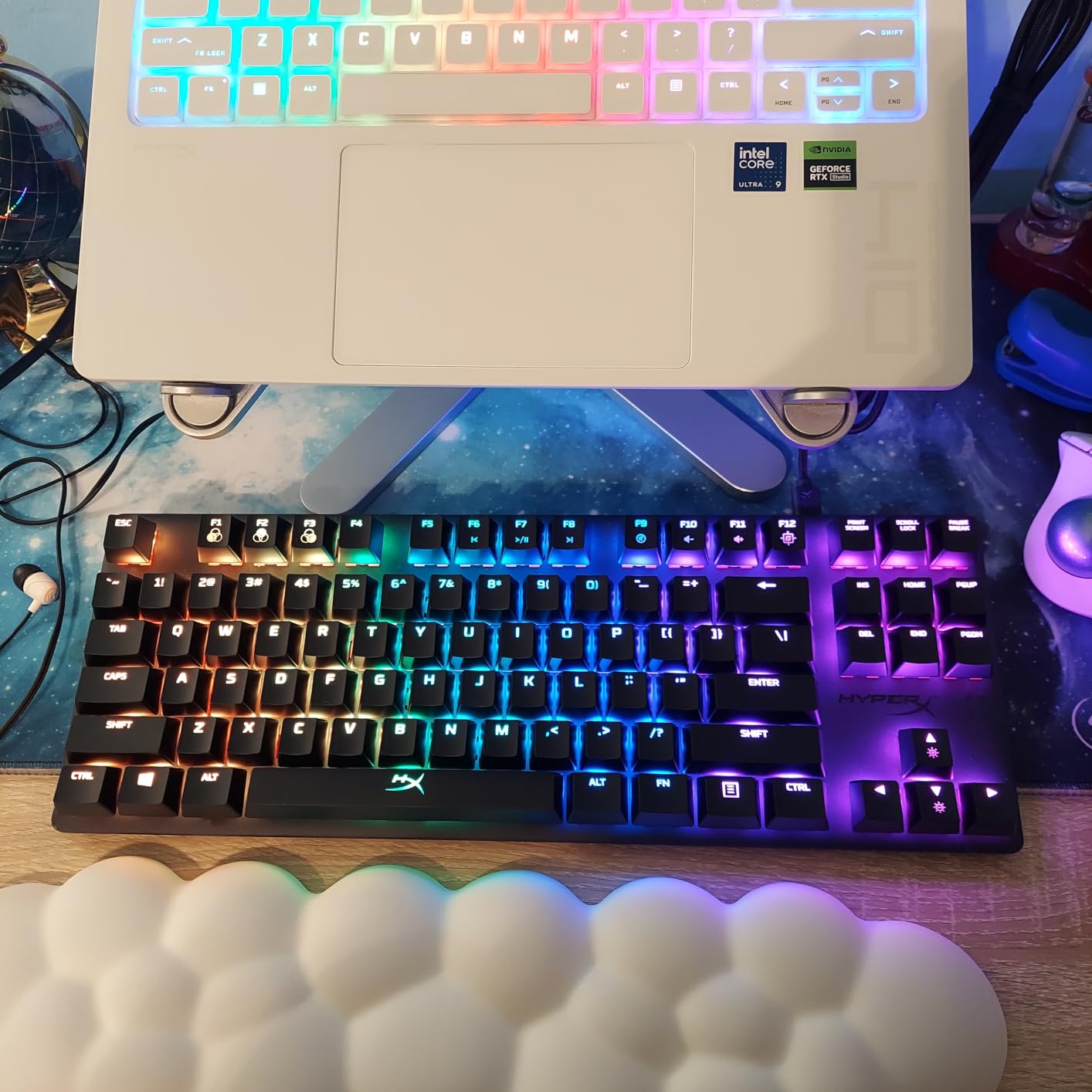
The RGB is bright and per-key, tuned through NGENUITY, with three typing angles available on the feet and a detachable USB-C cable. Consoles are supported too, which is unusual at this size and means one board can cover a PC and a living-room setup.
The catch is the 60% layout itself. F1 to F12 live behind the Fn layer, and owners report that some games intercept those combinations. There is also no half-width or full-width key, which matters if you type Japanese.
How it handles a full workday on a small desk
Eight hours of typing is where build quality earns its keep, and this board’s weight and PBT caps are exactly what you want underneath your hands. If your desk is under 24 inches of clear width, this board leaves ample room to the right for mouse movement without pushing your arm outward.
Rough typing angles are less of an issue here than on plastic boards because the case does not shift when you press hard. That said, if you are prone to wrist fatigue, a low-profile option later in this list is worth a look.
Who should skip it
Skip it if you rely on a real function row for spreadsheet shortcuts or if you need half-width keys for Japanese input. It is also a poor match for anyone who wants to remap keys without a software driver, since there is no QMK or VIA support here.
It is a wired board, so if your desk has no easy cable route to the PC, look at one of the tri-mode options instead.
2. AULA F75 75% Wireless – Best Value Compact Board with a Function Row
- Deep creamy sound out of the box
- Hot-swappable 3-pin and 5-pin sockets
- Multi-function knob for volume and lighting
- Tri-mode pairing across five devices
- Heavy plastic build that does not feel cheap
- Lighting driver lacks some options and macOS support
- Backlight is not shine-through
- No numpad at this size
The F75 solves the single biggest complaint about compact layouts: it keeps the function row, the arrow keys and a dedicated delete while still measuring 12.7 by 5.6 inches. For most people moving off a full-size board, that is the difference between a two-week adjustment and a permanent one.
Out of the box the board sounds deeper than boards costing several times more, which comes from the gasket mount, extended silicone pad and five layers of internal damping working together. The included pre-lubed stabilizers mean the spacebar does not rattle on day one, and the same sockets accept both 3-pin and 5-pin switches if you want to change the feel later.
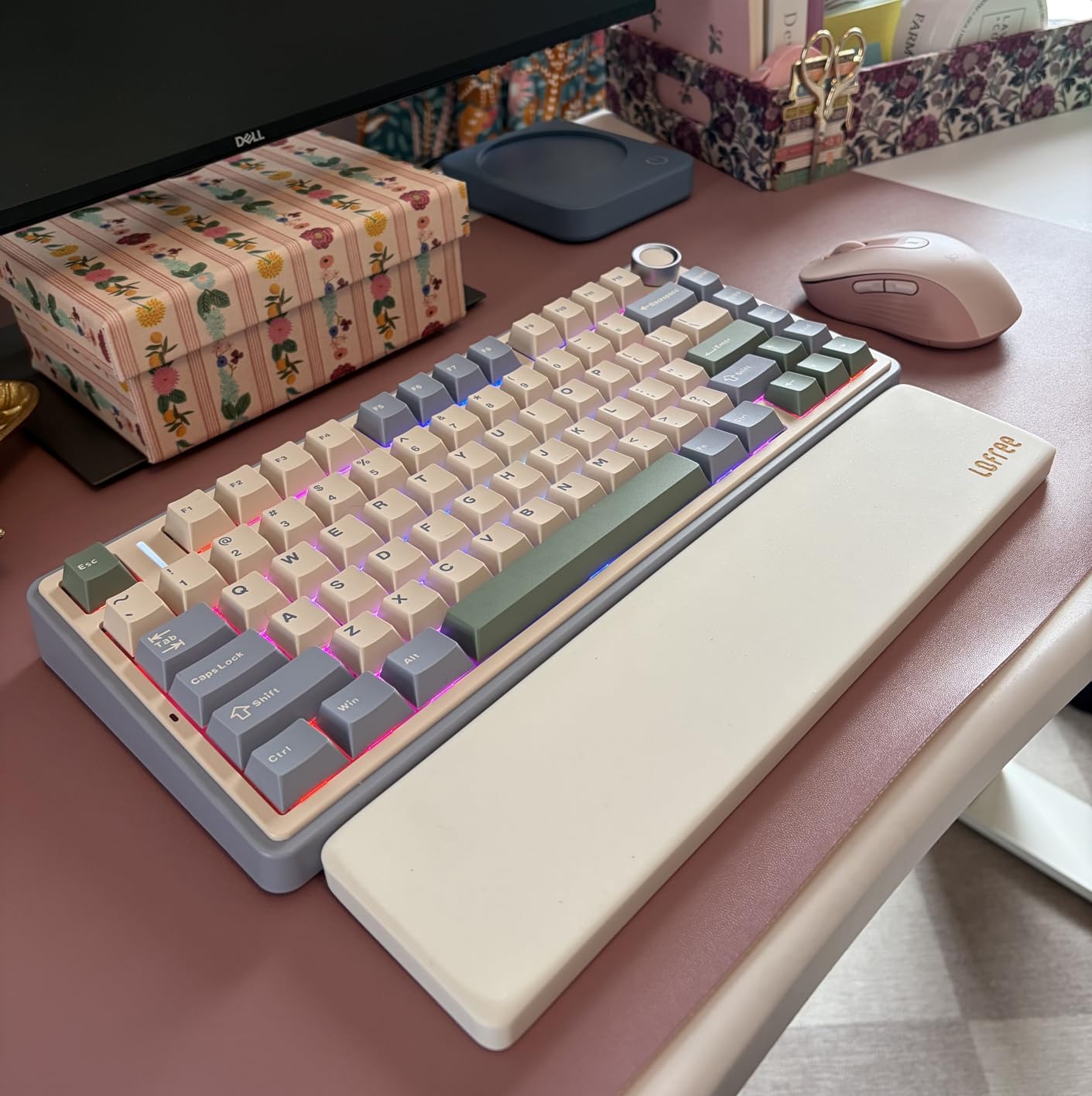
Wireless is genuinely tri-mode here: Bluetooth 5.0, a 2.4 GHz receiver and USB-C, with pairing for up to five devices. The 4000 mAh battery covers a normal work week, and the knob handles volume, media and lighting brightness without software.
The weak point is the lighting driver. It is thin on RGB options and there is no macOS app, and the backlight is not shine-through, so colour reads as a soft glow rather than a bright per-key effect. If you want the full RGB treatment, we covered the brighter boards in our RGB mechanical keyboard guide.
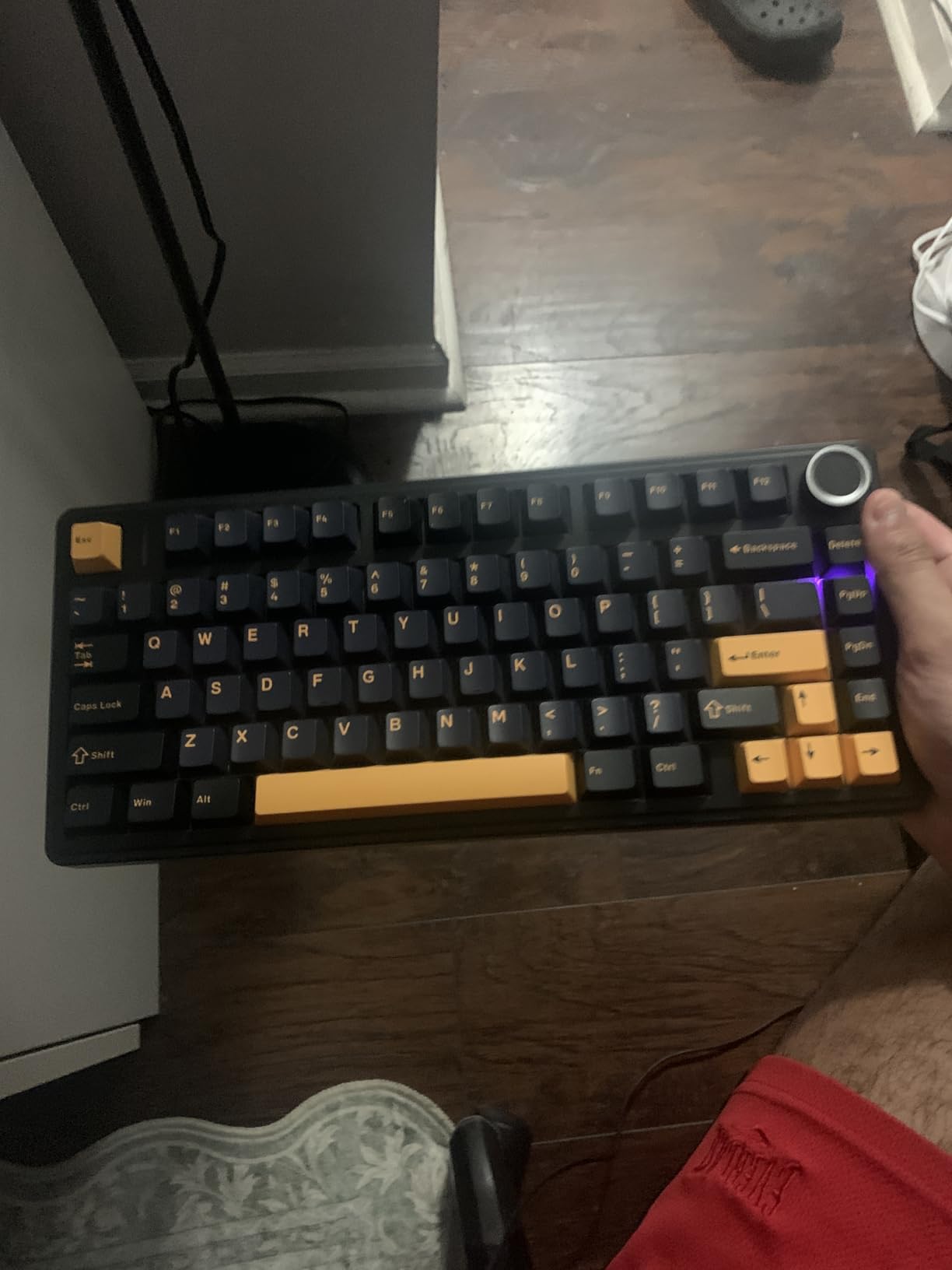
Why this is the easiest compact board to adopt
Nothing is hidden. F1 to F12, arrows and delete are all physically present, so you can spend your first week simply getting used to the narrower footprint instead of rebuilding your muscle memory around a Fn layer. That is why it is our value pick rather than a pure spec winner.
Multi-device pairing also makes it a good fit for hybrid workers switching between a work laptop, a personal machine and a tablet across the same day.
Who should skip it
Skip it if you need a numpad, since the 75% layout does not include one, and skip it if per-key RGB accuracy or a macOS lighting app matters to you. Some buyers also expected a numeric keypad at this width and were disappointed.
For a silent shared office, swap the linear switches for a silent set after purchase, since the sockets are hot-swappable.
3. Redragon K617 Wired 60% – Best Budget Hot-Swap Board
Redragon K617 Wired 60% Compact Hot-Swap RGB Gaming Mechanical Keyboard
- Most reviews of any board in this roundup
- Hot-swappable sockets plus included pullers
- 20 RGB modes with brightness and speed control
- Switches rated for 50 million keypresses
- Detachable USB-C cable
- Light plastic case and basic keycaps
- Arrow keys need Fn-layer adjustment
- Included linear switches are audible
This board has the largest review base in the group by a wide margin, and the pattern in those reviews is consistent: people buy it as a platform and then modify it. The hot-swap sockets accept both 3-pin and 5-pin switches, the pullers are included, and the lighting software handles macros.
At 12.2 by 5.31 inches it is wider than the DIERYA and the MageGee, but the freed width is still substantial against a full-size board. Twenty RGB lighting modes with adjustable brightness and flow speed cover most preferences, and the switches carry a 50 million keystroke rating.
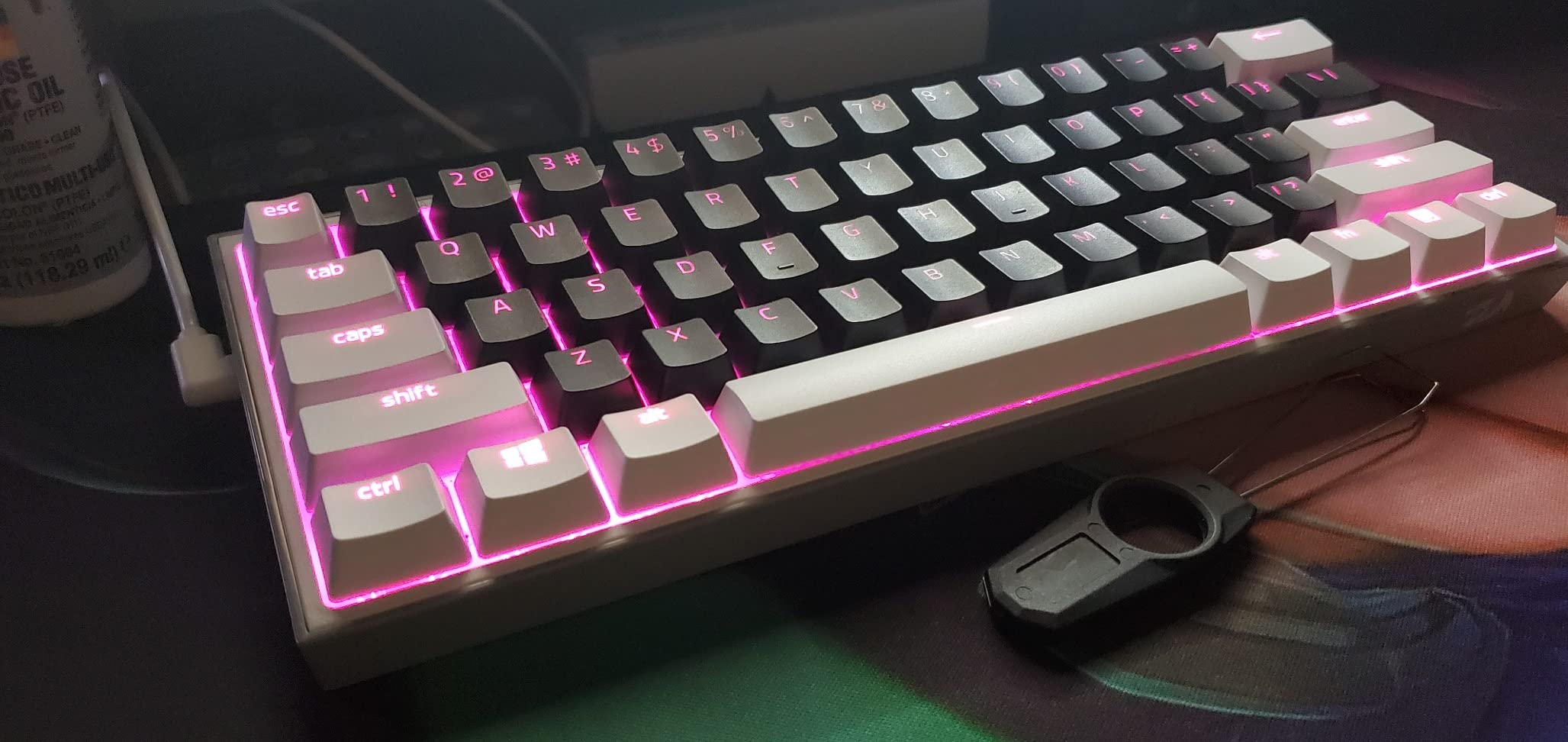
The USB-C cable detaches cleanly, which is a small thing that matters on a desk with limited depth. There is also a defined place for the connector, so it does not hang loose.
What you give up is refinement. The case is light plastic, the included keycaps feel basic next to an aluminum board, and the shipped linear switches are loud enough to be awkward in a shared room. The arrow keys are compressed and take adjustment to get used to.
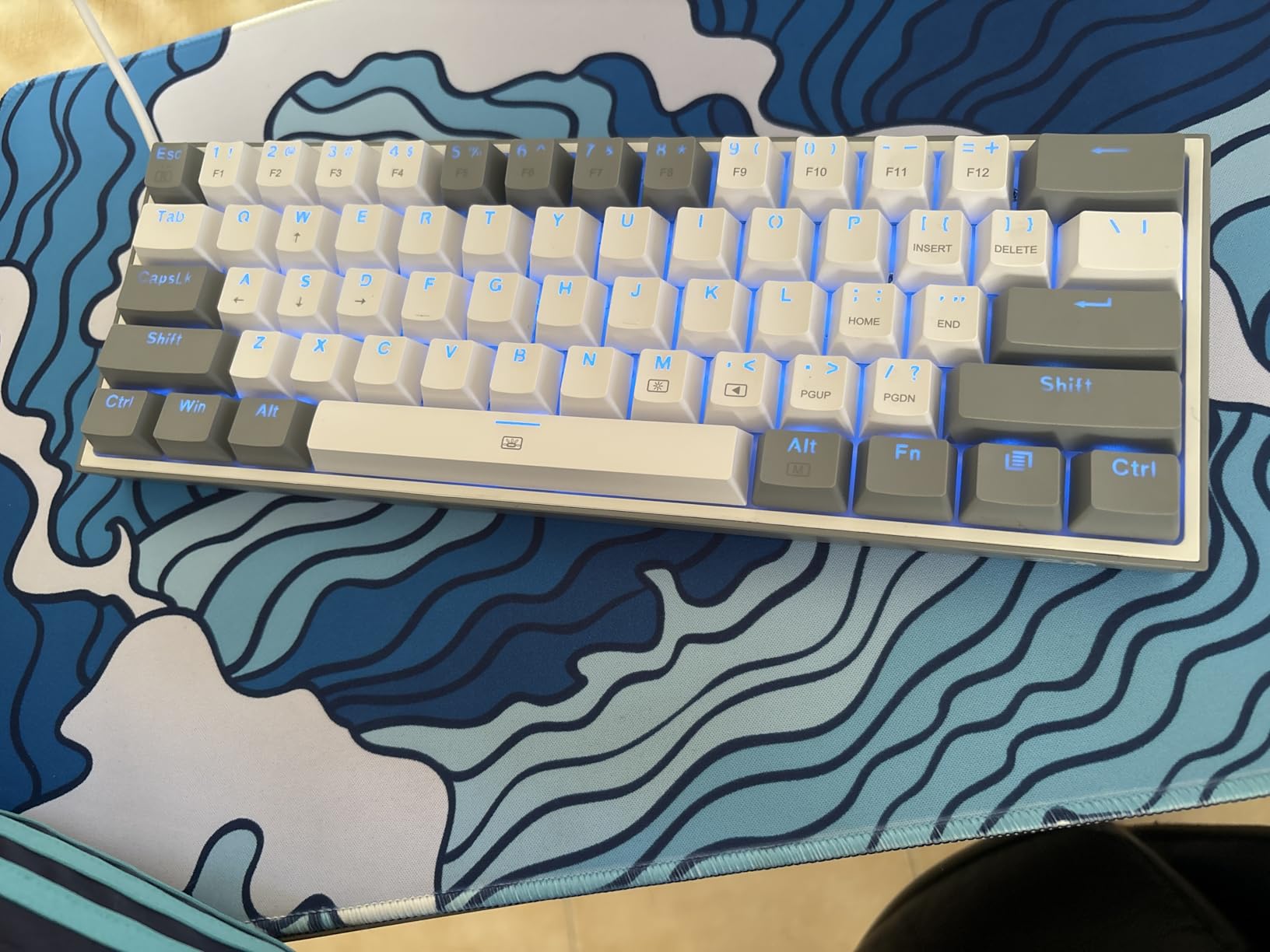
What you get once you start swapping switches
Owners report that sound and feel improve dramatically once the included switches are replaced. Because the sockets are hot-swappable and the pullers are in the box, the upgrade takes minutes and no soldering, which makes this the cheapest route into silent or tactile typing we found.
It is also a sensible first board for anyone who is unsure which switch type suits them, since you can audition three or four sets and keep the one you like.
Who should skip it
Skip it if you want a board that feels finished out of the box, since weight and acoustics are where it shows its tier. Skip it if you are on a shared call-heavy desk and cannot tolerate the included linear switches without replacing them first.
Wired only, so it needs a cable route to the machine.
4. Logitech G PRO X 60% Wireless – Best Wireless 60% with a Volume Roller
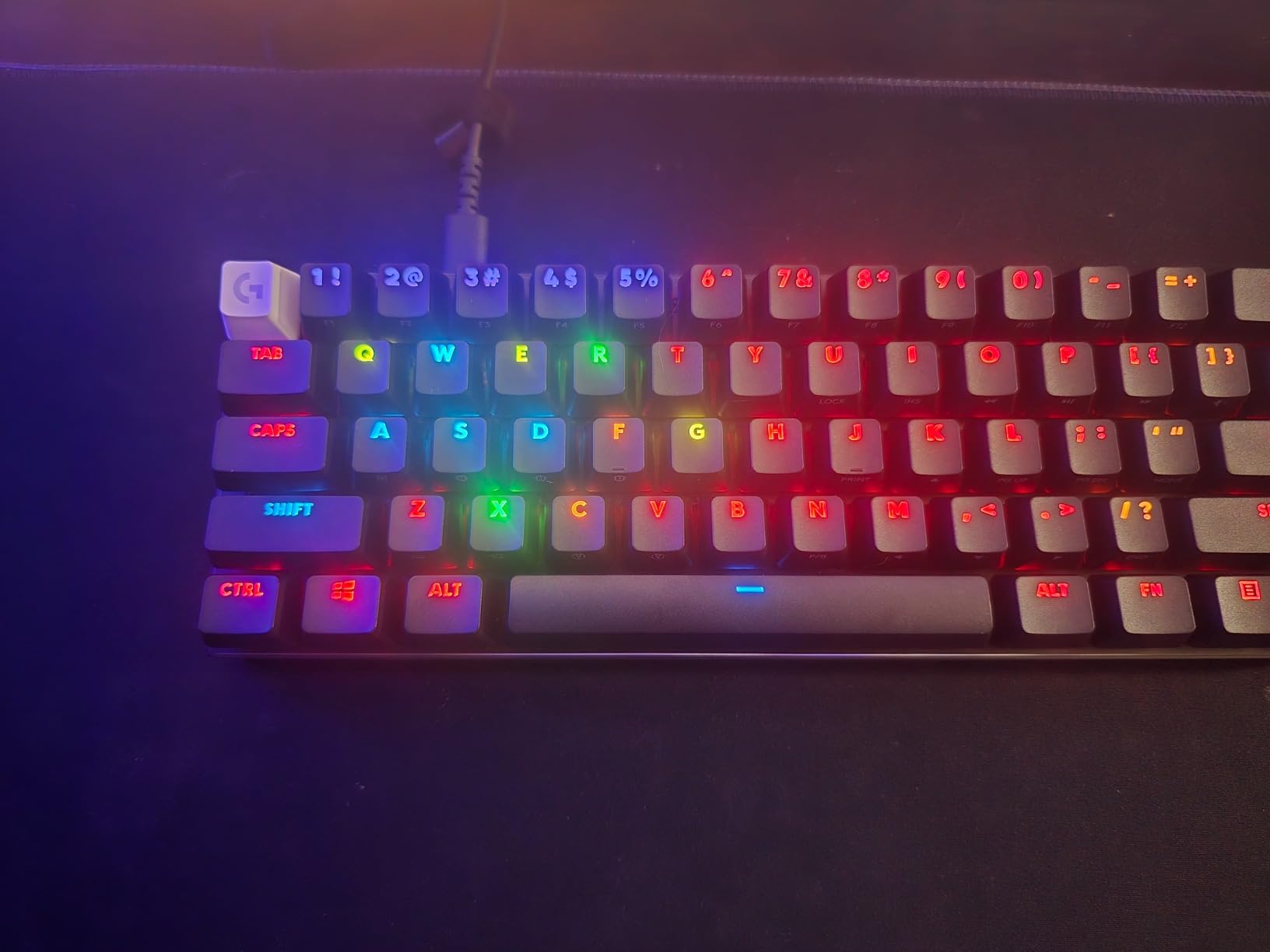
Logitech G PRO X 60% Wireless Gaming Keyboard (Tactile Optical) – Black
- Heaviest
- most solidly built board in this group
- Flat volume roller controlled by a finger flick
- Dual-shot PBT keycaps with a matte finish
- Includes a semi-hard carrying case
- Wireless response is fast and stable
- G HUB software is heavy and Windows-only
- Switches are not hot-swappable
- Fn key cannot be remapped
- Sound profile is inconsistent across keys
The 1380 g weight is the first thing you notice, and it is a good thing. This board anchors itself on a small desk the way a full-size metal board would, and the included semi-hard case makes it the easiest of the 60% options to move between a desk and a bag.
Wireless is the strongest part. The LIGHTSPEED receiver delivers a 1 ms response, with Bluetooth and wired modes as alternatives, and the GX optical switches have no debounce delay. The volume roller sits flat enough to flick with a single finger, which is a nicer solution on a 61-key board than stacking modifiers.
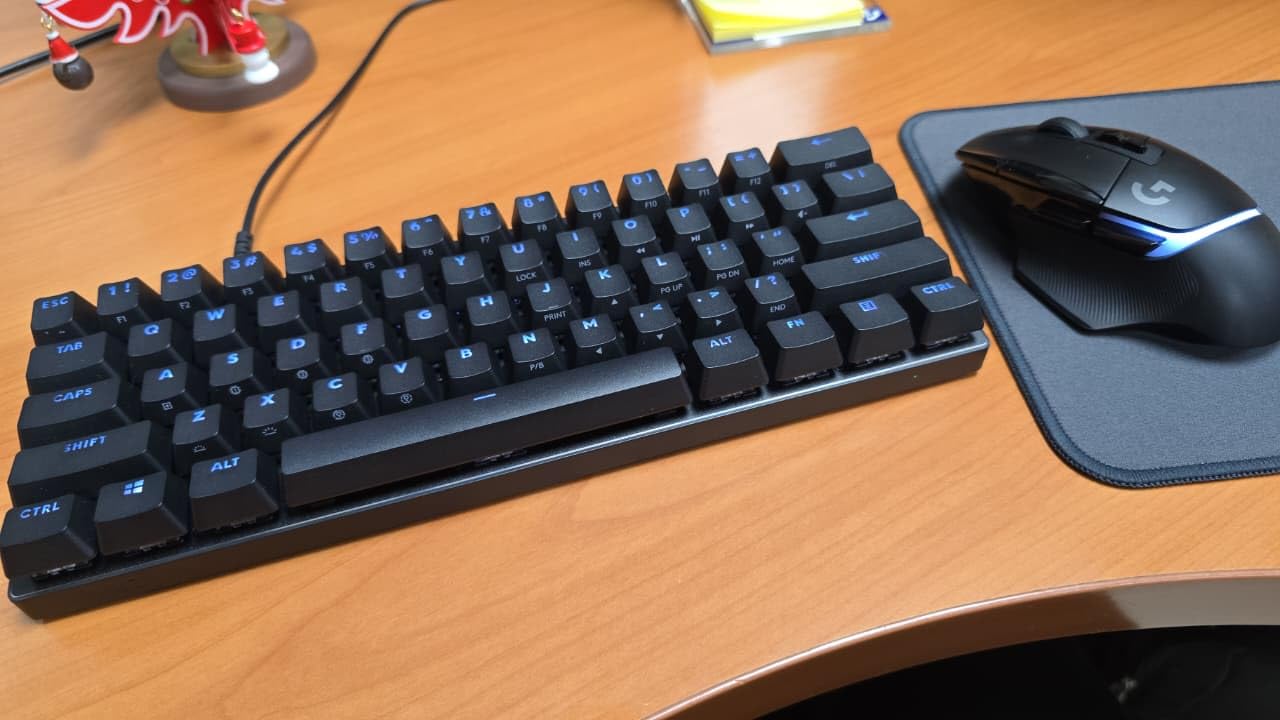
Key spacing matches a standard tenkeyless layout, so if you can touch-type on a full-size board you can touch-type on this one. Dual-shot PBT keycaps have a matte finish that resists smudges, and KEYCONTROL allows five key layers.
The compromises are real. G HUB is heavy and Windows-only, remapping on this model is limited, and the Fn key cannot be remapped at all. The optical switches are not hot-swappable, and the sound profile is inconsistent, with larger keys noticeably louder and higher-pitched.
When wireless quality actually matters
If you share a desk between a desktop and a laptop, the receiver plus Bluetooth pairing removes cable clutter from an already shallow surface. The response time is short enough that competitive play feels unaffected, and we covered the wider gaming side in our mechanical gaming keyboard picks.
The carrying case is the quiet win. It is the only board here that is genuinely packaged for moving between a home office and a shared space.
Who should skip it
Skip it if you want to change switch types later, since the optical switches are sealed and you are limited to Logitech options. Skip it if you remap keys heavily, because the Fn key sends no signal to the operating system and G HUB is restrictive on this board.
It is also not a fit for Xbox consoles, and the internal foam and weight are not user-serviceable.
5. AULA WIN68 HE – Best for Rapid Trigger Gaming on a 60% Board
- Per-key actuation adjustment down to 0.1mm steps
- Fast Trigger mode with 8000Hz polling
- Hot-swappable magnetic sockets
- Keeps arrow keys and basic function keys
- South-facing RGB with 14 preset effects
- Web driver is Windows-only and must be found online
- Limited to the magnetic switches supplied
- Some switch versions feel rough rather than smooth
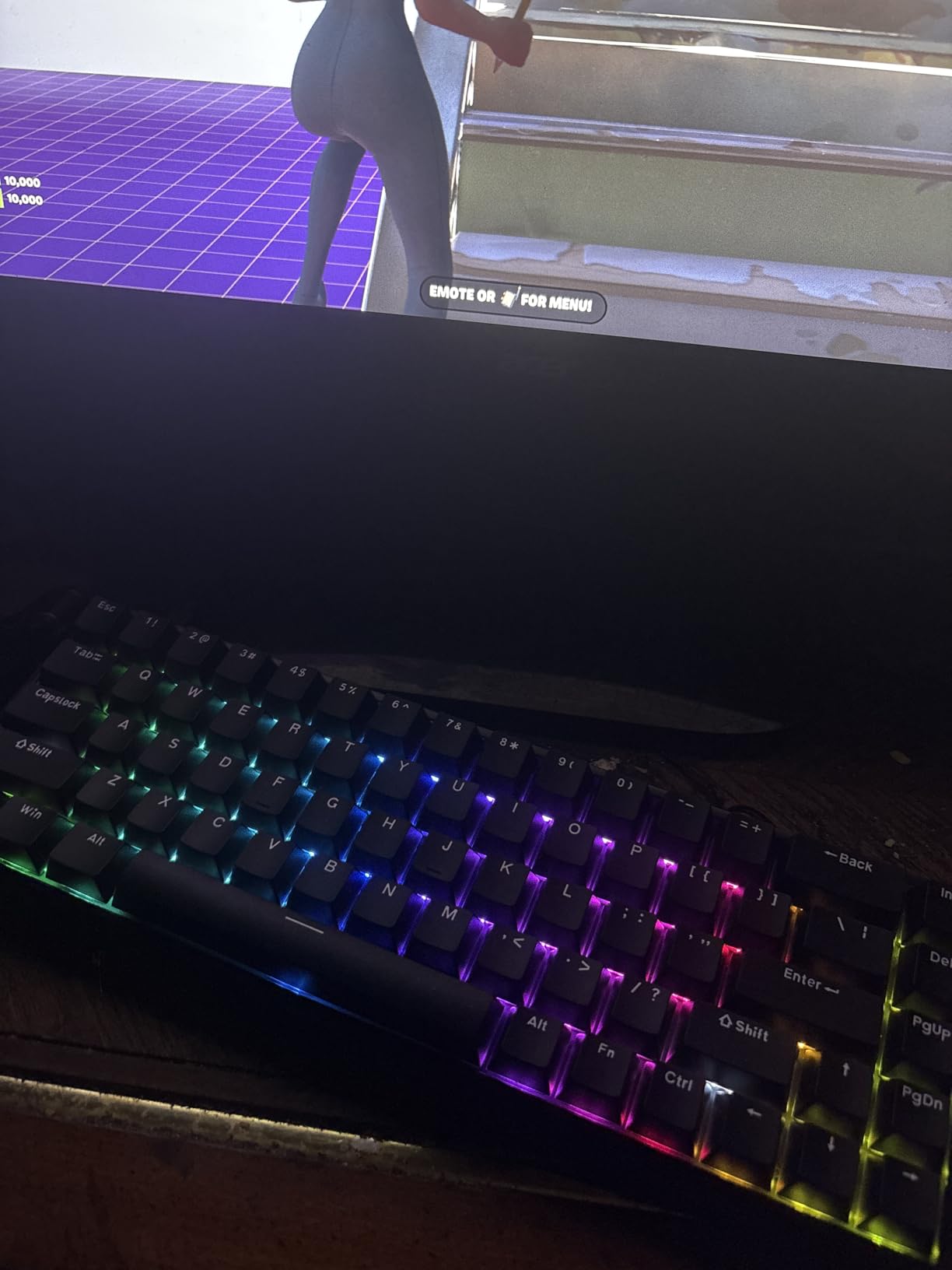
Hall effect switches are the reason this board is different from everything else on the list. Instead of a fixed contact point, a magnet changes the reading, so you can set each key’s actuation point between 0.02 mm and 3.44 mm and use Fast Trigger mode to fire a key the instant it moves rather than waiting for a reset.
The polling rate of 8000 Hz with 0.3 ms latency is the highest figure in this roundup, and owners comparing it to far more expensive magnetic boards report similar performance. The 68-key layout keeps the arrow keys and basic function keys, which is unusual for a magnetic board at this width.
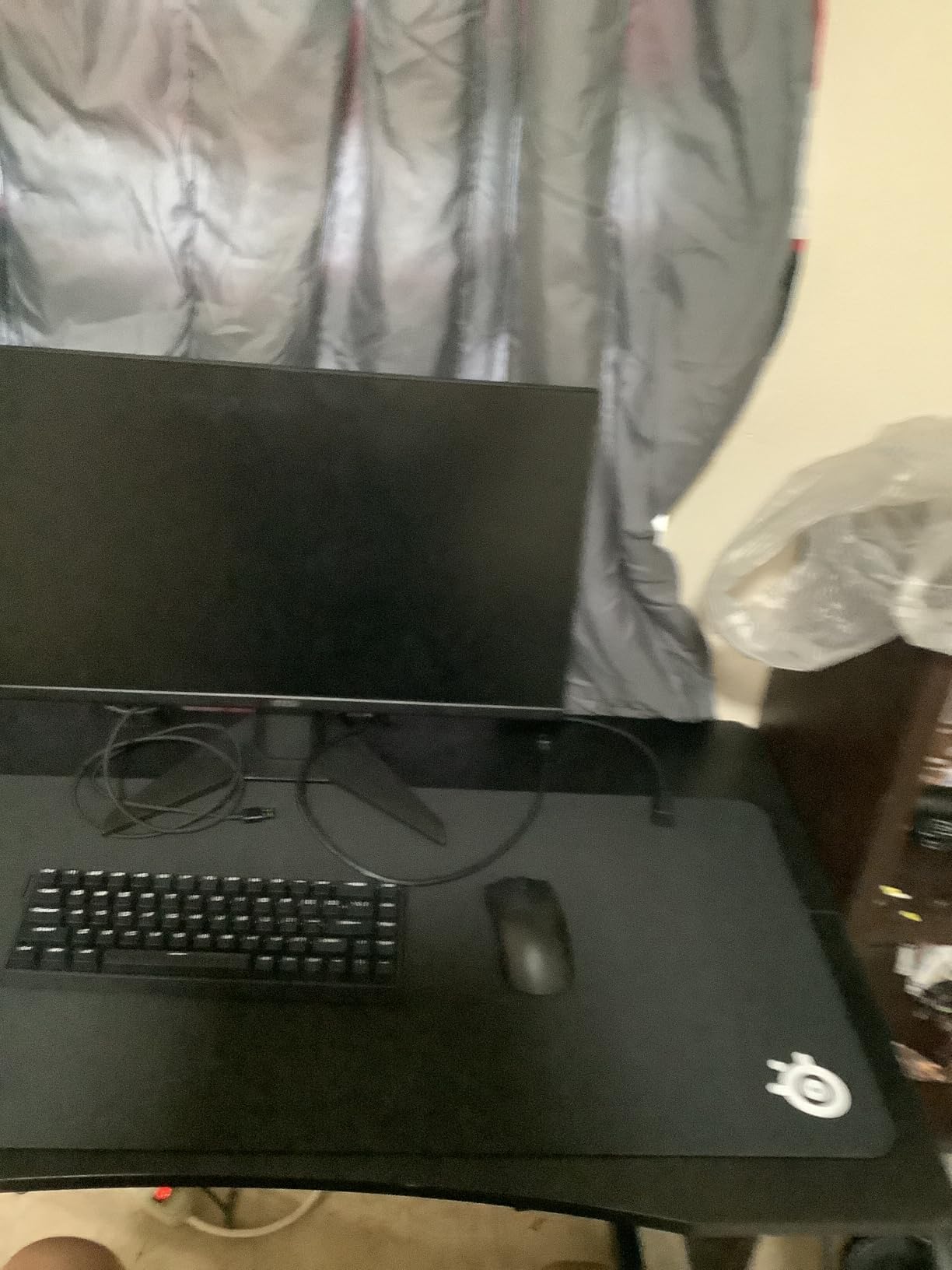
RGB runs on south-facing LEDs with 14 preset effects, and the magnetic sockets are hot-swappable, though only with the magnetic switches the brand supplies. At 686 g it is light enough to move between desks without effort.
One number to plan around: the listed dimensions are 14 by 6 inches, which is wider than the other 60% boards here. If your desk is under about 24 inches of clear width, measure before you order, because this board trades width for its gaming features.
Where rapid trigger earns its keep
Fast trigger matters in shooters and fighting games where a key that resets early lets you strafe or dash faster than an opponent on a standard switch. If you play those genres seriously, this is the only board in the roundup that gives you that control at all.
For everyone else, the adjustable actuation still has a use: you can set a light actuation point for gaming keys and a deeper one for typing keys, on the same board.
Who should skip it
Skip it if you need macOS support, because the web driver is Windows-only and has to be located online rather than downloaded. Skip it if you want to try standard MX switches, since the magnetic sockets will not take them.
It is also the widest board here relative to its layout, which undercuts the desk-space reason for buying compact in the first place.
6. RK ROYAL KLUDGE R75 – Best Sound in a Wired 75%
- Deep creamy thock with no hollow echo
- CNC aluminum volume knob feels precise
- 75% layout keeps arrows
- function row and delete
- Thick doubleshot PBT keycaps
- Includes a removable dust cover
- No QMK or VIA support on some revisions
- Wired only
- Some units are louder than the dampening suggests
Sound is the reason this board stands out. The gasket plate, poron cotton, IXPE foam pad and sponge case foam work together to produce a low, creamy thock with no echo, and several owners report keeping the board for years without revisiting the feel.
At 1.7 pounds it is the second-heaviest board here, which again translates into stability on a shallow desk. The 75% layout keeps the arrow keys, the function row and a dedicated delete, so it does the practical work of a compact board without the remapping overhead.
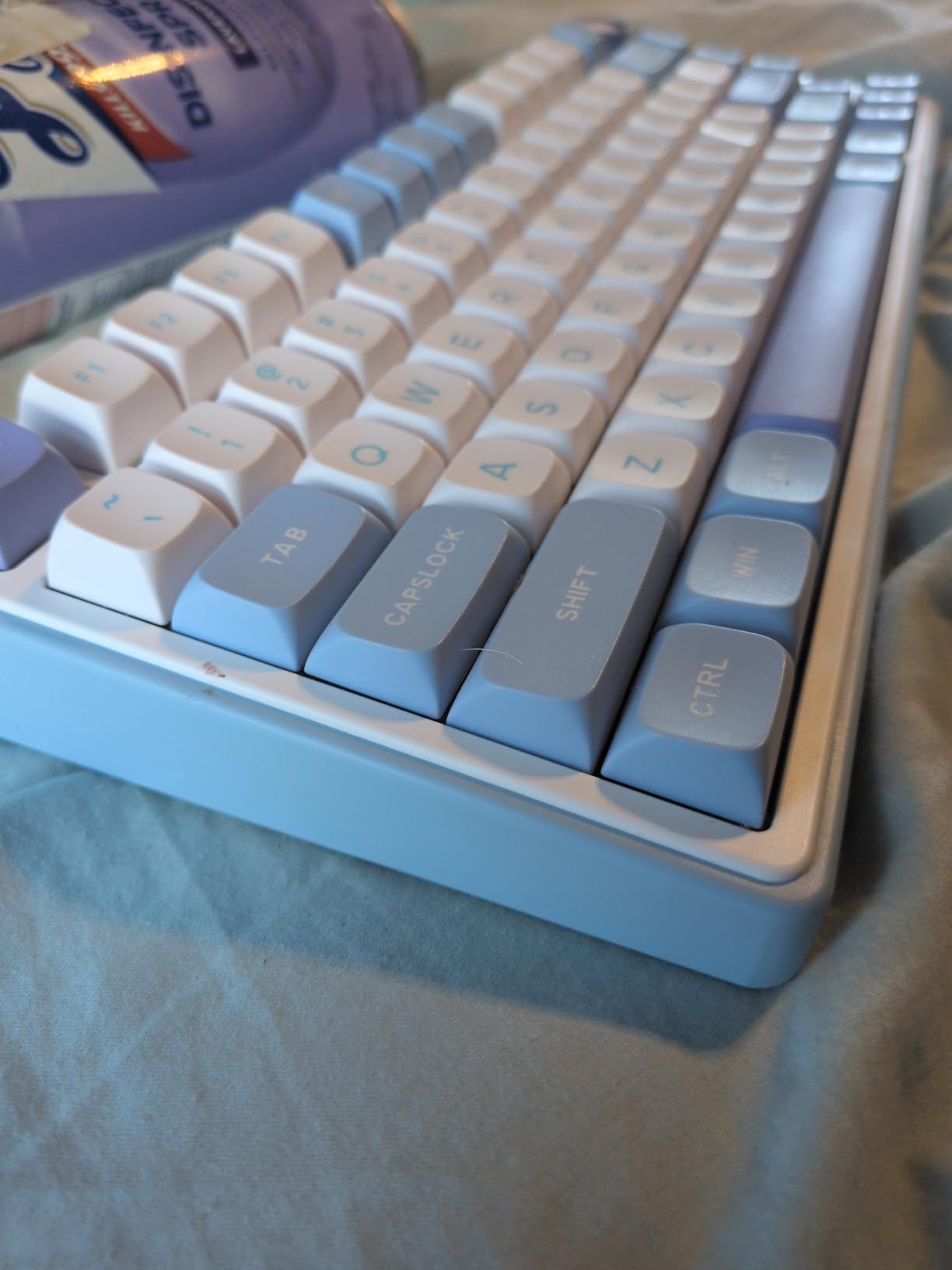
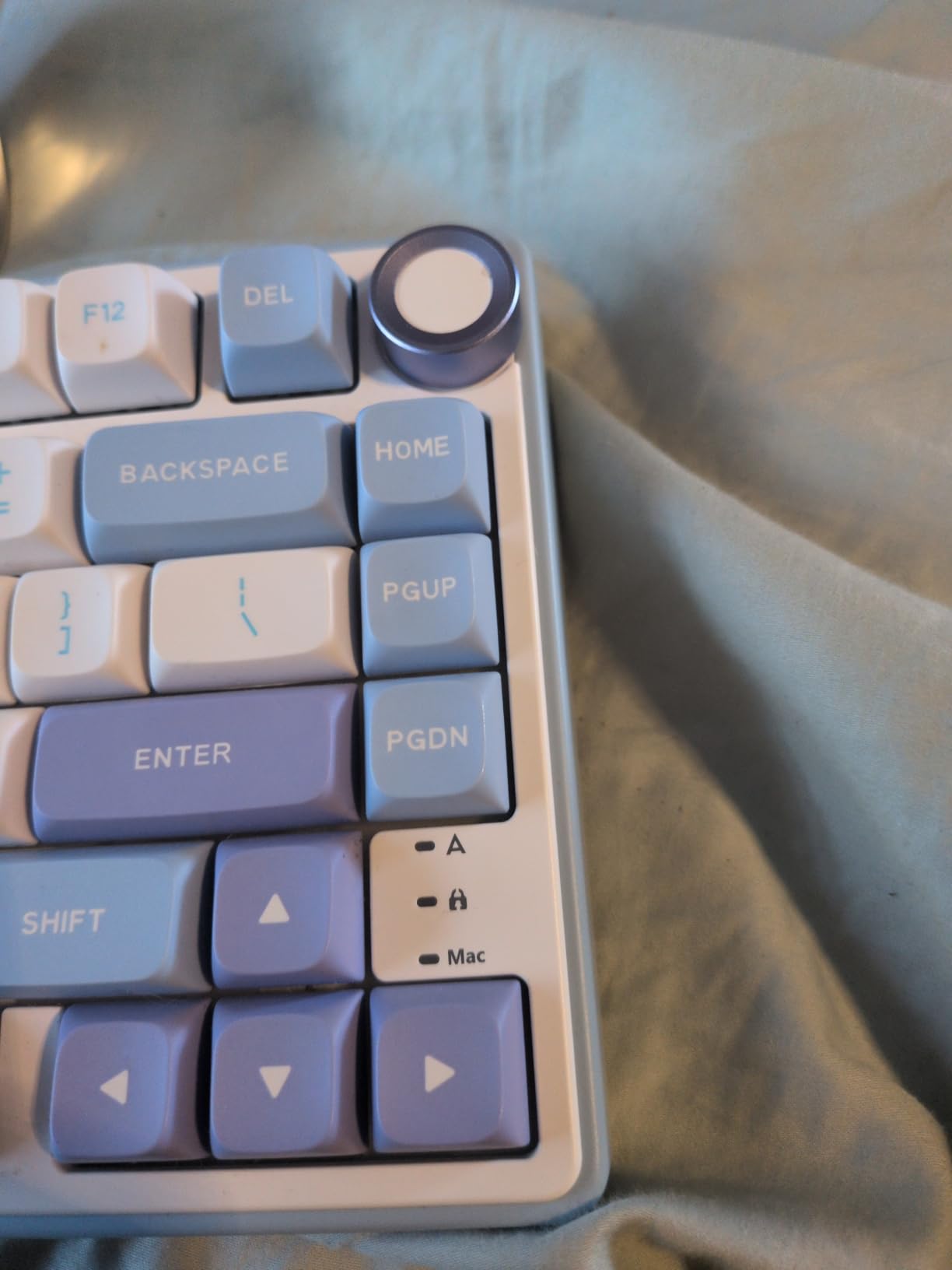
The CNC aluminum volume knob is precise rather than decorative, and the thick doubleshot PBT keycaps in an MDA profile have readable legends. The 3-pin and 5-pin hot-swap sockets come with short-travel silver switches, and the box includes replacement switches, a keycap puller, a USB cable and a clear dust cover that is genuinely useful in a shared room.
Eighteen RGB modes plus monochrome options with five brightness and five speed levels cover the usual preferences. Note the caveat: some hardware revisions have no QMK or VIA support, so full key remapping is not available, and the board is wired only.
What the foam stack changes day to day
Damping does not make the board quiet in the silent-switch sense, but it removes the hollow ring that makes cheap boards tiring to type on for hours. Combined with the weight, that is why this board suits a full workday at a shared desk better than most wired compact options.
Short-travel silver switches also keep finger movement small, which pairs well with the 12.71-inch width when your mouse needs the room.
Who should skip it
Skip it if you need wireless, since there is no Bluetooth or 2.4 GHz option at all. Skip it if you plan to build custom layers, because missing QMK and VIA support on some revisions removes that entire avenue.
If you are extremely noise-sensitive, check the volume first, because some units are louder than the heavily dampened design suggests.
7. Keychron K3 Version 2 – Best Low-Profile Compact Board
Keychron K3 Version 2 QMK 75% Wireless Low-Profile Mechanical Keyboard
- Thin at 0.87 inch so it fits under a monitor arm
- Light 500 g body with an aluminum top frame
- QMK firmware for full remapping
- macros and shortcuts
- Bluetooth 5.1 pairing across three devices
- Mac layout with extra Mac and Windows keycaps included
- Short travel and a lighter feel than standard switches
- White single-color backlight only
- Some owners report Bluetooth range or stability issues
- Lowest rating of the boards here
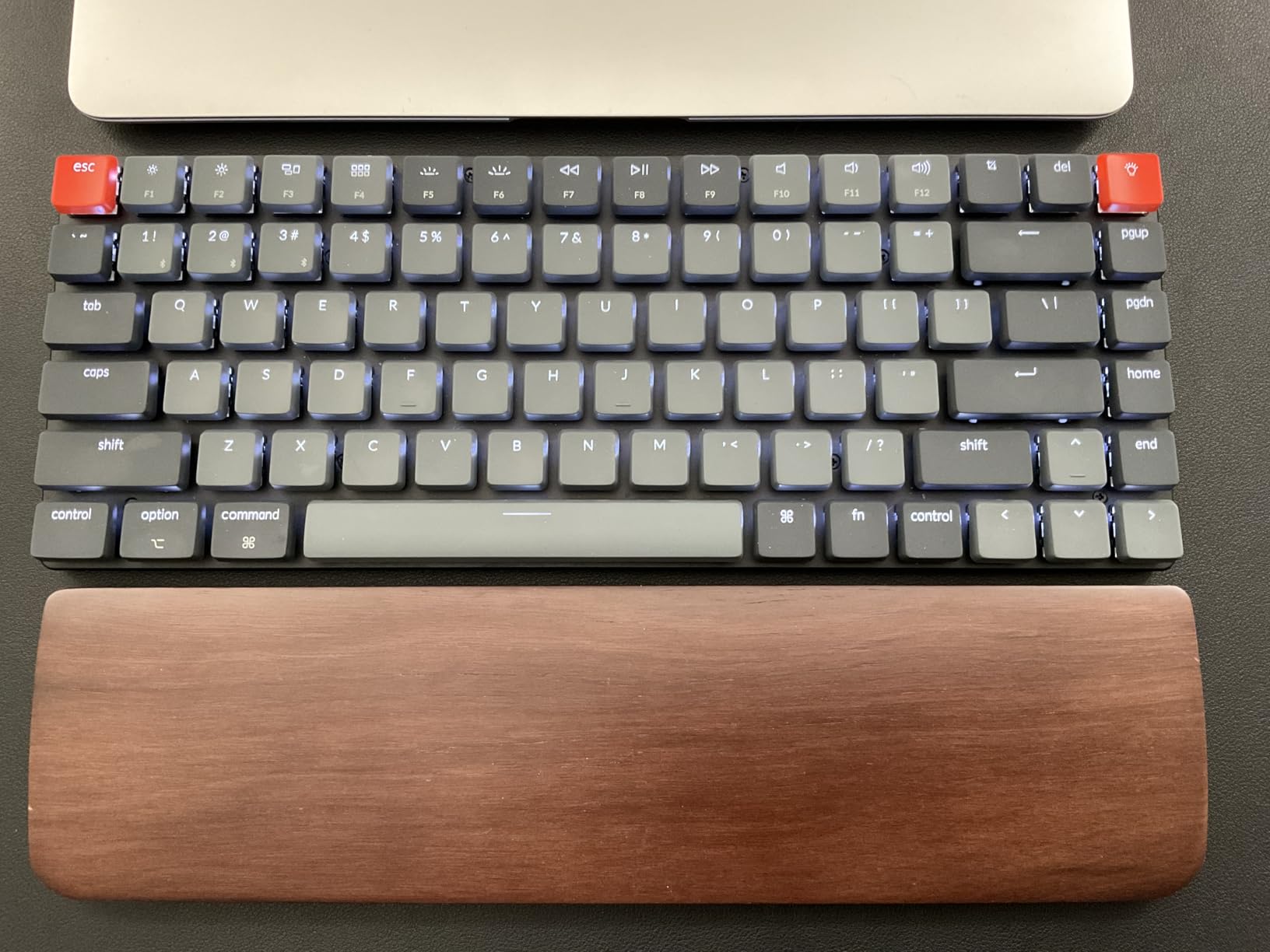
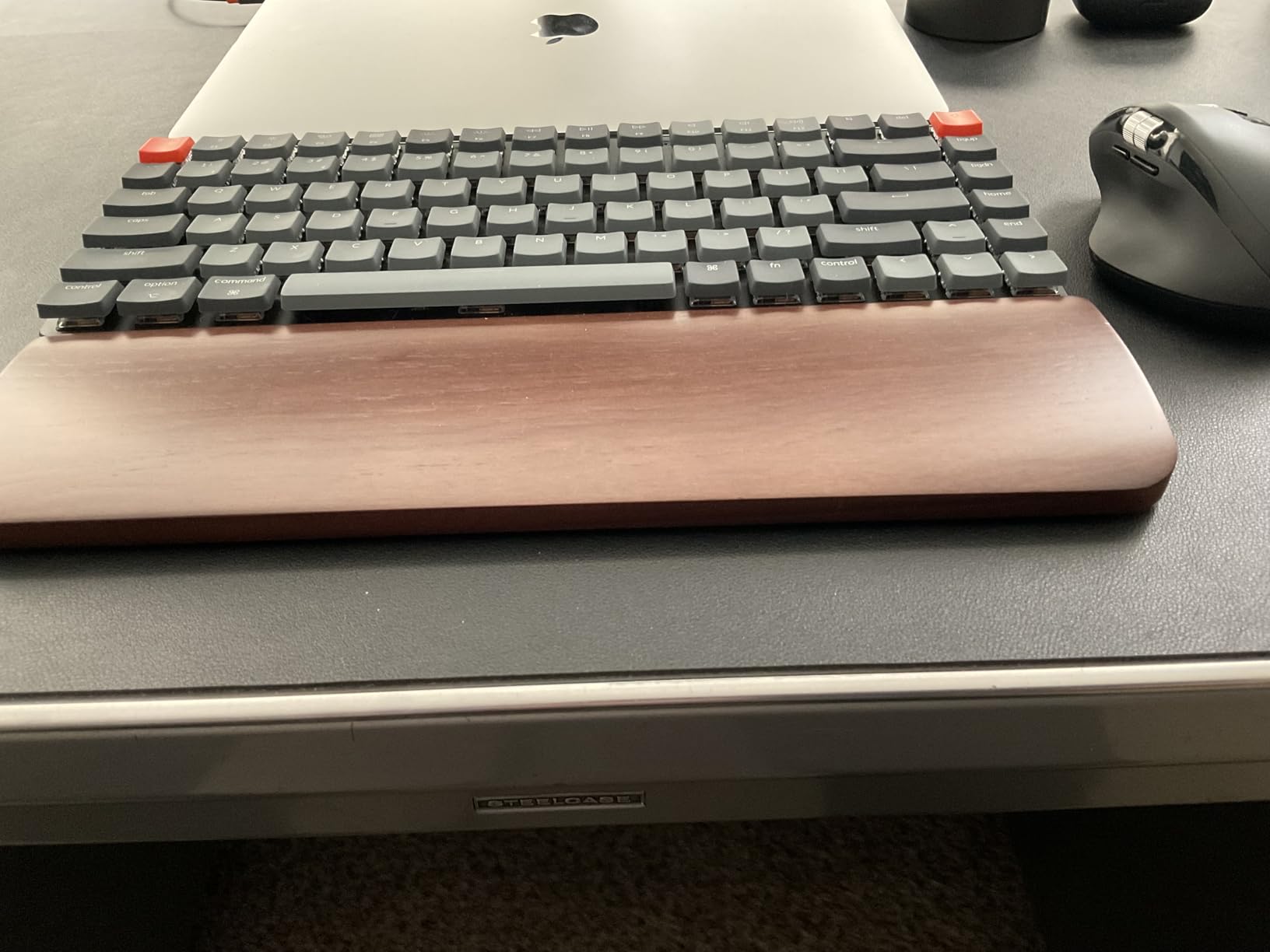
The 0.87-inch thickness is the headline. On a desk with a monitor arm, a raised shelf or a laptop stand, a standard-height board simply does not fit, and this one slides under all three while still measuring 12.05 by 4.57 inches, the shallowest full 75% board in the group.
At 500 g it is also the second-lightest board here, which makes it the most practical travel option among the wireless models. Bluetooth 5.1 pairs three devices, and the included Mac and Windows keycaps mean you can swap legends without buying a set.
The real differentiator is QMK firmware. It is open-source, so remapping, macros and shortcuts go well beyond what a vendor app allows, and community discussion of Keychron’s low-profile range is where owners most often point when silence and thinness are both requirements.
The tactile brown switches are noticeably shallower than full-height switches, which some people love because finger movement is small and some people find hollow on long sessions. The backlight is single-colour white rather than RGB, and a portion of reviews describe Bluetooth range or connection stability issues.
Is low-profile worth it on a small desk
If your constraint is width, low-profile buys you nothing. If your constraint is vertical clearance or weight, it changes what is possible. This board is the one to consider if a monitor arm dictates the height of the desk surface, and it is a solid choice for a shared setup where you need to move it.
Our broader take on thinner builds, including feel differences and the full switch picture, is in our low-profile mechanical keyboard guide.
Who should skip it
Skip it if you want a deep, pronounced mechanical feel, because the shorter travel and lighter feel divide opinion sharply. Skip it if you need RGB, since the backlight is single-colour white.
If you rely on wireless daily, test the Bluetooth range in your own room first, since stability is the most common complaint and it is the main reason this board carries the lowest rating in the roundup.
8. Kisnt KN85 – Most Complete 75% Layout Without a Numpad
- Keeps F-row
- arrows
- Home
- End
- PgUp
- PgDn
- Insert and delete
- Tri-mode with three Bluetooth channels
- Pre-lubed switches with silent stabilizers and no rattle
- Hot-swappable sockets and a screwless case
- Over a week of battery on one charge
- No volume knob or scroll wheel
- South-facing LEDs block shine-through keycaps
- Bundled configuration software is weak
- Louder than expected in a shared office
Eight-five keys is the most complete compact layout in this roundup. It keeps the full function row, arrow cluster, Home, End, PgUp, PgDn, Insert and delete, which means navigation and editing shortcuts work without a Fn layer. For users who have read that 60% boards cause regret, this is the direct answer.
The build is a gasket mount with multiple foam layers, and the pre-lubed linear switches ship with silent stabilisers, so the large keys do not rattle. Battery life is reported at more than a week of daily use per charge from the 4000 mAh cell, and tri-mode connectivity covers USB-C, 2.4 GHz and three Bluetooth channels.
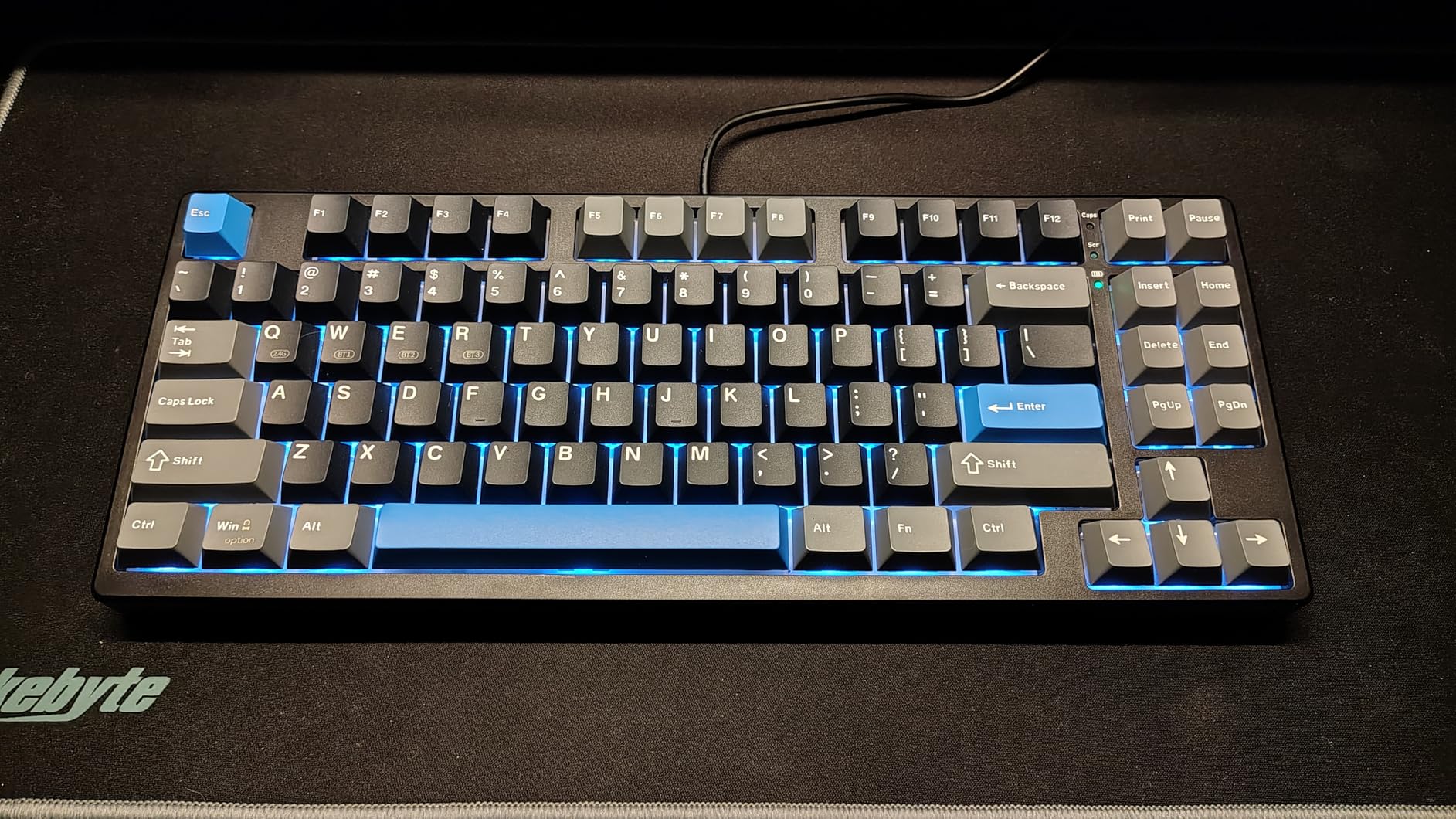
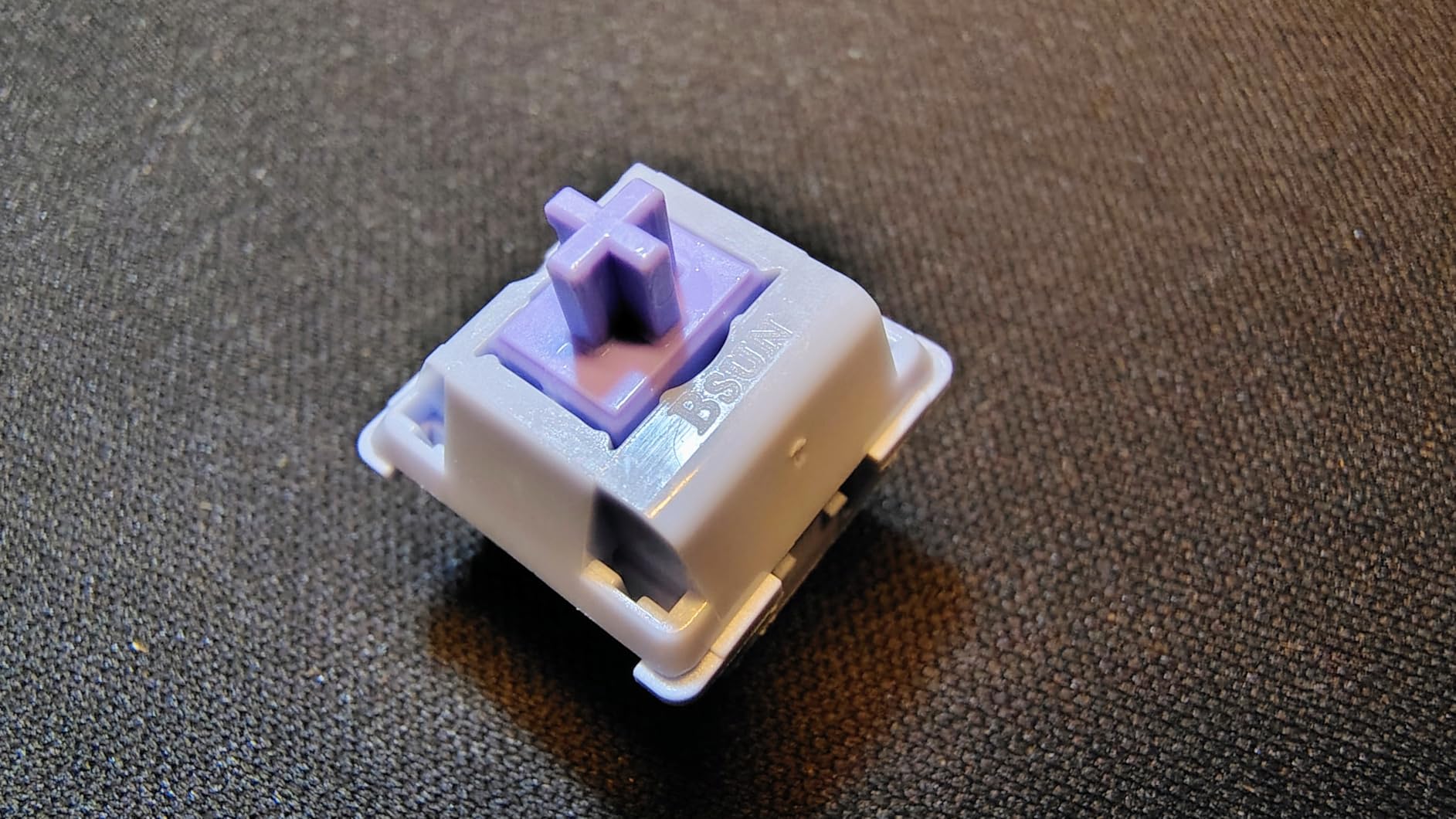
Hot-swappable sockets accept 3-pin and 5-pin switches, and the screwless case opens easily for modding, which makes it a reasonable stepping stone toward the custom side of the hobby if you later want to go further.
There is no volume knob, the south-facing LEDs mean shine-through keycaps will not work, and the bundled configuration software is weak, though it can pair with the Signal RGB app. Owners also report a louder-than-expected profile for shared offices, and the listed width of 13.68 inches makes it the second-widest board here.
How to decide between 75% layouts
Choose the 75% layout if you want navigation keys without a numpad, and choose a 60% board if the extra width is the whole point. This board claims about a quarter of your desk width back against a full-size, which is meaningful, but it is not the maximum saving available.
The extra keys pay off in spreadsheets and editing, where selection and page navigation shortcuts are constant, and the battery life means a wireless 75% board no longer has to be charged every other day.
Who should skip it
Skip it if silence in a shared room is the priority, since the sound profile runs louder than the build quality suggests. Skip it if a physical knob matters to you, as there is none, and skip it if you want shine-through keycap lighting.
At 13.68 inches wide, it is not the right answer for a very narrow desk even though it is still far smaller than a full-size board.
9. MageGee MK-Box – Best Clicky 60% for Typists Who Like a Bump
- Extremely narrow at 3.9 inches deep
- Crisp blue switches with a sharp click and bump
- Full anti-ghosting on all 68 keys
- Plug-and-play on Windows
- Mac and Linux with no drivers
- Double kickstand feet with a detachable USB cable
- No Home or End keys and no remapping support
- Side-printed symbols are hard to distinguish
- Typing sound is hollow for a blue-switch board
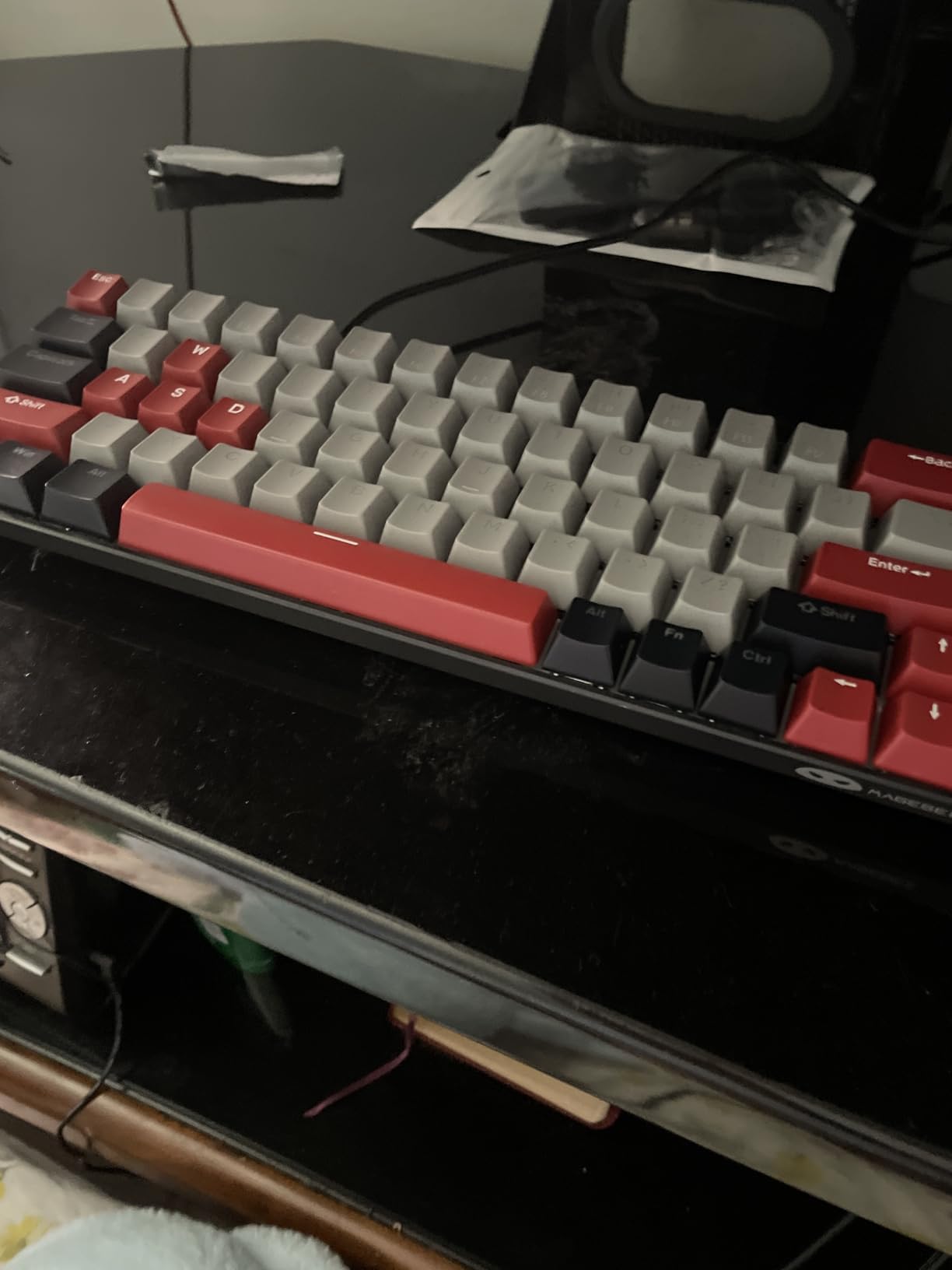
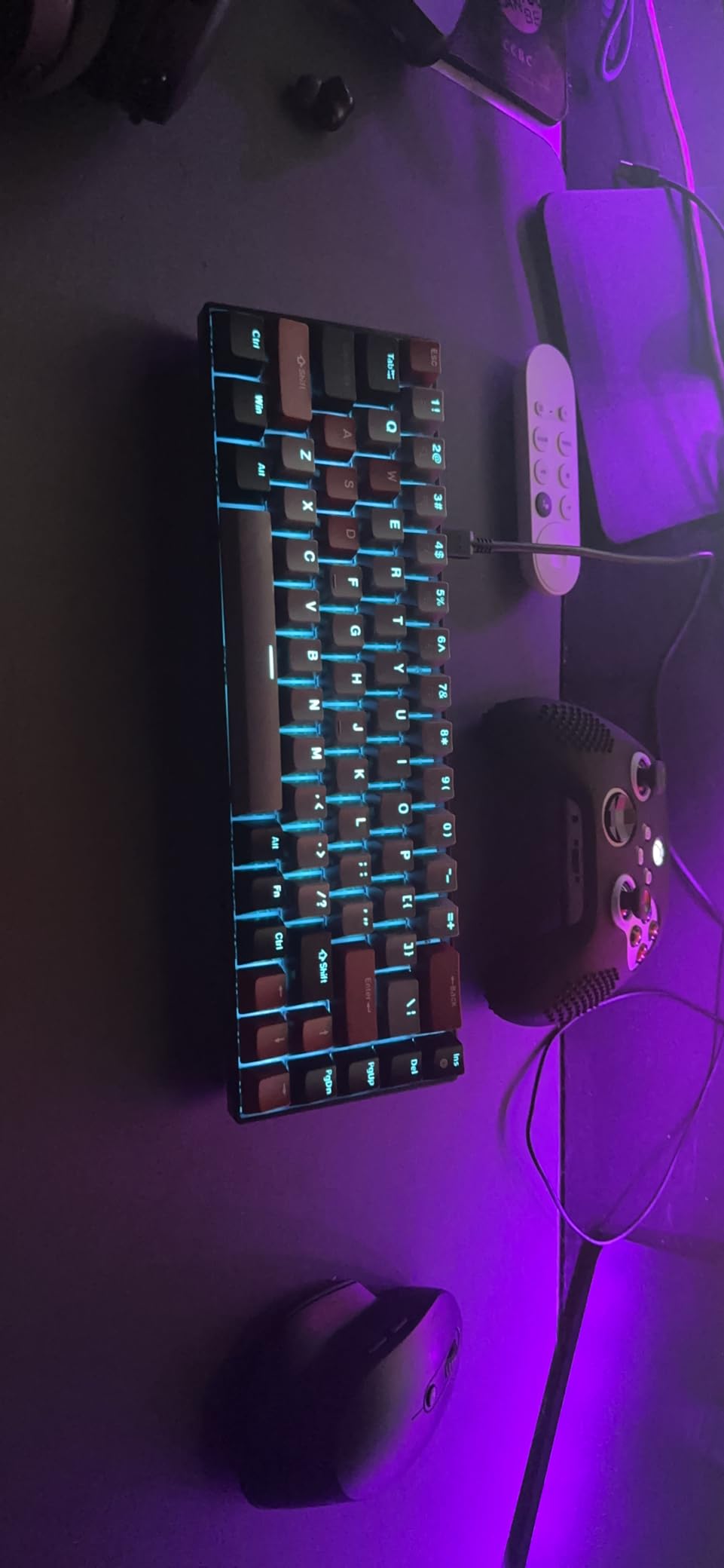
Depth is this board’s argument. At 3.9 inches deep and 510 g it leaves more room in front of the keys than any other wired board here, which is exactly what a shallow desk needs when the mouse has nowhere else to go.
The blue switches give a distinct click and a satisfying tactile bump, and owners regularly compare the feel favourably to Cherry MX Blues on both feedback and volume. Full anti-ghosting covers all 68 keys, and the keyboard works plug-and-play on Windows, Mac and Linux with no drivers at all.
Support is a quiet strength: one reviewer received a fast replacement for a failed spacebar. Double kickstand feet give two height settings, and the USB cable detaches.
The compromises are layout related. There are no Home or End keys and no remapping support, so navigation work means reaching for Fn combinations that never become automatic. Secondary symbols on the bracket and comma keys are side-printed and hard to tell apart, and the typing sound is hollow and light for a clicky board.
When a clicky switch is the right call
Clicks are a preference, not a compromise, and plenty of typists find the bump and the audible confirmation easier to sustain through a long session than a silent linear. If your desk is your own and nobody sits nearby, this is a legitimate choice rather than a compromise.
The narrow depth also means the board sits close to the desk edge, so mouse movement happens in front of you rather than to the side, which many small-desk users find more comfortable than a wide board with a narrow mat.
Who should skip it
Skip it if you work in a shared or call-heavy space, because blue switches are loud by design. Skip it if you need Home and End keys or any remapping, since neither exists here.
Skip it if you plan to change switch types later, because the sockets are not hot-swappable. It is wired only, and the lack of Home or End keys makes it a poor fit for heavy document editing.
10. DIERYA T68SE – Best for Travel and Laptop Bag Use
- Smallest footprint in the roundup at 11.41 by 3.89 inch
- Tri-mode wireless with up to three Bluetooth devices
- Full anti-ghosting across all 68 keys
- 19 lighting modes with brightness and speed control
- Works well as a laptop bag keyboard
- Blue switch click is loud in shared rooms
- Single-color blue backlight instead of RGB
- No macOS software and only partial Mac support
- Basic ABS plastic build
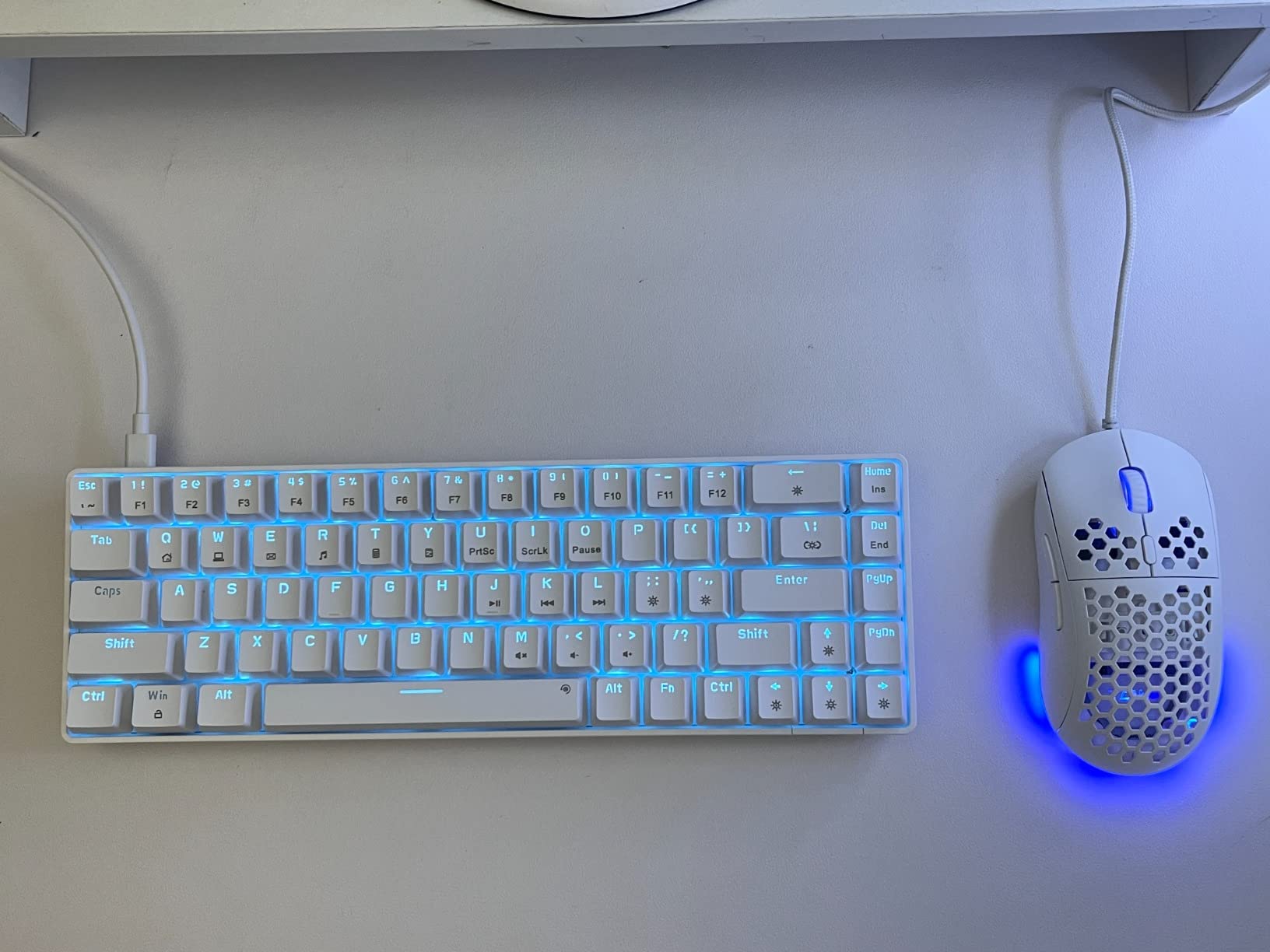
This is the smallest board in the roundup by measurement, at 11.41 by 3.89 inches, and it is the one we would pack. Tri-mode connectivity means Bluetooth for a tablet, 2.4 GHz for a laptop, and USB-C when the battery is low, with pairing for up to three Bluetooth devices.
Owners specifically recommend it as a travel or laptop-keyboard replacement, and the footprint leaves a laptop and a mouse on a shared train tray or a small dorm desk. Full anti-ghosting covers all 68 keys, and 19 lighting modes with brightness and speed adjustment are more than most travellers use.
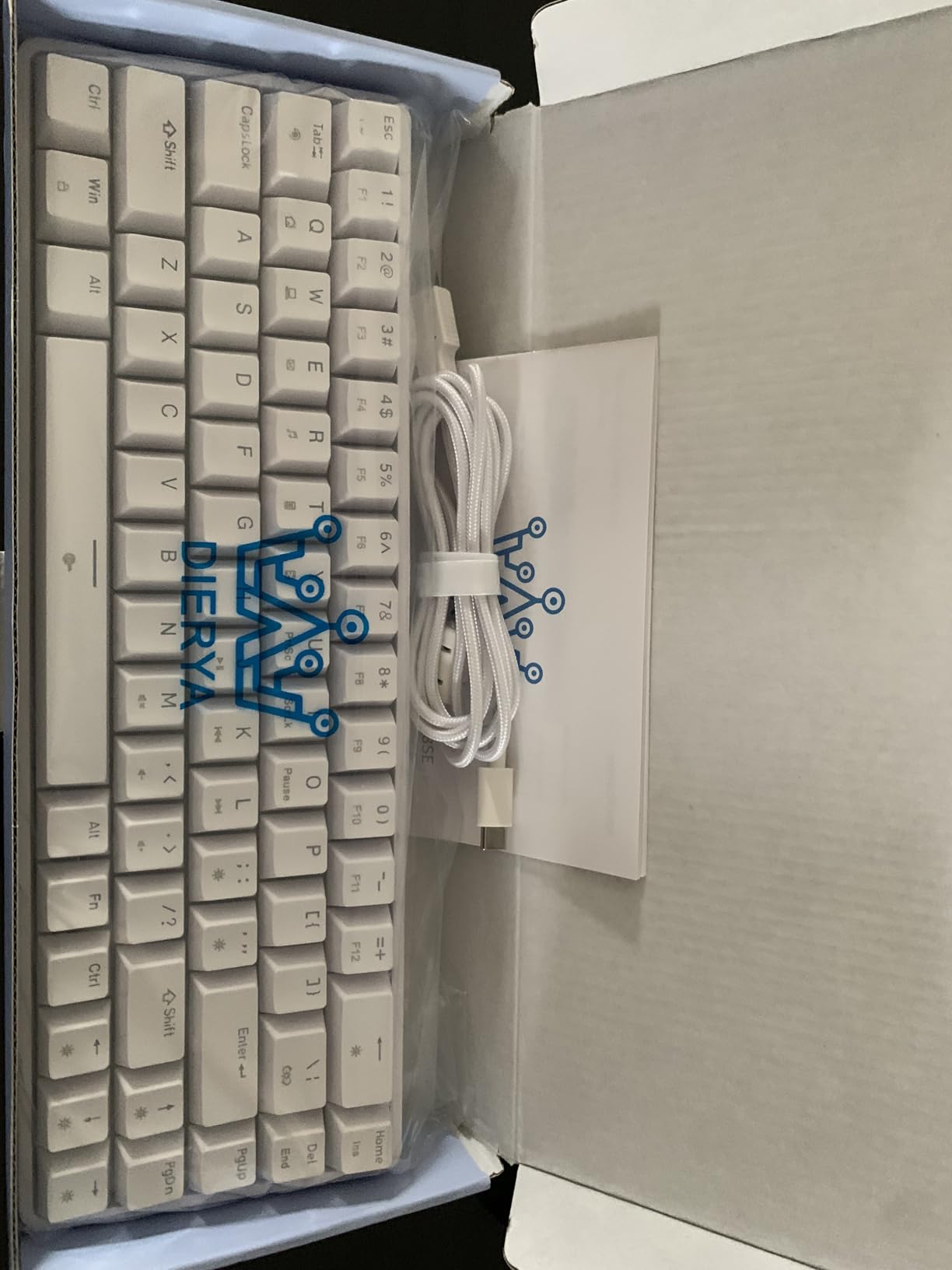
The blue switches give a distinct bump and loud, crisp confirmation, and a keycap puller is included. It runs on Windows and Linux cleanly.
The noise is the deal-breaker in quiet spaces, the backlight is single-colour blue rather than RGB, and the build is basic ABS plastic. Mac support is partial and there is no macOS software, so Mac users should verify their layout before committing.
How it handles a one-bag setup
Wireless at three devices and a footprint that is narrower than a 13-inch laptop means the board sits to one side rather than in front of the screen. That is the whole point: you get a full typing experience without giving up the laptop’s own keyboard area.
Because it is wired-capable as well, it works as a permanent desk board and a travel board, which no other board in this roundup does at this size.
Who should skip it
Skip it if you work somewhere quiet, since the clicky blue switches are the loudest option in this list. Skip it if you are on macOS or need RGB, because both are limited here.
Skip it if you want to swap switches later, since there are no hot-swap sockets on this board. The basic plastic case also means it will not feel like a desk anchor the way the heavier boards do.
11. Newmen GM326 – Best No-Fuss 75% on a Budget
Newmen GM326 Mechanical Keyboard,75% Percent Gaming Keyboard,Wired Keyboard
- Genuine 75% layout with arrow and function keys at the lowest tier
- Multi-function volume knob in the corner
- Hot-swappable sockets accept standard 3-pin switches
- Status indicators for Caps Lock
- Win Lock and Mac mode
- Two-stage tilt legs and a detachable USB-C cable
- Single-color backlight despite the product naming
- ABS keycaps wear faster than PBT
- Linear switches give minimal tactile feedback
- No wireless and no macro software
This is the simplest 75% board here and the least expensive in the roundup, which makes it a strong first mechanical keyboard for anyone who wants the function row and arrows without a large outlay. You still get hot-swappable sockets that accept standard 3-pin switches, which is unusual at this tier.
The multi-function knob handles volume, and status indicators for Caps Lock, Win Lock and the Windows or Mac mode are a genuinely useful detail, since they tell you at a glance whether a key is doing what you think. Full anti-ghosting covers all 82 keys, and two-stage tilt legs plus a detachable USB-C cable finish a practical package.
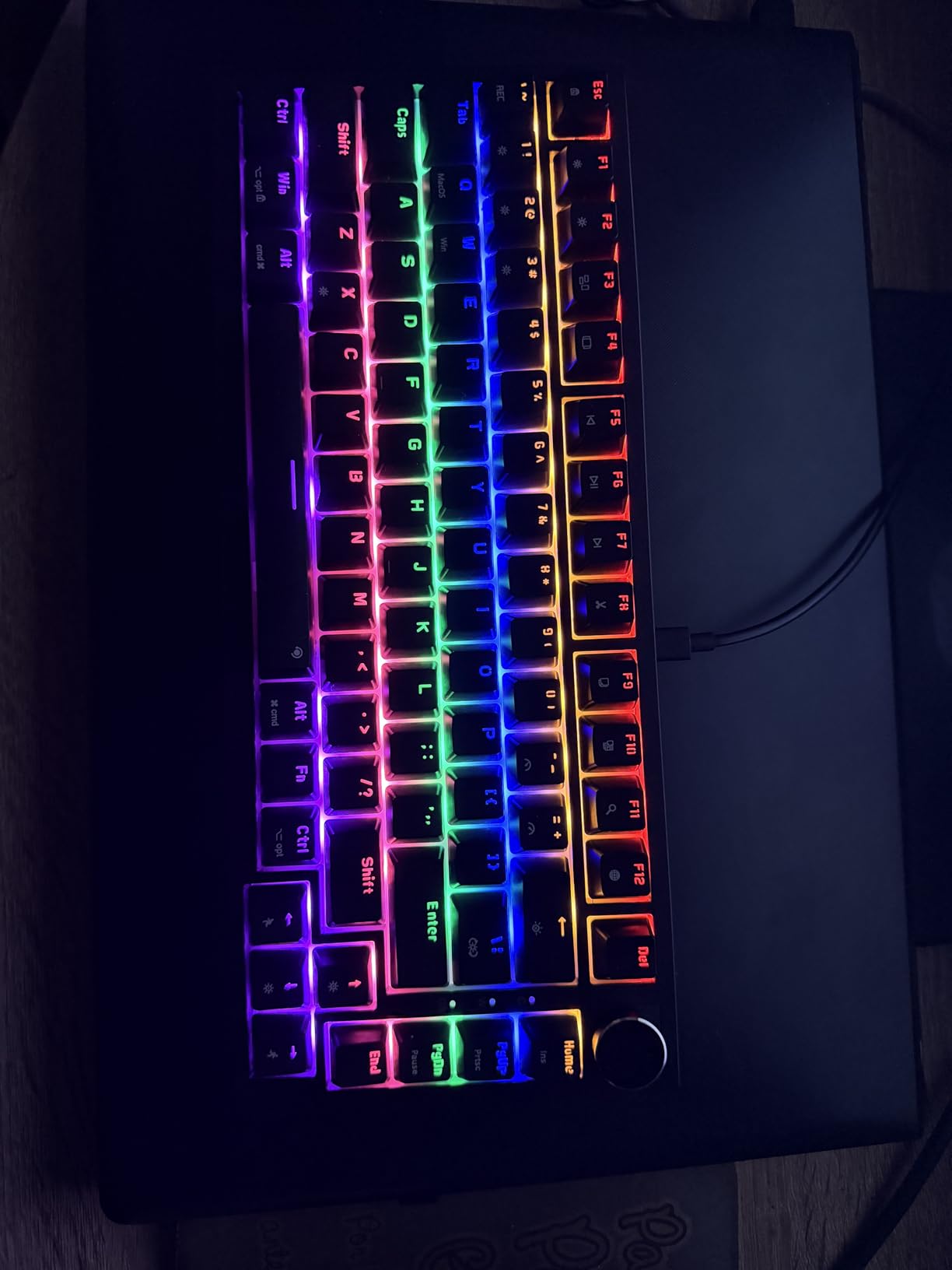
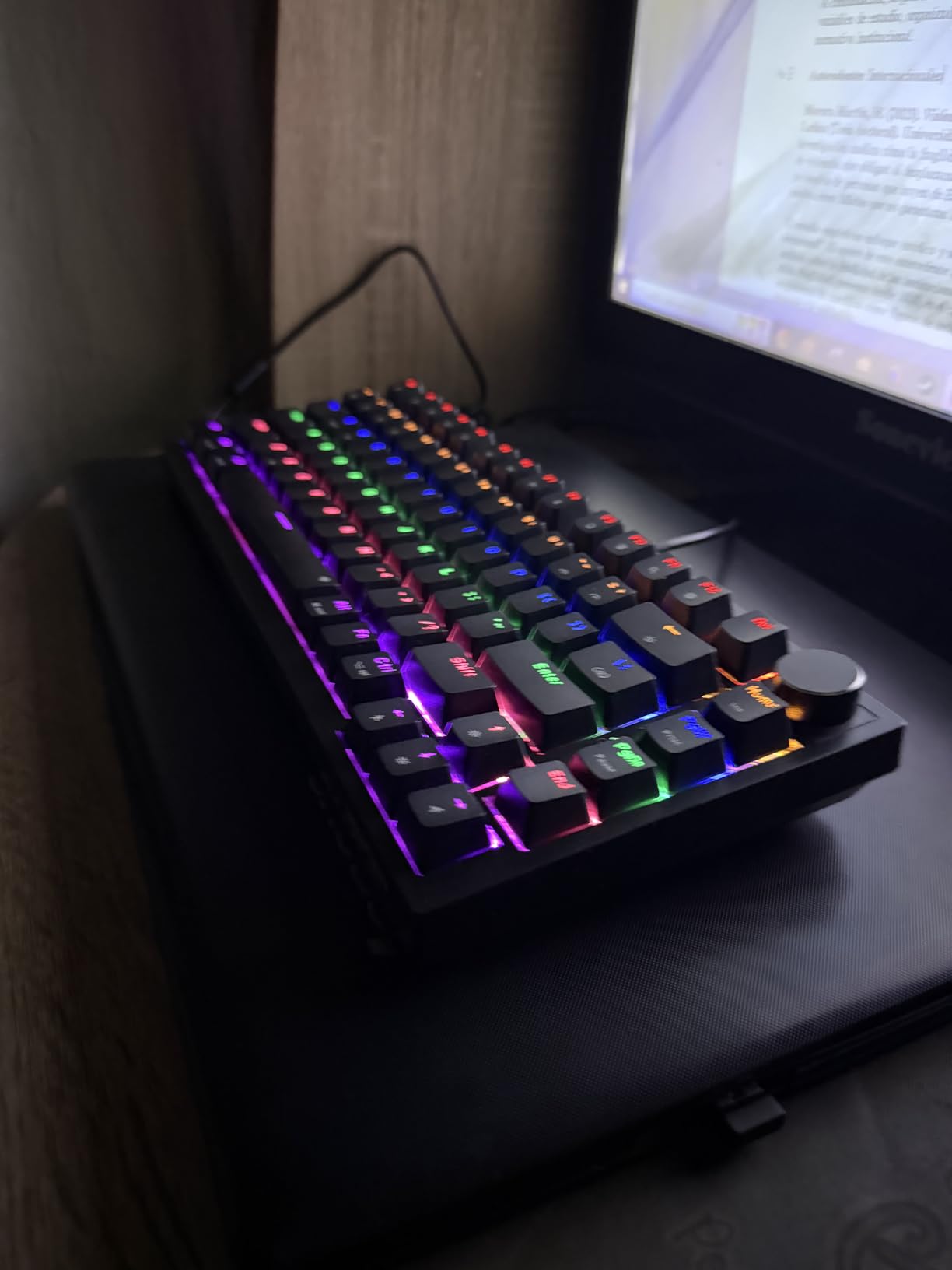
Owners consistently frame it as the budget entry point: a real 75% layout with a knob and hot-swap sockets for a fraction of the cost of comparable boards. Build and typing feel are described as adequate rather than premium, which is fair.
Two specifications deserve attention. The backlight is single-colour despite the rainbow wording in the product name, and the ABS keycaps wear and shine faster than PBT, which matters if you plan to keep the board for years. The linear switches offer minimal tactile feedback.
When the simplest board is the right one
If you want mechanical feel, a function row and a knob without spending a week configuring firmware, this is the low-friction path in. There is no wireless, no macro software and nothing to install, so it works the day it arrives.
Since the sockets take 3-pin switches, you can upgrade the feel later with a silent or tactile set and keep the case you already own.
Who should skip it
Skip it if RGB matters, because the lighting is single-colour, and skip it if you plan to build custom layers, since there is no remapping software. Wireless users should look elsewhere.
Skip it if keycap longevity matters to you, as ABS will start to shine where PBT on the boards above will not. The listed dimensions are not published, so measure your desk against a standard 75% footprint before ordering.
How to Choose a Compact Mechanical Keyboard for a Small Desk
60% versus 65% versus 75%: what you actually give up
A 60% board removes the numpad, the function row and the arrow keys. That is the maximum width saving and the highest adjustment cost. A 65% board adds the arrow keys back for roughly one extra key width, which the r/MechanicalKeyboards consensus treats as the better trade, and users who moved from 60% to 65% report higher satisfaction. A 75% board adds the function row back for another key width or so.
A 96% board keeps the numpad in a narrower frame, and it is the answer for spreadsheet work on a small desk. None of the boards we tested include one, so if you type numbers all day, layer the number row on a 75% board instead of stretching to a full-size.
Practical rule: if you will miss the keys, buy the bigger layout. The 75% boards here measure 12.7 to 13.7 inches, which is still several inches narrower than full-size.
What to do about missing keys
Function keys and arrows are not lost on a 60% board, they are moved. Most boards put an F-row on a Fn layer or a number-row layer, and arrow keys come from combinations near the spacebar. A 68-key board like the MageGee or DIERYA solves this by including real arrow keys, which is why they are worth the extra width.
If you remap often, look for QMK or VIA support. The Keychron K3 uses open-source QMK, which allows layers, macros and shortcuts well beyond a vendor app. The RK R75 lacks it on some revisions and the Newmen GM326 has no remapping software, so check before you buy if custom layers are part of your plan.
Switch type and shared-space noise
Linear switches are smooth and quietest in relative terms, tactile switches add a bump without a click, and clicky switches add audible feedback that colleagues will hear. For a shared desk, choose silent linear or silent tactile, or plan on swapping them through hot-swap sockets. The Redragon K617, AULA F75 and RK R75 all accept both 3-pin and 5-pin switches, which makes an upgrade a five-minute job.
For gaming, adjustable magnetic switches like the AULA WIN68 HE let you tune actuation per key, which no standard mechanical switch can do. If you are just a faster typist, none of that matters.
Connectivity, keycaps and the numbers that predict longevity
Tri-mode boards give you USB-C, 2.4 GHz and Bluetooth, which is the right answer if a cable across a small desk is a problem. Wireless reliability varies more than reviewers of any single board suggest, so check the community feedback for the model you are considering before assuming it will pair perfectly.
Keycap material is the number to check for a board you will keep. PBT, especially double-shot PBT, resists shine and solvents; ABS wears faster. Weight is the other one, since a heavier board stays put and needs less pressure to type on. Finally, measure your clear desk width before ordering, and remember the caveat that a mechanical keyboard is not automatically a compact one.
Frequently Asked Questions
Is a 65% keyboard better than a 60% for a small desk?
A 65% board is usually the better trade for most people because it restores the arrow keys for roughly one extra key width. A 60% board frees the most desk space but hides the function row and arrows behind Fn layers. If you type all day, the 75% boards in this roundup keep a physical function row and measure 12.7 to 13.7 inches, which is still several inches narrower than full-size.
How do I type function keys on a 60% keyboard?
Function keys are moved to a Fn or number-row layer rather than removed. On most 61-key boards, an Fn plus number-row combination produces F1 through F12, with arrow keys placed near the spacebar. If you need those keys constantly, buy a 68-key 60% layout such as the MageGee MK-Box or DIERYA T68SE, or move to a 75% board. Boards with QMK or VIA support let you rebuild the layout entirely.
Are 60% keyboards good for typing?
Yes, as long as your layout is the right size. 61-key boards use standard key spacing, so touch-typing transfers from a full-size board without relearning. The 68-key boards add real arrow keys, which removes the biggest source of frustration. The main typing concern on 60% boards is wrist fatigue from a steep angle, so add a wrist rest or choose a low-profile option for long days.
Why do gamers like 60% keyboards?
Three reasons. First, the width saved lets the mouse sit closer to the body, which makes large aiming sweeps easier. Second, more desk room means room for a larger mouse mat, a controller or a second monitor arm. Third, on a 61-key board every key sits under your fingers, so movement is shorter than on a full-size. Competitive players also favour adjustable magnetic switches for rapid trigger control.
What is the best wireless low profile keyboard?
Among the boards we tested, the Keychron K3 Version 2 is the clear low-profile answer at 0.87 inch thick, 500 g, and 12.05 by 4.57 inches. It pairs three Bluetooth devices, supports QMK remapping and includes Mac and Windows keycaps. The tradeoff is shallower travel, a single-colour white backlight, and reported Bluetooth stability issues in some reviews.
Do I need a numpad on a small desk?
Not usually. None of the 11 boards in this roundup include one, because the numpad is the single biggest block of removable width. If you type numbers all day, put the number row on a Fn layer or choose a 75% board such as the AULA F75, which keeps 81 keys in 12.7 inches. If a physical numpad is non-negotiable, you are looking at a 96% layout rather than a compact board.
The Best Compact Mechanical Keyboards for Small Desks in 2026: Final Word
The HyperX Alloy Origins 60 wins this roundup because it pairs the highest rating in the group with a 970 g aluminum chassis, double-shot PBT keycaps and a 61-key footprint that gives your mouse real room. If you would rather keep the function row and arrows, the AULA F75 is the smarter buy, with tri-mode wireless, a knob and hot-swappable sockets.
Go narrower with the MageGee MK-Box or DIERYA T68SE if depth is your constraint, thinner with the Keychron K3 if a monitor arm is, and faster with the AULA WIN68 HE if you play competitively. If you want to build your own board later, our custom mechanical keyboard guide covers that next step. Measure your desk first, then pick.