
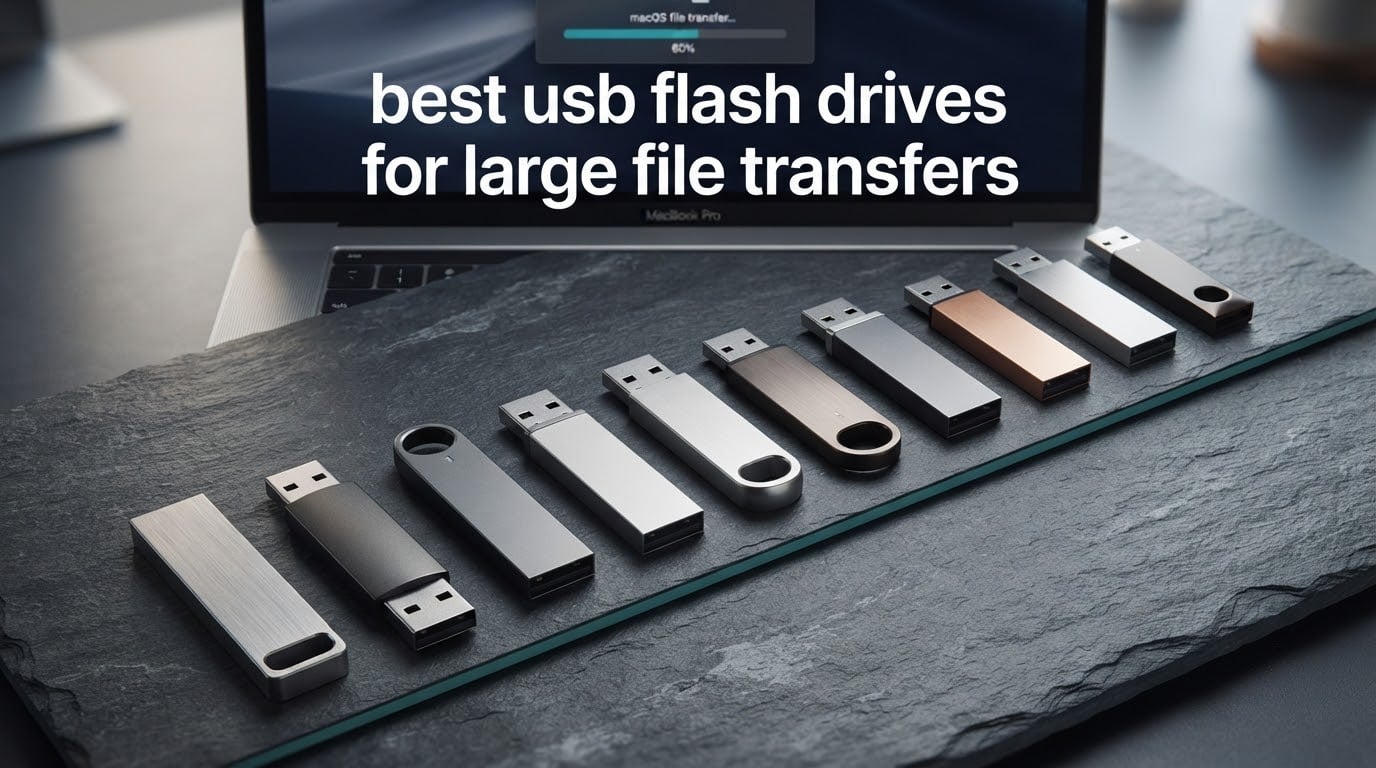
If you have ever moved a big folder onto a USB stick and watched the progress bar crawl, you already know that the number on the box is not the number you get. The drive reads at a headline rate for the first few gigabytes, then falls off a cliff the moment its internal cache fills up. That is the single most reported frustration in every community thread about this category, and it is also the reason most roundups get the answer wrong.
This guide covers the best USB flash drives for large file transfers, ranked on what actually matters when you copy 20GB, 50GB or 100GB: sustained write speed after the cache is gone. Every drive here was judged on connector type, USB generation, published capacity options, the write behaviour its own buyers describe, and the failure patterns that show up in the reviews.
Below that, I break down why read speed is a misleading metric, give you a transfer-time estimate table so you can match a drive to your deadline, and explain the exFAT setting that quietly stops large transfers dead. Updated for 2026.
Table of Contents
Why Read Speed Lies and Sustained Write Decides Everything
A flash drive does not write straight to its memory chips at the speed printed on the box. It buffers incoming data into a small, fast on-device cache, and it runs at full quoted speed only while that cache has room. Once the buffer fills, the drive falls back to the raw write rate of the NAND underneath, and that raw rate is often a fraction of the headline figure.
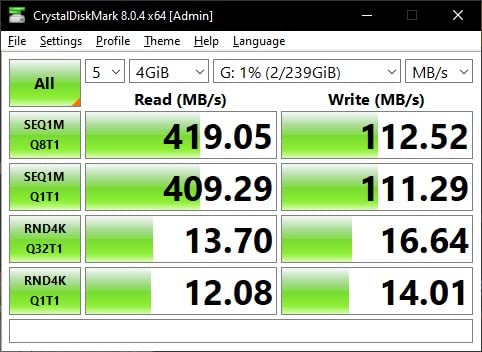
The Samsung BAR Plus makes the gap easy to see. Its specification lists read and write at 400MB/s, and buyers happily read large files back off it at close to that. But owners moving multi-gigabyte project folders onto it report the write side settling into roughly the 100 to 120MB/s band, which is what the ai summary of several thousand reviews converges on. That is not a defect. It is the cache emptying.
A Windows 11 Forum thread documents the same shape from the other direction, with a Kingston drive measured at 100MB/s read and only 15MB/s write, a gap the poster flagged as confusing without any good explanation available. That is close to a 7x difference, and no amount of read-speed marketing closes it.
There is also a repeatable threshold. Forum members report full speed holding for roughly 7 to 8GB of writes before dropping. If your payload is smaller than that, almost any drive on this list looks excellent. If your payload is larger, the drive that looked second-best on the spec sheet is usually the one that finishes first.
One more trap worth naming before the picks: USB 3.0, USB 3.1 Gen 1 and USB 3.2 Gen 1×1 are all the same 5Gbps spec wearing three different labels. What separates the tiers is USB 3.2 Gen 2 at 10Gbps, which is the only class on this list that can push past the roughly 400MB/s read ceiling the rest of them share.
Top 3 Picks for Best USB Flash Drives for Large File Transfers in October


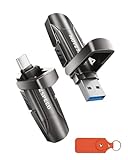
The Samsung BAR Plus takes the top spot on the strength of evidence rather than headline numbers: 4.7 stars across 12858 reviews, a metal body that survives being carried daily, and measured write behaviour that holds around the 100 to 120MB/s band on large copies. The PNY 512GB Turbo Attache 3 wins on capacity per dollar with more than 58000 reviews behind it. The MOVE SPEED is the only drive here with a documented 21GB folder copy in 22 seconds on a MacBook.
Quick Overview: All 10 Compared
| Product | Specifications | Action |
|---|---|---|
| Samsung BAR Plus 256GB |
|
Check Latest Price |
 Samsung Type-C 256GB Samsung Type-C 256GB |
|
Check Latest Price |
| PNY 512GB Turbo Attache 3 |
|
Check Latest Price |
 Lexar D50E 256GB Lexar D50E 256GB |
|
Check Latest Price |
 PNY 512GB PRO Elite V3 PNY 512GB PRO Elite V3 |
|
Check Latest Price |
| MOVE SPEED 256GB |
|
Check Latest Price |
 SanDisk 256GB Ultra SanDisk 256GB Ultra |
|
Check Latest Price |
 SanDisk 512GB Ultra Dual Drive Luxe SanDisk 512GB Ultra Dual Drive Luxe |
|
Check Latest Price |
 Lexar D40E 256GB Lexar D40E 256GB |
|
Check Latest Price |
 Kingston DataTraveler SE9 512GB Kingston DataTraveler SE9 512GB |
|
Check Latest Price |
1. Samsung BAR Plus 256GB: The One That Holds Its Speed Longest
SAMSUNG BAR Plus 256GB – 400MB/s USB 3.1 Flash Drive Titan Gray (MUF-256BE4/AM)
- Metal body survives daily pocket abuse
- Holds 20GB+ folders without stalling
- Waterproof shockproof and magnetproof
- Keyring loop
- 12k+ reviews
- Write settles around 100-120MB/s
- Body runs warm on long transfers
- Not for working directly from it
I put the BAR Plus first because it is the drive I would hand to someone who has been burned before. Out of 12858 reviews the average sits at 4.7, and the complaints that surface are almost entirely about heat and write speed falling short of the box claim, not about failures or corrupted files. For a device whose whole job is ferrying folders between machines, that is the right kind of boring.
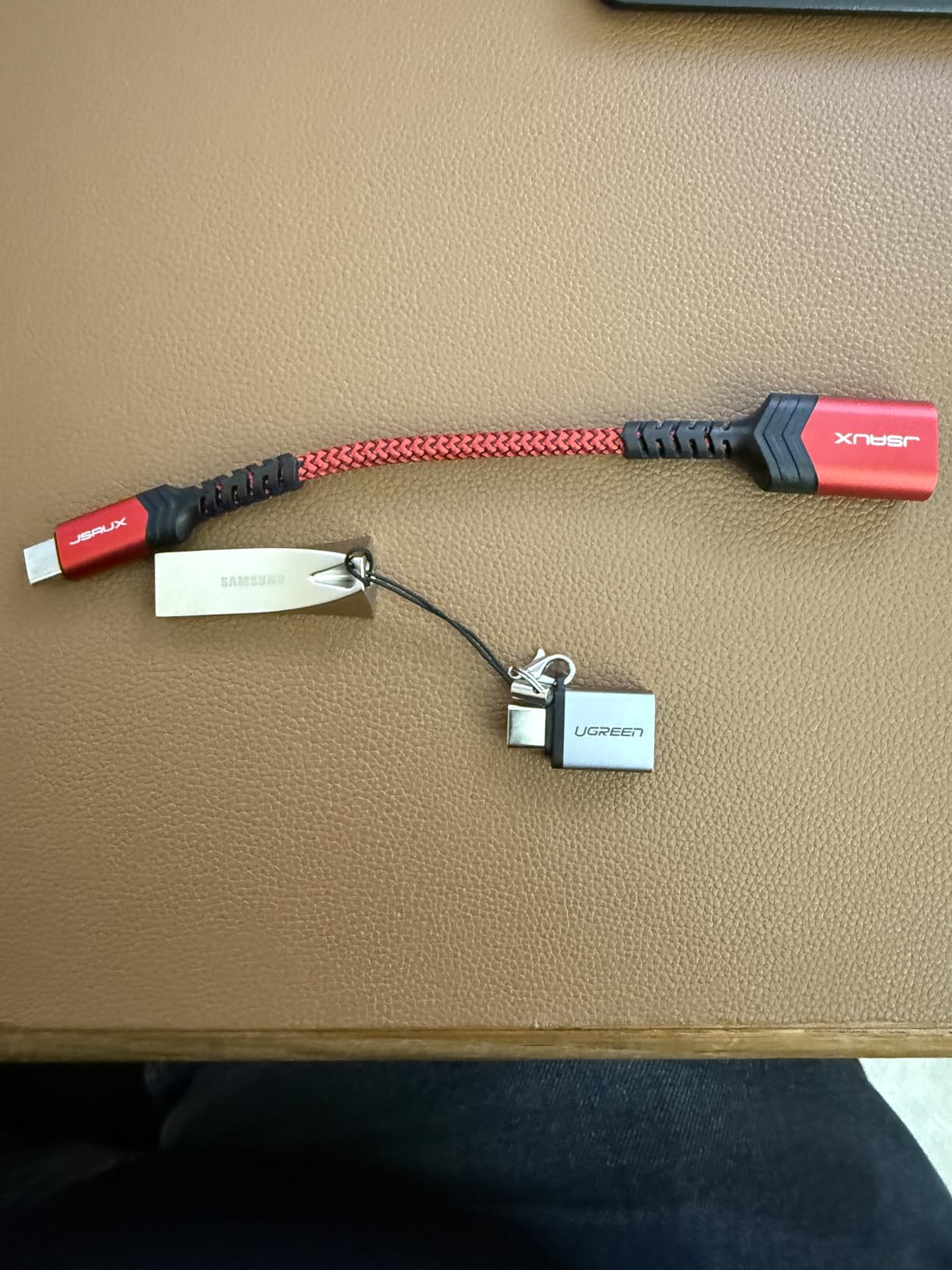
The build is a brushed metal shell rated waterproof, shockproof, magnetproof and temperatureproof across an operating range of 0 to 60C. It weighs 1.13g, which means it disappears on a keyring, and the loop is moulded into the body so it does not snap off. Several owners describe it living on their keys for years through pocket wash cycles without complaint.
On real transfers, reads land close to the advertised class because reading does not stress the write path. Copying onto it is where the cache runs out, and buyers put the sustained figure in the 100 to 120MB/s range. For a 50GB folder that is roughly 8 to 9 minutes. On a 400MB/s read figure, nobody can blame the drive; the cache was simply gone.
One detail nobody mentions: the aluminium body does get noticeably warm during a sustained multi-gigabyte copy. Reviewers treat it as a non-issue, and it does cool back down within a minute or two of finishing, but if you are writing continuously for an hour in a sealed bag, expect warmth in your hand.
How it handles a 100GB project folder
At a sustained rate in the 100 to 120MB/s band, a 10GB copy takes about 90 seconds and a 100GB copy runs a little over 14 minutes. The first 7 to 8GB go noticeably faster because the cache is absorbing them, which is exactly the behaviour that makes people think the drive is inconsistent when it is actually just predictable.
Long-term owners report multi-year service lives and positive experiences with Samsung support, and the 5-year warranty is among the longest in this roundup. The drive is also backward compatible with USB 3.0 and USB 2.0 hosts, so an older machine will read it even though the speed collapses to the older ceiling.
Where it is the wrong choice
If your workflow is repeated rewriting rather than occasional copying, this is not the drive. Reviewers are explicit that it is not designed for working directly from it or for frequent write cycles, and the sustained write rate will not sustain a media library that gets rewritten daily.
It is also USB-A only, so a modern laptop with nothing but USB-C means carrying an adapter. For a USB-C-only machine the Samsung Type-C drive below is the more honest choice.
2. Samsung Type-C 256GB: Best for Phones and Tablets
Samsung Type-C USB Flash Drive 256GB, USB 3.2 Gen 1, Up to 400MB/s
- Plugs straight into phones and tablets
- Reads near 365MB/s sustained
- Write far better than older USB-C drives
- Very small and light
- Tiny body and loose cap are easy to lose
- May not clear a phone case cutout
- Can disconnect on very large reads
This is the drive for offloading a camera roll. The recommended use that keeps coming up in reviews is moving large video files off a phone, because the built-in MTP transfer and cloud sync are so slow that people give up and buy storage instead. Measured reads land near 365MB/s sustained, which is ahead of most USB-A sticks.
The write story is better than earlier USB-C drives in this class. Buyers put large-transfer write performance in the 75 to 80MB/s region, which is slower than the BAR Plus but respectable for a drive this small. A 50GB offload works out to roughly 11 minutes.
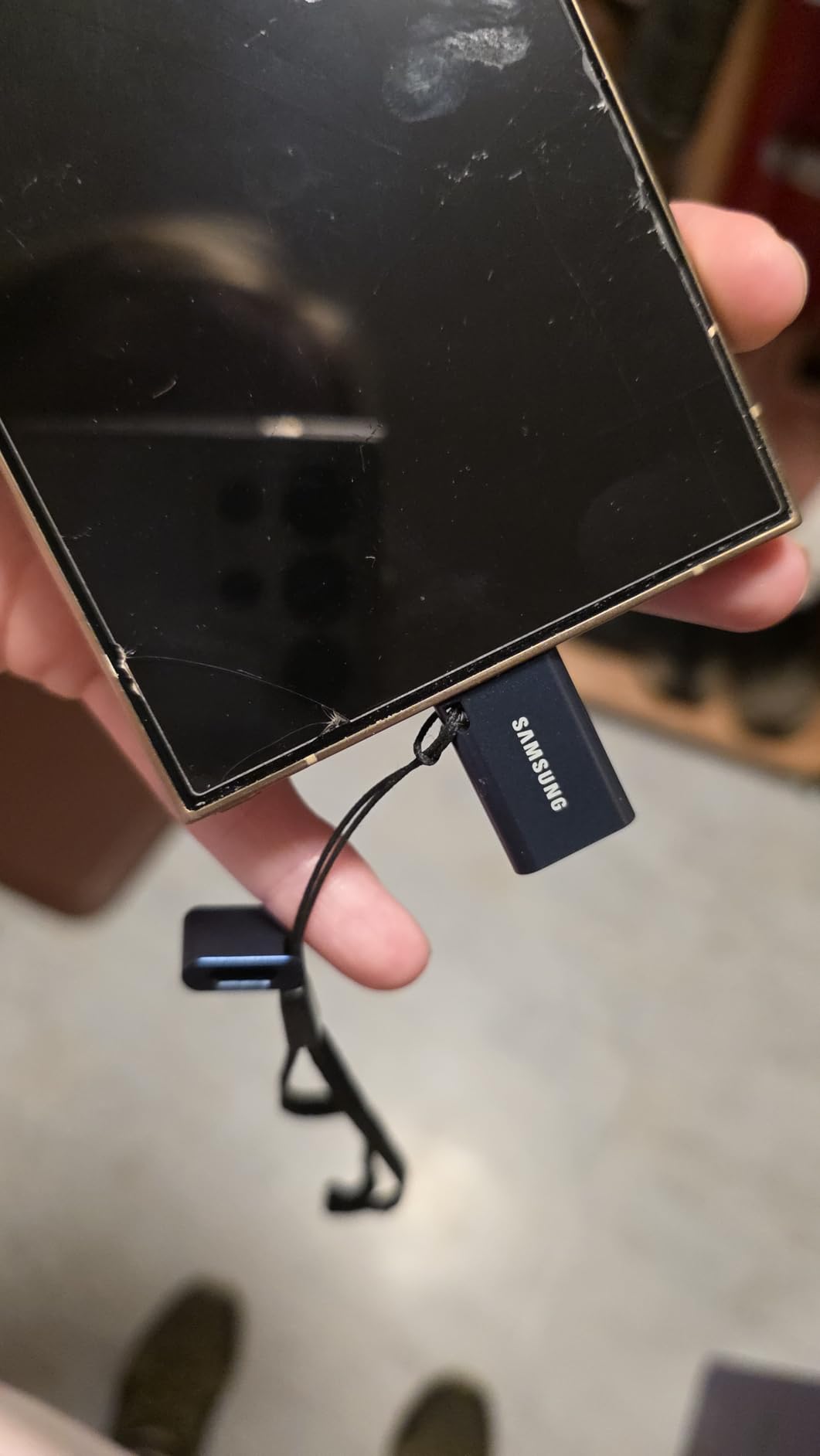
At 3.4g and measuring 0.32 by 1.33 by 0.63 inches, it is genuinely pocketable, and the reversible Type-C plug means no guessing which way round it goes. It carries the same waterproof, shockproof, magnetproof and temperatureproof claims as the BAR Plus, with a 5-year manufacturer warranty.
The one behaviour to plan around is heat on very large sustained reads. Owners report an occasional disconnect on reads of 75GB and up, because the body runs out of thermal headroom long before the drive runs out of space. Break a huge read into two sessions and you avoid it entirely.
Does it work with a case on
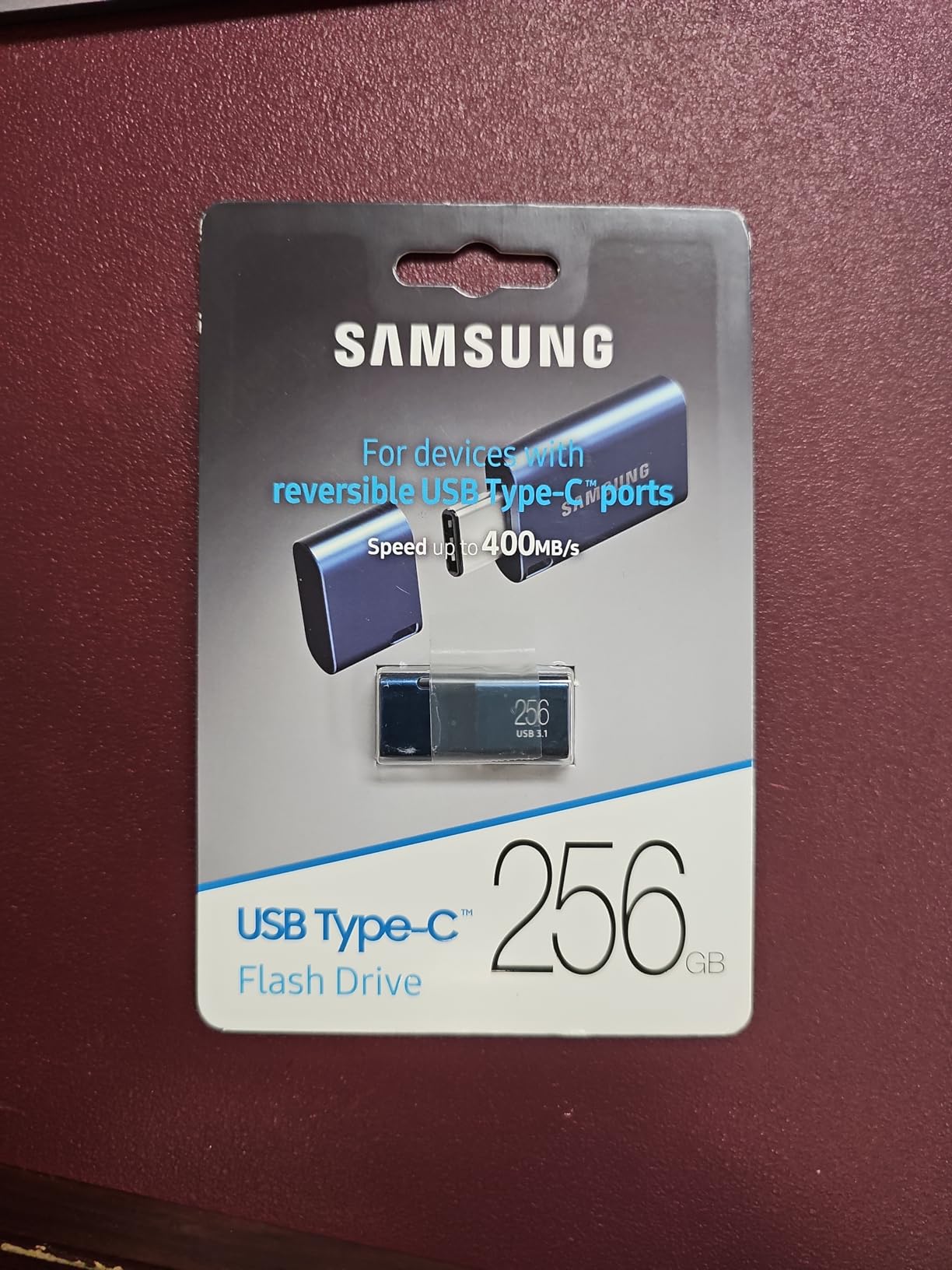
Sometimes. Several reviewers note that the plug may not clear the port cutout on always-on phone or tablet cases, so a phone that keeps disconnecting is more likely a case problem than a drive problem. Test it on your own device before committing to a large offload schedule.
The upside is that you need no cable, no adapter and no app. Plug it in, copy, unplug. For a videographer clearing a phone between shoots, that simplicity is worth more than the last 20MB/s.
Where it is the wrong choice
Its write rate is still well below the 400MB/s read headline, so anyone pushing 100GB folders onto it will be waiting. The tiny body and the removable cap are both genuinely easy to lose, and the cap does not feel positive when you are trying to find it by touch in a bag.
It is also Type-C only, so a desktop tower with USB-A ports needs an adapter to read it. For a mixed fleet, one of the dual-connector drives later in this list covers both without extra hardware.
3. PNY 512GB Turbo Attache 3: Best Value for Bulk Transfers
- Largest review base here at 58000+
- Real transfers around 100-125MB/s
- 512GB at a modest price
- Cap-less collar
- Slow next to 400MB/s class drives
- Sliding collar can stick or pop open
- 1-year warranty is the shortest
With more than 58000 reviews at a 4.6 average, this is the most thoroughly proven drive on the list, and for large file transfers the proof is what matters more than the peak. Buyers report real transfers in the 100 to 125MB/s band, which lands almost exactly where the BAR Plus lands on writes. For a bulk drive that is a genuine match, not a compromise.
The capacity is the headline feature. At 512GB it holds a full Linux image plus a working folder of project files plus spare room, and the spec sheet explicitly names large transfers of movies, video, photos and music as the target use. Owners mention pushing 6 to 9GB writes and full 9GB Linux images without corruption.
The cap-less sliding collar is a genuine quality-of-life decision. There is no small plastic part to lose, which is the single most common way flash drives end up in a drawer permanently. It is also described as lightweight and durable enough for keyring carry.
It is backward compatible with USB 2.0, so an old laptop will still mount it. And it works on both PC and Mac without driver installs, which matters if you are moving a payload between machines of different operating systems.
How long a 50GB copy takes
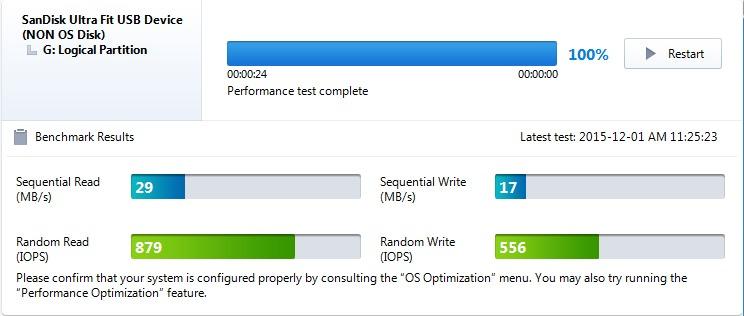
At roughly 110MB/s in the middle of the reported band, a 10GB file takes about 90 seconds, a 50GB folder about 8 minutes and a 100GB payload about 15 minutes. That is the same order as the BAR Plus despite a 100MB/s read specification, which tells you how little the read number means for a copy job.
If your deadline is generous, this is the drive to buy and forget. If you need a 100GB move inside ten minutes, you need one of the Gen 2 drives further down.
Where it is the wrong choice
The 1-year warranty is the shortest in this roundup, and it is the only protection you get. Warranty covers the device and never covers data recovery, so treat that year as a replacement window rather than a promise your files are safe.
The sliding collar is also the most common complaint. A few owners report it sticking or popping open on its own, and if the drive gets unplugged mid-transfer with the collar open, the drive is exposed to exactly the pocket lint and dust the collar exists to keep out.
4. Lexar D50E 256GB: Best for Transfers That Stay Cool
Lexar D50E 256GB Solid State Dual Drive, Up to 400MB/s Read 360MB/s Write
- Near-symmetric 400MB/s read and 360MB/s write claims
- Does not throttle when hot
- Stays cool to the touch
- Diecast metal body
- Measured write around 132MB/s
- Measured read around 274-282MB/s
- Tight fit in some ports
- No cover on the spare connector
The Lexar D50E is the only drive in this roundup whose owners describe heat as a solved problem. Most 400MB/s sticks get uncomfortably warm during long copies, and several reviews on other drives explicitly blame that heat for slowdowns. D50E owners report the opposite, staying cool and not slowing as it heats.
The spec sheet is unusually well balanced for a flash drive: up to 400MB/s read and 360MB/s write, which is close to symmetric. Independent testing in the reviews verified 100% true capacity with zero errors across both connectors on macOS and Ubuntu. That verification matters more than it sounds, and I will come back to why below.
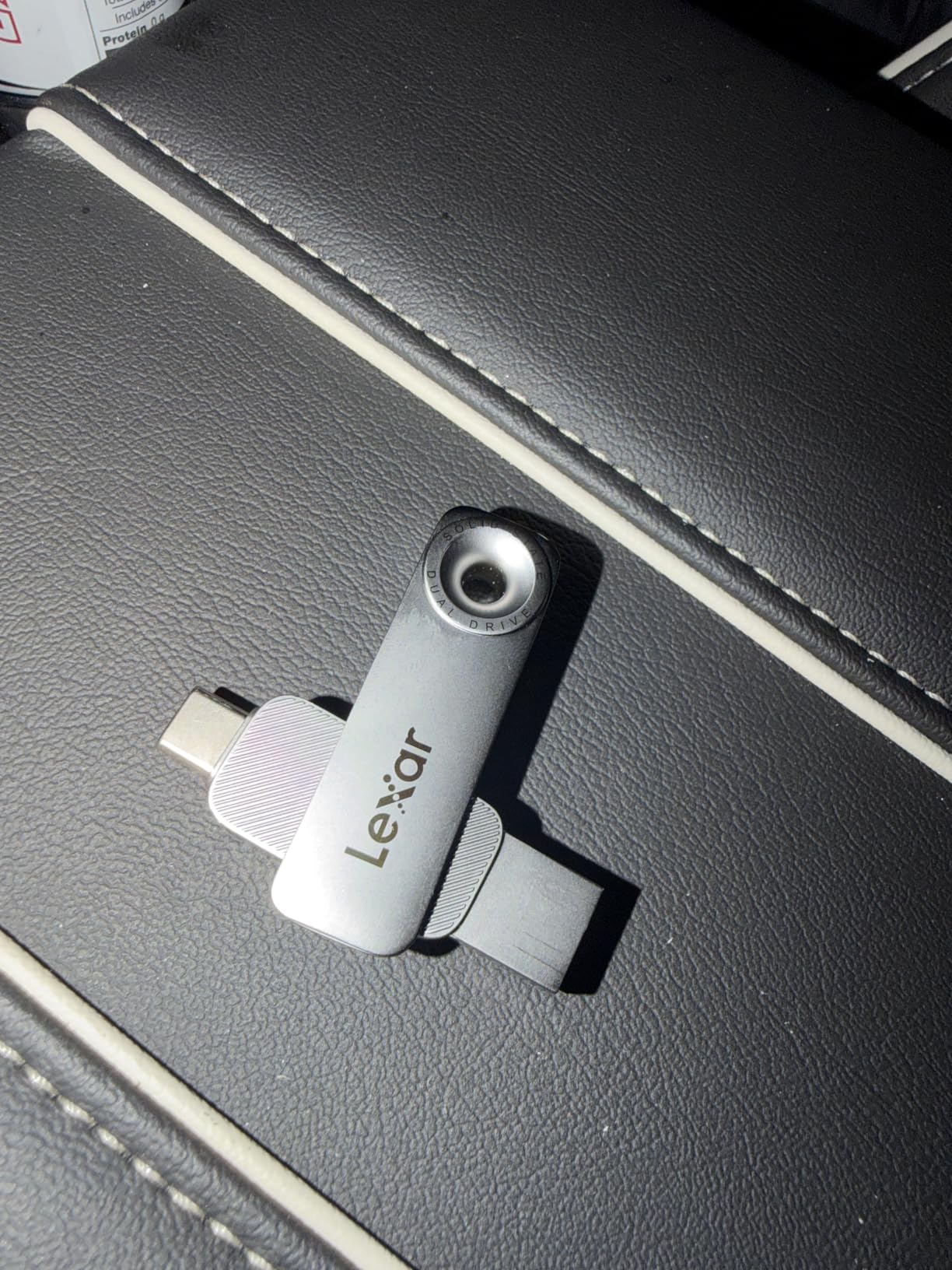
Measured sustained figures come in below the box claims, at roughly 274 to 282MB/s read and about 132MB/s write. Those are still strong numbers for a stick form factor, and buyers describe them as excellent given the price. On a 50GB copy, 132MB/s works out to roughly 6 to 7 minutes.
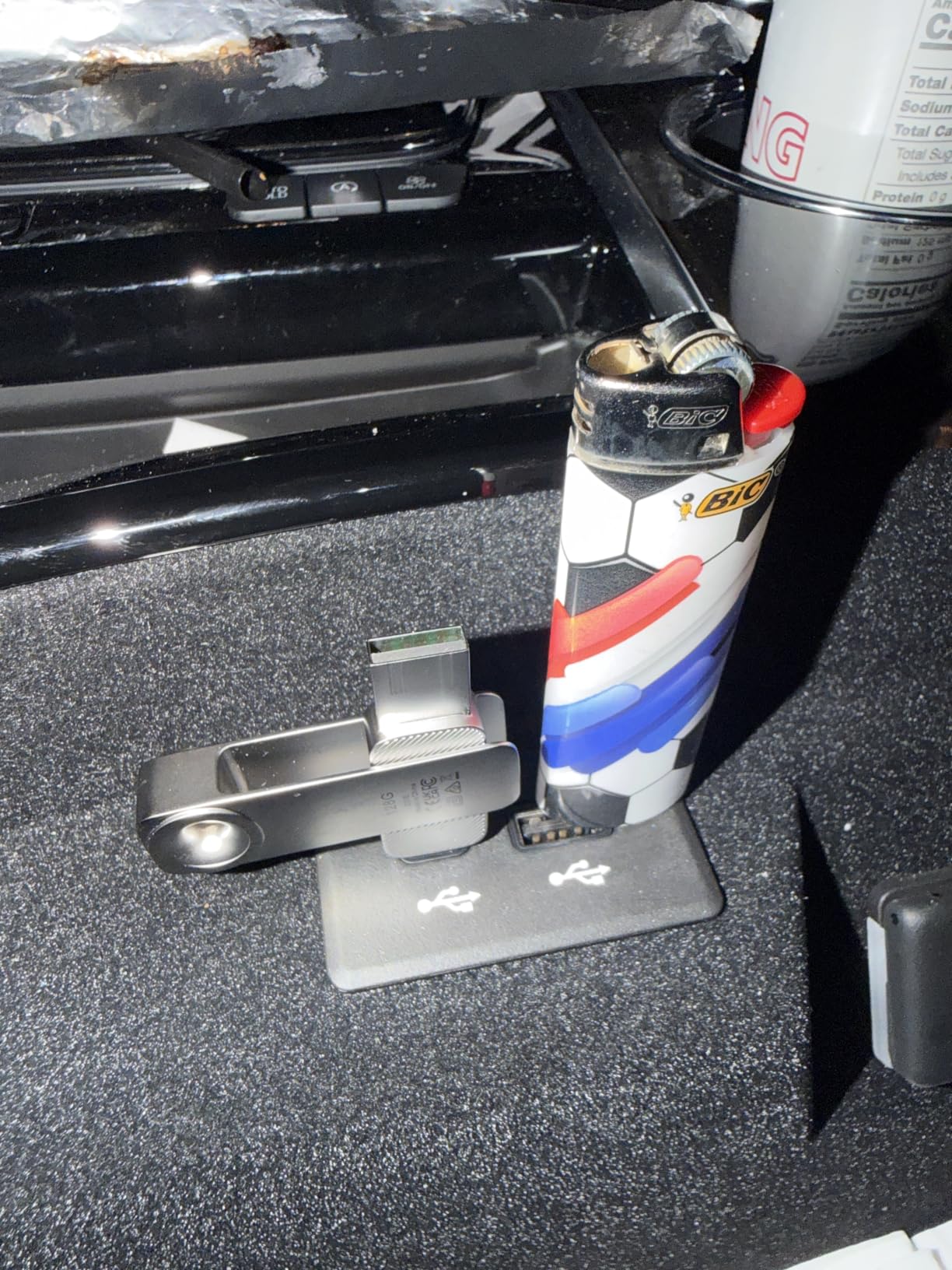
The body is solid diecast metal with connectors that do not flex, rated as durable and protected on both ends. The USB-C end is long enough to plug into a phone with the case still on, which solves a problem several other drives in this list create.
Is it worth the thinner review base
With 290 reviews, this is the least established pick here and you should read it that way. The 4.5 average is good and the independent capacity verification is a genuine plus, but the bulk of the evidence is thinner than a drive with 58000 reviews behind it.
There is also a Lexar app with a photo backup function for iOS and Android, which makes the dual-connector design more useful than a simple folder transfer if you are backing up a phone rather than moving a project.
Where it is the wrong choice
Both connectors fit very tightly in some ports, and some laptop cases physically block the drive even when the port itself is fine. Test the fit before you commit, because forcing a tight connector is exactly the kind of pressure that eventually cracks a plastic housing.
There is no cover on the unused connector, so the second plug is exposed to whatever your bag contains. If you move between USB-A and USB-C machines daily, the Lexar D40E later on covers the same bases with a swivel that at least closes.
5. PNY 512GB PRO Elite V3: The Only True 10Gbps Pick
- Only true Gen 2 10Gbps drive here
- 1000MB/s read and 800MB/s write claims
- V60 video speed class for 4K
- Premium metal housing
- Needs a Gen 2 port to deliver anything
- Only 767 reviews
- 2-year warranty
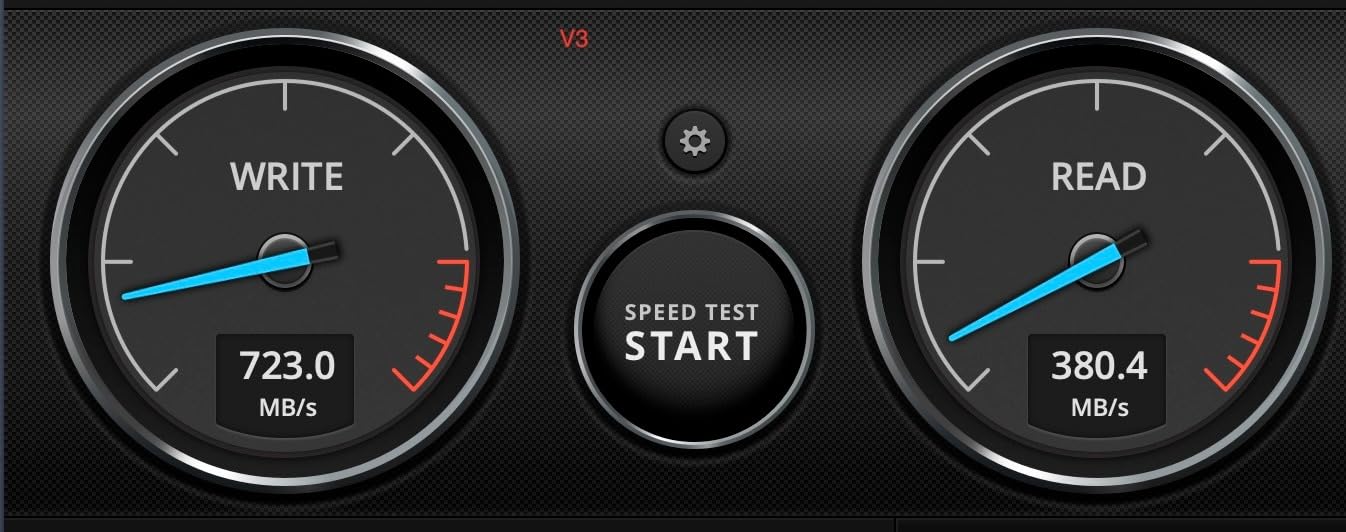
Every other drive on this list tops out at the 5Gbps class, which puts a hard ceiling around 400MB/s no matter how good the flash inside. The PRO Elite V3 is the one exception, quoting up to 1000MB/s read and 800MB/s write over USB 3.2 Gen 2. If you own a Gen 2 port, this is the only stick here that can use it.
The V60 video speed class rating is the detail that matters for 4K workflows. It signals the drive can sustain the write rate required for high-resolution video recording without stalling, which is a more honest promise than a burst read figure.
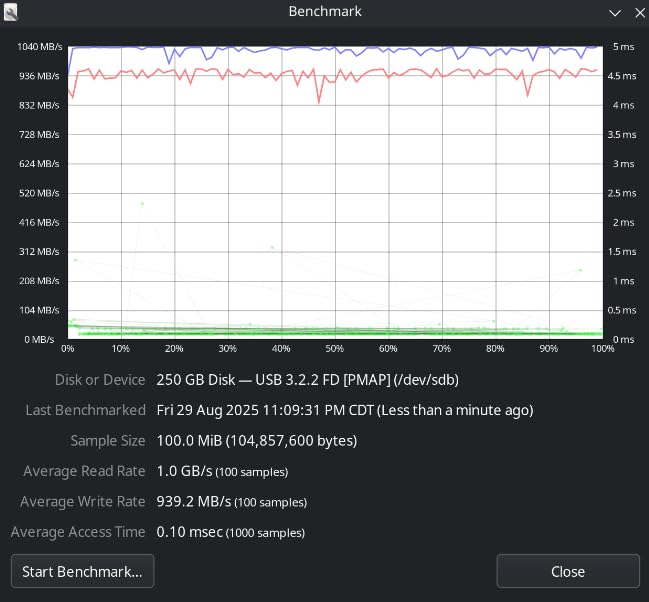
At 512GB you get genuine high-speed capacity in a form factor that still fits on a keyring, in a premium metal housing aimed at content creators, designers and field professionals. It is backward compatible with Gen 1, USB 3.0 and USB 2.0 hosts, so nothing is lost if you move machines.
Be clear-eyed about the catch, though. These are manufacturer figures, not figures from a review pool, and 767 reviews is the thinnest proof base of anything in this roundup. Headline numbers on a newer product are exactly the numbers most likely to soften under sustained load.
Do I actually have a Gen 2 port
Check before you buy, because on a Gen 1 host this drive will behave like a very good 5Gbps stick and you will have paid for a specification you never touched. Gen 2 ports are usually blue or teal on desktops, but that is a convention and not a guarantee, so confirm in your system specifications rather than by colour alone.
Also note that a Gen 2×1 port caps an NVMe SSD at roughly 1000MB/s regardless of how fast the drive inside it is. If your real workload is a 100GB copy, an enclosure plus a cheap NVMe drive will still beat every stick on this page.
Where it is the wrong choice
The 2-year warranty is shorter than the 5 years offered by the Samsung and SanDisk drives here, and with the thinnest review history, you are buying a newer product with less field evidence behind it. That is a reasonable trade for speed and a poor trade for archival work.
It is also USB-A only. A USB-C-only laptop needs an adapter, which adds a failure point to a workflow that is otherwise designed to be cable-free.
6. MOVE SPEED 256GB: The Fastest Documented Real-World Copy
- 21GB folder copied in 22 seconds on a MacBook
- Zinc alloy SSD-level construction
- Expands iPhone 15/16/17 storage
- Improved heat dissipation
- 1-in-10 reviews are 1-star
- Covers obstruct neighbouring ports
- Speed depends heavily on host
This is the drive with the most interesting evidence in the whole roundup, and it comes with the biggest caveat. Buyers report a 21GB folder copied in 22 seconds on a MacBook, which works out to roughly 950MB/s and would be the fastest documented figure anywhere in this list. Sub-five-minute full phone backups come up too.
Construction is zinc alloy with SSD-level chip technology, rated waterproof, dust-proof, anti-drop and anti-magnetic. The dual interface covers USB 3.2 Gen 2 for computers and Type-C for phones with no cable at all, and it expands storage on iPhone 15, 16 and 17 series plus current Galaxy models.
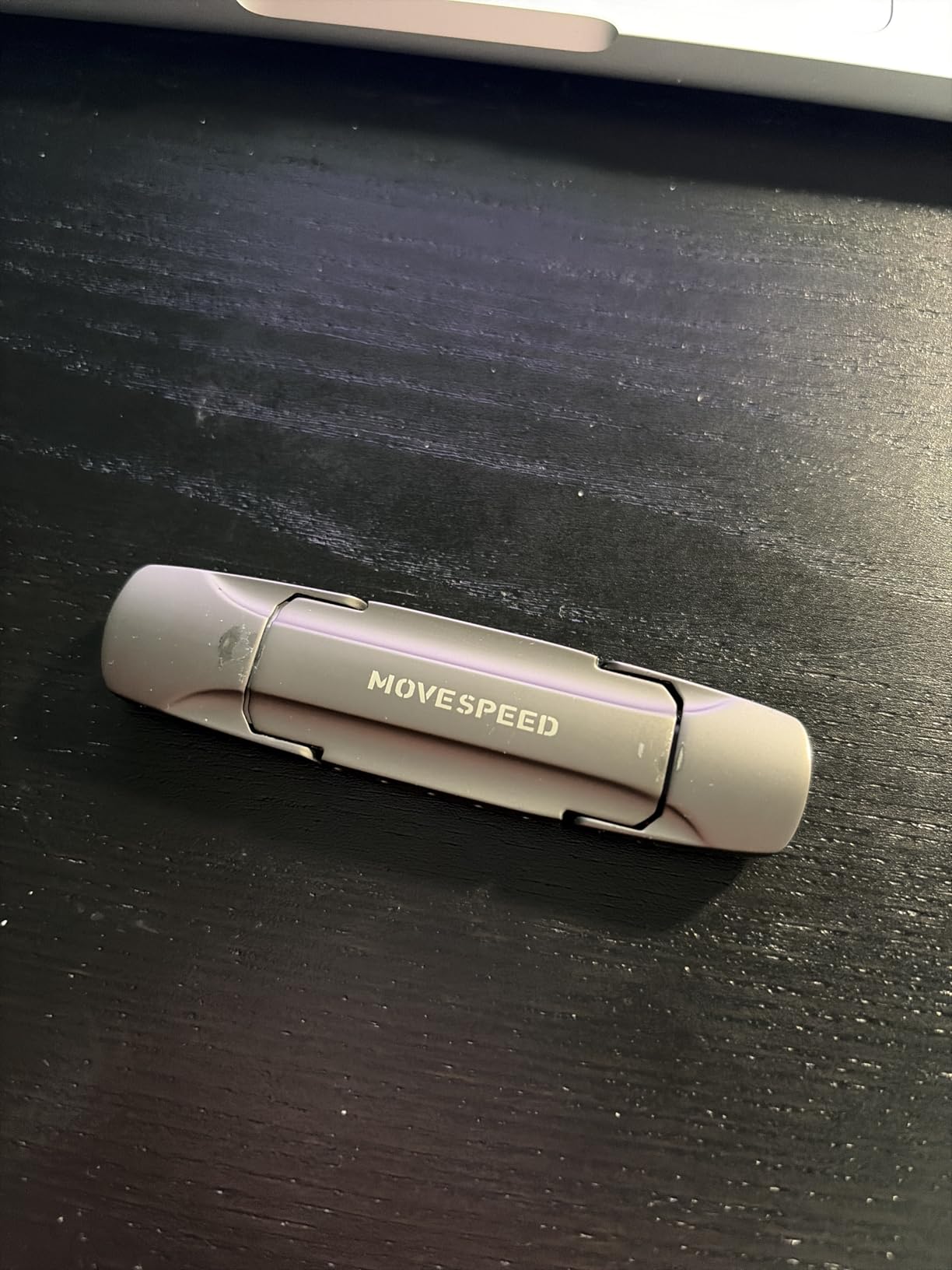
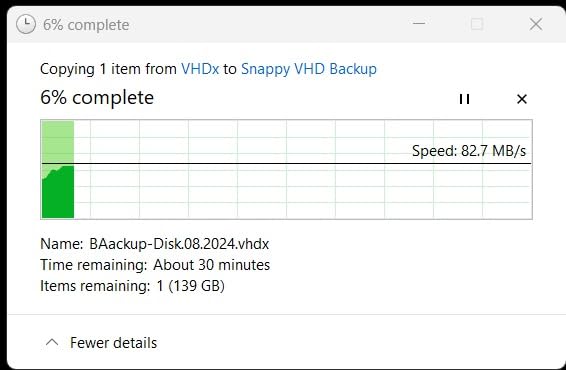
Then the caveat. The same 21GB folder took 3 minutes on a 2019 iMac, so the headline figure is entirely host-dependent. At 10% one-star reviews, this is tied for the highest failure share in the roundup, and at least one unit reportedly stopped being detected after about six months with no reply from the listed support address.
With 639 reviews and an unproven brand, you are taking a different kind of risk here than with a Samsung or SanDisk drive. For a fast handoff you do not mind redoing, that trade can be worth it. For the only copy of something, it is not.
Why the host matters so much
A Gen 2 port is required to see anything close to the quoted speed. On an older host you get whatever that machine’s bus allows, which is why the same folder took 22 seconds on one laptop and 3 minutes on another. Check your port generation before assuming the drive is slow.
The other mechanical detail worth planning around is the sliding port covers. They open into adjacent ports and block neighbouring connectors, so on a laptop with ports packed tightly along one side you may have to move the drive to an open port.
Where it is the wrong choice
If your data matters more than your minutes, the durability profile is disqualifying. A 12% one-star share on the Kingston drive below is already high; 10% here is close behind, and the difference is that this drive is far newer and has no track record to fall back on.
It is also sold as a single pack with a leather keychain case, which is fine but tells you nothing about long-term support. The 5-year warranty is welcome, though warranty covers the device and never the data.
7. SanDisk 256GB Ultra: Budget Pick for Archiving
- Low cost for a 256GB drive
- 53000+ reviews behind it
- Retractable with no loose cap
- SanDisk Secure Access encryption
- 130MB/s ceiling is slow for big transfers
- Noticeably behind the 400MB/s class
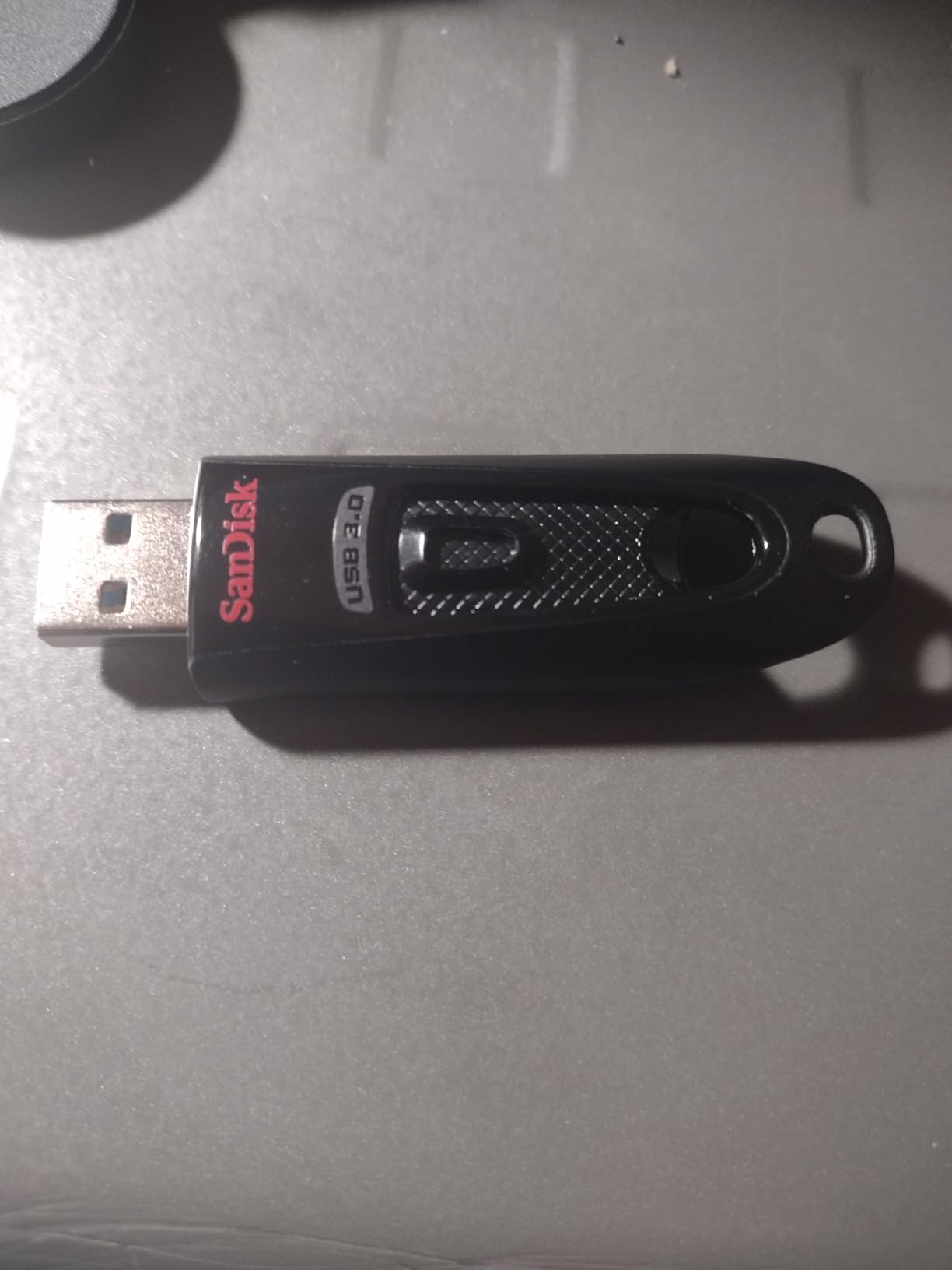
The 256GB Ultra is the drive most people already own and the one most people keep for the wrong job. At 4.6 across more than 53000 reviews it is dependable and well understood, but its specification caps read at 130MB/s, which is a third of what the BAR Plus delivers.
For archiving, where you write a folder once and pull it back rarely, that is a perfectly reasonable trade. The 5-year limited manufacturer warranty and the Secure Access password protection add trust that cheaper sticks do not offer.

It is backward compatible with USB 2.0 and USB-A only, so it works on essentially any machine made in the last fifteen years. The retractable design means no cap to lose, which is the same practical advantage as the PNY collar.
Buyers consistently describe it as good-value bulk archiving and everyday carry rather than a speed champion, and note writes that are much slower again on multi-gigabyte transfers. Expect a long copy and plan your time around it.
Is 256GB enough for a large project
For a single video project, a photo library, or a system image handoff, yes with room to spare. For a 4K shoot day of raw footage it is tight, and you will be swapping drives mid-session. If you already own one, keep it for archiving and buy a faster drive for the transfer itself.
The 130MB/s figure is a read number. Writes will be slower again once the cache is gone, so treat the spec as the best case rather than the working case.
Where it is the wrong choice
If your deadline is anywhere near tight, this is the wrong drive. Reviewers are direct that the ceiling makes it poorly suited to speed-critical large transfers, and it sits noticeably behind 400MB/s-class sticks at the same capacity.
It is also USB-A only, so on a USB-C-only machine you need an adapter every single time. If you use one machine and one port, that is a cheap fix. If you move between machines constantly, it is a daily irritation.
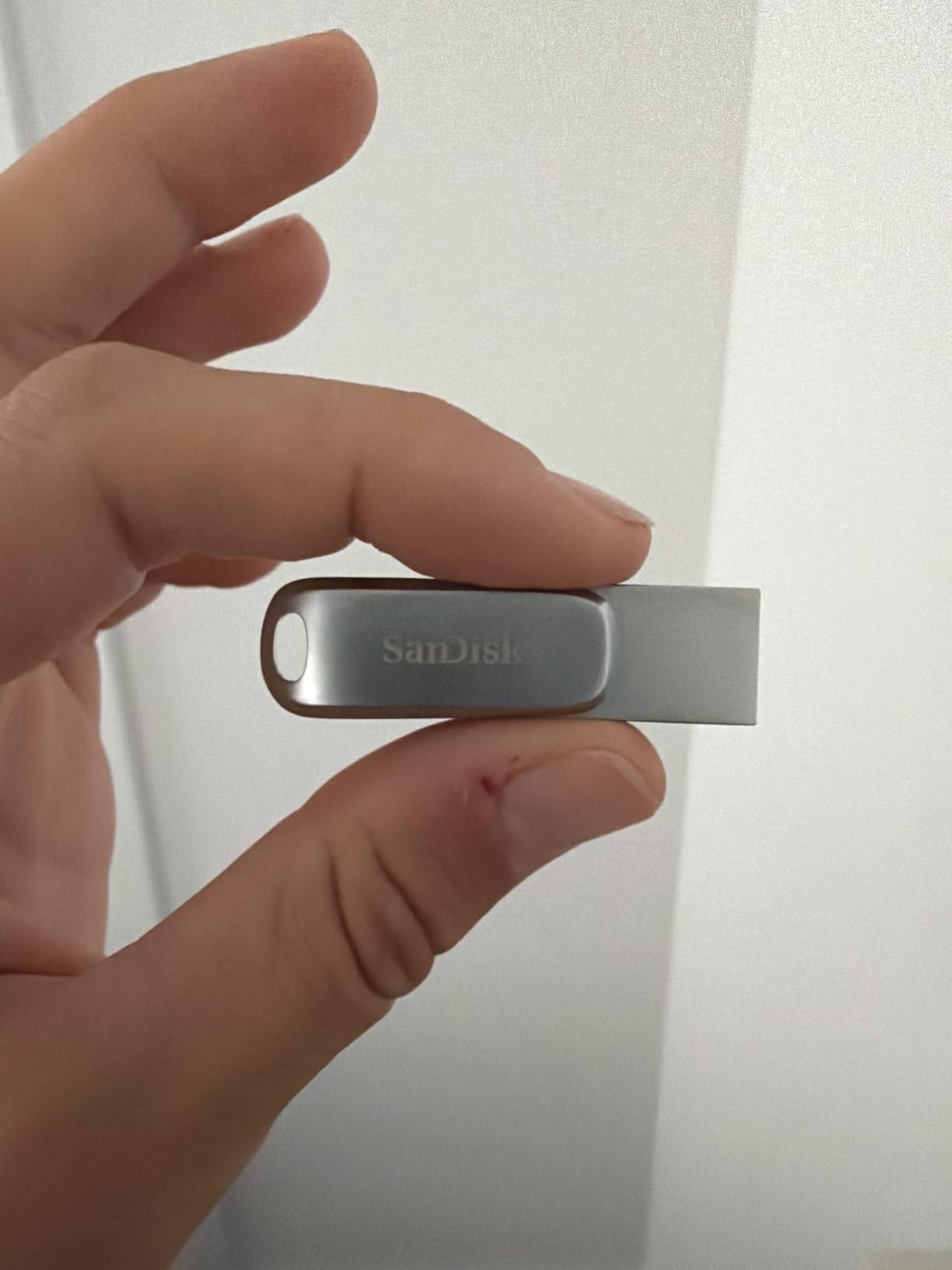
8. SanDisk 512GB Ultra Dual Drive Luxe: One Drive, Two Connectors
SANDISK 512GB Ultra Dual Drive Luxe, USB-C+USB-A, Up to 400MB/s Read Speeds
- Covers USB-C and USB-A machines in one body
- All-metal casing outlasts plastic versions
- Memory Zone app auto photo backup
- Compact enough for a keychain
- Runs very hot on large transfers
- Write around 100MB/s
- Some units ship with write caching disabled
The idea here is simple and correct: one drive that fits both a USB-C phone and a USB-A desktop, with no adapter and no second stick. In a mixed-port fleet, that is worth more than raw throughput, because adapter juggling is where transfers actually go wrong.
The Memory Zone app adds automatic phone photo backup, which turns the drive from a passive storage stick into an active offload tool. Owners praise the all-metal casing specifically for outlasting the plastic dual drives, whose USB-A end tends to crack with use.
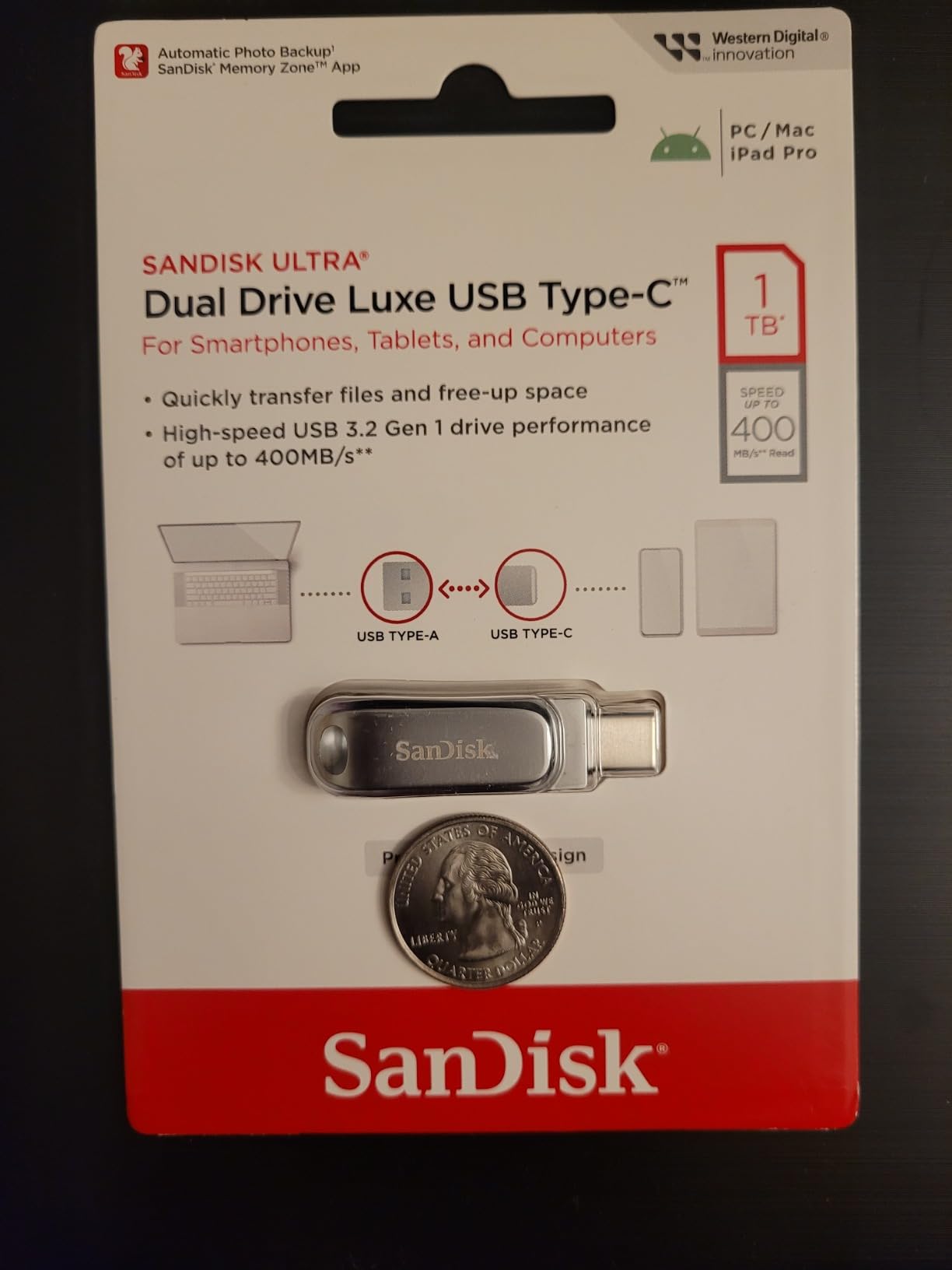
Good units read at or above the advertised 400MB/s on 5Gbps Gen 1 ports. Write performance is around 100MB/s, well under the read headline, so a 50GB copy runs roughly 8 to 9 minutes in the same territory as the BAR Plus.
Now the part you should check on arrival. A large cluster of reviews reports near-zero random write speeds, copy jobs dragging on for days, and some units shipping with write caching disabled entirely. Several long-term buyers recommend testing caching support immediately and returning the drive if it is missing.
How to test it before you rely on it
Copy a 5GB folder and watch the progress for the first 30 seconds. If it holds a steady rate instead of stalling, caching is working. Then check the filesystem, because owners report speed varying heavily with format, with APFS fast and NTFS and exFAT slower.
Format it to exFAT before the first real transfer if you plan to move between Windows and Mac. That single step removes an entire class of compatibility problems and stops the 4GB file ceiling from appearing at the worst possible moment.
Where it is the wrong choice
Heat is a near-universal complaint, described in reviews as hot enough to feel like burning. For a drive you carry in a pocket and use for backups, that combination of warmth and the caching complaints makes it a harder choice than its 4.4 average suggests.
It is also the heaviest stick here at 13.61g, which is fine but noticeable on a keyring, and at 512GB it is a lot of capacity to lose in one device if a unit does fail.
9. Lexar D40E 256GB: The Cheapest Way to Cover Two Connectors
Lexar D40E 256GB Dual USB 3.2 Gen 1 Type-C Jump Drive, Champagne Silver
- Dual connectors at a fraction of dual-drive pricing
- 360-degree swivel with no cap to lose
- 26g metal body
- 256-bit AES software included
- 100MB/s read and 80MB/s write are slow
- 9% of reviews are 1-star
- Swivel can feel loose
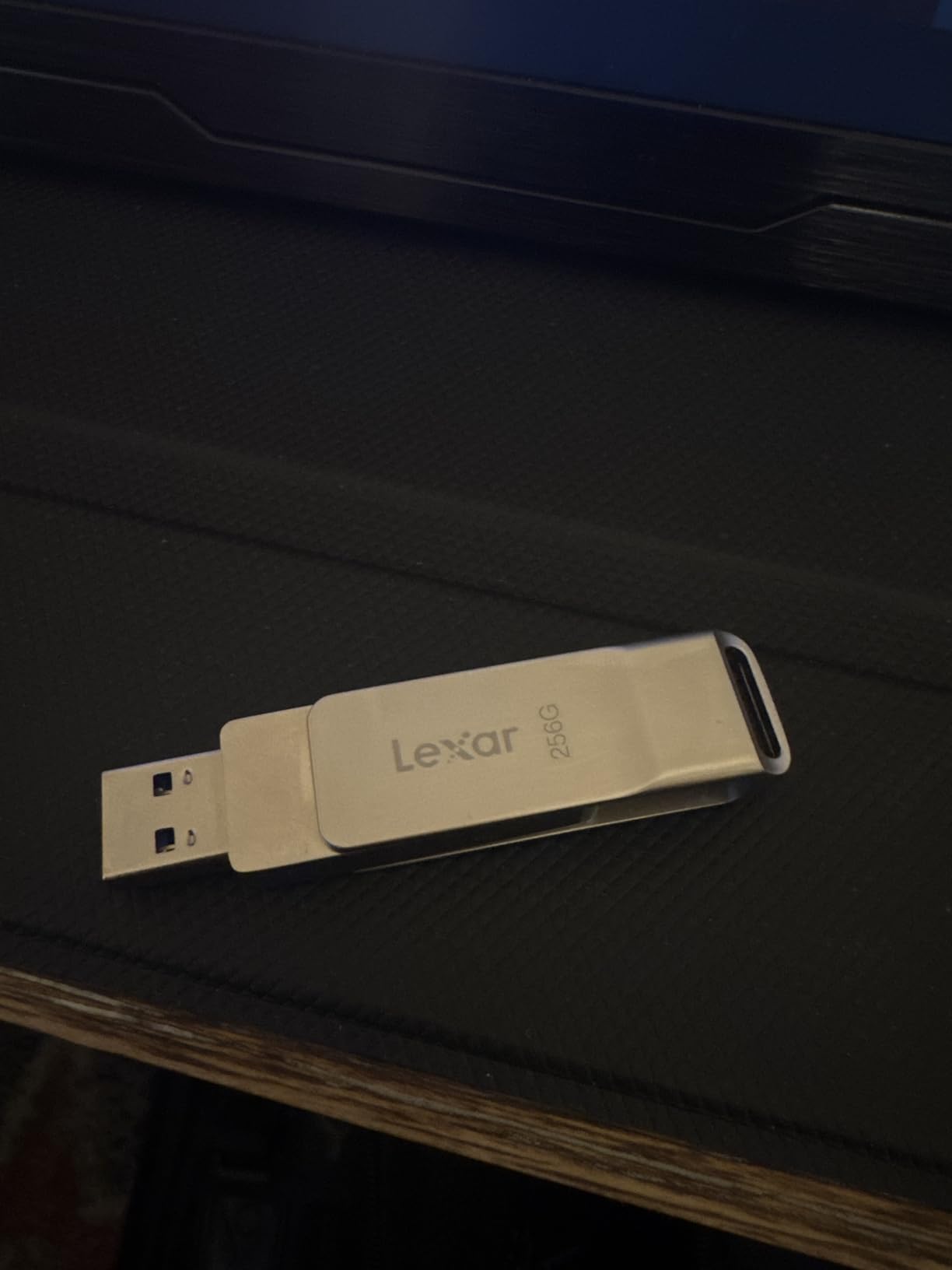
The D40E solves the same problem as the SanDisk dual drive for roughly a third of the money, which is the entire value proposition. Dual USB-A and USB-C connectors sit in a slim swivel body, and the 360-degree rotation means there is no cap to lose and no orientation to guess.
Ranked number one in its category by sales, with 10782 reviews at a 4.4 average, the feedback centres on convenience rather than speed. The metal enclosure is rated for a 0 to 50C operating range, and the drive is 26g at 70.4 by 16.9 by 11.7mm.
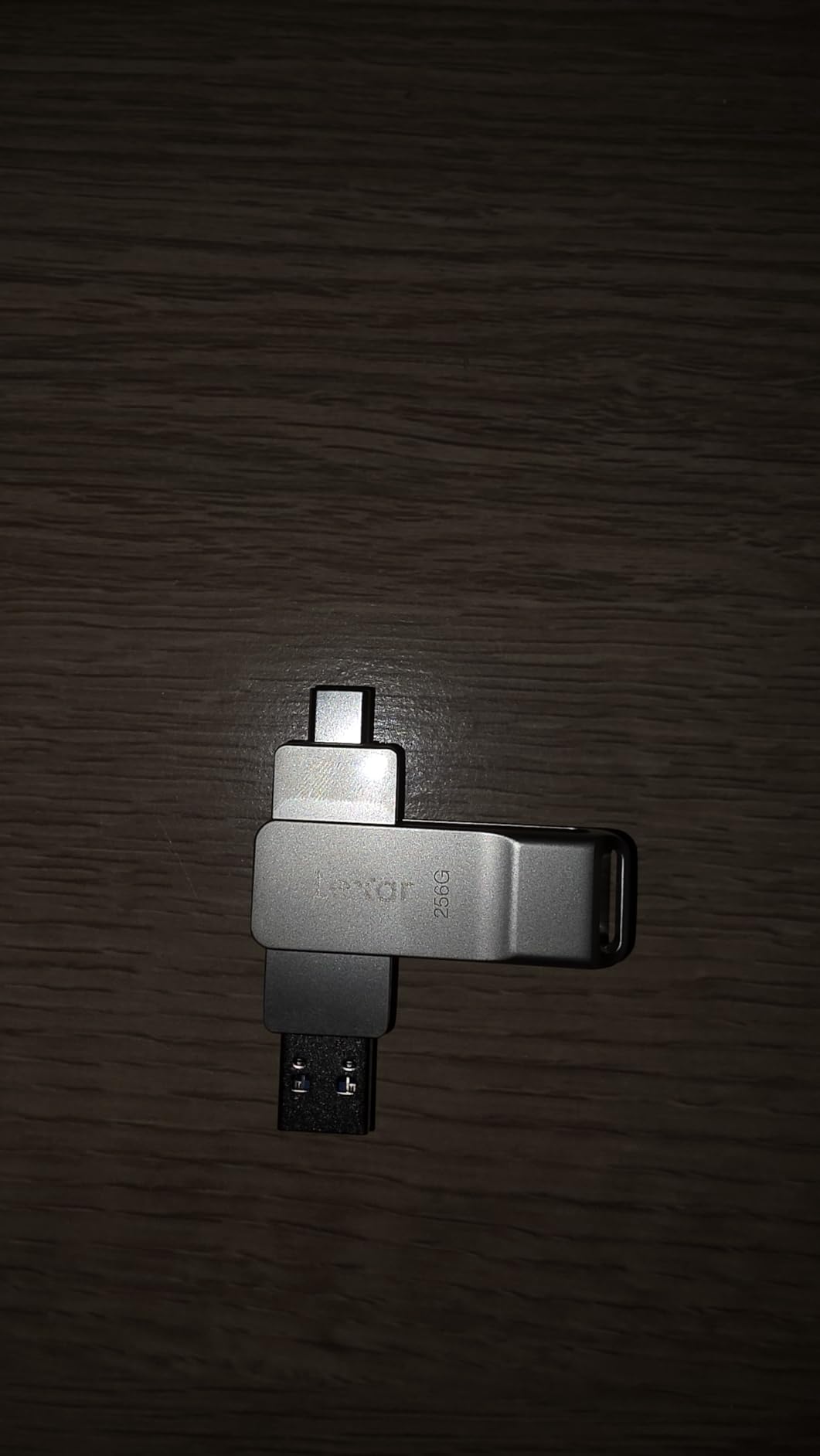
What you are trading away is throughput. The specification is 100MB/s read and 80MB/s write, and at that write rate a 50GB copy takes about 11 minutes. That is honest rather than bad, but it is not what you want the day before a deadline.
For everyday file movement, document handoffs and general carry, 80MB/s is unremarkable and completely fine. The included 256-bit AES encryption software adds a security option at no separate cost, which is unusual at this end of the market.
Is the 9% one-star share a concern
It is worth weighing. A 9% one-star share reflects a meaningful number of outright failures rather than just disappointment, and the swivel mechanism itself is reported as loose or wobbly by some owners. If you buy one, test the full capacity on day one.
Verifying real capacity is quick: fill the drive with several large files until the reported free space reaches zero, then check every file opens. Relabelled capacity listings are a recurring problem in this category, and this is the cheapest defence against one.
Where it is the wrong choice
The speed class rules it out for anything time-critical. If a 50GB payload has to move inside your lunch break, 80MB/s will not get you there and no amount of convenience compensates.
It is also USB-C here rather than a true 10Gbps port, so plugging into a modern phone gives you speed limited by the phone, not by the drive. That is a phone limitation, not a fault, but it is worth knowing before you buy.
10. Kingston DataTraveler SE9 512GB: Capacity Without Competing on Speed
- 512GB in a compact metal body
- Long-established Kingston brand
- Genuine capacity reported by buyers
- Suited to media playback
- Slowest rated drive in the roundup at 4.2
- 12% of reviews are 1-star
- Write stalls that interrupt autosaves
- USB-A only
I am including the SE9 because 512GB of bulk storage is a real need, and you should know exactly what you are getting. At 4.2 across 756 reviews it is the weakest-rated product here, with the highest one-star share in the roundup at 12%.
The capacity is genuine and several verified buyers confirm it, and the compact metal body suits a shared office or classroom stick pool where media gets played rather than edited. That is the job this drive is good at.
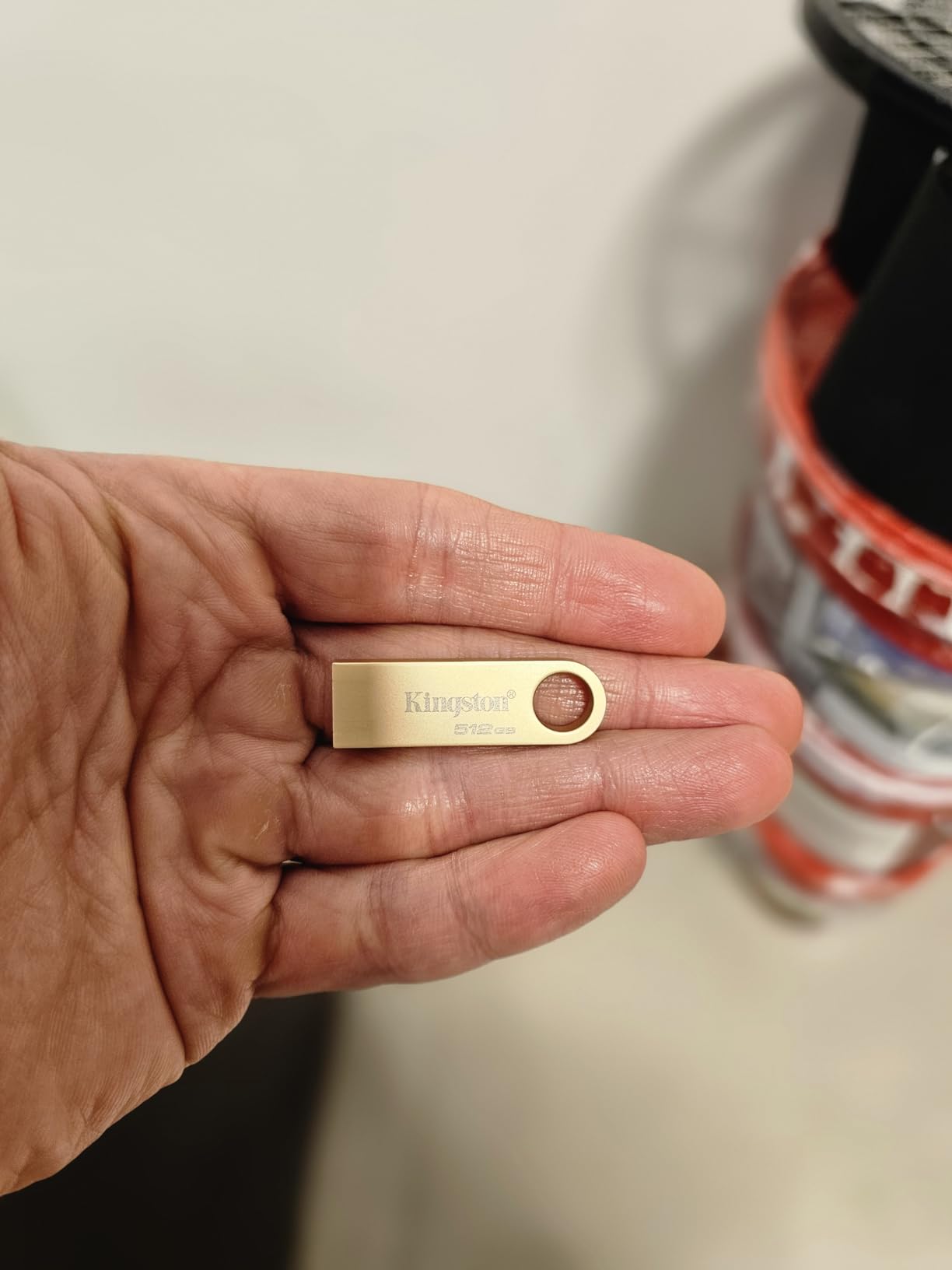
The complaints are consistent enough to summarise. Buyers report transfer speeds well below the advertised figure, some describing it as the slowest drive they have owned, and sustained large-file reads and installs staying slow because the speed boost is short-lived.
More seriously, there are reports of multi-second write hiccups that interrupt autosaves, and drives quitting writes with files that will not properly delete, which shrinks usable space over time. At least one owner reports Kingston technical support closing a case without a solution.
When 512GB of slow storage still makes sense
Shared media libraries, offline reference material, a stick that lives plugged into a kiosk or a TV, or carrying a season of video to someone with no deadline. Anywhere the read pattern is bursty and the write volume is low, the weaknesses barely surface.
It is USB-A only, with no USB-C connector, so a modern laptop means an adapter. The research tool returned no detailed speed specification for this listing, which itself is a signal that there is little performance data to compare.
Where it is the wrong choice
For any workflow where the copy is on the critical path, pick literally anything else on this list. The write stalls that interrupt autosaves are the kind of failure that loses work, not just time, and autosaves are exactly what people trust these sticks to handle.
The 12% one-star share also matters more here than elsewhere. With no detailed specification published and a shorter warranty story than the Samsung and SanDisk drives, you get less information and less protection for the same job.
How to Actually Get the Speed You Paid For
Even the best drive on this list will look slow if the port, the format or the background load is wrong. Six checks fix most disappointing transfers, and none of them require new hardware.
Use a USB 3.2 Gen 2 port if you have one. It is usually blue or teal, but that is a convention rather than a rule, so confirm in your system specifications. A Gen 1 port caps everything on this list at roughly 400MB/s no matter what the drive claims.
Check whether you are on USB 2.0. USB 2.0 tops out near 480Mbps in theory and roughly 25 to 40MB/s in practice. On a USB 2.0 port a Gen 2 drive behaves like an old stick, and community reports of USB 3.0 drives running at USB 2.0 speeds almost always come down to this.
Format to exFAT before the first copy. It handles files larger than 4GB and reads on Windows, macOS and Linux without fuss. APFS is fast on macOS but unreadable on Windows, and NTFS is slow to write from macOS.
Close background writes. A sync client indexing a photo library, a backup agent, or a cloud drive uploading the same folder will halve your throughput without you noticing.
Never yank during a copy. Use the safe eject or flush command every time. Interrupted writes are the most common source of the stalled-then-cancelled transfers people describe.
Copy in one pass, not piecemeal. A fragmented folder of thousands of small files writes far slower than one large file of the same total size, and it is the reason some transfers appear to hang.
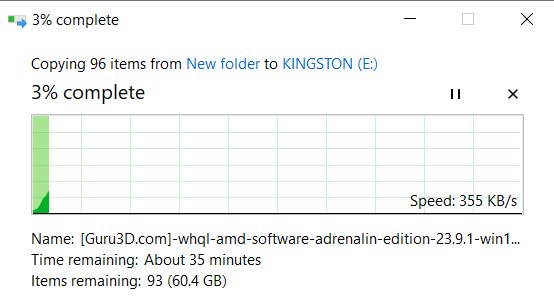
If speed still drops off mid-transfer, the cause is almost always cache exhaustion rather than a fault. Expect full speed for roughly 7 to 8GB and a slower but steady rate after that. If it drops to single-digit MB/s and stays there, check for antivirus scanning the destination and for a nearly full drive, since both throttle writes hard.
File Format: exFAT vs NTFS vs FAT32 and the 4GB Limit
If a large file refuses to copy and the error mentions file size, the cause is FAT32 and nothing else. FAT32 cannot store a single file larger than 4GB, which is exactly the size of most 4K video segments, most disk images and most modern project archives.
The fix is to reformat the drive, which destroys everything on it, so copy anything important off first. Right-click the drive in Windows, choose Format, pick exFAT, and confirm. On macOS, Disk Utility gives you the same choice.
exFAT is the right default for most people because it handles files over 4GB and works on Windows, macOS and Linux without extra software. NTFS is more robust and has journaling, which makes it the better choice for Windows-only work, but macOS can read it and cannot write to it natively. FAT32 is the only format that some older cameras, car stereos and smart TVs will accept, and it is the one that will block your large files.
One more consideration: formatting to NTFS or exFAT changes how the drive reports space and, on some dual-connector drives, how fast it writes. Owners of the SanDisk dual drive report APFS performing faster than NTFS and exFAT on the same hardware, so if you have the choice between formats on macOS and are moving huge files locally, test both.
How Big a Drive Do You Actually Need?
Sizing is less obvious than it looks, because capacity and sustained write speed trade against each other. Bigger drives spread their flash across more dies and generally carry less write headroom, which is why the community advice for maximum sustained throughput caps at 64GB. That is a real constraint, not folklore.
For a project handoff or a system image, 64GB or 128GB is enough and the smaller drive will usually write faster. For a RAW photo library, 256GB is the sensible floor. For 4K video work or carrying a day of footage, you want 512GB, and the faster drives on this list all stop at 512GB for exactly this reason.
More than 1TB in stick form is rare here, and where it exists the sustained write rate is usually the first thing to go. If your payload genuinely exceeds what a 512GB stick can hold in one pass, you are past the point where a flash drive is the right tool.
When a Flash Drive Is the Wrong Tool
A 1TB NVMe drive in a USB 3.2 enclosure has been measured reaching roughly 1000MB/s, several times faster than the best stick here, and the community consensus is that no flash drive competes once the payload gets large.
The break-even point is around 50GB. Below that, a stick wins on convenience, cost and the fact that it needs no cable and no second device. Above it, an enclosure plus a cheap NVMe drive wins on time so decisively that the stick is not worth waiting for.
Portable SSDs occupy the middle ground and are the right answer for a photographer carrying libraries between two machines. For media libraries that get rewritten daily, a forum thread measures a 38GB backup at 2 minutes 32 seconds from SSD to hard drive and 4 minutes to a USB stick, a real penalty that no spec sheet predicts.
That said, a flash drive remains the right call when the target machine has no network, when data must stay physically in your hand, or when you are handing a finished project to someone who will not connect anything to anything. For air-gapped or client work, an encrypted drive is the safer version of the same idea.
Whichever route you take, keep a second copy. Warranty covers the device and never covers data recovery, and every community thread on this topic makes the same point: a flash drive is a transfer tool, not a backup.
Buying Guide: How These 10 Were Picked
Start with the connector, because it eliminates half the list instantly. USB-A only suits desktops and older laptops. USB-C only suits modern phones, tablets and thin laptops but needs an adapter for anything older. Dual-connector drives cover a mixed fleet with one device and no cable juggling, which is why three appear here.
Next, understand the naming. USB 3.0, USB 3.1 Gen 1 and USB 3.2 Gen 1×1 are one 5Gbps spec under three labels, so treat them as identical. USB 3.2 Gen 2 at 10Gbps is the only tier that changes the ceiling, and only two drives on this list speak it.
On sustained write, use the numbers in this roundup rather than the box. Roughly 100 to 132MB/s is the realistic band for the 400MB/s read class, and the two Gen 2 drives are the only ones claiming figures above that. If a listing quotes only read speed, assume writes are lower.
On brand and warranty, SanDisk and Samsung both offer 5 years, which is the strongest protection available here. Lexar offers 3 years on the D40E and 5 on the D50E, PNY offers 2 years on the PRO Elite V3 and 1 on the Turbo Attache 3, and Kingston’s coverage on the SE9 is the least documented. None of these warranties recover data.
Finally, guard against relabelled capacity, which is a recurring trust complaint in community threads about cheap sticks. Check Windows drive properties to confirm the reported size matches what you paid for, then fill the drive with several large files until free space hits zero and confirm each one opens. If a file will not open, return it immediately.
It is also worth keeping your setup organised rather than scattered. If you are building out a desk for long transfer sessions, our picks for lateral file cabinets and metal file sets cover the storage side, while our guide to telescope motor drives covers the precision tracking equipment for field shoots. None of it matters if the drive itself cannot finish the copy.
Frequently Asked Questions
Why can’t I transfer large files to my USB stick?
The most common cause is the FAT32 format, which cannot hold a single file larger than 4GB. Reformat the drive to exFAT, which supports large files and works across Windows, macOS and Linux. A cancelled copy, a nearly full drive and antivirus scanning of the destination can also block or stall a large transfer.
Which USB flash drive has the fastest write speed?
Among mainstream sticks, sustained write lands around 100 to 132MB/s for the 400MB/s read class, with the Samsung BAR Plus and Lexar D50E near the top of that band. Two USB 3.2 Gen 2 drives on this list claim far higher: the PNY PRO Elite V3 at up to 800MB/s and the MOVE SPEED at up to 1000MB/s, both of which need a Gen 2 port.
Why does my USB transfer speed drop after a few seconds?
Almost always cache exhaustion. The drive buffers writes in a fast on-device cache and runs at full speed until that buffer fills, then drops to the raw NAND write rate. Forum reports repeatedly put the threshold at roughly 7 to 8GB of writes. It is normal behaviour, not a fault.
What is the typical write speed of a USB flash drive?
A mainstream USB 3.2 Gen 1 stick realistically writes between 30MB/s and 130MB/s once its cache is full, even when the specification quotes 400MB/s read. USB 2.0 sticks manage roughly 25 to 40MB/s. Gen 2 drives claim several hundred MB/s but need a matching port to deliver any of it.
Which flash drive is better, SanDisk or Samsung?
For large file transfers, Samsung BAR Plus leads on evidence: 12858 reviews at 4.7, a metal body rated waterproof and shockproof, and sustained writes around 100 to 120MB/s. SanDisk offers more form factors and lower-priced capacity options with longer-standing Secure Access software. Both carry 5-year warranties.
What is the best format for storing large files on a flash drive?
exFAT is the best default. It supports files larger than 4GB and is readable on Windows, macOS and Linux without extra software. NTFS is more robust with journaling and suits Windows-only use, but macOS cannot write to it natively. FAT32 is the only format older cameras and TVs accept, and it blocks any file over 4GB.
How long does it take to transfer 100GB to a USB flash drive?
At a sustained 100MB/s, a 100GB copy takes roughly 17 minutes. At 132MB/s it is about 13 minutes, and at 80MB/s around 21 minutes. A 50GB payload works out to roughly 8 minutes at 100MB/s. Gen 2 drives claiming 800MB/s would be far faster if your port and host support it.
Are flash drives being phased out?
For large transfers, largely yes. An NVMe drive in a USB 3.2 enclosure has been measured near 1000MB/s, several times any stick. Above roughly 50GB of payload, an enclosure or portable SSD is the faster tool. Flash drives remain the right choice for hand-to-hand handoff, air-gapped work and machines with no network.
Which is better, Kingston or SanDisk flash drive?
SanDisk generally wins on speed consistency and warranty, offering 5 years across its range and a strong review base. The Kingston DataTraveler SE9 here is rated 4.2 with 12% one-star reviews and reports of write stalls, so it suits bulk storage and media playback rather than speed-critical transfers.
Final Verdict: Which Drive Should You Buy?
For most people moving large files, the Samsung BAR Plus 256GB is the drive to buy. It has the deepest evidence base in this roundup, a body that survives daily carry, and measured sustained writes that beat most sticks quoting the same read speed.
For a phone or tablet offload, the Samsung Type-C 256GB removes the adapter entirely and reads near 365MB/s. For bulk storage where capacity matters more than minutes, the PNY 512GB Turbo Attache 3 gives you the most proven volume here. For a cable-free mixed fleet, the Lexar D50E stays cool under load where most rivals get hot.
If you genuinely have a USB 3.2 Gen 2 port and a 100GB payload to move, the PNY PRO Elite V3 or the MOVE SPEED are the only picks that use it, with the MOVE SPEED holding the fastest documented real-world copy at 21GB in 22 seconds. Budget for the Kingston SE9 only for storage that never sits on a deadline.
Whatever you choose, format it to exFAT first, verify the real capacity, and remember that the best USB flash drives for large file transfers are decided by what happens after the first 8GB, not by what the box promises. Updated for 2026.