
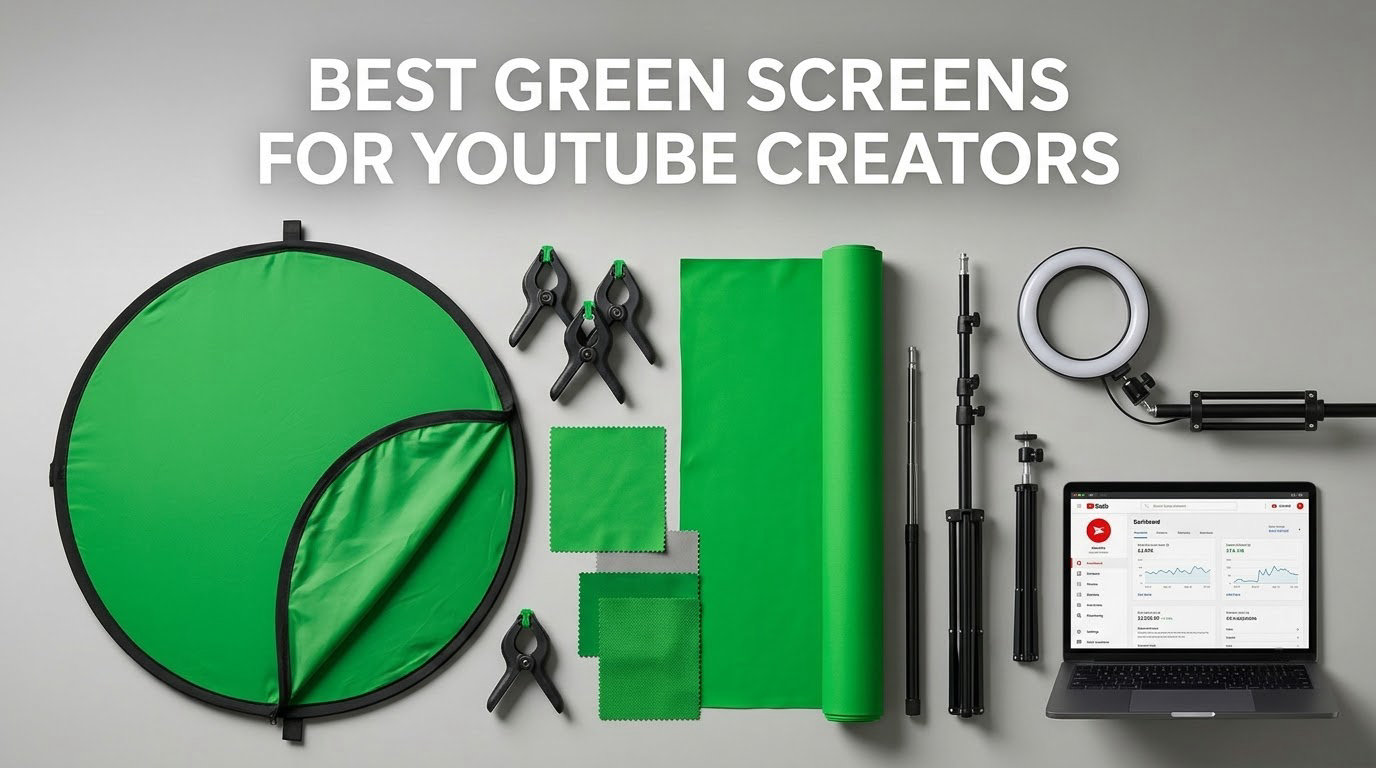
If you film in a spare room, a bedroom, or anywhere with a bookshelf you would rather not stare at while editing, a green screen is the cheapest upgrade to your YouTube picture. Chroma keying reads a flat green backdrop, removes it, and drops anything you like behind you. Pick the wrong fabric and the whole effect falls apart, so we spent this roundup comparing the 10 best green screens for YouTube creators on the details that decide whether a key looks clean.
We looked at backdrop size, fabric weight, whether a stand is included, how the thing collapses for storage, and how much light it needs. We also read what buyers actually complain about, because shipping creases and thin fabric come up far more often than the product photos suggest.
Our team has filmed against all of these screens over the past few months in the same corner of a home studio, which made it easy to swap them and compare keys side by side. Updated for 2026, and written specifically for creators posting to YouTube rather than for live streaming.
One note before we start: lighting matters more than the screen. A perfect backdrop lit badly still produces a patchy key, and that is the single most common complaint we found in creator communities. We cover the lighting protocol further down, and our picks for the room you actually shoot in are listed in the LED video lights guide and the softbox lighting kits guide.
Table of Contents
Top 3 Green Screens for YouTube Creators in 2026
These three cover the most common situations: a simple fabric backdrop with the most owner feedback behind it, a self-contained panel for small rooms, and a full kit if you want the stand in the same box.


What Is a Green Screen and How Does Chroma Keying Work?
A green screen is a flat, non-reflective green fabric backdrop hung behind you, plus software that removes it after the fact. That removal is called chroma keying, and it is what lets a bedroom look like a studio, an office, or a game menu.
Here is the mechanism in plain terms. Every pixel in your footage is compared against the green of your backdrop. Pixels that match closely are made transparent, and whatever you place on the layer underneath shows through instead. Anything that does not match stays visible, which is your face, your shirt, and your microphone.
That is why a wrinkled or unevenly lit screen breaks a key. Folded fabric produces darker green bands that do not match, and a hotspot produces a brighter patch that does not match either. Both survive the removal and show up as ugly shapes behind you.
Shade of green matters far less than most people think. Screens in this roundup all key cleanly at default settings, and a recurring question in r/streaming is whether the slightly different greens across brands cause problems. The answer from working creators is that the differences are solved inside the software. One creator even painted an entire wall with green screen paint as a permanent alternative, which is how little the colour itself matters. Light evenly and keep the screen smooth, and the green is not your problem.
Blue is the other option, and it is better in exactly one situation: if you or your subject wears green clothing or has green plants in frame. Otherwise, green remains the default because human skin separates from green more cleanly than from blue. A few YouTubers keep a double-sided screen for that reason, though none of the ten we tested shipped that way.
The 10 Best Green Screens for YouTube Creators in 2026
Every screen below is listed with its full kit contents, because roughly half of all green screens sold online are fabric only. Ordering a backdrop and then realising you also need a stand, clamps, and a crossbar is the most common buying mistake in this category.
| Product | Specifications | Action |
|---|---|---|
| Hemmotop 5x7ft Chromakey Green Screen Backdrop |
|
Check Latest Price |
| EMART 58x74in Collapsible Chroma Key Panel |
|
Check Latest Price |
 JEBUTU 5×6.5ft Green Screen Backdrop Kit with Stand JEBUTU 5×6.5ft Green Screen Backdrop Kit with Stand |
|
Check Latest Price |
 EMART 5×6.5ft Backdrop Kit with T-Shape Stand and 6 Clamps EMART 5×6.5ft Backdrop Kit with T-Shape Stand and 6 Clamps |
|
Check Latest Price |
 Hemmotop 8×7.5ft Wider Green Screen Backdrop Kit Hemmotop 8×7.5ft Wider Green Screen Backdrop Kit |
|
Check Latest Price |
 RAUBAY 78.7×82.7in Large Collapsible Green Screen Backdrop RAUBAY 78.7×82.7in Large Collapsible Green Screen Backdrop |
|
Check Latest Price |
 BEIYANG 10x20ft Green Screen Backdrop Cloth BEIYANG 10x20ft Green Screen Backdrop Cloth |
|
Check Latest Price |
 Aiuca 57in Portable Green Screen Chair Aiuca 57in Portable Green Screen Chair |
|
Check Latest Price |
 Forlogic 8×7.2ft Green Screen Backdrop Kit with Stand Forlogic 8×7.2ft Green Screen Backdrop Kit with Stand |
|
Check Latest Price |
 SHIRTAL 7x10ft Green Screen Backdrop with Wheeled Stand SHIRTAL 7x10ft Green Screen Backdrop with Wheeled Stand |
|
Check Latest Price |
If your main format is talking-head video shot with a wide-angle lens, the table lines up directly with the 8 x 7.5 ft and 8 x 7.2 ft options. If you shoot seated in a tight space, the 5 x 6.5 ft and 5 x 7 ft sizes are the ones that fit. The two collapsible panels are the exception, because their screen and stand are one object.
1. Hemmotop 5x7ft Chromakey Backdrop – Best Overall
Hemmotop Chromakey Green Screen Backdrop, 5x7ft Small Background Fabric
- Most owner feedback in the group
- Seamless one-piece laser-cut edges
- Two-sided non-reflective front
- Machine washable and ironable
- Weighs just 14.08 oz so it is easy to hang
- Stand not included
- Arrives folded with visible creases
- Thin enough to let some light through
This is the screen we kept reaching for during testing. It is a 5x7ft seamless one-piece polyester sheet, and at 14.08 ounces it is light enough to hang on a basic backdrop stand without any sag. The green is even across the whole surface, which is what you want when the keyer is sampling a narrow colour range.
Both sides are usable. The front is non-reflective so your lights do not bounce back into the lens, and the back is reflective, which is a useful trick when you need a little fill light from behind. The edges are laser-cut rather than stitched, so there is no seam line for the keyer to catch.
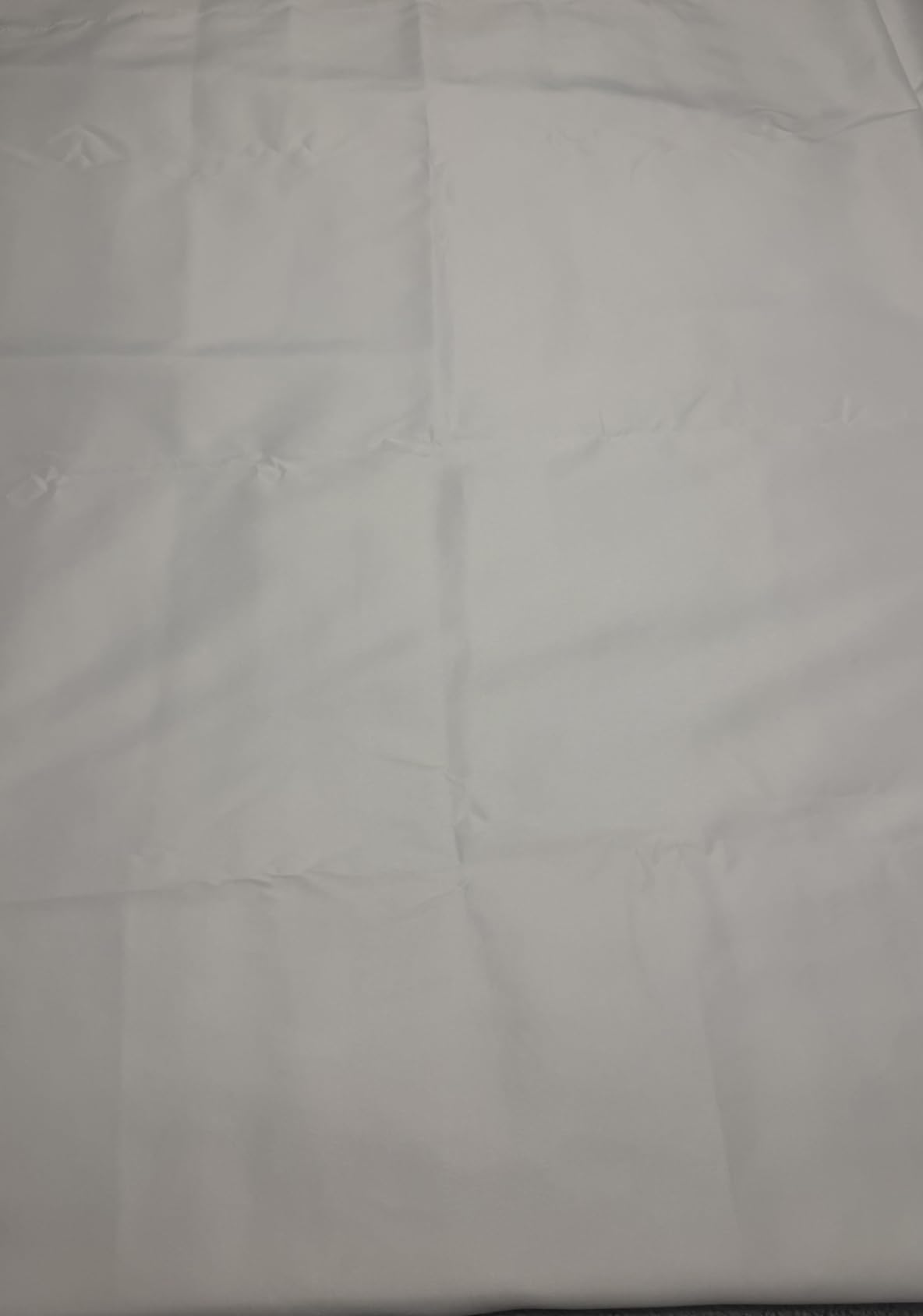
The one thing that puts people off in the first ten minutes is that the fabric arrives folded, with creases running through it. A steam iron fixes this in a few minutes and the manufacturer says so in the listing. It is a five-minute job, not a dealbreaker, and it is the same situation with every fabric-only screen in this roundup.
Reviews on this product overwhelmingly describe the same experience: good thick fabric for the money, an even green, and an easy key with no patchy areas. The 4.5 average across 4679 reviews is the largest review base in the group, which is why it is our overall pick. In studio terms, the fabric is not blackout-grade, so a bright window behind the screen will show through and confuse the key.
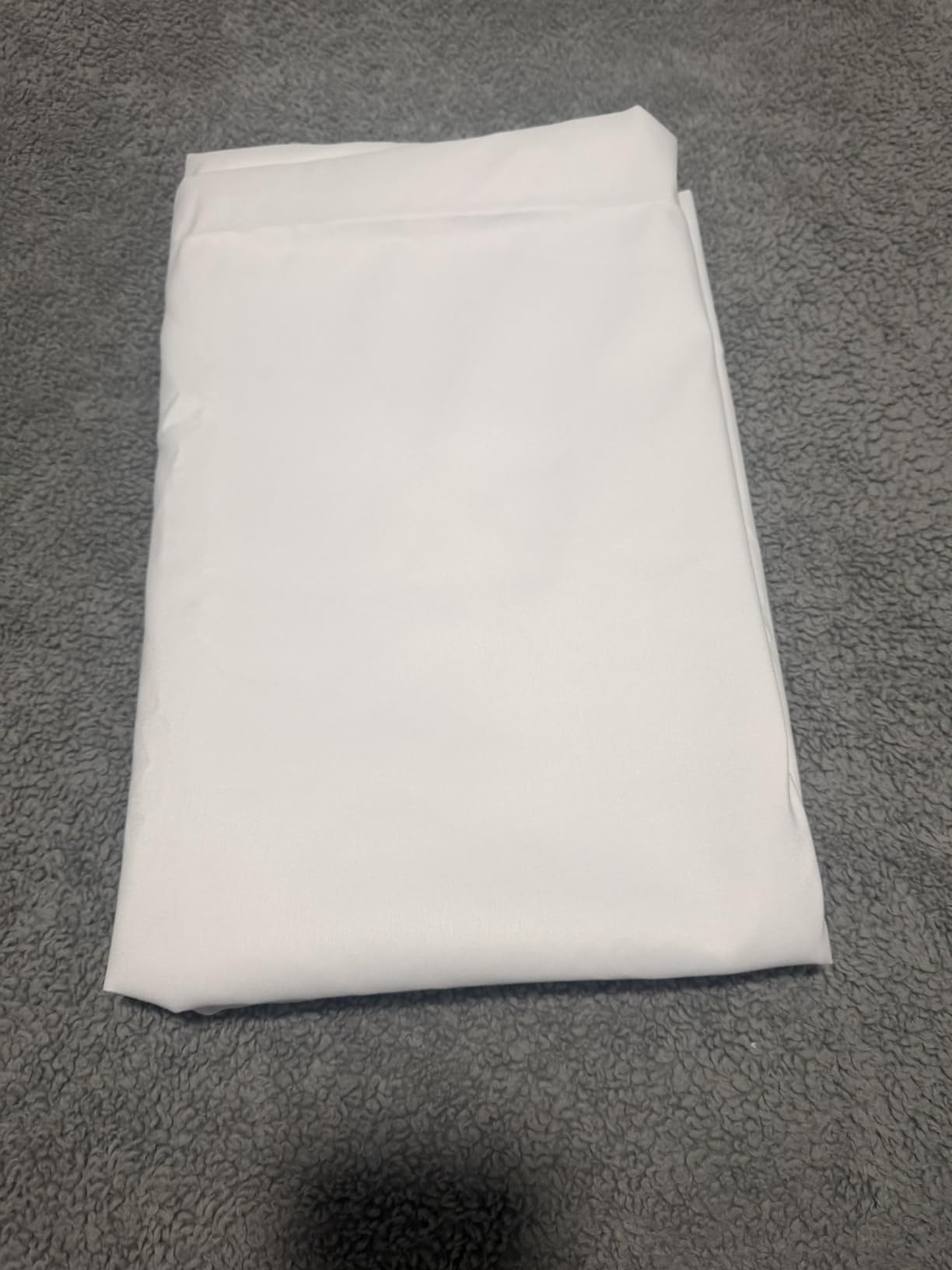
Is the fabric thin enough to show light through?
At 14 ounces it is thinner than the heavier panels in this list, and owners do report light bleeding through when the screen is stretched across a wide frame and lit strongly from the front. For a controlled home studio with curtains drawn, this is a non-issue. If you shoot in a room with a window behind the backdrop, block it first or the key will fight you.
The 5x7ft size is the sweet spot for a seated talking-head shot with a typical wide-angle webcam or mirrorless lens. It is wide enough to sit an inch or two behind your chair without your shoulders clipping the edge, and it is still light enough to fold into a drawer between sessions.
Do I need to buy a stand separately?
Yes. This is fabric only, and the rod pocket on the 5ft side is sized for a standard 1 inch pole, so almost any T-shape backdrop stand will take it. Add clamps, because the rod pocket alone will let the fabric slide and rotate if you brush past it.
Budget roughly for a stand plus two clamps on top of the screen cost. If you would rather have it all in one box, the JEBUTU kit further down ships the backdrop, stand, bag, and clips together for a similar total.
2. EMART 58x74in Collapsible Chroma Key Panel – Best for Small Rooms
- Stand
- panel
- and case in one unit
- Wrinkle-free roller surface
- One-person pop-up assembly
- Swivel-out base feet stop tipping
- Heavy at 8.89 kg and awkward for one person
- 58in width is tight for wide framing
- Reports of frame failures after months of daily use
This is a self-contained unit where the screen and the stand are the same object. You pull it out of the hard case, lift the handle, and the pneumatic X-frame locks at whatever height you need. There is no fabric to stretch, no clips to position, and nothing to wrinkle, because the screen is mounted on a roller.
That roller is the reason to choose it. Every fabric screen in this list arrives creased and needs ironing. This one comes out of the case already flat, every time, and owners filming daily report that it stays flat over months of use. For someone publishing two videos a week, that removes a recurring five-minute job from the workflow.
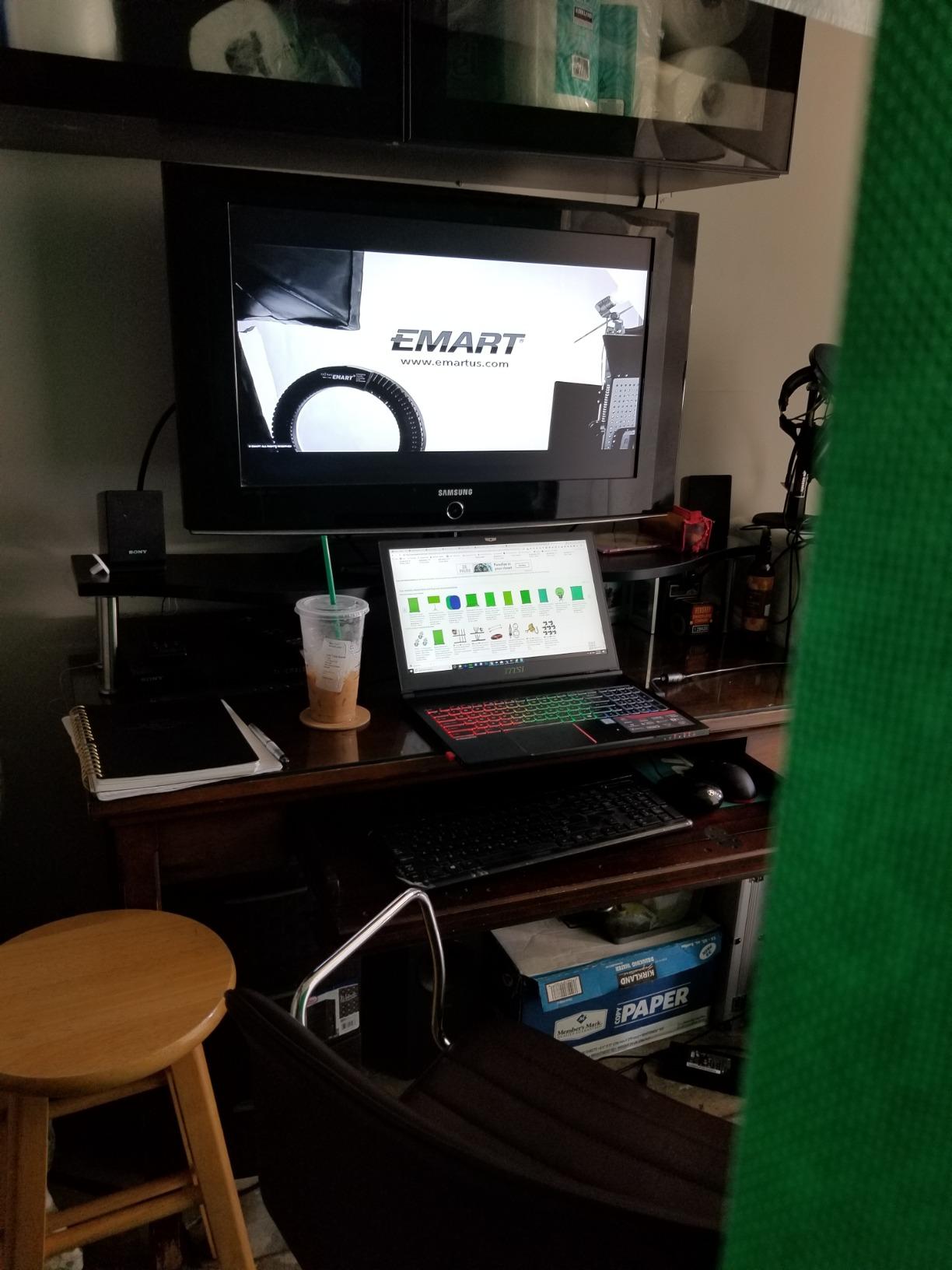
The cloth is described as wrinkle-resistant and non-shiny, and the keys come out with clean, natural edges around hair and shoulders. Several buyers mention using it for Zoom backgrounds and virtual calls, where a clean edge matters more than it does for a heavily composited talking-head shot.
At 8.89 kg it is one of the heavier items here, and moving it between rooms takes two people or a dolly. The other recurring note is width: 58 inches is enough for a single seated creator but tight once you start framing a wide-angle lens or standing up. There are isolated reports of latches and top bars failing after months of daily takedown, with replacements supplied under warranty.
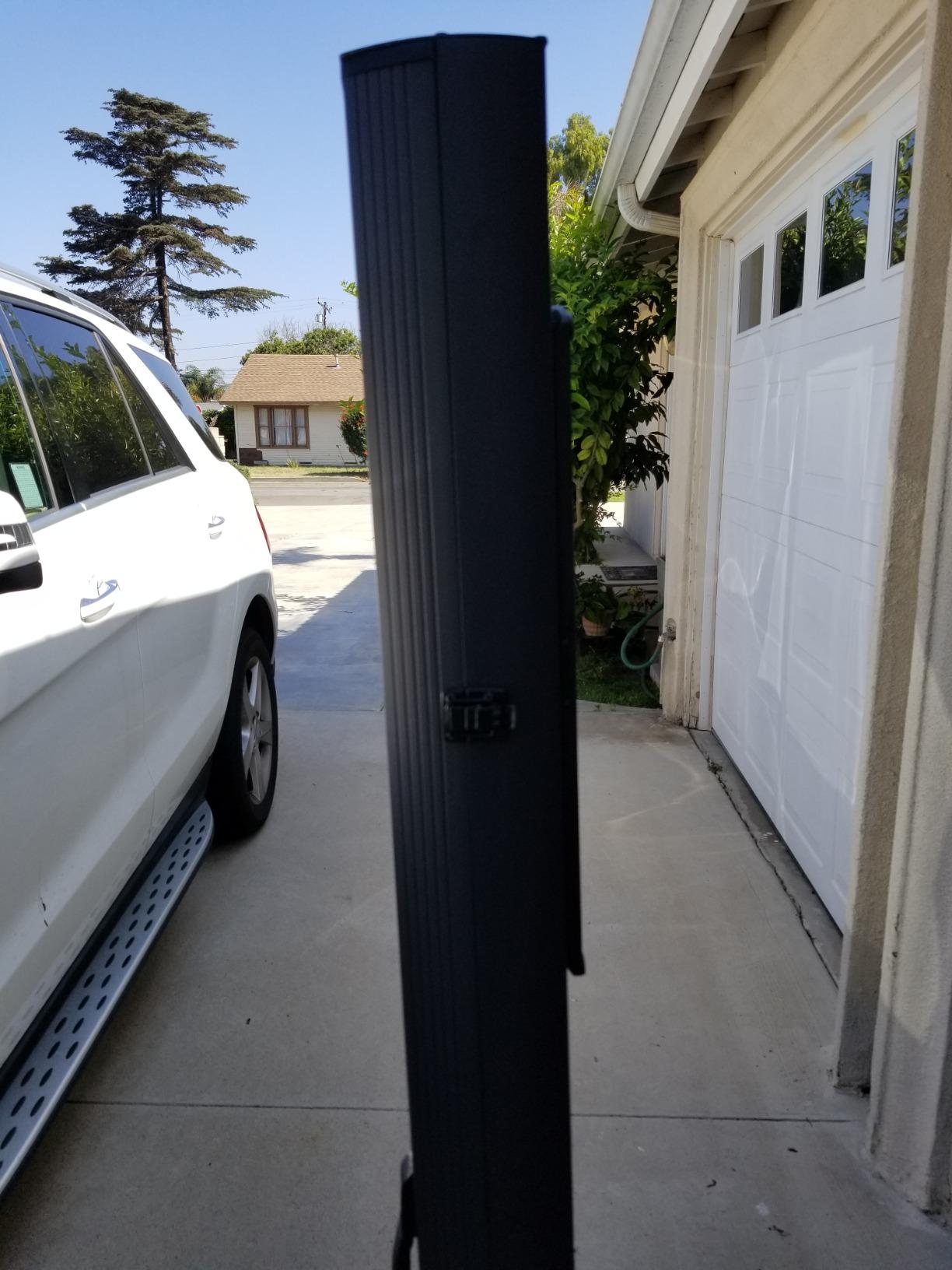
Will it fit in a small apartment or bedroom studio?
The open footprint is 58 by 74 inches, but the base is the deciding measurement. The swivel-out feet extend for stability and take up noticeably more floor than a narrow tripod, so measure the corner of the room before you commit. It retracts to 3.9 by 4.5 by 61 inches, which means it stores against a wall but does not disappear into a closet.
The benefit in a small room is that everything collapses into the one hard case. There is no separate stand leaning in a corner and no folded fabric on a shelf. If your shooting space doubles as living space, that single-bag storage is worth more than the weight costs you.
Can it handle standing-up shots and full-body framing?
Not really. The 82.7 inch height of the larger panel in this roundup exists for exactly that reason, while 74 inches leaves little headroom once you add a light stand behind the subject. Keep this panel for seated head-and-shoulders framing, which is the format it was designed for.
The X-frame locks at adjustable height, so you can raise it for a medium shot from the waist up, but the width is the harder limit. Once a subject’s elbows extend past 58 inches you are going to start clipping the edge of the screen.
3. JEBUTU 5×6.5ft Green Screen Backdrop Kit with Stand – Best Value Kit
- Backdrop and stand plus 5 clips and a bag in one box
- Aluminium stand adjusts 2.69ft to 6.5ft
- Vibrant green that keys cleanly in OBS and Zoom
- Folds small enough for a closet
- Arrives heavily creased and needs steaming
- Lightweight fabric and basic clips
- Only 5ft wide so the chair sits close
Start here if you have never set up a studio. The box contains the 5×6.5ft polyester backdrop, an aluminium T-shape stand, five backdrop clips, and a carrying bag. Nothing else needs to be ordered, and the total cost lands close to buying the Hemmotop fabric and a separate stand at the same time anyway.
The stand is the part that impressed us more than the fabric. It is aluminium alloy with a frosted finish that resists scratching, and it telescopes from about 2.69ft to 6.5ft, which covers both a low seated shot on the floor of a closet studio and a raised camera position. Reviewers routinely call it the most stable budget stand they have used.
The green is described as vibrant and seamless, and the fabric uses a polyester construction that resists abrasion and wrinkles better than cotton. It keys cleanly in OBS, Zoom, and TikTok workflows, and the colour holds up after machine washing, which matters if you shoot in a room where makeup dust settles.
The honest drawback is the clips. Five plastic clips are enough to hang the fabric but they are not enough to hold tension across a wide frame, and owners often add heavier clamps or sandbags once they set up. The fabric is also noticeably thinner than the panels, so even lighting matters more here than anywhere else in the roundup.
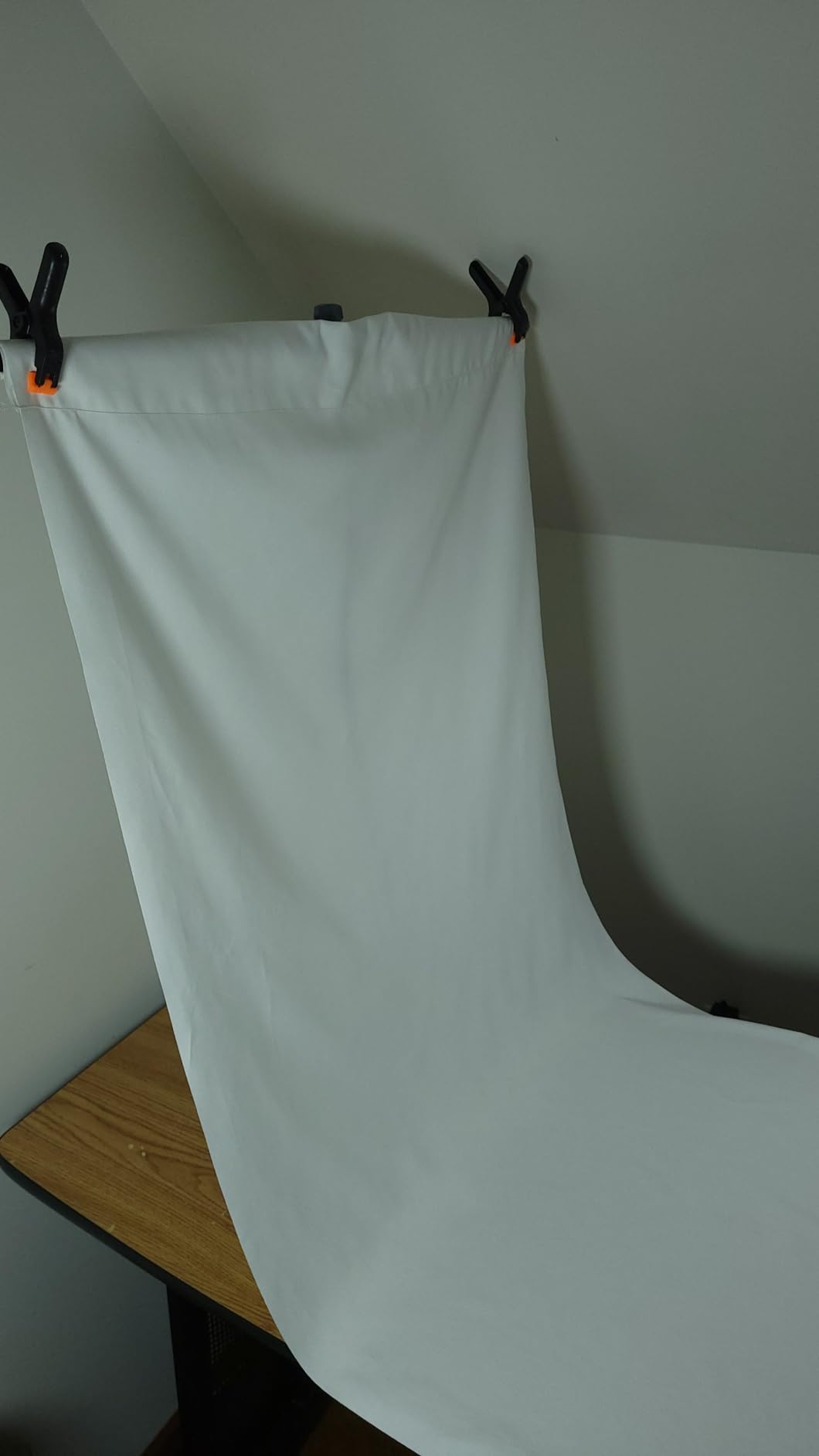
Can a beginner set this up without buying anything else?
Yes, and that is the whole point. Hang the fabric, clamp the top edge, and you are filming. The only addition we would suggest is a sandbag on each leg of the stand, because the light aluminium frame moves if you brush against it mid-take and that movement shows as a wobble in the key.
Owners also stress the fabric after washing. Smooth it out and lay it flat rather than folding it back into the bag damp, which is how most people end up with a screen that wrinkles every time they use it.
Is 5×6.5ft wide enough for a talking-head video?
For a seated creator with a normal webcam or a 35mm-equivalent lens, yes. The width is tight, and most owners end up positioning the screen maybe six inches behind the chair so their shoulders never reach the edge. If you shoot with a wide-angle lens, read the section on the wider Hemmotop 8×7.5ft kit instead.
It is worth noting that this size is the smallest we would recommend for YouTube. Anything under 5ft wide and you are constantly adjusting your chair position to stay inside the green, which looks worse in the final edit than a slightly blown-out background would.
4. EMART 5×6.5ft Backdrop Kit with T-Shape Stand and 6 Clamps – Best for Tabletop Setups
Emart 5×6.5ft Green Screen Backdrop Kit with T-Shape Stand and 6 Clamps
- Reverse-folding base gives a wider footprint than a tripod
- Stand works at full and low height
- Carry bag included
- Six spring clamps
- Wrinkle-resistant washable cloth
- Fabric may need low-temperature ironing after storage
- Cloth quality is functional rather than premium
- Reverse-fold legs need careful handling
The stand here uses a reverse-folding base rather than a normal tripod, and that single design choice is the reason to pick it. The legs fold backwards, so the footprint is wider and lower. In practice it stays put when you walk past it, which a narrow tripod of the same height will not do.
It also works at two different heights. With the telescopic pole fitted the stand runs from 4ft to 6.5ft. Remove that pole and the same stand adjusts from 2.7ft to 5.1ft, which is the range you want for overhead tabletop shots, product videos, and flat-lay b-roll where the camera points straight down.
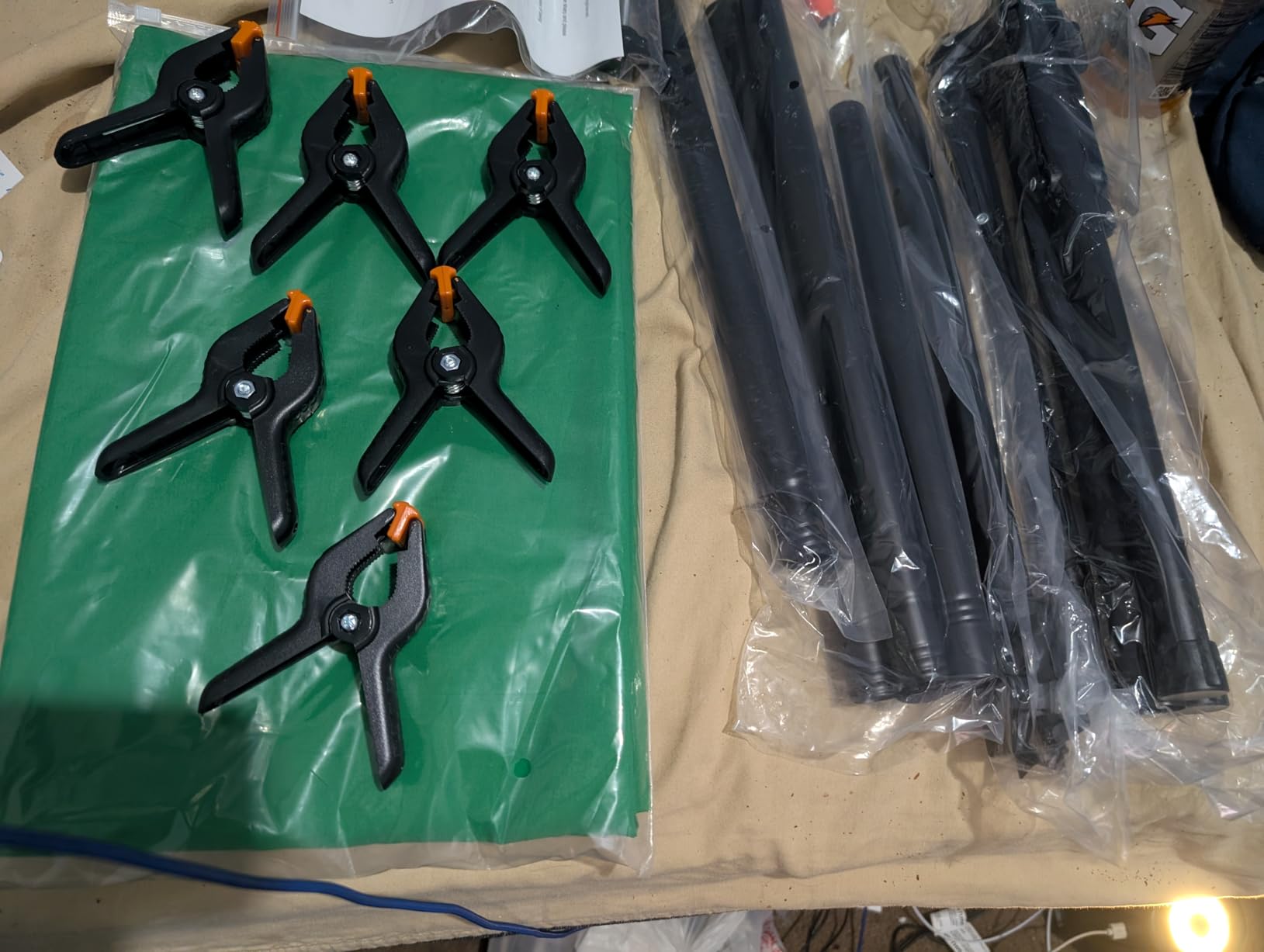
The crossbar is 1.5m long and split into four sections joined by internal rope, so it assembles without tools and packs down in order. Six spring clamps come in the box, which is one more than most kits of this size supply and enough to hold tension across the fabric without bowing it.
Where it falls short is cloth quality. The polyester is functional, wrinkle-resistant, and machine washable, and it does the job for chroma key work. But reviewers comparing it against dedicated studio screens describe it as basic, and the fabric sometimes needs a low-temperature iron after a period in the carry bag.
Is this kit usable for overhead and tabletop video?
It is one of the few kits here that genuinely is. The low-height range of 2.7ft to 5.1ft puts the crossbar below eye level, so you can mount a camera on a boom arm above the surface and shoot straight down with the screen behind the product. That is how most cooking, craft, and unboxing channels shoot their insert shots.
Watch the width limit though. A 5x7ft sheet gives you about 5ft of usable horizontal space, which covers a single product or a small workspace. A full workbench or a person standing at a counter will not fit inside it.
How does the reverse-folding base compare with a tripod?
It is noticeably more stable and slightly more awkward to fold. Owners warn that the legs need to be handled in a particular order or the sections will not nest, which is a minor annoyance once you learn it and a genuine nuisance the first few times. In exchange you get a footprint that does not drift mid-take.
For a permanent corner setup this is the better base. For a kit you carry to a different room every week, the simpler telescoping tripod in the JEBUTU kit collapses faster and is easier to sort out in a hurry.
5. Hemmotop 8×7.5ft Wider Green Screen Backdrop Kit – Best for Wide-Angle Framing
Hemmotop Wider Green Screen Backdrop with Stand, 8×7.5ft Background Kit
- Covers 8x7.5ft with room to spare
- Five height settings and three widths from one stand
- Two-sided seamless polyester
- Spring clamps with grippy removable pads
- Carry case and manual included
- Arrives creased and needs steaming
- Thinner and less opaque than studio panels
- Needs careful clamp placement to avoid bowing
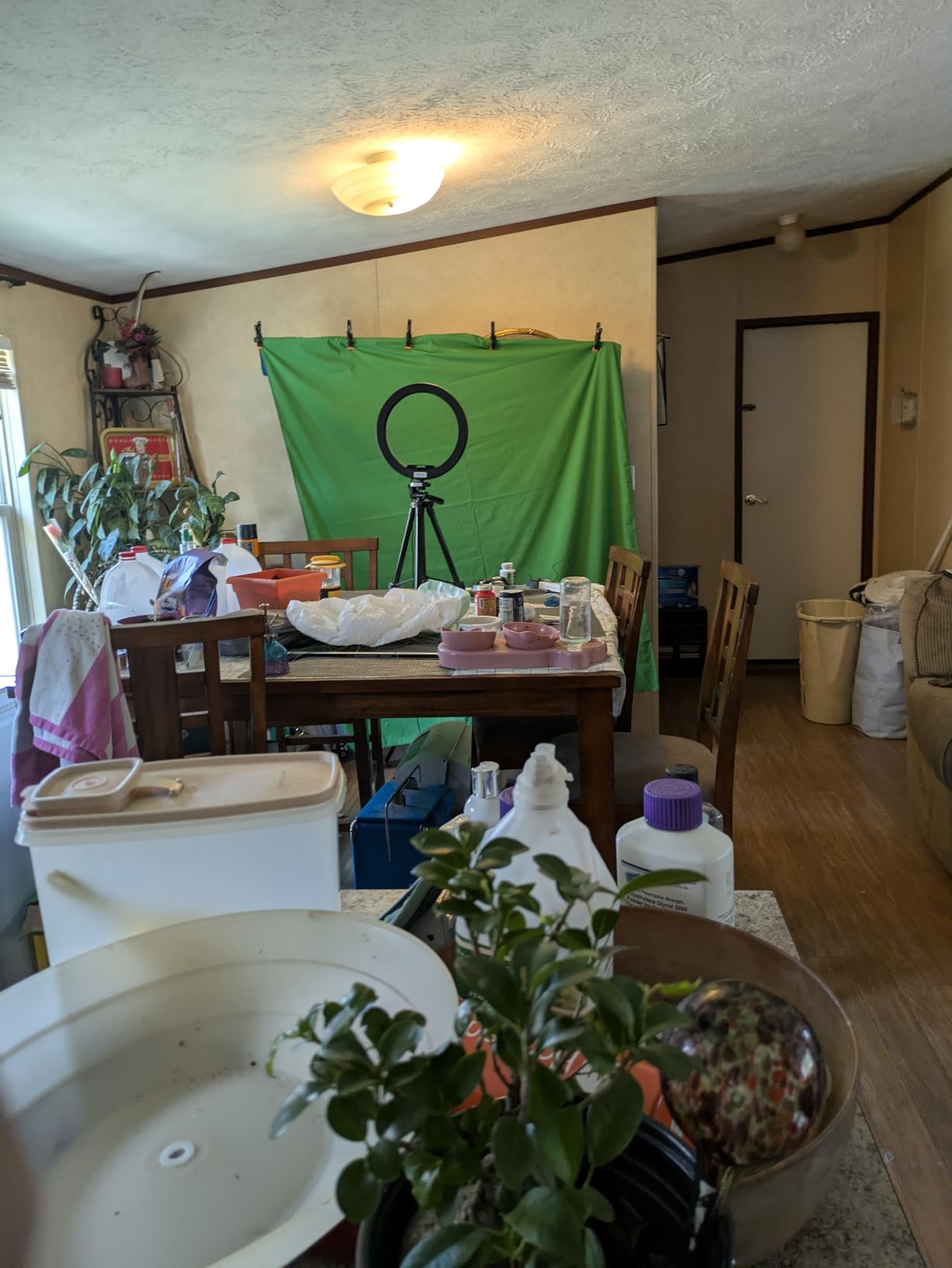
This is the kit to buy if you film with a wide-angle lens. At 8×7.5ft it is wide enough to sit a metre or more behind the subject and still fill frame, which is exactly the geometry a 16mm or 24mm lens needs. A 5ft screen with a wide lens means you sit close to the fabric, and that proximity is where green spill and shadows appear.
The stand is unusually flexible. It has five support rods that create five height positions from 3.1ft up to 8ft, plus three width options reaching 7.5ft. That means the same stand covers a low seated shot, a standard talking-head position, and a raised camera angle without buying a second piece of hardware.
The fabric is seamless one-piece polyester with a non-reflective front and reflective back, and the edges are laser-cut to resist fraying. The five spring clamps have grippy removable pads that hold the fabric securely in any direction, and the orange pads detach and rotate, so you can match the grip to the weave of the cloth.
The catch is fabric weight. Owners consistently note it is thinner and less opaque than the premium collapsible panels in this roundup. That is fine under even light, but if you light the backdrop strongly it will glow, and a glowing screen keys unevenly. Plan on softer, more diffused light rather than a bare panel pointed at the fabric.
Do I need a wide screen for a wide-angle lens?
Yes, this is the single clearest reason to move up a size. A wide lens exaggerates the distance between the subject and the edges of frame, so a 5ft screen forces you to sit close enough that the frame corners fall outside the green. When the keyer runs out of green to sample, you get a hard edge in the corner of the shot.
The trade-off is that a bigger screen needs more light to cover evenly. Creators in r/VideoEditing working with large backdrops report running four to five fixtures, far beyond what any budget kit supplies. Budget for that separately, and read our softbox kit roundup before you buy the backdrop.
Will it store in an apartment between shoots?
Yes, with a caveat. The stand and the backdrop both collapse and go into the included carry case, which is the main reason this kit is easier to live with than its 8ft size suggests. The case is bulky, but it fits in a closet corner or behind a sofa, and assembly does not require tools.
Wrinkle management is the other thing to plan for. Because the fabric is thin, the clamp spacing matters: too far apart and the cloth bows between clips, and that bow catches a different shade of green than the flat areas. Six-inch spacing is roughly the sweet spot.
6. RAUBAY 78.7×82.7in Large Collapsible Green Screen Backdrop – Best for Two-Person Shots
【Wider Style】 RAUBAY 78.7 x 82.7in Large Collapsible Green Screen Backdrop
- Fits two people side by side
- Highest average rating in the group
- Wrinkle-resistant fabric with good resilience
- Collapses into a hard case
- Sets up in seconds
- Heavy at 10.02 kg and awkward to move alone
- Large footprint for a small room
- Most expensive of the ten
This panel scores the highest average rating of the ten, at 4.7 across 1390 reviews, and the reason is size. At 78.7 by 82.7 inches with a 16:9-friendly aspect ratio, it comfortably holds two people side by side. If you shoot interviews, reaction videos, or a co-host format, none of the other screens here give you the room to work.
Like the EMART panel, it is a self-contained unit with a built-in frame and a roller screen, so there is no fabric to stretch and nothing to wrinkle. Setup is described as a few steps: flatten the legs, lift the handle to the right height, and it locks. Then it retracts into the hard case for storage.
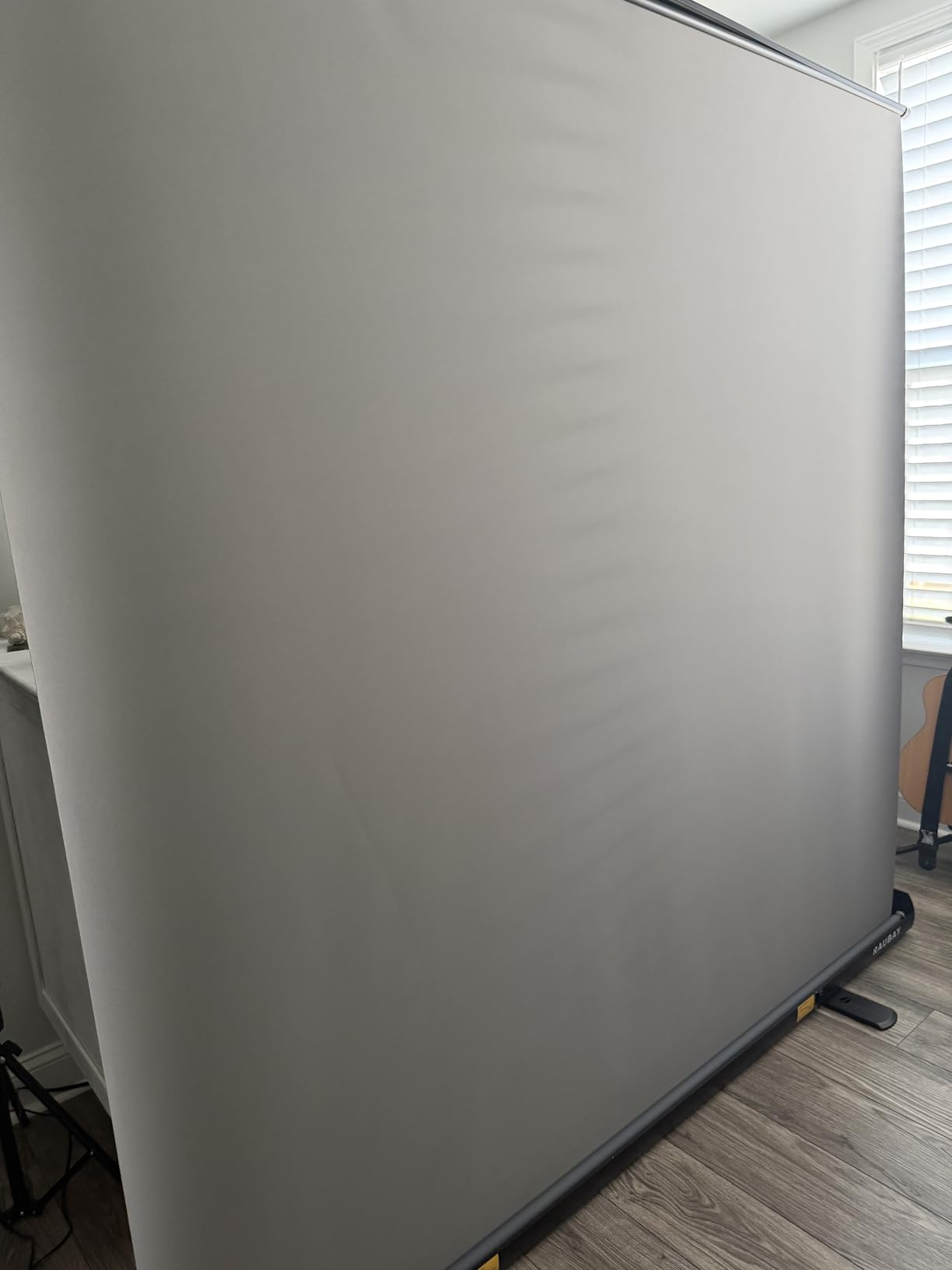
The fabric is a composite polyester chosen for resilience, and it holds its shape through repeated use rather than going slack. The listed compatibility covers cameras, smartphones, computers, and streaming platforms, and the 1920 x 1080 capture resolution suits standard HD YouTube delivery without downscaling.
Weight is the real cost. At 10.02 kg it is the heaviest unit in the roundup, and owners moving it between rooms describe it as a two-person job. The footprint is also substantial. This is a screen for a room you commit to filming in, not one you set up in the corner of a living room twice a week.
Is 78.7 inches enough for two people?
Enough for two people seated or standing close together, which covers the standard podcast and interview framing. Give each subject roughly 39 inches of width, and you have comfortable shoulder clearance with a little margin. A wider shot with both subjects at arm span will not fit.
Height at 82.7 inches also handles a medium shot from the thighs up, which most creators prefer over a tight head-and-shoulders crop because it leaves room for hand gestures. For a full-body shot with both subjects standing, you would still need the 10x20ft cloth in this roundup.
Who should skip this and choose something smaller?
Skip it if you film alone, shoot Shorts in portrait, or work in a small room. A 57 inch chair screen or a 5×6.5ft fabric kit will produce the same clean key for a single seated creator, and you will not have to move 10 kg of frame to change rooms.
The value of this panel is entirely about the second person and the working room. If you are not filming with someone else, you are paying for width you will never frame, and one of the fabric kits below will serve the same video at a fraction of the bulk.
7. BEIYANG 10x20ft Green Screen Backdrop Cloth – Best for Full-Body Work
- Covers 10x20ft of surface
- Non-reflective finish keys without hotspots
- Wrinkles less than cotton and restores easily
- Weighs just 4.8 lb
- Machine washable without fading
- Stand not included
- Massive overkill for product or tabletop shots
- Not blackout grade so light can pass through
Ten by twenty feet is a studio backdrop, not a webcam backdrop. If your YouTube channel involves full-body demonstrations, dance, fitness instruction, or anything where you move around the frame, this is the screen that will keep up. Nothing else here covers that much floor area with a consistent colour.
At 4.8 pounds it is remarkably light for its size, which means one stand can hold it if you use two poles to spread the weight. The fabric is a high-density opaque polyester chosen specifically because it wrinkles less than cotton and recovers more easily, and it is machine washable on a gentle cycle without fading across multiple washes.
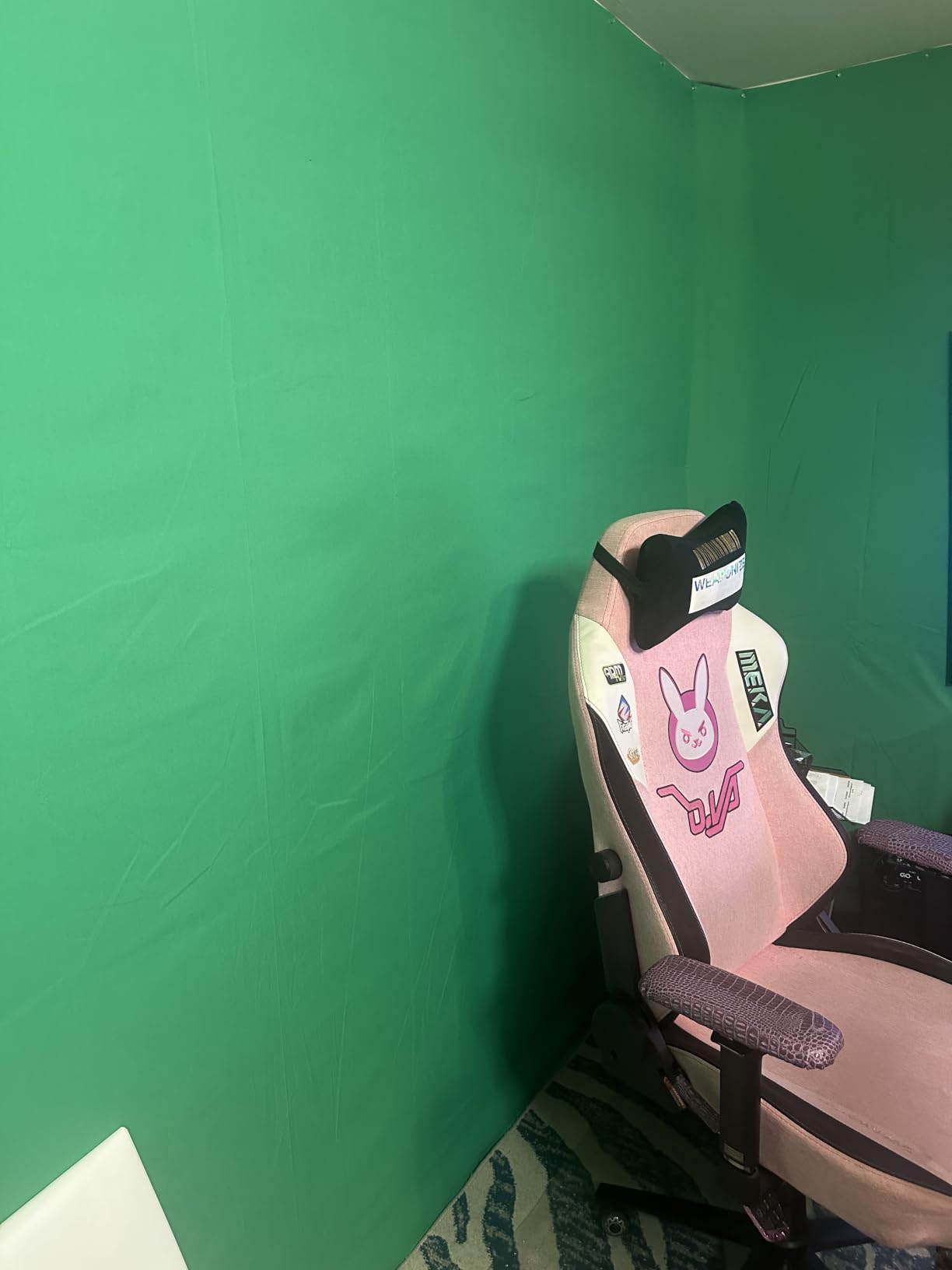
The surface is non-reflective by fabrication rather than coating, which is why reviewers note it keys cleanly without hot spots. That matters most on a surface this large, because a shiny fabric will show you a bright patch wherever your key light hits it and the key will break exactly there.
Two practical warnings. The stand is not included, and hanging 10x20ft properly needs either a pair of stands or a purpose-built backdrop system. Also, opaque is not blackout: light from behind will still bleed through, so this needs a controlled room with the windows covered.
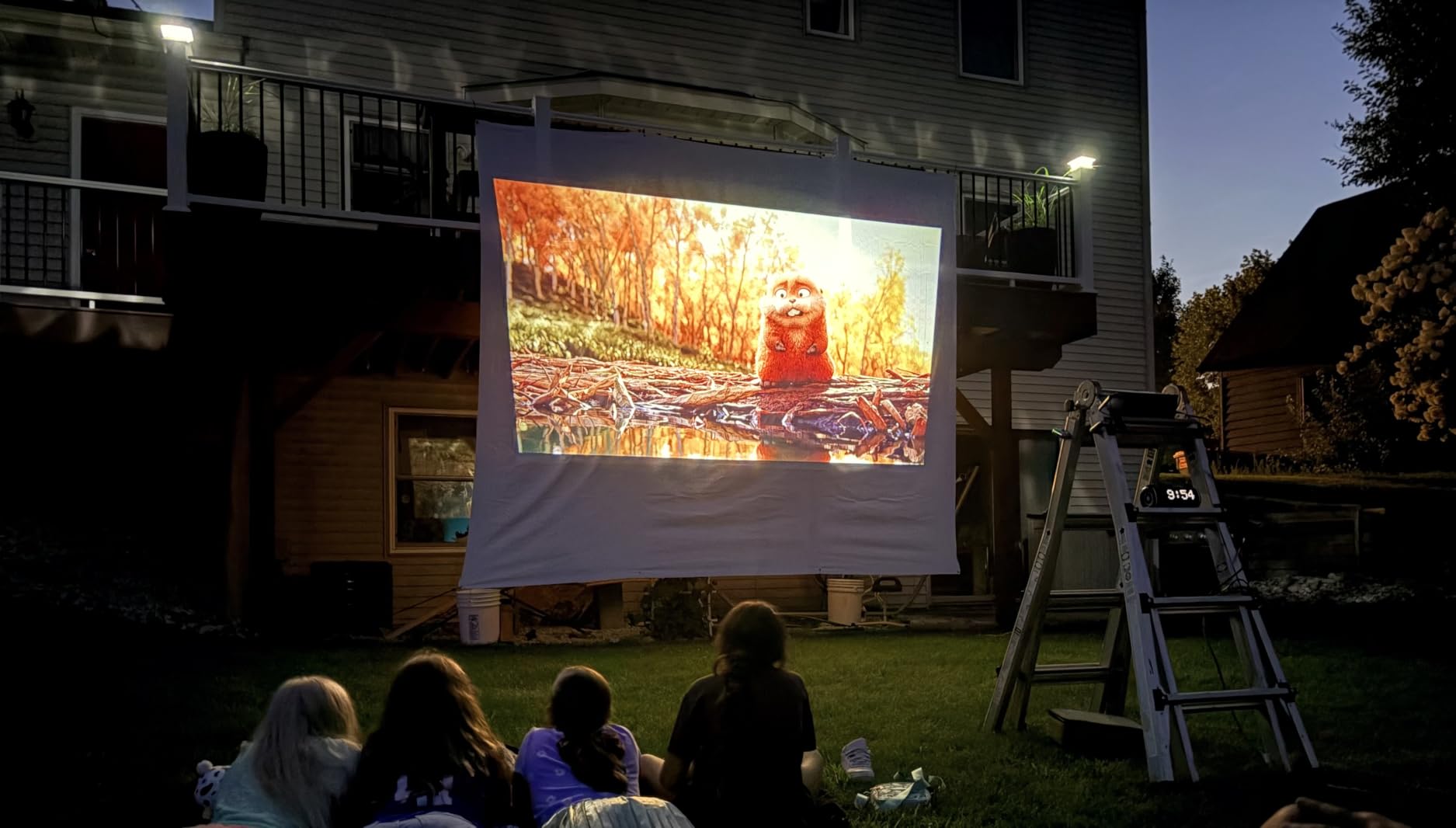
When is a 10x20ft screen actually the right call?
When the subject moves. Talking-head creators can get away with 5×6.5ft because they stay in one spot. Once you are demonstrating something, walking to a whiteboard, or filming a full-body movement, you need green behind every position the subject can reach, and that is a floor-plus-wall problem rather than a wall problem.
It is also the right call for floor sweeps, where you want the green to continue across the ground plane for a seamless composite. A backdrop that stops at the skirting board forces you to cut your feet out in post, which looks amateurish.
Is a huge backdrop overkill for a small creator?
Usually, yes. Photographers working small products complain that a 10x20ft sheet is far larger than they need, and the same applies to a YouTuber shooting head-and-shoulders from a desk. The material is not expensive; the storage and the two-stand rig are the real overhead.
Our honest guidance is to check the room before buying. If you cannot hang the full width without a ceiling or a wall run, buy a size you can actually deploy. A screen you leave rolled in a corner because it is awkward will not make any of your videos look better.
8. Aiuca 57in Portable Green Screen Chair – Best for Travel and Rentals
- Folds to 19in and fits the included bag
- No tools or complicated assembly
- Cotton can be re-flattened with a steamer
- Weighs just 16 oz
- Circular shape gives an even centred background
- Seated head-and-shoulders framing only
- Spring steel frame collapses fast if released
- Cotton picks up light and colour casts more than polyester
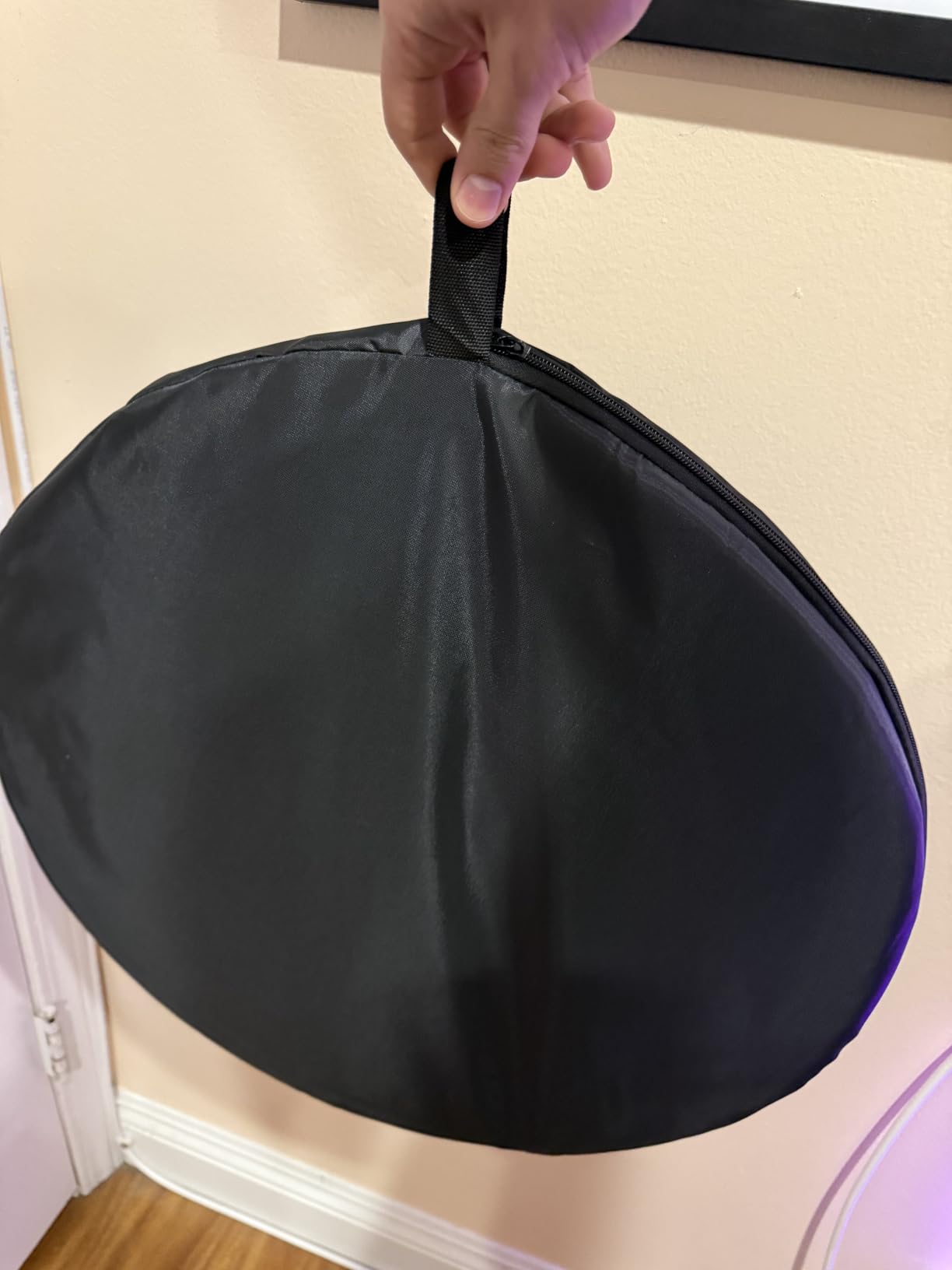
This one is genuinely different. Instead of a stand, it is a 57 inch circular green screen with a folding steel ring that hangs directly behind your chair. Setup takes seconds because there is nothing to assemble. You unfold the ring, hook it over the back of the chair, and you are filming.
That design makes it the screen here you can genuinely travel with. At 16 ounces it weighs almost nothing, and it folds down to a 19 inch diameter that fits the included carrying bag. If you film at a different location for each video, or you rent a room rather than owning a studio, that portability outweighs the size limits.
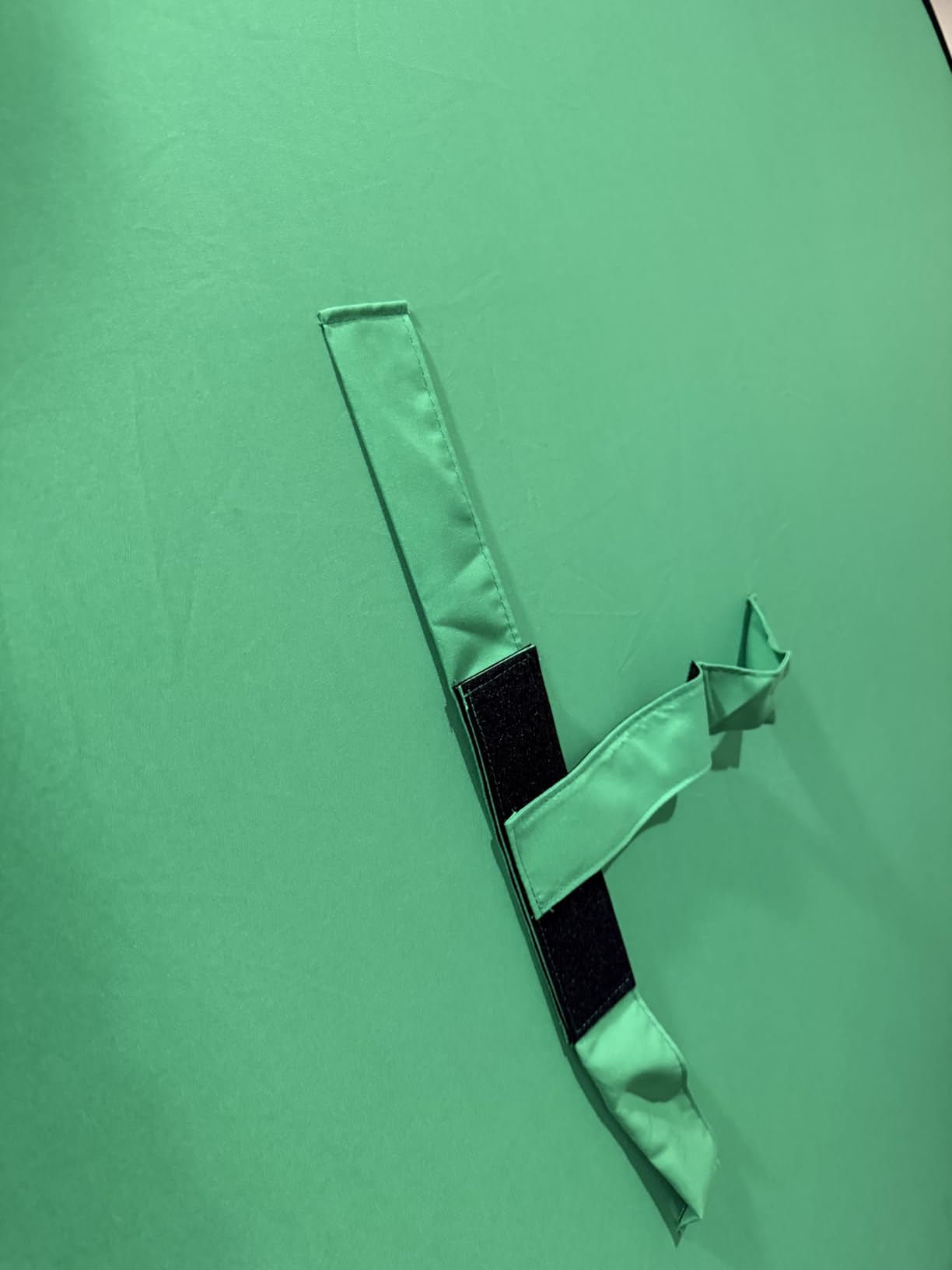
The material is pure cotton, and the manufacturer makes a fair argument for it: cotton can be re-flattened with a low-temperature iron or a garment steamer far more effectively than polyester, which is a real advantage if the screen gets creased in a car boot. The fold-and-roll design also keeps it free of the shipping creases that plague the fabric kits above.
The safety note is worth repeating. The outer ring is a spring steel frame that collapses very quickly if you let go of it. The listing says to hold the frame and unfold it slowly. Several owners mention this as a genuine pinch hazard, so treat it with the same respect you would give a collapsible stroller.
Is a chair-mounted screen accurate enough for YouTube?
For a seated talking-head video, yes. The circular 57 inch screen surrounds the subject from behind, so the background behind your shoulders and head is consistently green with no wide edges to worry about. It is a simple, forgiving setup that works well for tutorials, course videos, and calls.
Where it stops is any shot that is not seated and centred. A circular 57 inch screen cannot cover a full-body standing shot, and it cannot sit behind a wide-angle lens close up. Its 4.1 average is the lowest here, and the size ceiling is the main reason.
How does cotton compare with polyester for keying?
Polyester is the better keying fabric, and the review data reflects it. Cotton is more absorbent, so it picks up room light and colour casts more readily, and it shows a weave texture under strong light. Cotton’s advantage is forgiveness: it irons flat again, and it stays flat in a bag.
If you have cotton, light it gently and evenly rather than brightly. If you are choosing between fabrics from scratch and your lighting is not perfectly controlled, polyester is the safer purchase.
9. Forlogic 8×7.2ft Green Screen Backdrop Kit with Stand – Best Complete Kit
- Carry bag plus 6 spring clamps and a sand bag
- Elastic-cord tubes assemble in seconds
- Aluminium stand adjusts 5.3ft to 7.8ft
- Two-year warranty is the longest here
- Fabric arrives folded and needs ironing
- Bigger footprint than a simple backdrop
- Only 192 reviews so less owner feedback
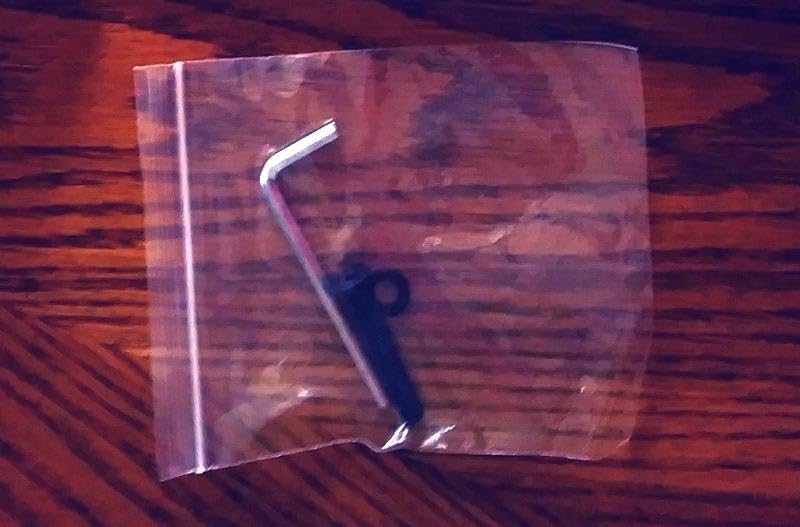
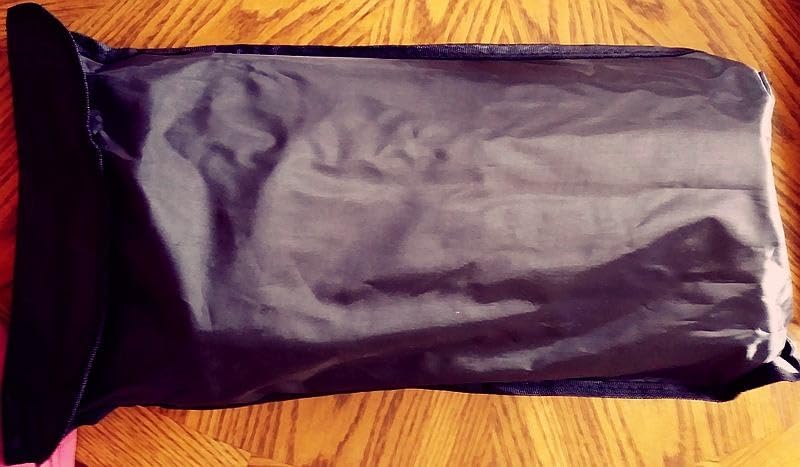
This is the kit where the box contents genuinely surprise you. Alongside the 8×7.2ft backdrop and the aluminium stand, you get six spring clamps, a carry bag, and a sand bag. That sand bag is the item most kits leave out, and it is the fastest way to stop a light stand drifting out of frame.
The stand is high-strength aluminium alloy, adjustable from 5.3ft to 7.8ft, which is a narrower range than some competing kits but covers the standard talking-head camera height well. The tubes are connected by internal elastic cords, so assembly and disassembly take seconds rather than the ten minutes of building a frame from separate lengths.
The fabric is lightweight, wrinkle-resistant, non-reflective, and machine washable and ironable. Edges are reinforced to resist tearing, which matters more than it sounds on a wide screen where the fabric is under tension at every clip point. It is a 16:9-friendly shape that suits standard YouTube delivery.
Two honest notes. The 192-review count is the second thinnest feedback base in the roundup, so there is less long-term evidence that it holds up over years. And the 8×7.2ft size needs real floor space plus enough light coverage to avoid uneven brightness across the surface.
Is the two-year warranty worth anything in practice?
It is the longest stated warranty in this roundup, and it matters most for the stand hardware, which is the part most likely to fail. Springs, clamps, and telescoping locks wear out long before fabric does, and a two-year cover means you are not replacing a whole kit because one catch broke.
It is also a reasonable proxy for how the manufacturer expects the product to be used. A company comfortable warrantying aluminium stand hardware for two years is generally confident about its own joint quality.
Does the wider size need more lighting?
Yes, and this is the practical caveat for anyone choosing an 8ft screen. Wider does not mean the light spreads further. You need enough fixtures to cover the full width evenly, and creators working at this scale report using several lights positioned as cross lights with fills.
If your lighting budget is one or two lights, an 8ft screen will show the shortfall immediately. Either budget for more light or step down to a 5×6.5ft kit, which one or two diffused fixtures can cover properly.
10. SHIRTAL 7x10ft Green Screen Backdrop with Wheeled Stand – Best for a Movable Studio
- Wheeled base with brakes makes a heavy frame movable
- Clip-and-elastic edge keeps fabric taut and flat
- Low footprint compared with a tripod
- Frosted thickened pipes resist scratching
- Storage bag and assembly gloves included
- Consumes real floor space
- Clips are stiff on the hands
- Assembly and disassembly is tedious
- Hand wash only
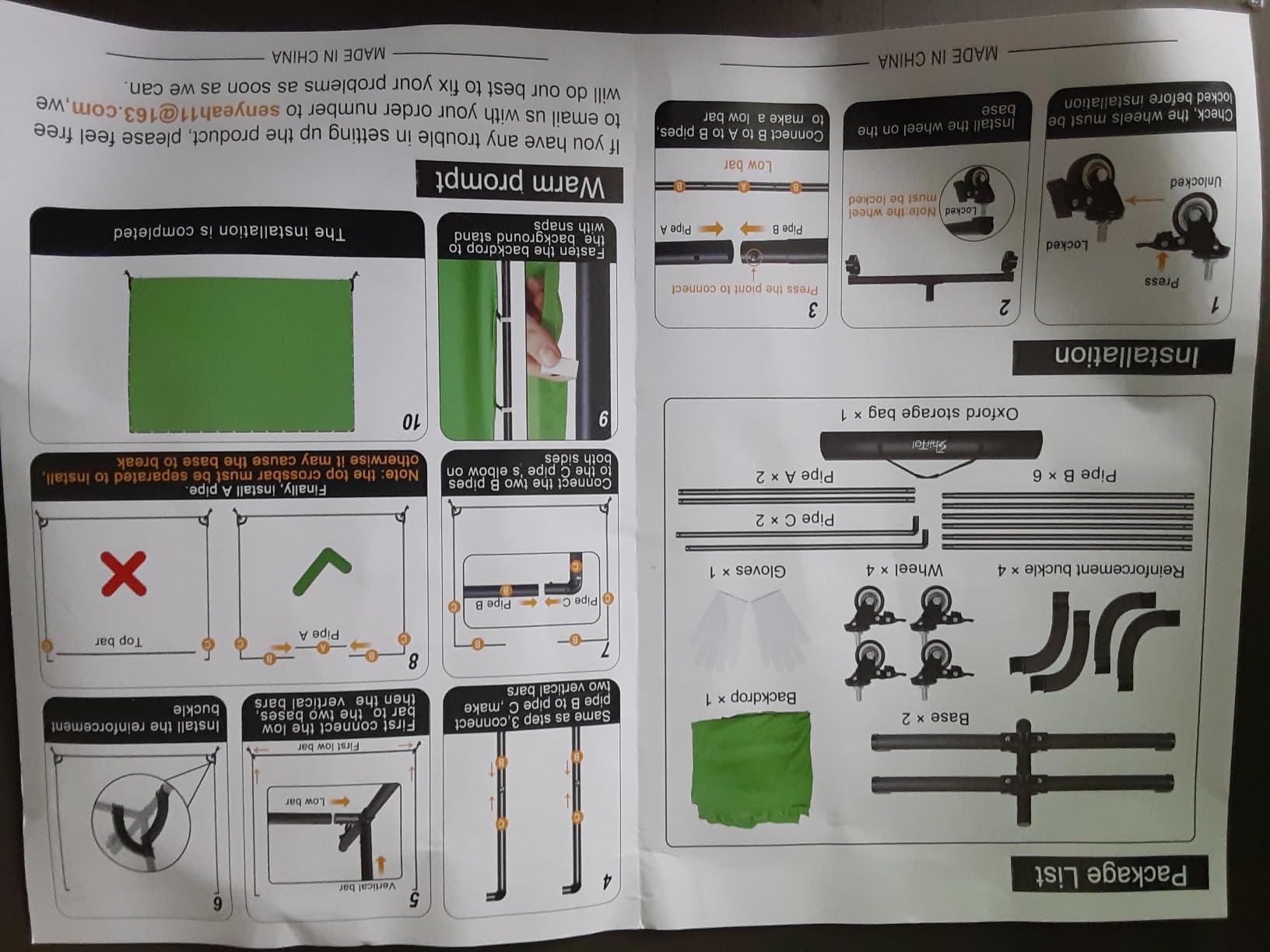
The defining feature here is the wheeled base. A 7x10ft screen needs a large frame, and a frame that large is genuinely awkward to drag across a room. This one sits on locking caster wheels, so you roll it into position, set the brakes, and it stays there. A horizontal bar near the bottom adds stability that a tripod cannot offer at this width.
The fabric is held by a clip-and-elastic perimeter rather than individual clamps along a crossbar. That tension system is why owners report almost no wrinkles, which is a meaningful improvement over a fabric kit where the sheet can bow between clamp points. The 100 percent polyester is non-reflective, washable by hand, foldable, and ironable.
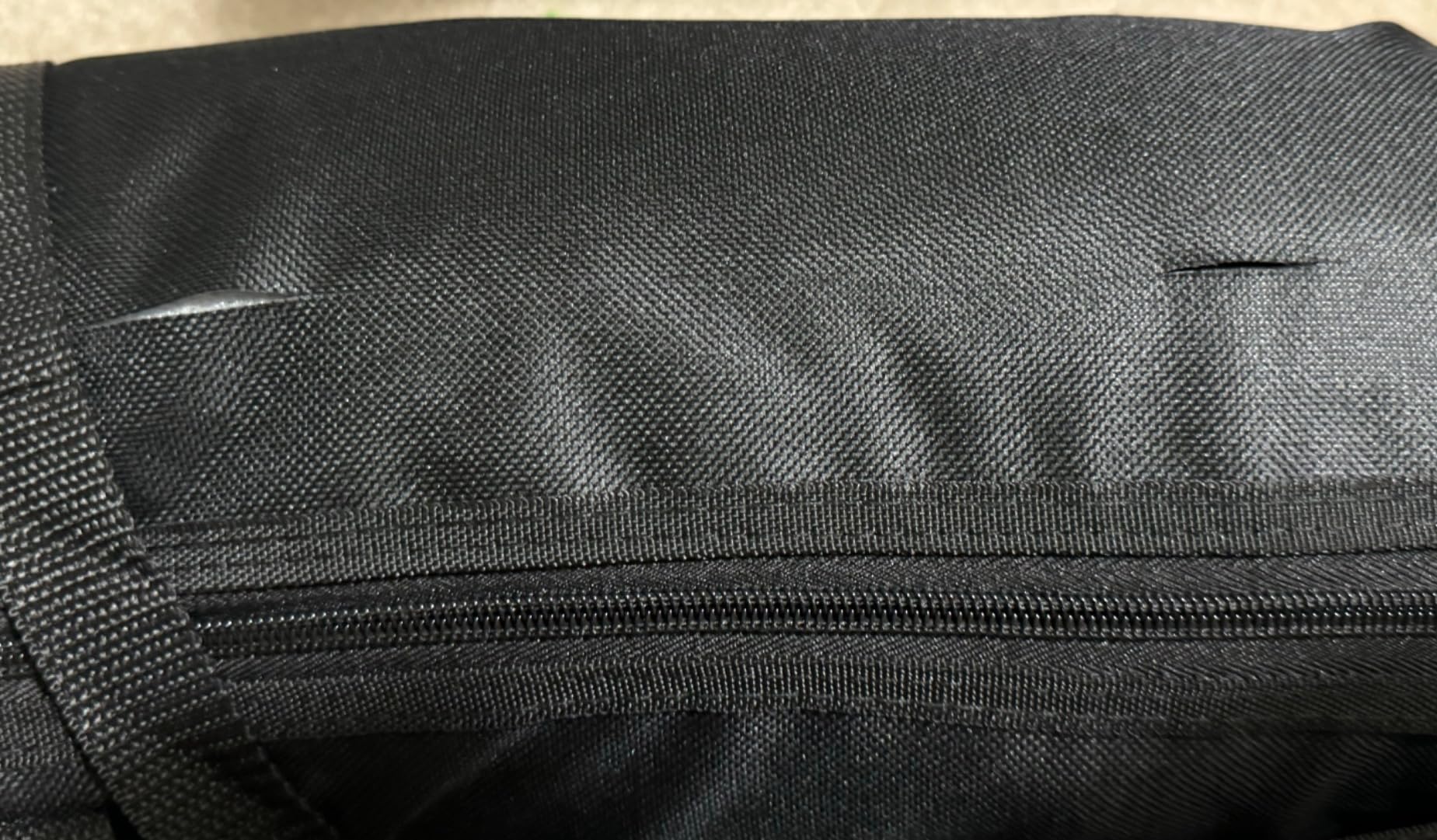
Build quality details are better than the rating suggests. The pipes use a frosted finish rather than plating, which resists scratching, and the walls are thickened for load-bearing. Detachable reinforced buckles stiffen the frame, and the package includes locking casters, a storage bag, and a pair of assembly gloves. Assembly takes roughly ten minutes with labelled parts.
The honest drawbacks are space and fiddliness. The frame occupies real floor area, the whole unit does not fit back in the bag once the wheels stay attached, and owners report the edge clips are hard to remove and can strain the hands. There is also one report of a used unit sold as new, so inspect the frame on arrival.
Is a wheeled base actually better than a tripod?
For a large screen, yes. A tripod wide enough to hold a 10ft crossbar needs long legs, and long legs either footprint the whole room or sag in the middle. A wheeled base with a bottom stability bar spreads the load differently and takes up less of your walking space, which owners specifically call out as a benefit in a small studio.
It only helps if you actually move the thing. If your screen lives in one corner permanently, the casters are simply added weight and one more set of parts to assemble.
How does the clip-and-elastic tension compare with clamps?
It wins on wrinkle control, because tension runs around the whole perimeter rather than in isolated points. That is why this screen holds flat even after being folded, while clamped fabric bows between attachment points. The trade-off is that the clips are harder to work with and the fabric has to be attached in a specific order.
For long-form YouTube where you are not moving the rig, wrinkle-free beats quick-release. For fast setups, a kit with spring clamps is faster in and out.
How to Light a Green Screen Correctly
Even lighting is worth more than an expensive backdrop. A premium screen lit by one bare bulb behind the subject will produce a worse key than a budget screen with two diffused lights, because the keyer is reading colour brightness as much as colour hue.
Here is the protocol we use, and it works on every screen in this roundup.
1. Kill the shadows first. Shadows on the backdrop are the same green as the rest of the fabric but at a much lower brightness, so the keyer does not remove them and you get grey shapes behind your subject. Keep your key light off to one side, well forward of the subject, rather than behind them.
2. Light the backdrop separately from the subject. One diffused light aimed at the screen, positioned above and behind the camera, gives you a falloff that the keyer can usually handle. Two lights, one on each side, is the reliable version. Creators lighting large 8ft screens in r/VideoEditing describe four to five fixtures as a real working configuration, well beyond what any budget kit supplies.
3. Watch for colour spill. A green screen bounces green light onto skin, hair, and clothing, and no keyer removes that cleanly because it is a colour cast, not a background. Keep your brightest light off the screen and toward the subject, and add a flag or a dark sheet between the screen and the subject if the bounce is obvious.
4. Keep the camera away from the screen. If your camera sits close to the backdrop and you use a wide lens, your own body blocks the light reaching the fabric behind you. That shadow is baked into the shot. Moving the camera back, or using the wider screen options in this roundup, fixes it.
Common mistakes to avoid, in rough order of how often they show up in creator communities:
1. Not ironing the fabric. Shipping creases are the most-cited complaint about every fabric screen in this roundup. A steam iron fixes it in minutes.
2. Lighting the screen with a bare, hard light. You get a hotspot, and the hotspot does not key.
3. Sitting too close to the backdrop, which creates both a shadow and green spill.
4. Using one light for both subject and backdrop, so one of the two is always wrong.
5. Assuming a wider screen means a wider light spread. It does not.
6. Skipping the 30-second test. Before you film a full video, record ten seconds, key it, and check the edges around your hair. It is far cheaper than finding the problem in the edit.
If you are building a whole kit rather than swapping one backdrop, our editing monitor roundup covers the display side, and the camera roundup covers capture. A green screen cannot rescue a soft, unfocused image.
Do YouTubers Actually Use Green Screens?
Yes, and the honest answer includes the formats where they are unnecessary. A green screen is a compositing tool. It is worth buying when the background you want to replace cannot be built for real.
Where it earns its keep on YouTube:
Talking head. The most common case. You are framing from the chest up in a small room, and a keyed background replaces a bookshelf instantly. Because the framing is static, the composite only has to hold steady, which is the easiest possible test for a key.
Gaming. Gameplay footage fills the frame, so the background is usually only visible in face-cam windows. Here a small chair screen or a 5×6.5ft fabric behind the desk is enough, since the area to be keyed is tiny.
Shorts and vertical video. A portrait crop uses only the middle of the screen, so a smaller backdrop is genuinely sufficient. A 57 inch chair screen covers a vertical talking-head Short perfectly and needs nothing else bought with it.
Podcast-style and interviews. Two seated people need the wider panel, which is why the 78.7 by 82.7 inch screen exists. This is the one format where buying the small screen first is a mistake you will outgrow quickly.
Tutorials with b-roll. A keyed background lets you film a presenter in a neutral space and then composite in screen recordings, diagrams, or gameplay without the room showing through.
Where you probably do not need one:
If you are filming outdoors, in a space you have deliberately decorated, or with tight framing where the background is almost entirely out of frame, a green screen adds a step without adding anything. Blur mode in camera or editing software handles a cluttered background adequately for most talking-head content, and it costs nothing. Several creators describe having bought multiple green screens they never used, which is the clearest argument for the honest version of this list.
One clarification that comes up constantly: YouTube does not treat green-screened content differently for monetisation. What matters is the content itself. Shorts that are heavily repurposed, with no original footage and no voice, are the ones that attract reused-content scrutiny, and that is a creative issue rather than a compositing one. A keyed background is a production technique, not a category of content.
If you shoot on location rather than in a fixed room, our portable green screen guide goes deeper into the fold-and-carry options.
Fixing a Bad Key in Post-Production
The screen is half the job. A clean key needs the same three sliders adjusted in whichever software you use, and almost every fuzzy result traces back to one of them.
1. Run a saturation pre-pass in Premiere Pro. The fix that comes up most often in creator communities is opening the Color Window, selecting the green channel, and pushing saturation before keying. Software keys a muted green less reliably than a vivid one, so saturating first gives the keyer a stronger signal to lock onto. Many beginners do this step and report the problem disappearing.
2. Use Ultra Key’s Matte options, not just the threshold slider. Matte Expansion shrinks or grows the matte to pull in fringe pixels, and Matte Softness feathers the edge so hair does not look cut out with scissors. Most fuzzy keys are an edge problem, and these two settings solve more of them than raising the threshold does.
3. Turn on spill suppression. Colour spill is the green cast that keying leaves on your subject’s skin, hair, and clothes. The despill slider in Ultra Key, or the equivalent in DaVinci Resolve and CapCut, removes it. If your subject looks faintly ill after keying, this is the setting you skipped.
4. Switch the chroma key filter to legacy mode when the edges are fuzzy. In OBS and in several editors, the chroma key filter has a legacy checkbox that exposes manual controls instead of an automatic algorithm. People on r/Twitch and r/VideoEditing reach for it specifically when the automatic key keeps halos around hair, because manual control lets you adjust the key and mask separately.
5. In DaVinci Resolve, use the Qualifier with clean black and a soft edge. The Qualifier samples the green, and the key settings panel underneath controls softness and edge clipping. Raise the softness slightly and the hair edge comes back.
6. In CapCut and other simplified tools, key first, refine second. Most mobile and simplified keyers have an edge or feather control. If the result has a hard outline, that control is almost always too low.
7. Check your footage before you re-shoot. If the key is breaking in patches, the cause is in the capture, not the edit. A hotspot on the backdrop or a shadow behind your shoulder will not be fixed by any amount of slider work. Go back to the lighting.
Green Screen Buying Guide: What Actually Matters
Size first, and it is a function of your framing rather than your room. A seated head-and-shoulders shot fits inside 5×6.5ft. A standing medium shot needs 7ft of width, and a full-body shot needs a backdrop that also covers the floor. If you film with a wide-angle lens, move up a size regardless of framing, because the lens will see the edges of a small screen.
Second, decide fabric only or a full kit. Roughly half of the screens sold are fabric only, and the rod pocket on the 5ft edge fits a standard stand. Kits cost more but remove the guesswork. The one thing to check in either case is whether a sand bag is included, because a drifting stand ruins a take.
Third, polyester over cotton for keying quality, cotton over polyester for crease recovery. Polyester is non-reflective, keys more predictably, and washes without fading. Cotton irons flat again after being crushed in a bag, which is genuinely useful for portable setups.
Fourth, plan the lighting budget separately from the screen budget. This is the confusion that catches new creators, and it is worth stating plainly: the screen is roughly a third of what a usable setup costs. Even lighting matters more than fabric quality, so budget for two diffused lights on a 5ft screen and more on an 8ft one.
Wrinkle Removal and Fabric Care
Wrinkles are the top complaint about every fabric screen in this roundup, because polyester ships folded. The fix is short.
1. Hang the fabric first so gravity does part of the work, then steam it from a distance with a garment steamer or a steam iron set to low. Do not press hard on polyester; you will leave a shiny mark.
2. Work in sections from the top down, and let each section cool before moving on. Heat sets polyester fibres, and cooling in place is what makes the crease stay out.
3. For stubborn shipping creases, wash the fabric on a gentle cycle and dry it while it is still slightly damp, then hang and steam. This is what the BEIYANG and Forlogic listings recommend, and it works better than repeated ironing.
4. After every wash, smooth the fabric and lay it flat, as the HEMMOTOP and JEBUTU instructions both specify. Folding it back into a bag while damp is how a screen becomes permanently creased.
5. If you spot a key breaking along a fold, look at the footage before adjusting the software. A fold is a brightness change, and no despill setting will correct it.
Frequently Asked Questions
What is the best green screen for YouTube videos?
For most creators the best green screen is a 5x7ft seamless polyester backdrop on a separate T-shape stand, because that size fits a seated talking-head shot with a wide-angle lens and the fabric keys predictably. Choose a collapsible panel instead if you film in small rooms and want one unit that stores away, and choose a chair-mounted screen if you shoot Shorts on location.
Do YouTubers use green screen?
Yes, most professional YouTube channels use chroma keying for at least part of their catalogue, usually talking-head segments. It is not used on every video. Outdoors footage, deliberately decorated rooms, and tight framing where the background is barely visible need no key at all, and blur mode often handles a cluttered room well enough.
What is the best green screen for streaming?
For live streaming the priority is speed and reliability, so a collapsible pop-up panel wins because it sets up in seconds and needs no ironing between sessions. A fabric kit is fine if your streaming desk is permanent. Keying for live work also benefits from a brighter, evenly lit screen, since there is no chance to re-shoot a bad frame.
Does YouTube monetize green screen shorts?
YouTube monetises Shorts the same way it monetises any other video, and using a green screen has no effect on eligibility. Reused or repurposed content with no original footage and no original voice is the thing that attracts scrutiny, which is a creative choice rather than a compositing one. Original commentary over keyed footage performs best.
What are common greenscreen mistakes to avoid?
The most common mistakes are not ironing out the shipping creases, lighting the backdrop with a single hard light that creates hotspots, sitting too close so your shadow falls on the screen, and letting green spill bounce onto skin and hair. Recording a ten-second test and keying it before every full shoot catches all four in under a minute.
Conclusion: Which Green Screen Should You Buy in 2026?
For a typical YouTube creator filming seated at home, the best green screens for YouTube creators start with the Hemmotop 5x7ft fabric on a separate stand. It has the largest review base in the group, a seamless non-reflective surface, and a size that suits a wide-angle lens without dominating your room.
Pick the EMART 58x74in panel if you are tight on space and want the stand, screen, and case as one object that stores away in seconds. Pick the JEBUTU or Forlogic kits if you would rather not assemble a stand separately. Step up to the Hemmotop 8×7.5ft or Forlogic 8×7.2ft for wide-angle framing, and to the RAUBAY panel for two-person interview shots.
Whatever you choose, budget for lighting before you shoot, iron the fabric before you hang it, and record a ten-second key test every time. Those three habits solve more bad green screen results than the brand on the box.