
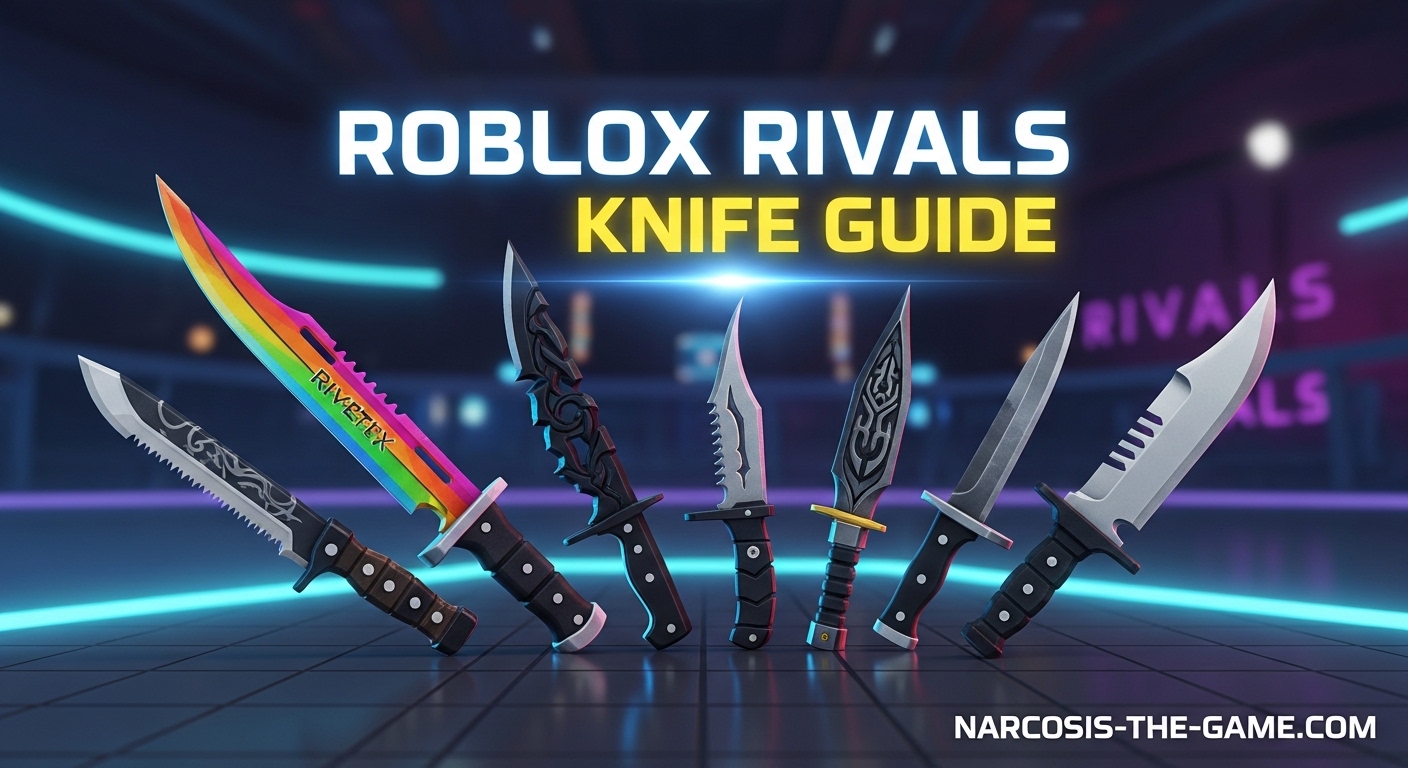
I have spent over 200 hours mastering the knife in Roblox Rivals, and I can tell you it is one of the most rewarding weapons once you understand its mechanics. This Knife Guide Roblox Rivals will walk you through everything I learned the hard way.
The knife rewards aggressive players who love close-quarters combat. You get a 10% movement speed boost just for holding it. That alone makes it worth learning.
You will learn backstab mechanics that guarantee instant eliminations. You will discover the best loadouts that complement your knife playstyle. And you will pick up movement techniques that separate good knife players from great ones.
Table of Contents
What is the Knife in Roblox Rivals
The Knife is a Standard close-quarters weapon in Roblox Rivals known for its speed and precision. It deals 35 damage on a standard hit with a 0.55 second cooldown between swings.
What makes the knife special is its Heavy Attack mechanic. When you land a backstab, you eliminate opponents instantly regardless of their health. This creates a high-risk, high-reward playstyle that aggressive players love.
Equipping the knife gives you a permanent +10% movement speed bonus. This makes you faster than opponents using primary weapons, allowing you to close gaps or escape dangerous situations.
How to Backstab with Knife in Roblox Rivals
Backstabs are the bread and butter of knife gameplay. A successful backstab eliminates enemies instantly, making it the most powerful attack in your arsenal.
Step 1: Position Behind Your Target
The backstab works within a 60 to 70 degree cone behind the enemy. You need to be directly behind them or slightly to either side. If you are too far to the side, the backstab will not register.
Step 2: Activate the Heavy Attack
Press your Heavy Attack button while positioned correctly. There is a 0.25 to 0.5 second hitbox delay after activation. This means you need to time your attack precisely.
Step 3: Sliding Activates the Knife
One pro tip most beginners miss: sliding while holding the knife immediately readies it for a backstab. Use this to surprise enemies around corners.
I remember when I first started, I would miss backstabs constantly. Reddit user Late_Share1195 summed it up perfectly: “So i usually miss my backstabs and yeah i lose most of the time.” The key is patience and positioning.
Best Knife Loadout in Roblox Rivals
Your loadout can make or break your knife gameplay. You need weapons that cover the knife’s main weakness: long-range combat.
Aggressive Loadout
- Primary: SMG or Shotgun for close-range burst damage
- Utility: Smoke Grenade for cover and repositioning
- Knife: Primary melee for aggressive pushes
Balanced Loadout
- Primary: Assault Rifle for mid-range coverage
- Utility: Flashbang for disorienting enemies
- Knife: Secondary weapon for cleanup
Mobility Loadout
- Primary: Lightweight weapon with fast swap speed
- Utility: Grappling Hook or Dash ability
- Knife: Main weapon with utility for escapes
Choose a loadout that matches your playstyle. I personally run the Aggressive Loadout because it lets me close gaps quickly and finish fights with the knife.
Knife Movement Techniques
Movement separates average knife players from the ones who dominate lobbies. Master these techniques to outmaneuver any opponent.
Slide-Jumping
Slide-jumping combines a slide with an immediate jump to maintain momentum. Start your slide, then jump at the peak of the slide animation. This keeps your speed while making you harder to hit.
Bunny Hopping
Bunny hopping lets you maintain speed while changing direction. Jump repeatedly while strafing left and right. Time your jumps as you hit the ground to preserve momentum.
Ramp Surfing
Maps with ramps or slopes let you surf for extra speed. Approach ramps at an angle and hold your movement keys to slide down smoothly. This technique works great for rushing enemy positions.
Quick Melee Switching
Practice swapping to your knife immediately after firing your primary weapon. The equip time is fast, and you can secure kills on low-health enemies before they can react.
Best Settings for Knife in Roblox Rivals
Your settings directly impact your ability to land backstabs and track moving targets. Here are the settings that work best for knife gameplay.
Sensitivity Recommendations
High sensitivity helps you make quick 180-degree turns for backstabs. Most successful knife players run between 800 to 1200 DPI with an in-game sensitivity of 0.4 to 0.6.
If you play on controller, bump your sensitivity up by 20% from your current setting. You need that extra speed to snap behind enemies.
Keybind Optimization
Bind your Heavy Attack to an easily accessible key. Many players use Mouse Button 4 or 5, or the Q key. You want to activate backstabs without moving your fingers from movement keys.
Visual Settings
- Turn off motion blur for clearer tracking
- Use high contrast settings to spot enemies easier
- Enable damage numbers to confirm backstab hits
- Lower field of view to 90 to 100 for better target focus
Mobile-Specific Tips
Mobile knife players should enable auto-aim assist but disable auto-fire. You need manual control for backstab timing. Increase your touch sensitivity by 15% to match PC responsiveness.
Use claw grip if possible. Having separate fingers for movement and attacking makes landing backstabs much easier.
Map-Specific Strategies
Not all maps favor knife play. Understanding which maps work for your weapon helps you adjust your strategy.
Best Maps for Knife
Close-quarters maps with tight corridors and buildings favor knife gameplay. Look for maps with:
- Narrow hallways for ambush opportunities
- Multiple levels for vertical plays
- Cover objects to break line of sight
- Flank routes around main chokepoints
Maps to Avoid
A level 280 knife player from the community put it best: “hell for knife is big long range maps.” Open maps with long sightlines force you to take damage before getting close. On these maps, stick with your primary weapon and only pull the knife for cleanup.
Positioning Tips
Always take alternate routes that avoid main sightlines. Use your speed advantage to rotate faster than enemies expect. Set up ambushes near health packs or objectives where players naturally group up.
How to Practice Knife in Roblox Rivals
Practice makes perfect with the knife. Here is how I improved my backstab consistency over time.
1v1 Private Server Practice
The community consistently recommends 1v1 private servers for practice. Set up a private match with a friend and focus purely on landing backstabs. Remove the pressure of full matches so you can experiment with angles and timing.
Backstab Timing Drills
Practice the 0.25 to 0.5 second delay timing. Have a friend stand still and practice activating your heavy attack from different angles. Learn exactly where the backstab hitbox begins and ends.
Movement Practice Routines
Spend 10 minutes before each session practicing slide-jumps and bunny hops. Find a map with ramps and practice surfing until it feels natural. Good movement means nothing if you cannot execute it under pressure.
Progress Tracking
Track your backstab success rate over time. Start by aiming for 30% of your knife hits being backstabs. As you improve, push for 50% or higher. High-level knife players consistently land backstabs on 60% or more of their melee kills.
Knife Skin Rarities Guide
Skins do not affect gameplay, but collecting them adds personality to your loadout. Here is how the rarity system works.
Rarity Tiers
- Common: Basic skins with minimal effects
- Rare: Slight visual improvements and basic animations
- Epic: Enhanced designs with particle effects
- Legendary: Unique models with custom animations
- Mythical: The rarest skins with elaborate visual effects
Notable Skins
Mythical tier skins feature the most elaborate designs. These include particle trails, custom draw animations, and unique sound effects. Legendary skins offer similar quality with slightly less visual flair.
Contract Progression
Complete knife-specific contracts to unlock exclusive skins. The diamond knife requires significant grinding but serves as a status symbol among players. Note that some grinding methods have changed due to updates, so check current contract requirements.
Frequently Asked Questions
How to use knives properly in Roblox Rivals?
Use knives properly by mastering the backstab mechanic, positioning behind enemies within a 60-70 degree cone, and utilizing slide-jumping for mobility. Practice in 1v1 private servers to improve your timing and consistency.
What’s the best knife loadout in Roblox Rivals?
The best knife loadout combines a close-range primary weapon like an SMG or shotgun with mobility utilities. Aggressive players should pair the knife with smoke grenades for cover. Balanced players benefit from assault rifles and flashbangs for mid-range coverage.
Is the knife a good weapon in rivals?
Yes, the knife is an excellent weapon for aggressive players who master its mechanics. It provides instant eliminations through backstabs and grants a 10% movement speed bonus. However, it requires significant practice to use effectively compared to ranged weapons.
How to backstab with knife in rivals?
To backstab, position yourself behind an enemy within a 60-70 degree cone and activate your heavy attack. There is a 0.25-0.5 second hitbox delay after activation. Sliding while holding the knife immediately readies it for backstabs, making corner attacks more effective.
How to one shot with knife in rivals?
You can one-shot enemies by landing a successful backstab. The backstab mechanic works instantly regardless of enemy health. Position directly behind your target within the 60-70 degree cone and time your heavy attack correctly to activate the instant elimination.
Is a knife hard to use in rivals?
The knife has a steep learning curve but becomes incredibly rewarding with practice. Beginners often struggle with backstab timing and positioning. However, after 20-30 hours of focused practice, most players see significant improvement in their knife gameplay.
Conclusion
The Knife Guide Roblox Rivals covers everything you need to master this rewarding weapon. You now understand backstab mechanics, optimal loadouts, movement techniques, and settings recommendations.
Remember that the knife rewards patience and practice. Start with 1v1 private servers to build your confidence. Focus on positioning before worrying about fancy movement tech.
Your 10% movement speed bonus gives you an advantage most players underestimate. Use it to control engagements on your terms. With consistent practice, you will join the ranks of players who turn the knife into a feared weapon in every lobby.