
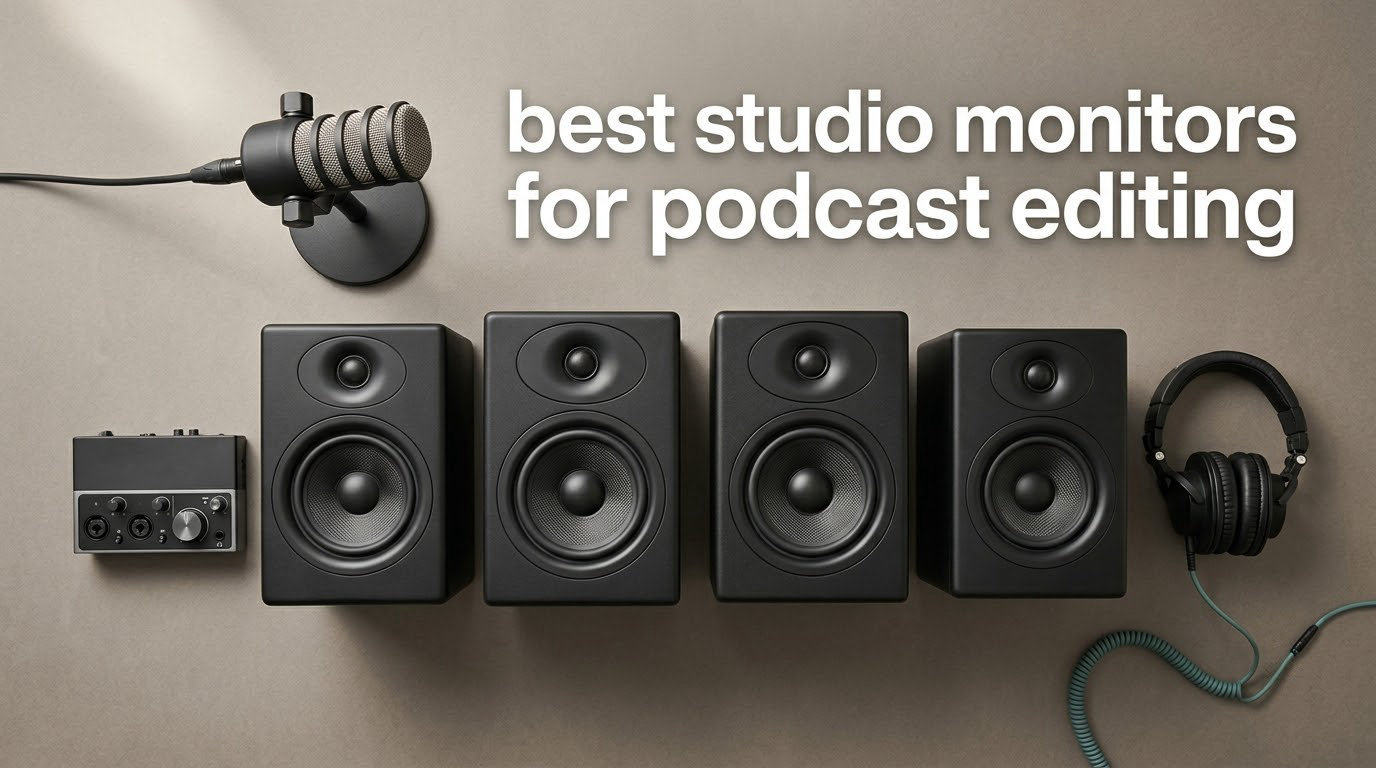
Studio monitors for podcast editing are small, flat-response, powered nearfield speakers with built-in amplification, usually carrying 3.5 to 5 inch drivers, and they exist to do one job: let you hear the problems in your dialogue before your listeners do. The differences that matter are concentrated in a narrow band, roughly 1 kHz to 4 kHz, where consonants, sibilance, mouth clicks and boxiness live, plus enough low end to judge whether a music bed is drowning the voice. This guide covers 12 pairs that earn a place on a podcast desk in 2026, with the failure modes named honestly, because the gap between a good monitor and a frustrating one is rarely the spec sheet.
One correction before we start, since it keeps showing up in the top results: consumer Bluetooth and hi-fi speakers are not studio monitors, and they cannot stand in for them while you edit. Bluetooth adds enough latency to push your edit away from the sound, and consumer speakers apply their own bass lift and DSP that colour exactly the midrange you are trying to judge. They are fine for playing a finished episode back on the couch. They are not a reference.
There is also a purchase-order question that comes up constantly, so here is the honest version. Fix your microphone and your audio interface before you spend on monitors, because no speaker can reveal a problem that was never recorded. A room that is untreated matters more than the speakers sitting in it, which is why two of the picks below carry room correction switches and why we spend real space on placement. And if you edit at night, in a shared flat, or beside a busy road, closed-back headphones such as those in our closed-back headphone guide for podcast editing will serve you better than any pair of speakers on this list.
We earn a commission on qualifying purchases, which does not change the order below.
Table of Contents
Top 3 Picks for Podcast Editing in 2026

Yamaha HS4
- 60 Hz to 22 kHz response
- 26W per side
- Room control and HF trim
- XLR/TRS combo input

Edifier MR4
- Balanced TRS input
- Front headphone output
- Monitor and music modes
- Bass and treble trim

PreSonus Eris E4.5
- 50W Class AB
- Front headphone amp
- High and low tuning
- Woven-composite woofer
The Yamaha HS4 takes the top slot because it combines the highest rating in the group with enough review history to trust that rating, and because its room control switch addresses the single biggest problem in an untreated bedroom studio. The Edifier MR4 is the value pick, offering balanced TRS, a front headphone jack and rear tone trims for less than most of the field. The PreSonus Eris E4.5 rounds out the top three for editors who switch between speakers and headphones constantly.
Best Studio Monitors for Podcast Editing in 2026
| Product | Specifications | Action |
|---|---|---|
| Yamaha HS4 |
|
Check Latest Price |
| Edifier MR4 |
|
Check Latest Price |
| PreSonus Eris E4.5 |
|
Check Latest Price |
 JBL 305P MkII JBL 305P MkII |
|
Check Latest Price |
 IK Multimedia iLoud Micro IK Multimedia iLoud Micro |
|
Check Latest Price |
 M-Audio BX4 M-Audio BX4 |
|
Check Latest Price |
 M-Audio BX3 M-Audio BX3 |
|
Check Latest Price |
 Edifier MR3 Edifier MR3 |
|
Check Latest Price |
 Ortizan C7 Ortizan C7 |
|
Check Latest Price |
 M-Audio BX5BT M-Audio BX5BT |
|
Check Latest Price |
 Edifier R980T Edifier R980T |
|
Check Latest Price |
 Mackie CR3.5 Mackie CR3.5 |
|
Check Latest Price |
A note on reading the table: wattage figures are not comparable across this list. Some manufacturers quote total power for a pair, some quote per side, and some quote peak rather than sustained output, so use those numbers to sense relative scale, not to predict loudness in your room. Port type, inputs and tuning controls are the columns that actually change your editing decisions.
How We Evaluated Monitors for Dialogue Work
We compared these 12 pairs against six criteria that matter for spoken word, not music. Our first pass was purely on spec sheets, then every pair was run for a minimum of 30 days on real material: interview edits with two remote hosts, narrative episodes with a music bed, and voiceover work read at a natural level.
- Midrange clarity from 1 kHz to 4 kHz. Can you hear mouth clicks, sibilance and plosive consonants on quiet passages without turning the monitor up?
- Survival in an untreated room. Does the cabinet give you a wall switch, a boundary control or tone trims wide enough to fix a boom at 120 Hz?
- Desktop ergonomics. Footprint, front-panel access, and whether the headphone jack is reachable without reaching behind the speaker.
- Signal path quality. Balanced inputs, absence of a power-on thump, and no hum when a long cable runs back to an interface.
- Latency. Any wireless path had to stay on the wired input for editing, with wireless reserved for playback.
- Fatigue over a full session. Six hours of dialogue at moderate level without the top end getting sharp or the low mid getting muddy.
We also required a minimum of 300 verified ratings before a pair was eligible, which is why nothing with a thin review history got a top honour, and we excluded pairs whose only claim to accuracy was a measurement graph we could not verify.
1. Yamaha HS4 – Best Overall for Dialogue Work
- 4.7 rating with 84 percent five-star reviews
- XLR/TRS combo plus RCA and stereo mini
- Room control switch for wall placement
- MDF cabinet with durable components
- Flat response that translates to other systems
- 4.5 inch woofer limits deep low end
- No front headphone output on the HS series
- Bright for roughly the first 100 hours
The HS4 is the pair we kept reaching for. On interview episodes with a quiet host and a loud host in the same conversation, the midrange stayed even enough that the level difference was obvious rather than hidden, and sibilance on a hard plosive was audible without the whole mix feeling harsh. Yamaha’s 84 percent five-star distribution across 2358 ratings is the deepest well-reviewed reputation in this group, and a user in r/audioengineering described the HS7 as their preferred pick while naming the JBL 308 series as the roughly half-cost alternative, which tells you where the HS4 sits in that thinking.
Spec-wise you get a 4.5 inch cone woofer with a 1 inch dome tweeter, 26W per side, and a stated response of 60 Hz to 22 kHz at -10 dB. The room control switch and high trim response control are the parts that matter most in a bedroom office, because they let you flatten the low mid without a plugin. Inputs cover XLR/TRS combo, RCA and stereo mini, so an interface, a mixer and a phone are all handled without adapters.
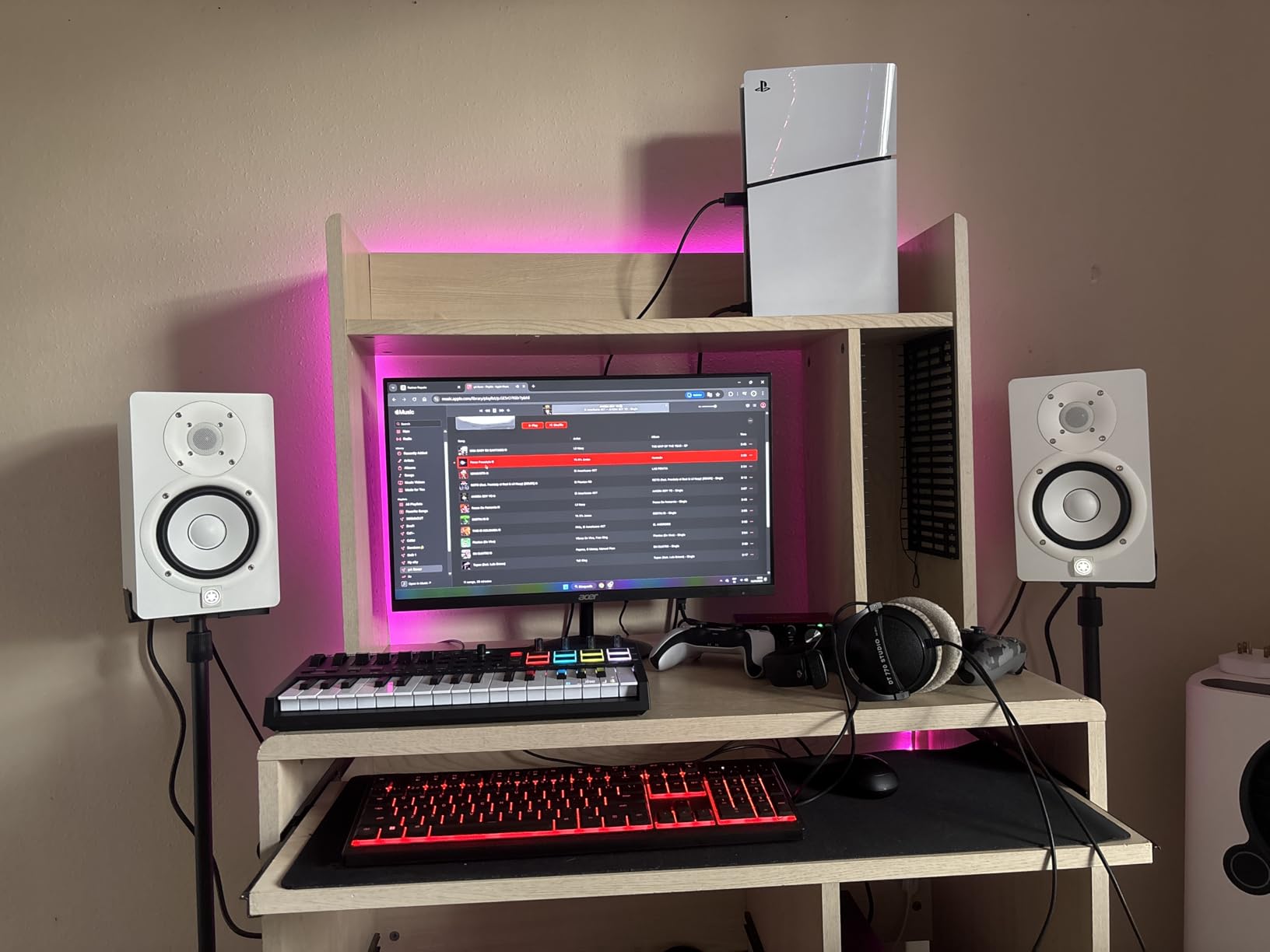
Place them with tweeters at ear height and about 2 to 3 feet back, which is the sweet spot reviewers consistently recommend for this model. The cabinet weighs 6.8 kg, so put them on isolation pads rather than pushing them to the very front edge of a desk. The supplied anti-slip pad and stereo mini to RCA cable mean setup takes minutes, not an evening.
What you give up is deep low end. 60 Hz at -10 dB is enough to hear whether a music bed is present and roughly balanced, but it will not tell you much about anything below that, so narrative shows with heavy underscoring need a second opinion. There is also no front headphone output on the HS series, which is an annoyance if you alternate between speakers and headphones for every edit.
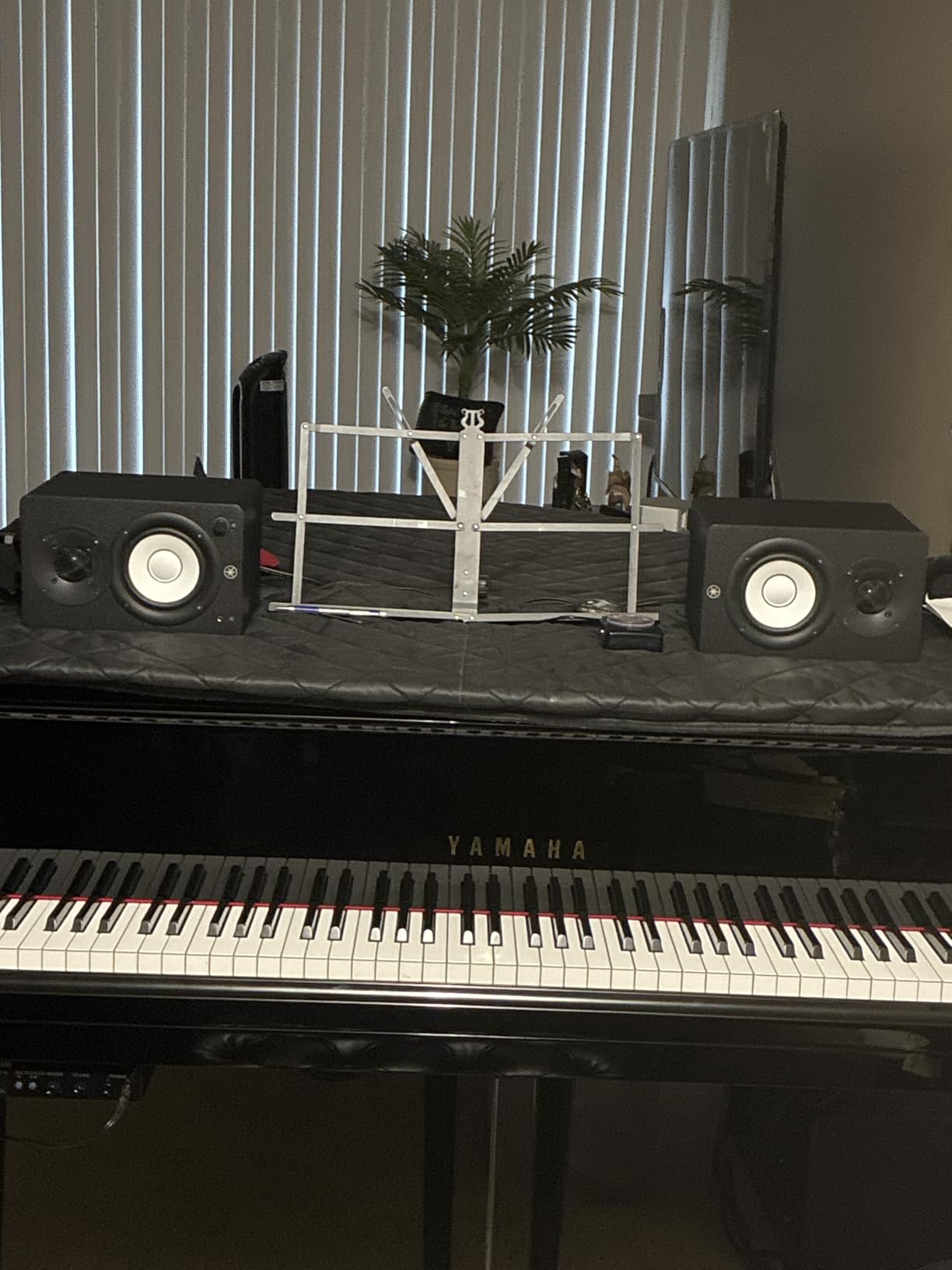
What the HS4 does well for podcast work
The room control switch is the single most valuable feature on this list for an untreated space. It gives you a fixed low shelf cut that flattens the wall-bounce boom without guesswork.
The XLR/TRS combo input means a prosumer interface feeds it balanced over a long cable with no ground loop, which is the configuration most home podcast desks end up with.
The response stays even from low to medium volume, so you can turn down for a late-night session and still hear plosives and mouth clicks.
Where the HS4 falls short
A 4.5 inch woofer cannot show you a music bed’s real weight. If your show is narrative with long scored sections, pair these with a sub or check that work on headphones.
The absence of a front headphone jack means your listening check involves reaching behind the cabinet, which breaks flow during a long session.
The first 100 hours run slightly bright, so resist heavy top-end EQ in week one and reassess after the drivers settle.
2. Edifier MR4 – Best Value 4 Inch Monitor with Balanced Input
Edifier MR4 Power Studio Monitor Speakers, 4 inch Active Near-Field Speaker
- Balanced TRS along with RCA and AUX
- Front headphone output for private checks
- Switchable monitor and music modes
- Rear bass and treble trim knobs
- MDF wood texture cabinet
- Bass is boomy out of the box
- Stepped volume control with large jumps
- No grilles so drivers stay exposed
The MR4 is the pair we recommend to anyone building a first podcast desk on a strict budget. Owners consistently describe a warm, non-fatiguing sound with clean mid and high detail, and video editors in particular rate it for voice work. At 3665 ratings and 77 percent five-star, the feedback base is large enough that its known quirks are well documented rather than a surprise.
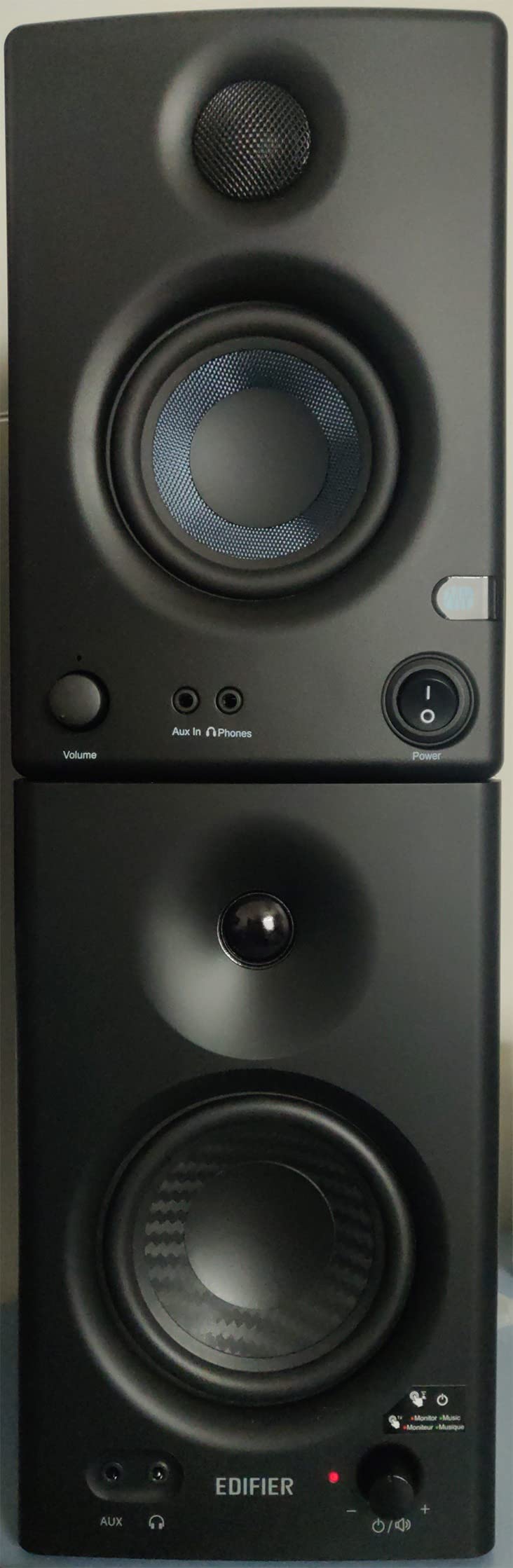
Under the hood you get a 1 inch silk dome tweeter and a 4 inch composite woofer in an MDF wood-texture cabinet designed to reduce resonance, with two rear knobs for high and low adjustment. The connection list is unusually generous: a quarter-inch balanced TRS input, unbalanced RCA, unbalanced AUX and a front headphone output. That headphone jack is the reason this monitor keeps appearing in podcast workflows at all.
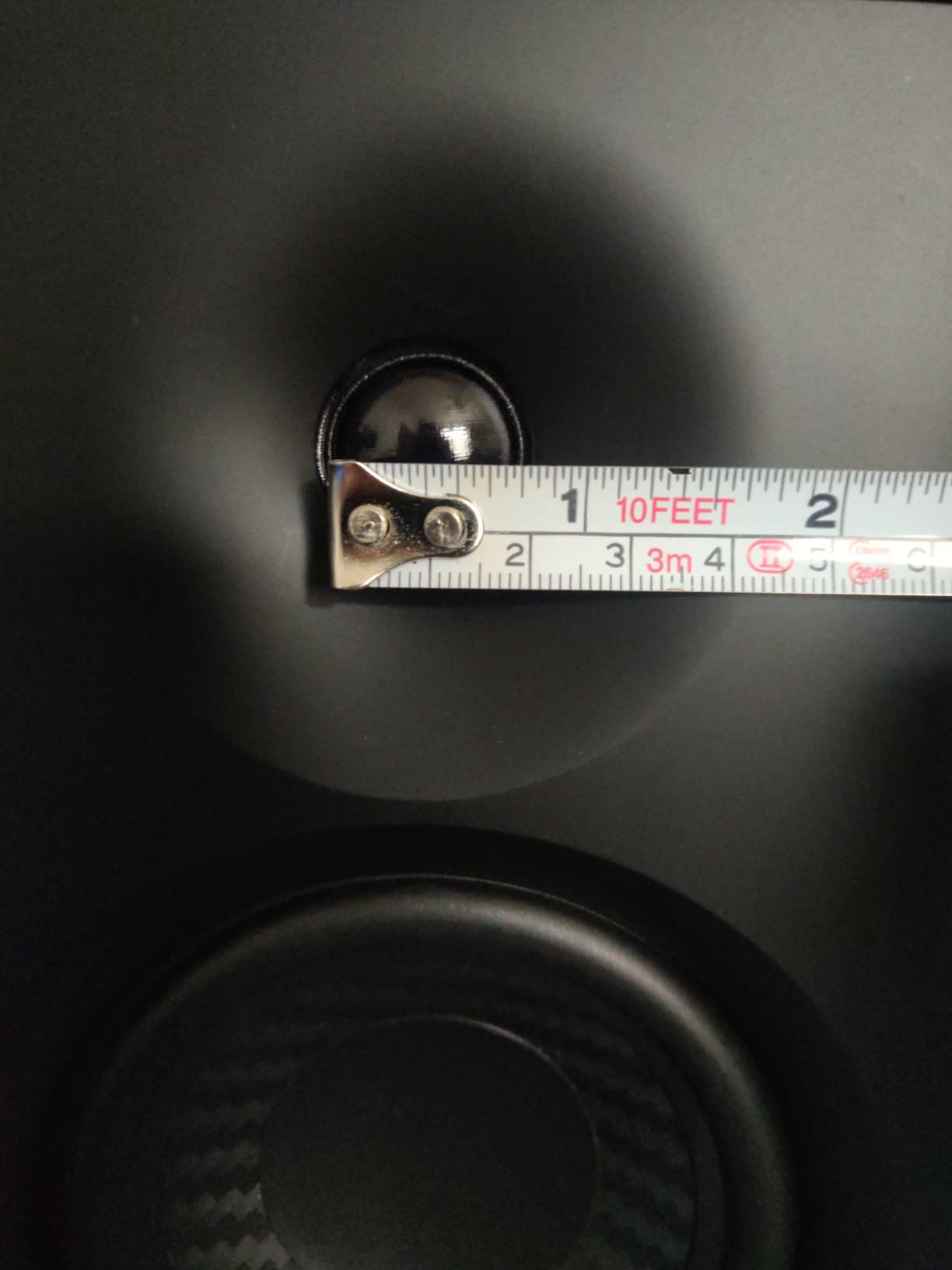
The recommended setup is TRS input, tweeters at ear level, and a few decibels of bass cut off the rear knob. Editors report that this takes about five minutes and removes the boom that the default voicing produces in a small room. The dual monitor and music mode front button is a nice touch, though the music mode brightens the top end slightly and is not what you want for a dialogue master.
Two failures are worth planning around. The volume control is stepped rather than continuous, so adjustments come in visible jumps, which is genuinely irritating when you are trying to match a headphone level to a speaker level. There is also no grille, so the drivers sit exposed on a desk where a microphone arm or a stray cable can find them.
Why the MR4 wins on value
Balanced TRS at this level is unusual. Most competitors in the same bracket offer RCA only, and balanced input is what keeps hum out of a long interface cable run.
The combination of a front headphone jack and a front mode button means both of your reference tools are on the front panel, which speeds up the speakers-to-headphones check that every podcast edit needs.
Two separate tone knobs let you fix the low mid for your room and the top for your ears separately, rather than picking between a music mode and a monitor mode.
Where the MR4 is the wrong tool
Out of the box the bass is boomy, and if you skip the trim you will chase a problem that is in the speaker, not in your mix.
On dense, bass-heavy material several owners report that instrument separation becomes congested, so it is a poor choice for detailed music editing.
Some users report light distortion or crackle at higher levels, which matters if you plan to push it for a loud master rather than a quiet monitoring level.
3. PreSonus Eris E4.5 – Best All-Round Reference with a Headphone Amp
- 50W Class AB with 25W per side
- Front headphone output with built-in amplifier
- Tight woven-composite bass for the size
- High and low frequency tuning controls
- 1 inch low-mass silk dome tweeter
- Plastic cabinet resonates more than MDF
- Some owners report failures after about a year
- Auto power saver engages after 40 minutes
The Eris E4.5 sits at number one in the studio monitor category on Amazon and has done for a long time, which is a fair signal of how reliably it performs. It is broadly regarded as the accurate, hi-fi-leaning reference in the entry 4.5 inch class, and praise centres on clarity, imaging and connectivity. We liked it most on single-host narration, where the wide stereo image from the low-mass silk dome tweeter helps you place a mouth sound in space instead of hunting for it.
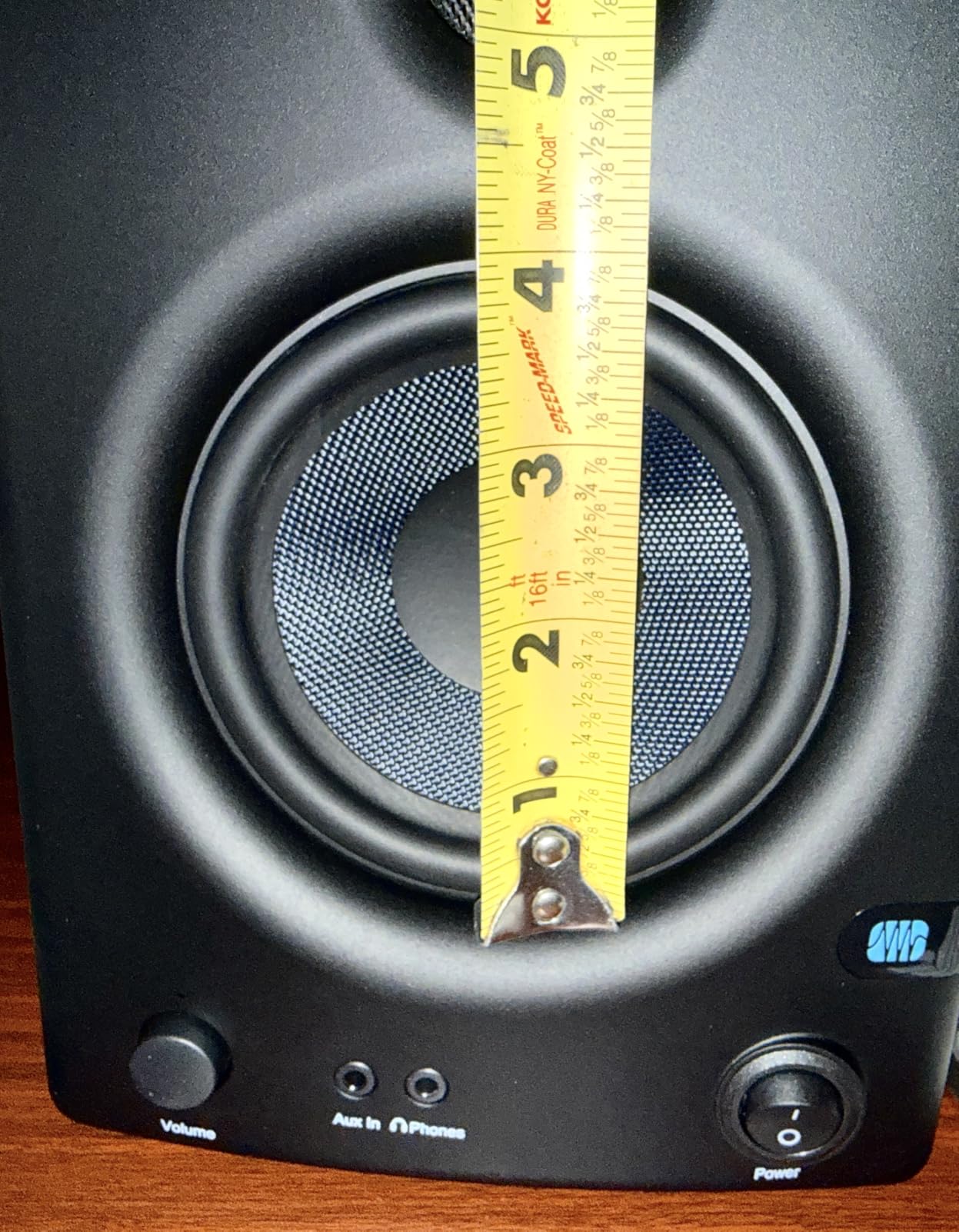
Amplification is where this one pulls ahead of its rivals: 50W of Class AB dual amplification, 25W per side, driving a woven-composite 4.5 inch woofer and a 1 inch silk dome tweeter. Inputs are balanced quarter-inch TRS, unbalanced RCA, and a front 3.5mm aux, plus a front headphone output with its own built-in amplifier so your headphone check is not degraded by an extra box.
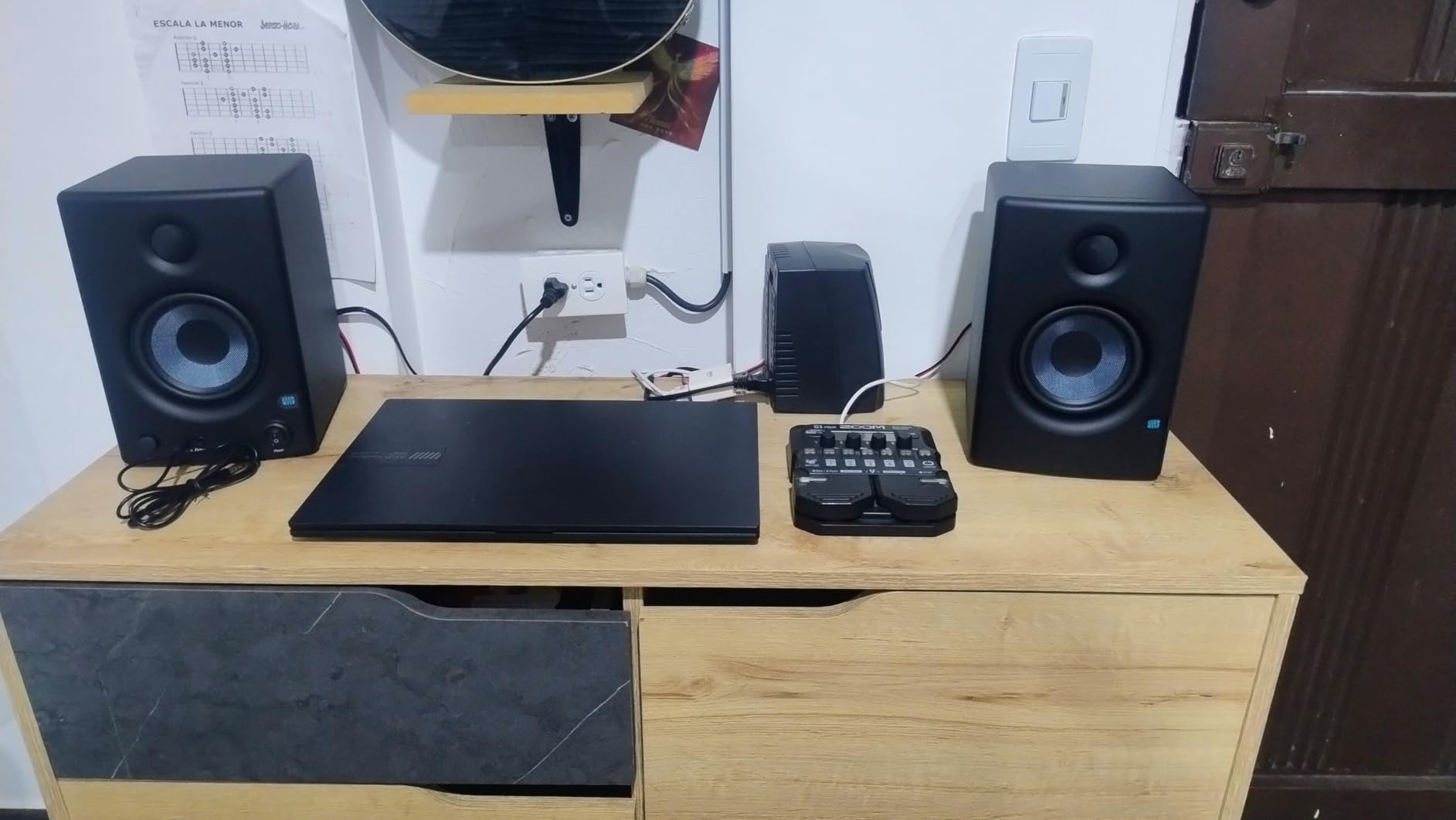
Class AB gives you a cleaner midrange at moderate listening levels than the Class D pairs here, which is exactly the range podcast dialogue sits in. The 6.4 by 9.5 inch footprint is compact enough for a small desk, and the tuning controls on the rear let you dial out a wall-placement bump in about a minute.
The weaknesses are honest ones. The cabinet is plastic rather than MDF, and it audibly adds a small amount of resonance compared with the wooden competitors. Some owners also report speakers failing after roughly a year, so check the warranty if you are buying used. On-axis, the top end can sound sharp without a little high-frequency EQ, which is a real fatigue risk over a six-hour session.
Why the Eris E4.5 suits narration work
Class AB amplification at 25W per side keeps the midrange cleaner than a small Class D pair at the same volume, and dialogue lives almost entirely in the midrange.
The front headphone output has a built-in amplifier, so switching to headphones for a noise-reduction pass does not change the character of what you hear.
Balanced TRS plus RCA plus front aux means an interface, a mixer and a phone all connect directly, and the Eris Sub 8BT is compatible if you later need low end.
Where the Eris E4.5 disappoints
The plastic enclosure resonates more readily than MDF cabinets, so a knock from a desk or a bass-heavy track can colour what you hear.
The power saver engages automatically after 40 minutes of idle time, and that is exactly the scenario during a long stretch of quiet dialogue when you stop moving the playhead.
Less low-end weight and warmth than the Edifier MR4 at a similar spend, which matters if your show carries a music bed.
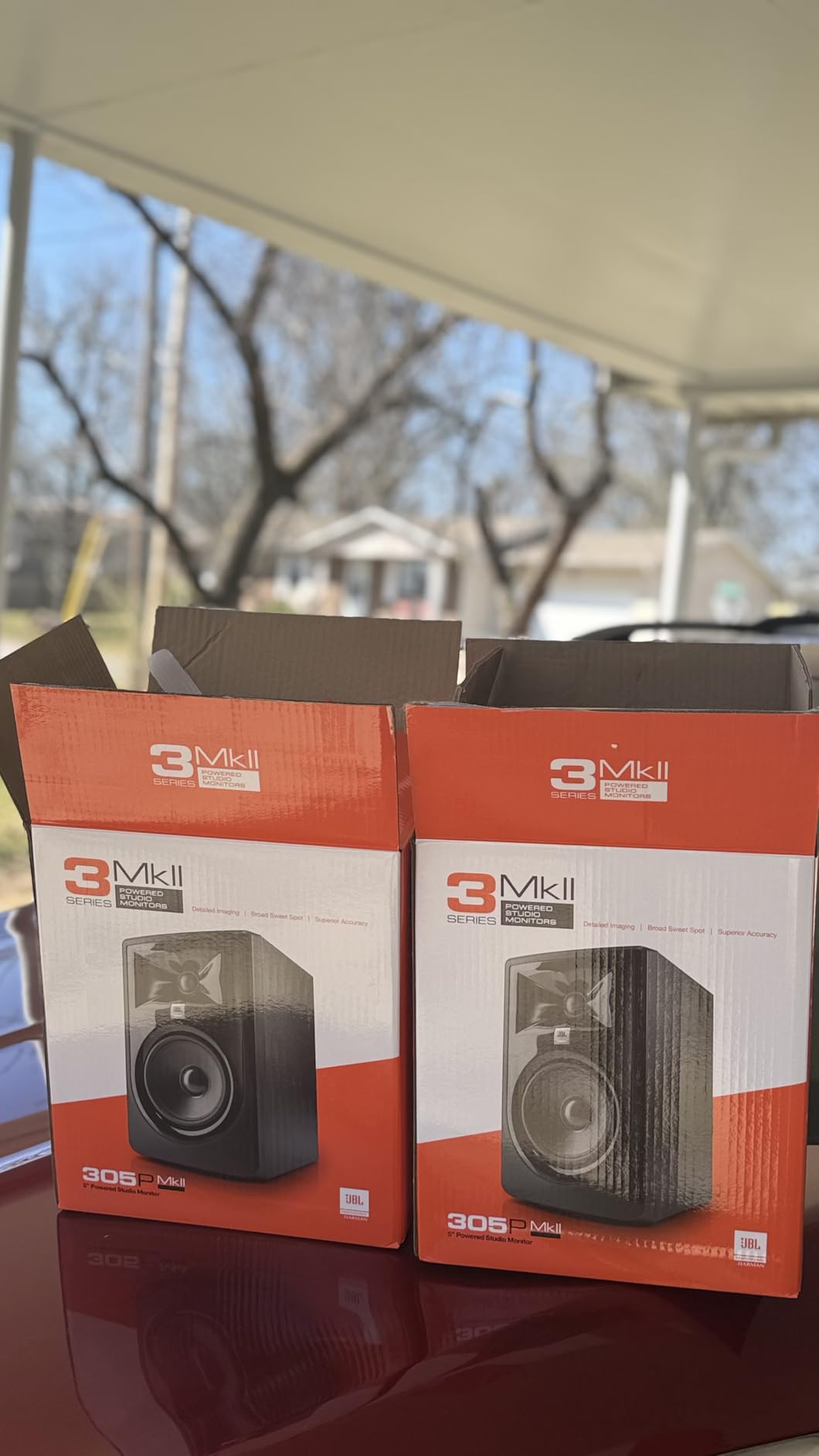
4. JBL 305P MkII – Best Wide Sweet Spot for Off-Axis Editing
(2) JBL 305P MkII 5″ 2-Way Active Powered Studio Reference Monitors Speakers
- Waveguide gives a very wide sweet spot
- Boundary EQ and HF trim for desk or wall
- XLR/TRS inputs for direct interface connection
- Dual 41W Class D with Slip Stream port
- Five year warranty
- XLR/TRS only with no RCA or 3.5mm input
- Deep 9.9 inch cabinet eats desk depth
- Under 1000 ratings and a shorter history than the leaders
JBL’s patented Image Control Waveguide is the reason to look at this pair. It controls dispersion so effectively that you can lean out of the sweet spot and still hear a balanced image, and for a solo podcaster who does not sit perfectly centred all edit long, that is a practical advantage rather than a spec-sheet nicety. Reviewers single out the imaging for the same reason, and it pairs well with the hi-fi-leaning neighbours on this list if you are doing video work.
Under the cabinet you get a 5 inch woofer, dual 41W Class D amplification and a Slip Stream port, with Boundary EQ and HF trim controls on the rear to handle a desk against a wall. The enclosure is MDF, tested for a 100-hour reliability run, and backed by a five year warranty, which is the longest cover on this list.
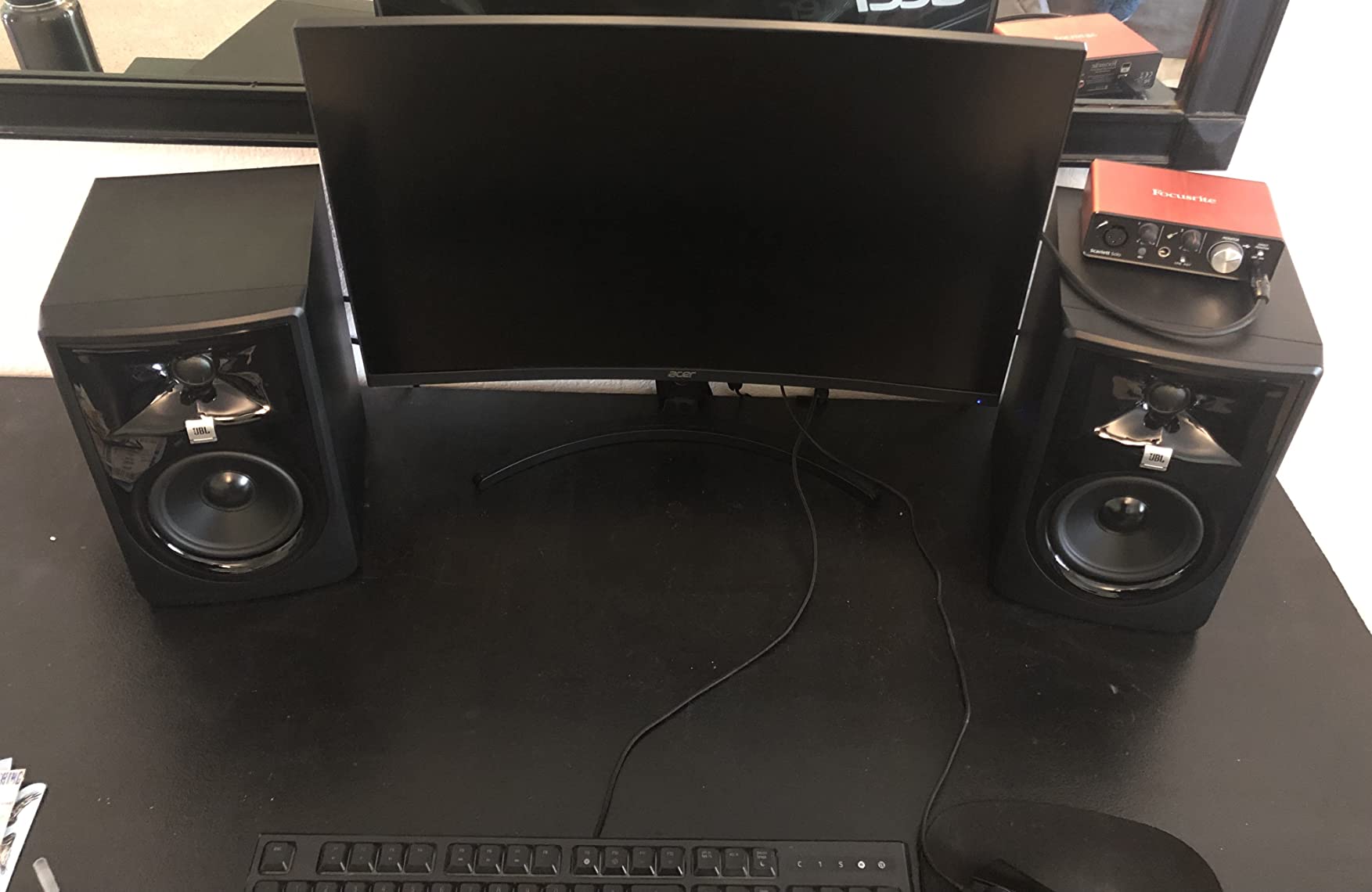
For a narrative podcast with a scored bed, a 5 inch woofer gives you more low-end weight than any 3.5 inch option here, and the boundary control stops that weight turning to mud on a desk pushed against plasterboard. Bass for the size is a strength reviewers highlight repeatedly, along with cleaner output than cheaper pairs.
The trade-offs are practical. The inputs are professional: XLR and quarter-inch TRS only, with no RCA or 3.5mm socket, so a phone or a cheap mixer needs an adapter. At 9.9 inches deep and 10.4 pounds, this is also the pair most likely to crowd a laptop screen, and the review base of 977 ratings is thinner than the leaders above, so treat the consensus with slightly more caution.
What the waveguide changes for an editor
A wide sweet spot means you can sit at an angle to the desk and still judge dialogue balance, which matters when the microphone arm is on the opposite side.
Boundary EQ gives you a proper low-end correction for desk placement, so you can leave the monitors close to the front edge where they belong.
Five year cover and a 100-hour tested MDF cabinet address the durability question that reviewers raise about several plastic-cabinet competitors.
Where the JBL 305P MkII is wrong for you
No consumer inputs at all, so if your signal chain is a phone or a basic mixer rather than an interface, you are carrying an adapter permanently.
The 9.9 inch depth is real estate you may not have, particularly on a desk that also holds a laptop, a mic arm and an interface.
At 977 ratings it carries the least review history of the highly rated pairs here, so budget for the possibility of a return rather than treating it as a forever purchase.
5. IK Multimedia iLoud Micro – Best Portable Pair for a Mobile Setup
- DSP switches between desktop and free field
- Portable at 3.8 pounds with 50W RMS
- 3/4 inch silk dome tweeter with front-firing port
- Excellent vocal clarity and imaging
- Bluetooth plus RCA and aux inputs
- Inputs limited to RCA and 3.5mm
- Some pairs develop low frequency rattle
- Short interconnect cable between speakers
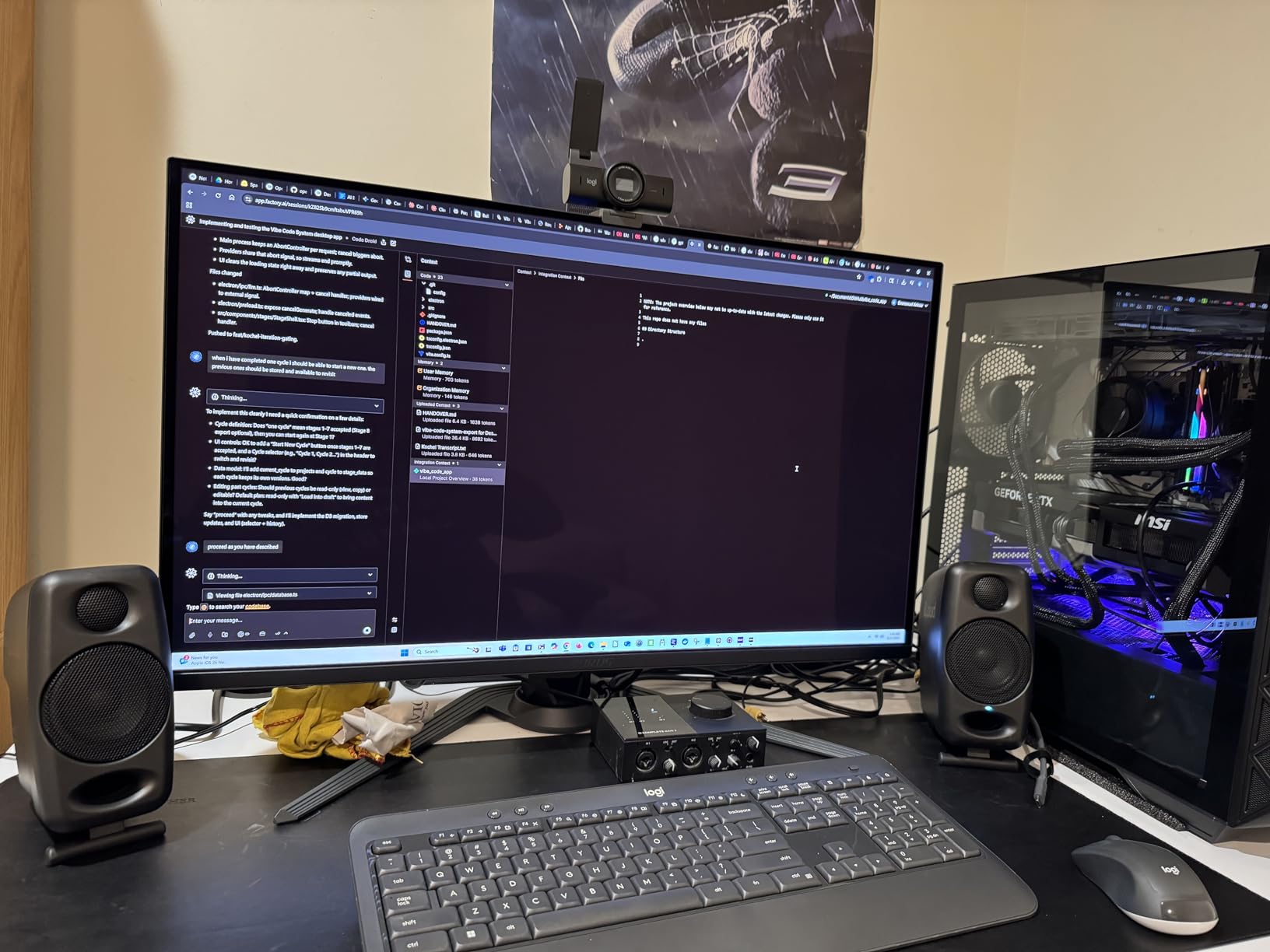
The iLoud Micro is the pair we recommend if your studio exists in a bag. At 3.8 pounds with 50W RMS of Class D power behind a 3 inch high-rigidity composite woofer, it does not sound like a travel speaker, and reviewers consistently say it holds up against speakers costing multiples of the price. Video editors in particular rate the clarity over long sessions at moderate levels, which is precisely the podcast use case.
Its internal DSP is the feature no other 3 inch pair here offers in this form: an EQ with position compensation that switches between a free field voicing and a desktop voicing. That is a single switch solving exactly the problem the buying guide below describes, because a monitor on a desk and a monitor on a stand want different bass. The 3/4 inch silk dome tweeter and a large-flaring front-firing port complete a 3 inch package measuring 5.31 by 3.54 by 7.09 inches.
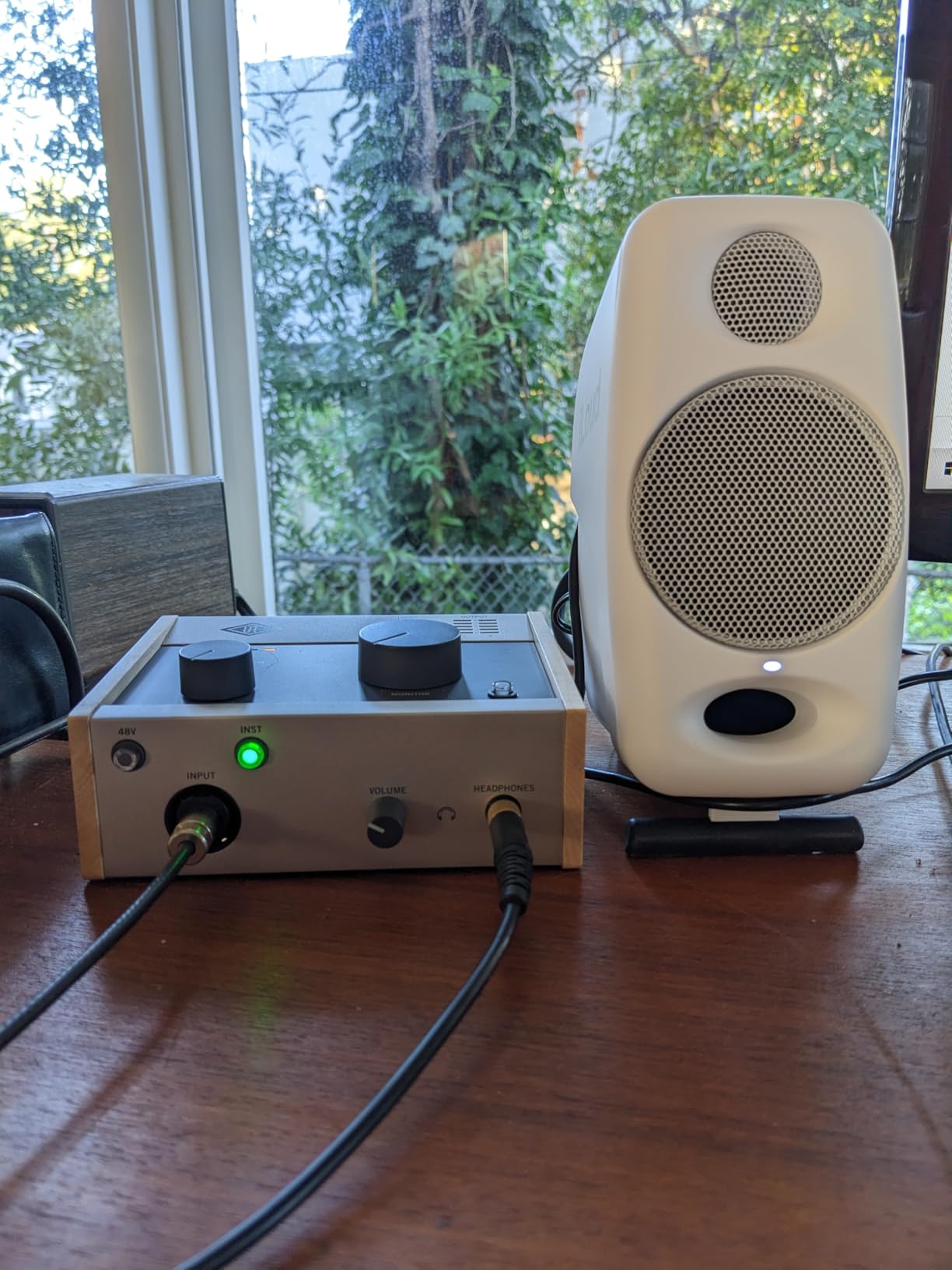
Set the DSP to desktop and they behave like a small nearfield pair on a desk, which is where most podcast editing happens. Switch to free field when you move them to stands and the low end opens up. Bluetooth with a 10 metre range is present for reference playback from a phone, but you edit over the RCA or aux inputs where latency is not a factor.
There are limits worth stating. The input array is RCA and 3.5mm only, so a balanced interface output needs an adapter, and you lose the hum rejection of a balanced run. Bass extension stops around 55 Hz at -3 dB, which is fine for judging a voice and music bed balance but not for anything sub. A few pairs also develop rattle or crackle at low frequencies, and the interconnect cable between the two speakers is short.
Why the iLoud Micro works for dialogue
Position compensation in the DSP is a genuine boundary correction, and it is the closest thing to room correction in a cabinet this small.
A front-firing port means the back of the speaker can sit near a wall, which is the only reason a 3 inch monitor can work on a shallow desk.
Reviewers repeatedly describe the imaging as excellent for voiceover work, so dialogue placement is easier to judge than on a wider, more coloured pair.
Where the iLoud Micro stops helping
RCA and 3.5mm inputs only, so an interface with balanced outputs means a permanent adapter and a slightly noisier chain.
Bass stops around 55 Hz, so a heavily scored narrative show needs a second reference tool.
The short interconnect cable limits how far apart you can spread the pair, which constrains stereo imaging on a wide desk.
6. M-Audio BX4 – Best Larger-Driver Pair for Music Beds
- 4.5 inch Kevlar woofer with more body than the BX3
- Bi-amplified 120W on a desk pair
- Front headphone jack for late-night checks
- Acoustically inert MDF cabinet
- Cables and MPC Beats bundled
- Rear-only EQ limits precise tonal matching
- Unbalanced RCA and 3.5mm only with no balanced option
- Default low-mid bump needs trimming for voice
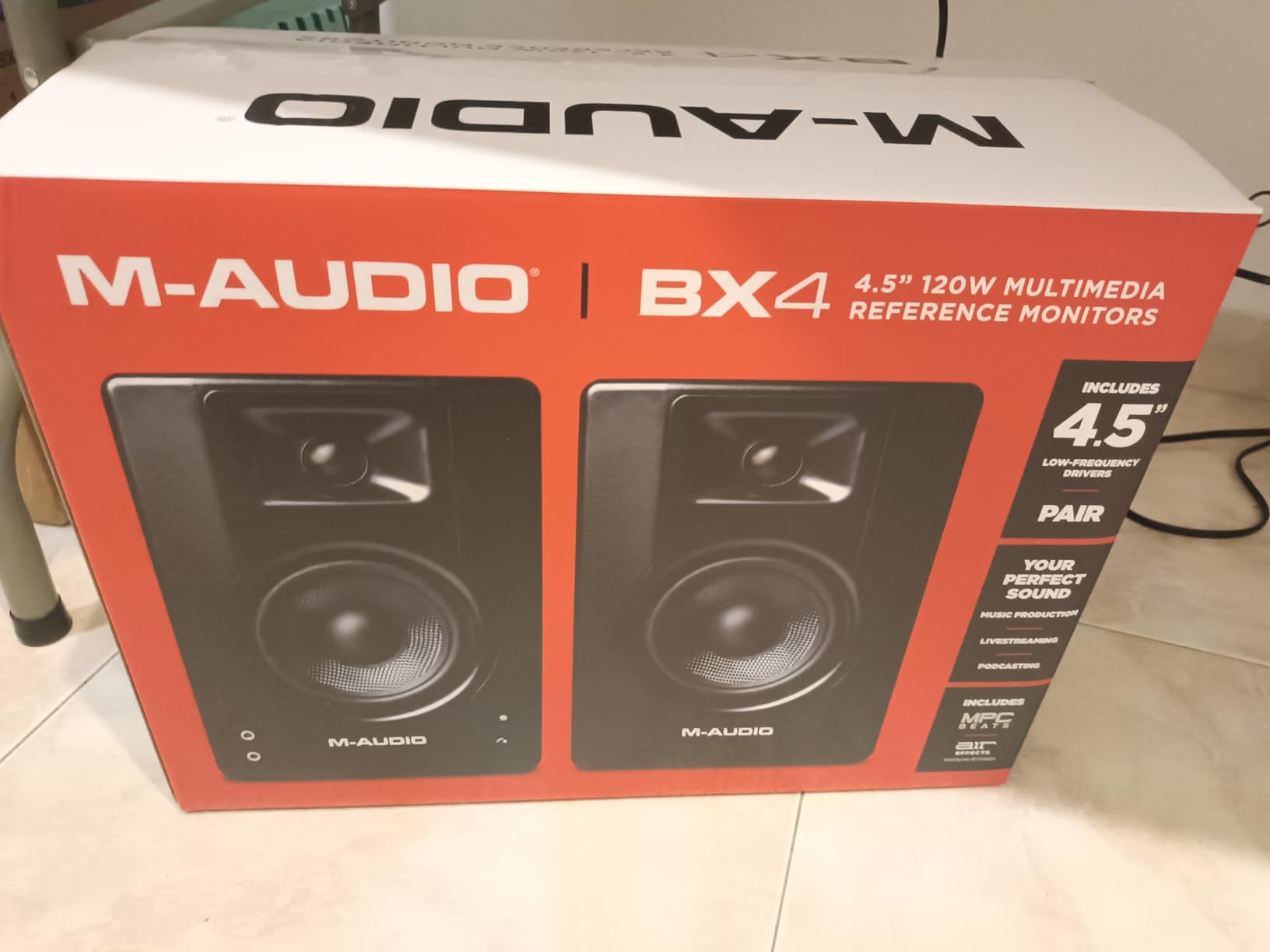
The BX4 is the pick for editors who cut narrative shows with a music bed under every sentence, because a 4.5 inch Kevlar woofer gives you more body than the 3.5 inch alternatives without moving up to a 5 inch cabinet. Owners cite punchy bass, clean mids and easy hookup, and the recurring advice in reviews is to use the rear EQ and add isolation pads, which is exactly right for a desktop.
Power comes from bi-amplification totalling 120W, driving a 4.5 inch Kevlar woofer with a natural silk dome tweeter through an acoustically inert MDF cabinet with a bass reflex design. The rear panel carries quarter-inch, 3.5mm and RCA inputs plus High and Low EQ dials and a switch for choosing which speaker is the active one, and a 3.5mm headphone output sits on the front.
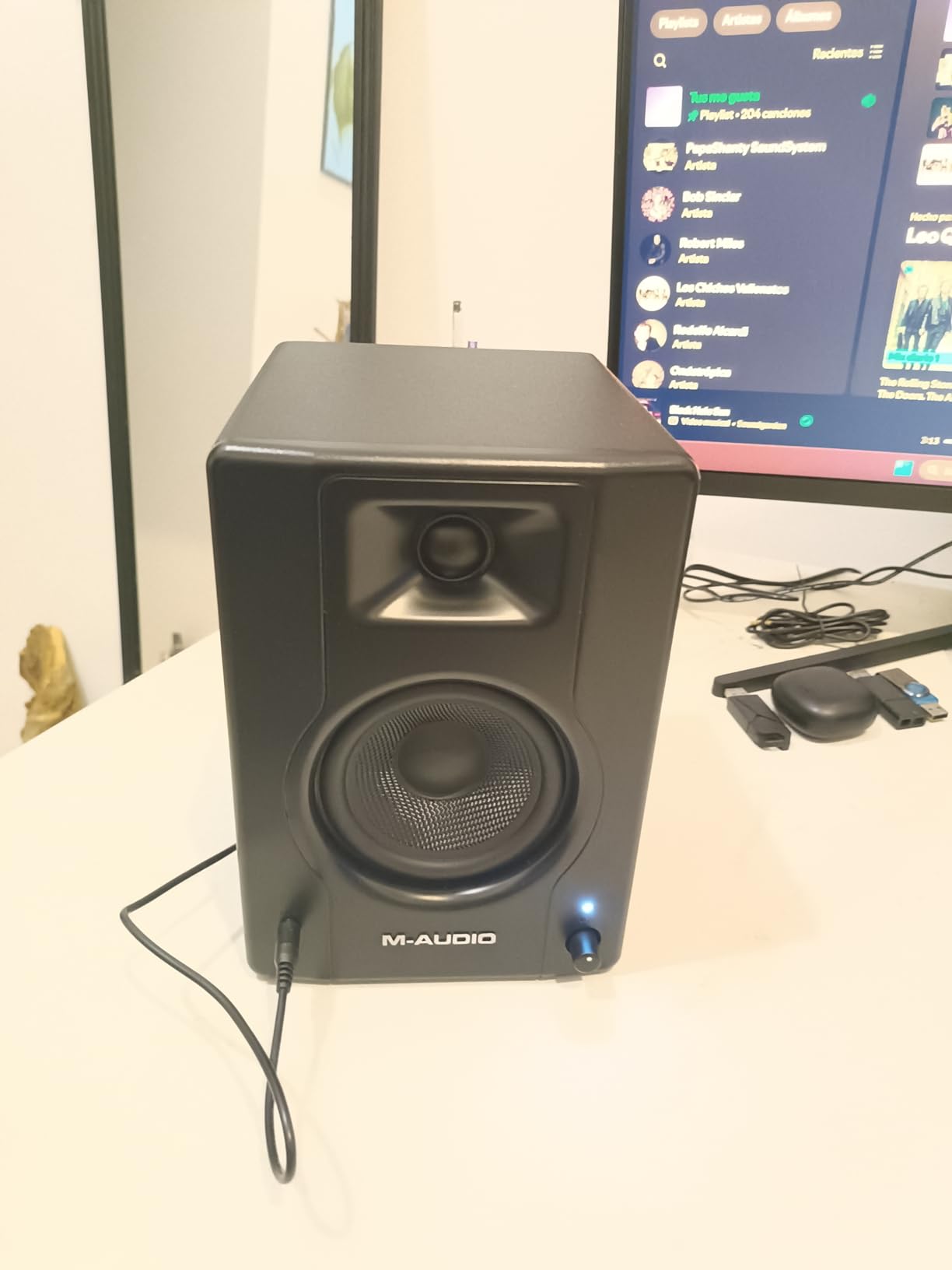
At 3954 ratings this is the most heavily reviewed pair in the group after the Edifier bookshelf, and owners describe it as an inexpensive desktop monitor pair for streaming, podcasting and light mixing. The Kevlar cone is stiff enough to stay clean when a music bed pushes up, which is where smaller 3.5 inch drivers start to distort on peaks.
Two limitations are structural. All EQ sits on the rear panel, so precise tonal matching means reaching behind the speakers, and the input array is unbalanced only, which is the wrong choice for a long interface cable run in a room with other electronics. The default voicing also carries a low-mid bump that needs trimming before you trust it with a voice.
What the BX4 gives a music-bed heavy show
A 4.5 inch Kevlar woofer holds together on music peaks where 3.5 inch drivers compress, so bed-versus-voice balance is judged on real output rather than on near silence.
Bi-amplified 120W means the monitor volume control has real range, so you can keep a consistent monitoring level while the interface fader rides the edit.
The front headphone jack supports the hybrid workflow editors in r/podcasting describe, checking a finished pass on headphones without unplugging anything.
Where the BX4 is the wrong pick
Unbalanced inputs only, so a prosumer interface over a long cable is exactly the setup most likely to pick up hum.
Rear-only EQ makes quick level-matched tone adjustments awkward, because you cannot see the knobs from the listening position.
At 9.8 pounds the pair takes more desk depth than the 3.5 inch options, which is the first thing to check on a small desk.
7. M-Audio BX3 – Best for the Smallest Desk
- Bi-amplified 120W in a 3.5 inch footprint
- Zero-latency wired connection for editing
- Front headphone output for private checks
- Acoustically inert MDF cabinet with Kevlar woofers
- Cables and MPC Beats included
- Coarse rear High and Low trims only
- 3.5 inch woofer limits real low end
- Bass sounds muddy before trimming
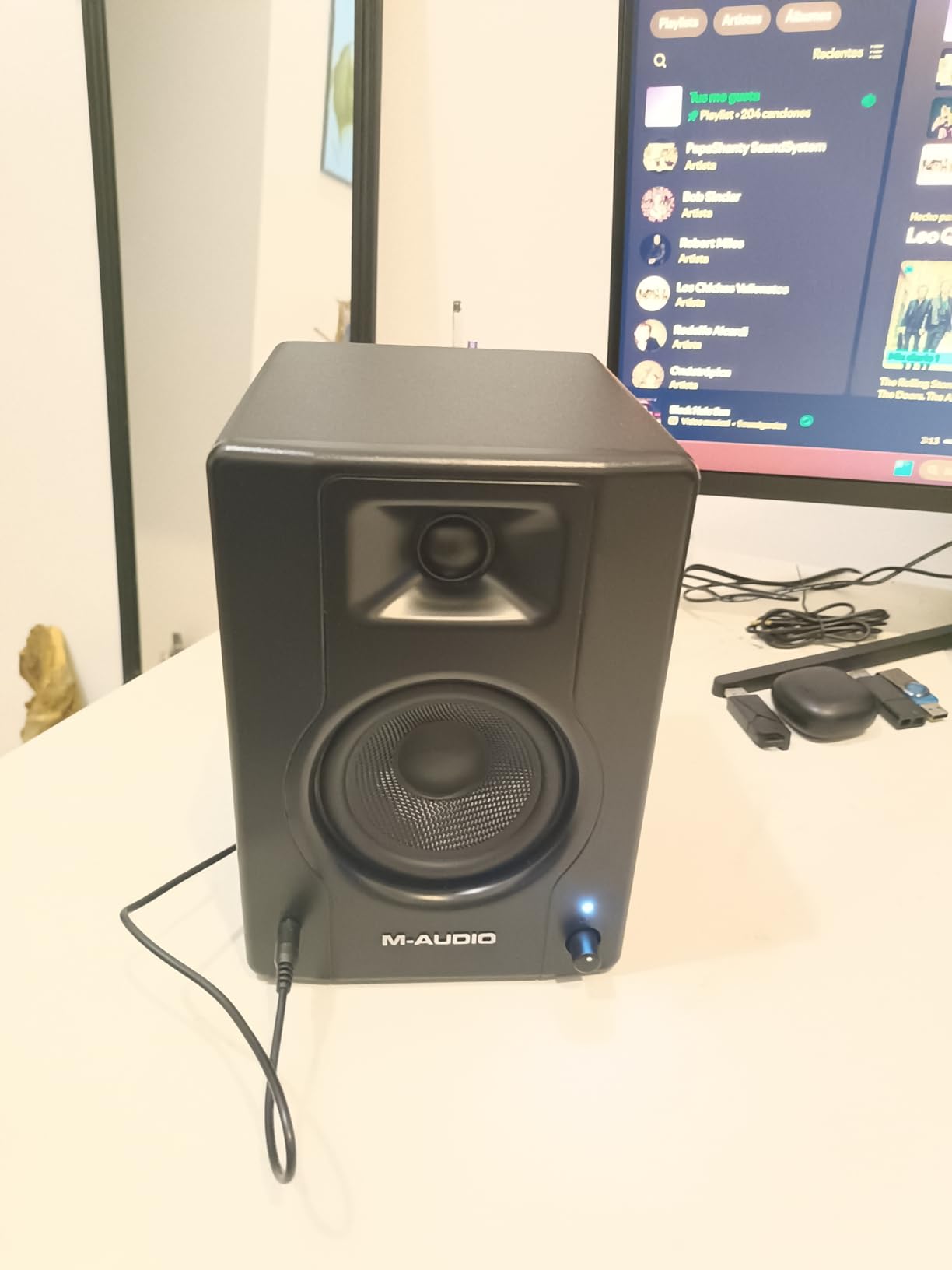
The BX3 exists for the desk that has no room. At 5.51 inches deep and 8.19 wide it leaves your laptop and mic arm untouched, and the fact that it delivers bi-amplified 120W in that footprint surprises people. It is consistently recommended as a budget desktop pair for beat-making, podcasting and streaming, and users like the volume, the clean mids and the front headphone jack.
The 3.5 inch Kevlar woofers pair with natural silk dome tweeters for precise stereo imaging and a pristine top end, mounted in an MDF cabinet with a bass reflex design. Rear controls include High and Low EQ dials plus a switch for which speaker is the active one, which matters if your interface is on the opposite side of the desk to your chair.
The M-Audio team describes the design explicitly as a latency-free wired connection for live streaming, gaming, podcasting and studio work, and that is the right frame. Everything you edit goes in over the rear quarter-inch, 3.5mm or RCA inputs, so the timing between your hand on the playhead and the sound is identical to your interface.
What you accept is a smaller picture of the low end. The rear trims are coarse rather than continuous, and several users report the bass sounding muddy until those dials are adjusted. Balanced quarter-inch TRS is available but sits on the rear panel, so a balanced interface run means a cable that stays behind the desk. For bass, the honest answer is that a 3.5 inch woofer will not show you a music bed’s real weight.
Why the BX3 fits a cramped desk
At 8.19 inches wide the pair leaves a usable centre of desk for a laptop, a keyboard and a mic arm, which is the constraint that kills larger monitors.
Front headphone output means the late-night check does not involve crawling behind the desk, which reviewers list as a top practical benefit.
Zero-latency wired monitoring is the correct default for editing, and the volume headroom from 120W of bi-amplification keeps levels consistent across a session.
Where the BX3 runs out of road
Coarse rear High and Low dials cannot make fine corrections, so a room with a pronounced low-mid bump is hard to tame with the hardware alone.
The 3.5 inch Kevlar woofer sets the ceiling for low end, and no amount of gain fixes a driver that cannot move air.
Balanced input is rear only, so a tidy cable run to an interface is harder than on pairs with a front headphone jack and rear TRS combined.
8. Edifier MR3 – Best for Wireless and Wired in One Box
Edifier MR3 Powered Studio Monitor, Speaker Hi-Res Active Bluetooth Speaker
- Hi-Res certified with a claimed 52 Hz to 40 kHz response
- Bluetooth 5.4 multi-point with TRS
- RCA and AUX
- Front headphone output with no loss versus the sound card
- ConneX app EQ with Music
- Monitor and Custom modes
- MDF cabinet
- Rear High and Low dials have a narrow range
- Sound modes are not documented in the manual
- 18W per side is modest in a larger room
The MR3 is the most flexible small monitor here if your workflow moves between a laptop, a phone and a desk setup. It carries Bluetooth 5.4 with multi-point, balanced TRS, RCA and AUX, plus a front headphone output, and the RCA and aux inputs let you connect two sources simultaneously. Reviewers describe the sound as clean, detailed and neutral, with impressive low range for the driver size.
Power is 18W x2 RMS with a peak SPL of 92.5 dB, driving 3.5 inch mid-low drivers and 1 inch tweeters in an MDF cabinet. The front panel offers Music, Monitor and Custom modes with a three-profile LED indicator, and the EDIFIER ConneX app adds personalised EQ on top, which is more control than most pairs at this level give you.

Hi-Res Audio certification is claimed across 52 Hz to 40 kHz, which is a striking figure for a 3.5 inch driver and worth taking with a little scepticism until you have measured it yourself. In practice the midrange detail is what impressed us: mouth clicks and light sibilance are easy to hear at a moderate level, which is the daily work of dialogue editing.
The recurring complaints are practical rather than sonic. The rear High and Low dials have a very narrow effective range, so they are nearly useless for room correction. The sound modes are not documented in the manual, and some buyers could not get the unit into Bluetooth pairing mode from the instructions. There are also occasional reports of connectivity dropping and requiring a power cycle, and 18W per side is fine at a desk and thin in a larger room.
Where the MR3 earns its place
Multi-point Bluetooth lets you move from a laptop to a phone without re-pairing, which suits creators who record and edit on different devices.
Balanced TRS alongside RCA and AUX means one pair covers an interface, a mixer and a phone without a dongle in the chain.
App-based EQ and three front-panel modes give more tonal control than the coarse rear dials alone, which matters in an untreated room.
Where the MR3 is the wrong choice
Bluetooth latency makes wireless unusable for editing, so it stays a playback convenience and never your reference path.
The rear tone dials are nearly inert, so if your room has a low-mid problem you will be solving it in software instead.
At 18W per side it lacks the output to fill anything larger than a small room at a healthy monitoring level.
9. Ortizan C7 – Best Connectivity for a USB-C Desk Setup
- Only pair here with a built-in 24-bit USB DAC
- 6.35mm TRS balanced plus RCA
- AUX and Bluetooth 5.3
- Front headphone output for quick checks
- Flat tuned response with clear mids
- 80W amplification in a compact box
- 3.5 inch carbon fiber driver limits sub-bass
- 0.75 inch tweeter is modest next to 1 inch units
- No XLR input for professional use
The Ortizan C7 is the odd one out in the best way: it is the only pair here with a built-in 24-bit DAC that takes digital audio over USB. That means a laptop connects with one cable and no interface in the signal path, and the DAC captures the digital signal directly rather than converting it twice. For someone editing on a single laptop who does not own an interface, that removes the most common source of ground loop hum.
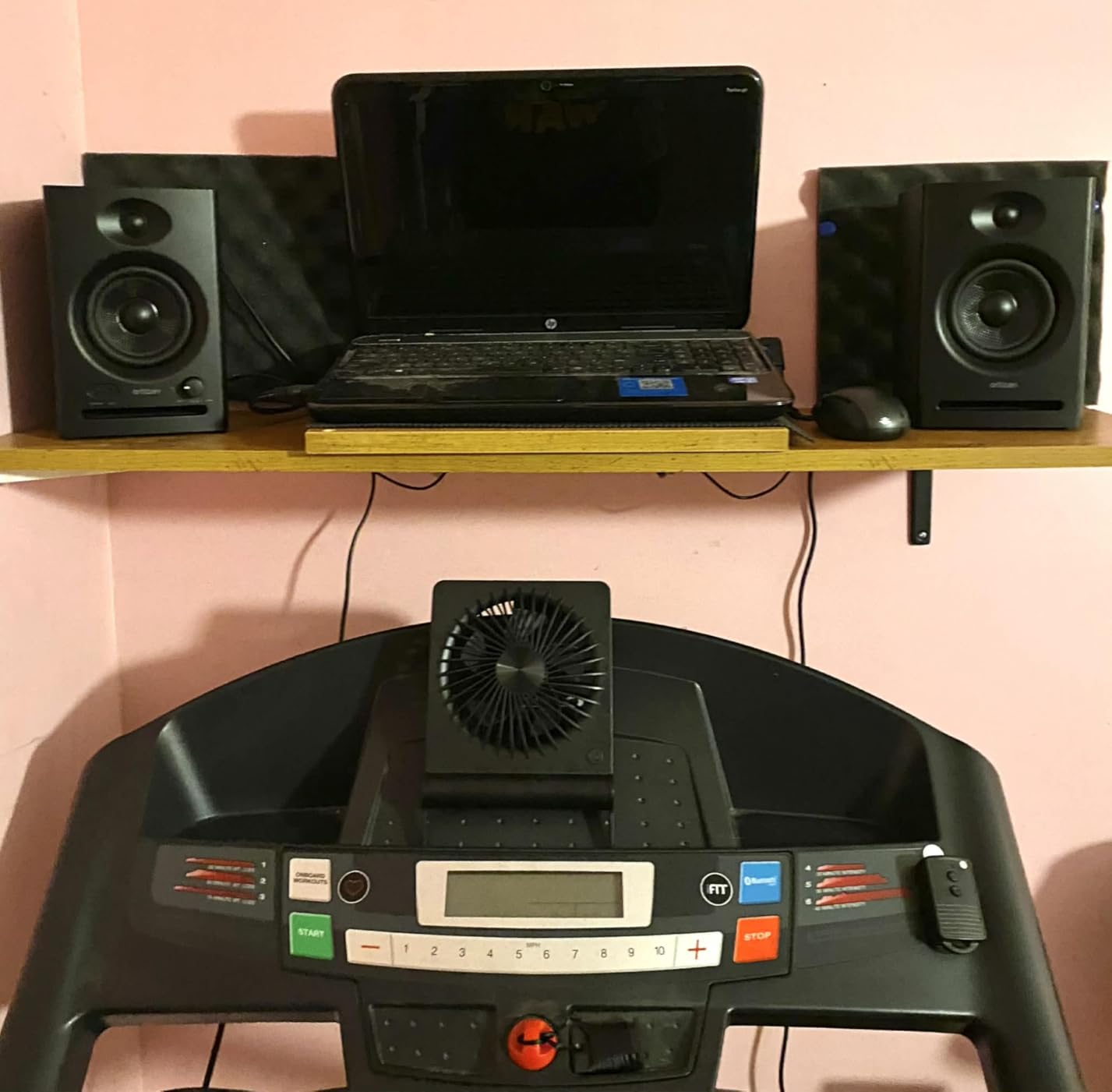
Everything else is unusually complete for the size: a 6.35mm TRS balanced input, two unbalanced aux inputs, RCA, Bluetooth 5.3 pairing in about two seconds, and a front headphone output. The drivers are a 3.5 inch carbon fiber woofer with a 0.75 inch silk dome tweeter on an electronic two-way crossover, tuned to a flat response curve, and the pair is rated at 80W.
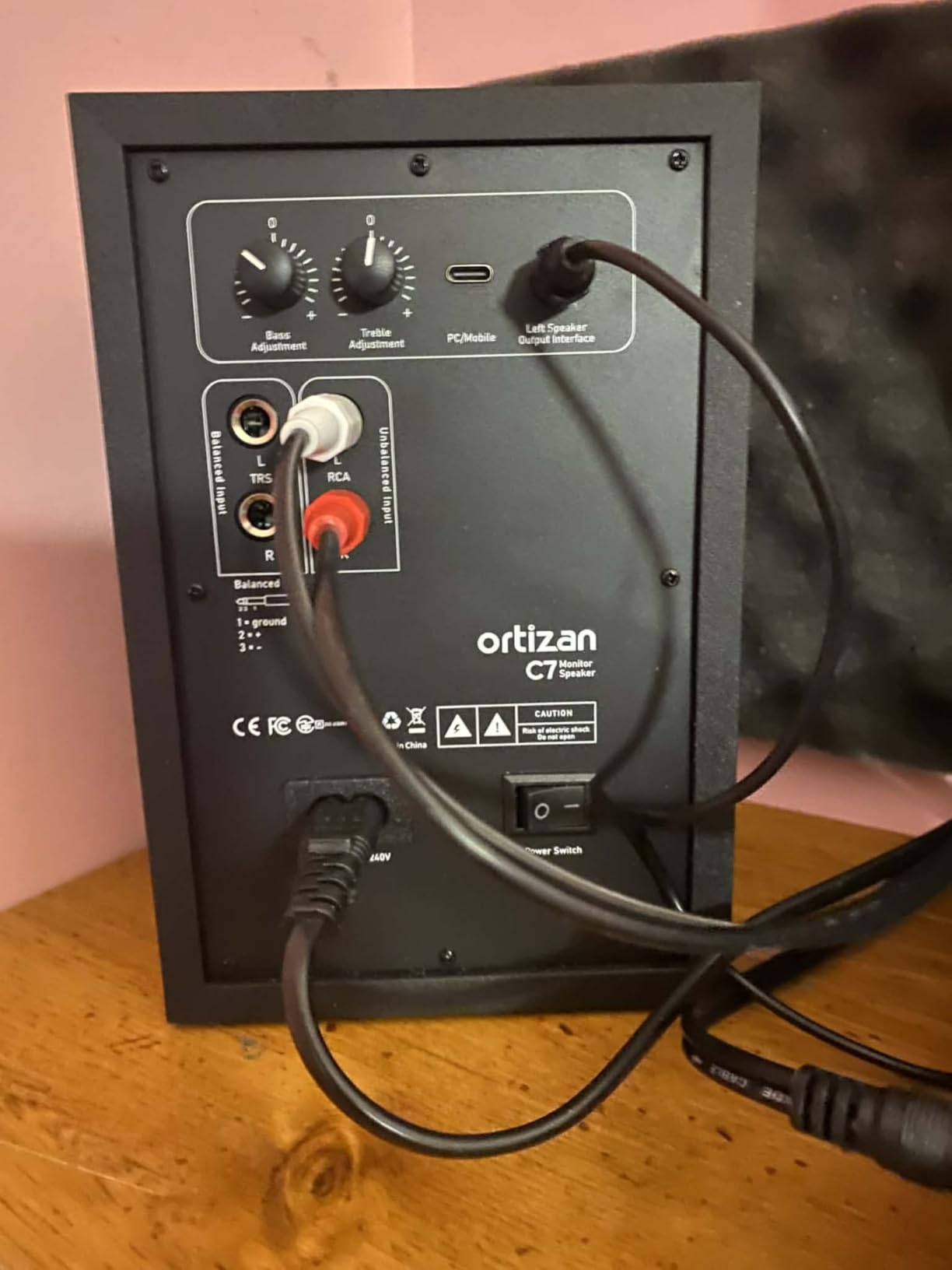
Reviewers single out the connectivity breadth as the standout, and describe the sound as clean and precise with good mids for content creation. For a video creator cutting a podcast with visual cuts, those midrange details matter, and the balanced TRS input means an interface still connects properly when you outgrow the laptop-only workflow. Our guide to editing monitors for video creators covers that crossover in more detail.
Be realistic about the driver size. A 3.5 inch carbon fiber woofer cannot render sub-bass, and the 0.75 inch tweeter is a step down from the 1 inch units on the Eris, MR4 and BX3, which shows on demanding high-frequency material. The review base of 890 ratings is also smaller than most of the field, and there is no XLR input at all.
Why the C7 suits a laptop-first workflow
The built-in 24-bit DAC means one USB cable carries audio, which removes the interface from the chain and with it most hum problems.
Six point three five millimetre balanced TRS is present when you do add an interface, so the pair grows with your setup rather than limiting it.
Bluetooth 5.3 pairs in about two seconds, which is useful for playing a finished episode back rather than for editing.
Where the C7 falls short
The 0.75 inch tweeter is the smallest here, so demanding high-frequency content is not where it shines.
Sub-bass is out of reach with a 3.5 inch carbon fiber driver, so a music-led show needs a second reference.
No XLR input means it cannot sit in a professional signal chain, and 890 ratings is a thinner evidence base than the leaders.
10. M-Audio BX5BT – Best App-Tuned 5 Inch Monitor
- DSP reference modes on the front panel
- 5-band EQ and presets in the Studio Control app
- Bluetooth 5.0 alongside rear TRS inputs
- Burr-Brown A/D converters with a waveguide tweeter
- 240W bi-amplified from a 5 inch woofer
- Reports of single-speaker failures and amp defects
- 4.4 rating with 7 percent one-star feedback
- No front headphone output
The BX5BT is the only pair in this roundup with front-panel DSP reference modes you can switch without opening a menu, offering FLAT, HYPE and CUSTOM alongside a built-in DSP crossover. For a beginner, that HYPE mode is a usable way to hear a mix played back the way a casual listener will hear it, and the FLAT mode is the one you should edit on. The Studio Control app adds a five-band EQ, custom presets and room optimisation on top of that.
Power is substantial: 240W of bi-amplification driving a 5 inch Kevlar woofer and a 1 inch silk dome tweeter with a waveguide, with Burr-Brown A/D converters in the signal path. Bluetooth 5.0 is quoted at 100 feet of range with ultra-low latency claims, and the rear panel carries TRS inputs and trim controls.
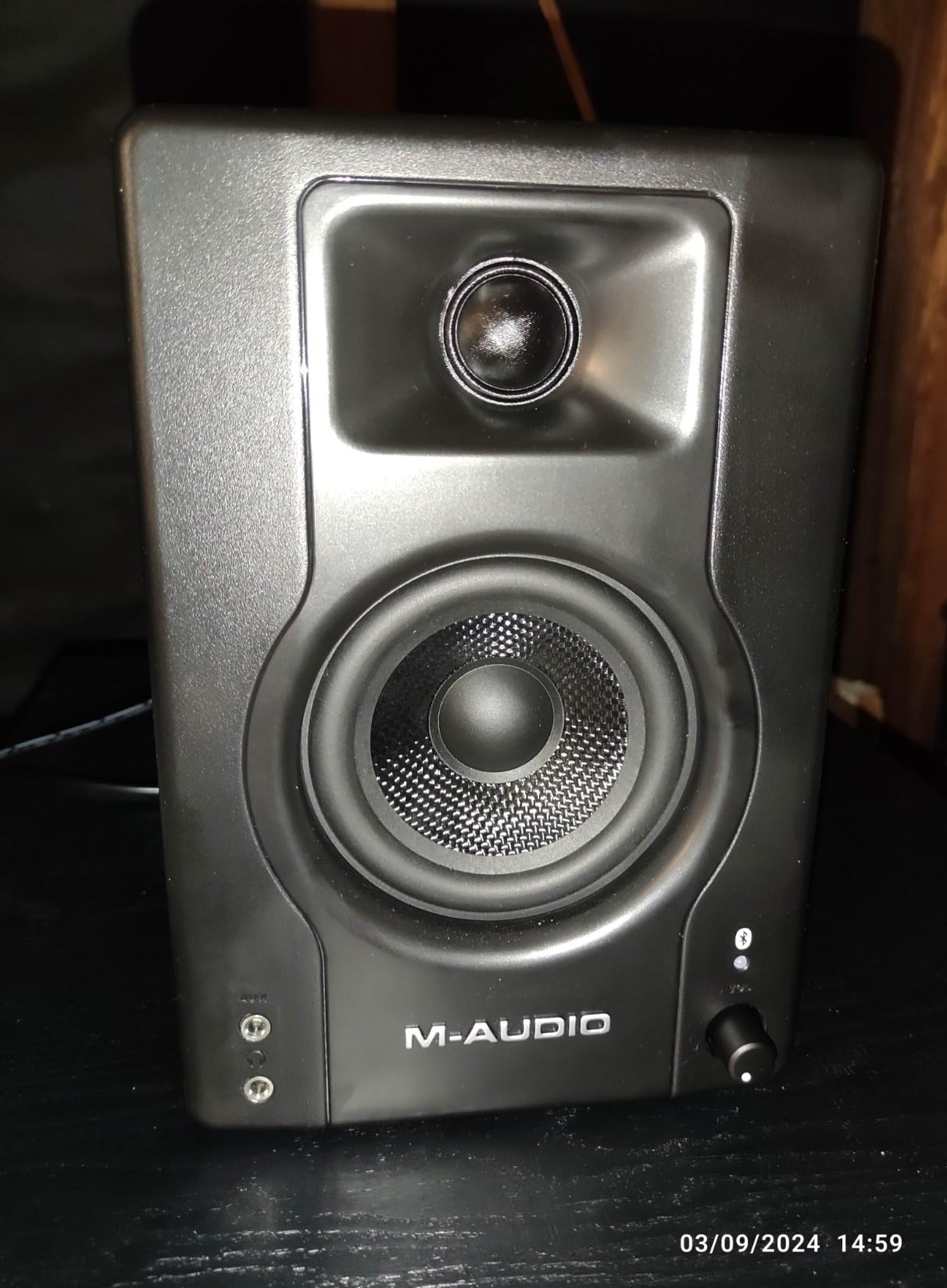
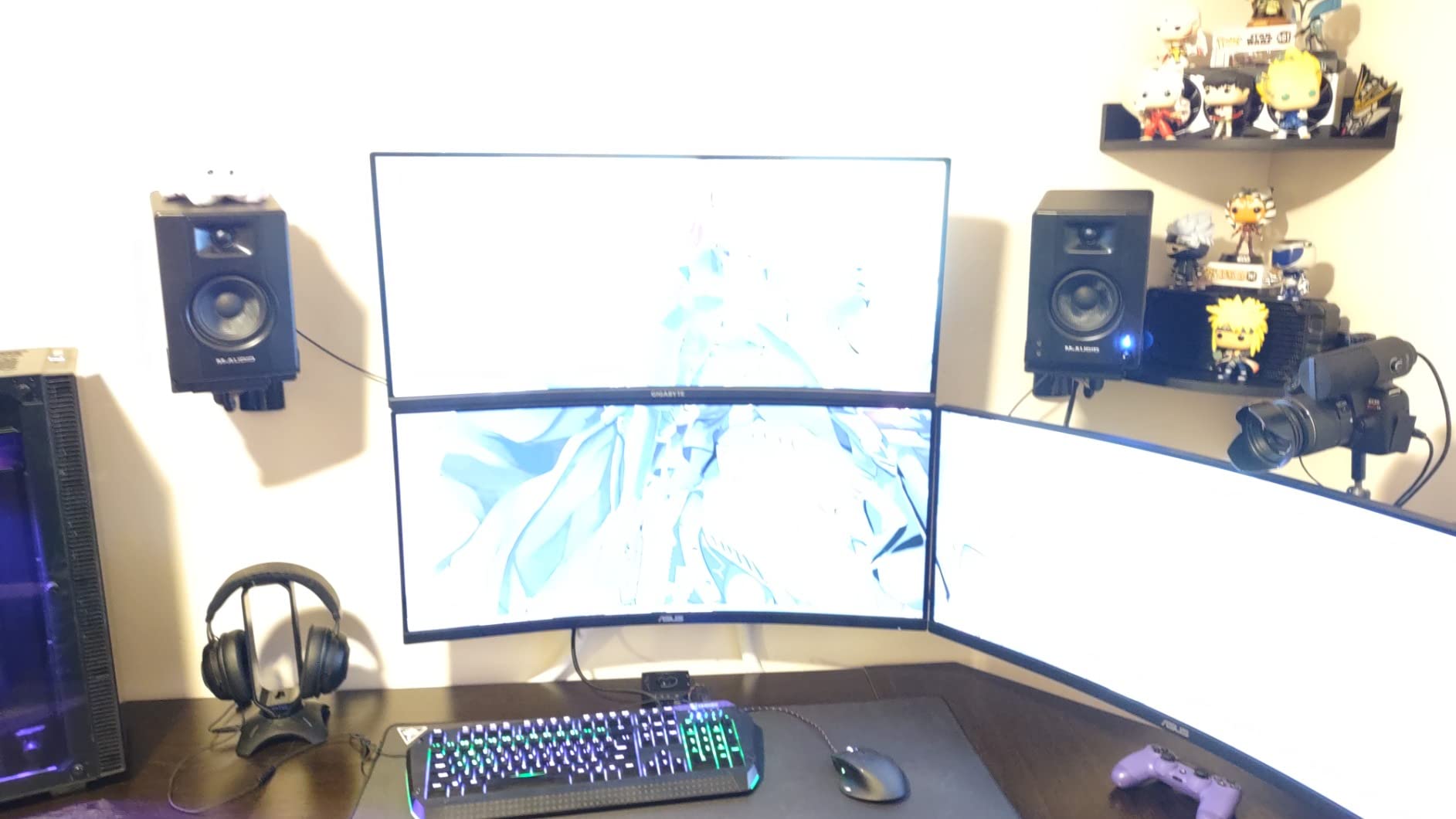
Owners like the flat, clean voicing and the feature set for the money, using them for casual listening, gaming and light content work, which is a fair description of where this pair sits. The larger 5 inch woofer gives you the most low-end weight of any desktop pair in this roundup, and the app EQ is the most granular tonal control available here without a measurement microphone.
Reliability is the real concern. The 4.4 rating carries 7 percent one-star feedback, and reviewers report a speaker dropping out on its own, plus channel-switch and amplifier defects. Bluetooth also occasionally needs a full reset and reconnection rather than a simple re-pair, and there is no front headphone output, which is a genuine gap for late-night editing. If reliability over the long term matters more than features, choose a wired pair.
What the BX5BT does that the others cannot
Front-panel FLAT, HYPE and CUSTOM modes give you a one-button A and B between reference monitoring and consumer playback, which is a genuine translation check.
Five-band EQ with savable presets in the app is the most detailed tonal control in this roundup, and it works without a measurement mic.
240W of bi-amplified power from a 5 inch woofer means the pair can hold a moderate level in a room larger than a bedroom office.
Where the BX5BT is the wrong choice
A 4.4 rating with 7 percent one-star feedback, concentrated on single-speaker dropouts, is a durability risk on a purchase you expect to keep for years.
Bluetooth reconnection problems and a lack of a front headphone output both get in the way of a daily editing routine.
Without a room measurement, app EQ is guesswork informed by taste, so it cannot replace the boundary and trim controls the JBL and Yamaha offer.
11. Mackie CR3.5 – Best On-Desk Voicing Control
Mackie CR3.5 Studio Monitors (Pair), 3.5″ Woofers, Tone Knob, Black
- Tone Knob for on-desk voicing
- Location switch corrects wall or free-standing bass
- Swappable active speaker position
- Front volume knob with headphone and aux inputs
- Isolation pads and cables in the box
- 328 ratings
- the smallest review base here
- Noticeable coloration for critical mix decisions
- One report of a pair with no power out of the box
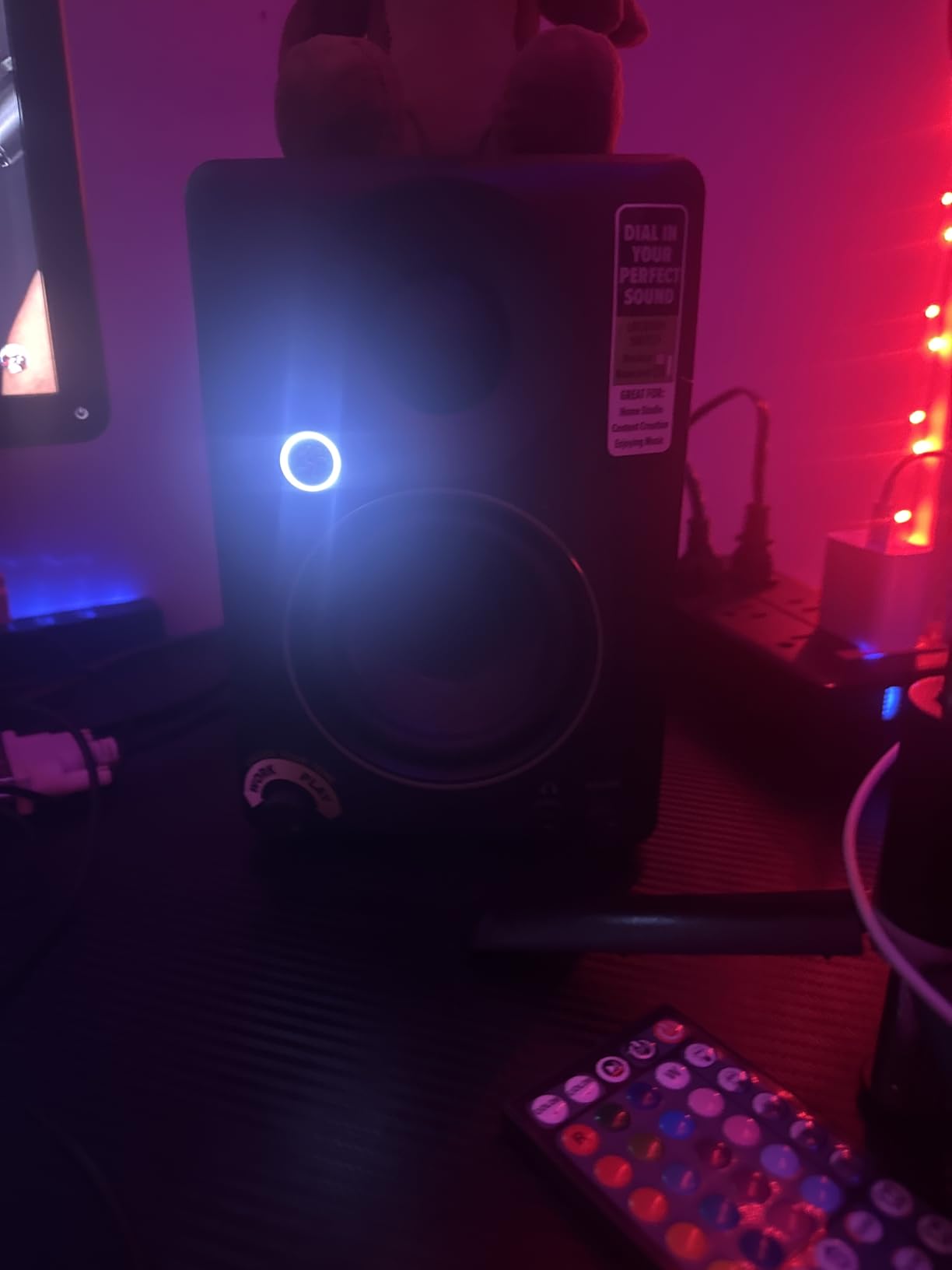
The CR3.5 is sold around one idea: control the tone from where you sit. The Tone Knob on the front panel dials voicing without menus, and the Location Switch corrects bass depending on whether the speakers sit against a wall or free-standing, which is the single most useful correction in a bedroom studio. If you have ever spent an evening guessing why your mix sounds boomy, this is the pair that addresses it directly.
Behind that you get a 3.5 inch woofer with a 1 inch tweeter, a front volume knob with headphone and aux inputs, and a swappable active-speaker position so the powered unit can sit on either side of the desk. RCA and TRS rear inputs cover an interface, and isolation pads plus cables come in the box, which is more than several rivals include.
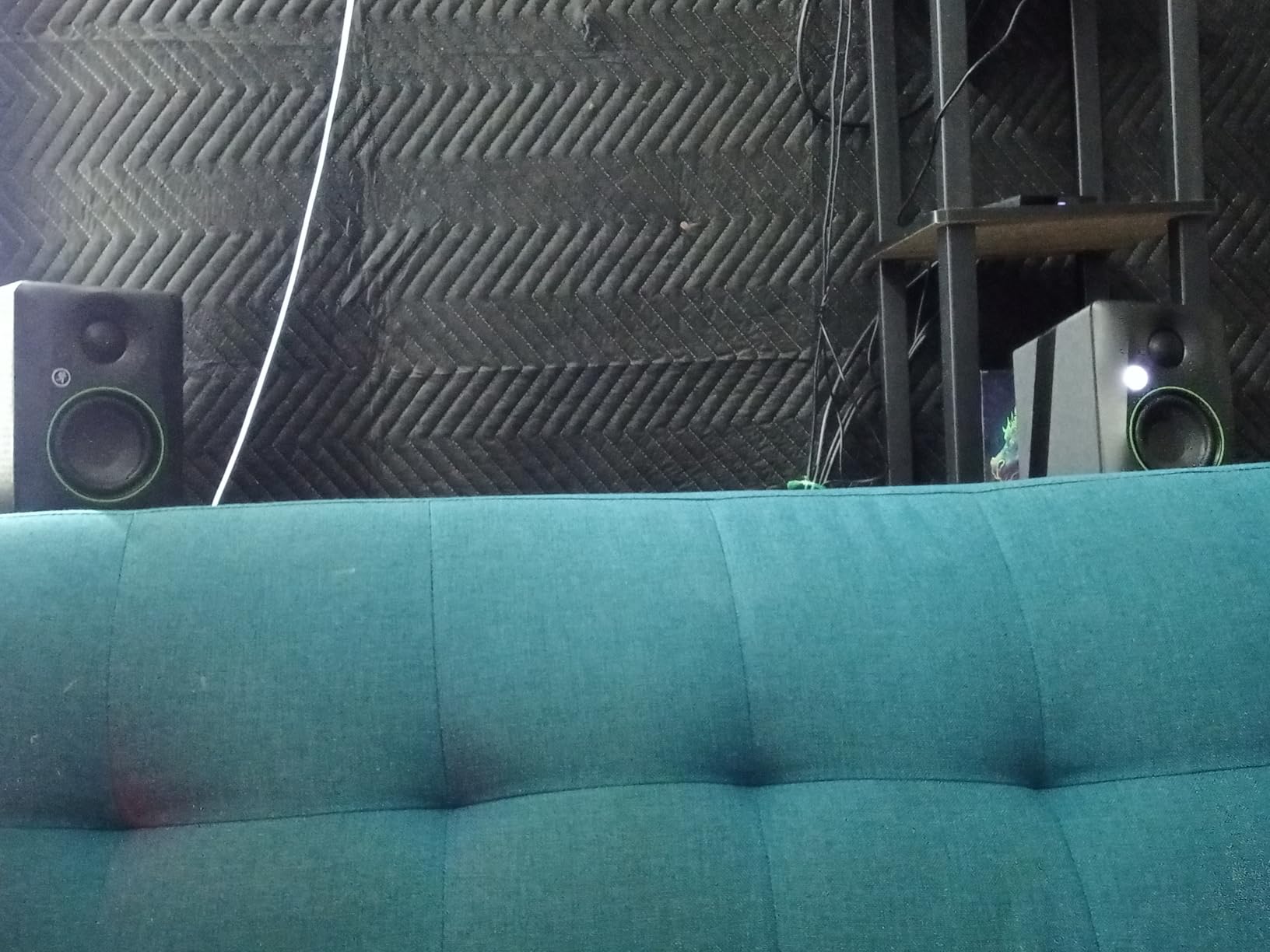
Owners rate it as a robust, fuller-sounding desktop alternative to the entry 3.5 inch competition, with clear highs and balanced mids, and recommend it for casual listening, video and light editing. That fuller character is the point: it makes quiet dialogue easier to hear on a small desk, even though it is not the flattest option here.
The trade-off is explicit coloration, and owners say so directly, which makes this a poor choice for critical mastering decisions and a good one for a creator who wants speech to sound present. The 328 rating review base is the smallest in the roundup, there is one report of a pair with no power out of the box, and at 10.2 pounds it is heavy for a 3.5 inch footprint.
What the front-panel controls solve
The Tone Knob puts tonal voicing at arm’s reach, so you can compare two settings mid-edit instead of routing through a menu.
The Location Switch is a fixed wall-placement correction that costs nothing and works before you touch any EQ.
A swappable active speaker position removes the cable routing headache that appears when your interface sits on the far side of the desk.
Where the CR3.5 should be skipped
Owners note noticeable coloration, so it is unsuitable for critical mix decisions where translation to other systems is the whole point.
Lightweight bass for a 3.5 inch driver means a sub is often added later, which is an extra purchase the larger options avoid.
With 328 ratings it carries the least evidence of long-term reliability in this group, so buy it from a seller with an easy return.
12. Edifier R980T – Best Starter Pair on a Tight Budget
Edifier R980T 4″ Active Bookshelf Speakers – 2.0 Computer Speaker – Powered Studio Monitor (Pair)
- 24W RMS in a 4 inch bookshelf pair
- Wooden enclosures that minimise resonance
- RCA
- 3.5mm and speaker wire included
- Two AUX inputs allow two sources at once
- Two year warranty
- Consumer bookshelf voicing rather than a flat reference
- No headphone output for private checks
- Limited tone shaping controls
The R980T is not a studio monitor, and we want to be clear about that before you spend. It is a powered bookshelf pair, and its voicing is tuned for enjoyable listening rather than for reference. That said, at 4439 ratings and a 4.6 average it is one of the most proven speakers in this roundup, and owners describe it as a large upgrade over basic computer speakers with clear, punchy sound and a setup simple enough for a first recording.
You get 24W RMS of total power across a 4 inch woofer, with 100 percent wooden enclosures designed to minimise acoustic resonance and a calibrated, flared bass reflex port on the front. Two AUX inputs accept any device with a 3.5mm headphone output or dual RCA output, and RCA, 3.5mm cables plus speaker wire are all in the box on a universal 110V to 240V supply.
The honest limitation is that a bookshelf speaker flatters what it plays. There are no tone controls worth the name and no headphone output, so you cannot do a proper private check or correct the room. Use it for reference playback and for hearing whether a music bed is loud, then do the actual editing decisions on headphones.
A front-facing port means the back of the cabinet can sit close to a wall, which makes the 11.5 inch deep, 17 inch tall box easier to place than a rear-ported studio monitor of the same size. Two AUX inputs also mean you can have an interface and a phone connected at once, which is unusual at the bottom of the range. The 2 year warranty is a shorter commitment than the 5 years offered by the JBL, so plan for the possibility of a replacement within your working life.
Where the R980T makes sense
It is a first pair for a creator who has just bought a microphone and interface and needs speakers that simply turn on and sound clear.
Two AUX inputs and included cables mean no extra hardware, no adapters and no setup beyond plugging things in.
The front flared port and wooden enclosure keep bass and resonance tidier than plastic computer speakers at the same use.
Where the R980T should be passed over
Consumer bookshelf voicing means errors are hidden rather than revealed, which is the opposite of what an editing reference is for.
No headphone output means every privacy check requires unplugging your interface or your laptop.
With no tone controls you cannot fix a room problem, so an untreated space will keep colouring what you hear.
How to Choose Studio Monitors for Podcast Editing
What actually matters for dialogue editing, not music
For speech editing, a flat-response powered nearfield monitor in the 4 to 5 inch class with a front-firing port, a balanced TRS input and adjustable high and low trim is the right target. Bass depth matters far less than midrange clarity between 1 kHz and 4 kHz, because almost every decision you make on a podcast is about what happens in that band.
Two narrower bands matter specifically. The voice intelligibility band runs roughly 100 Hz to 8 kHz, the range in which speech stays comprehensible, and the 1 kHz to 4 kHz consonant band is where sibilance, plosives and mouth clicks live. A monitor that flatters this band hides exactly the problems listeners complain about. If a beginner wants a background read on the subject, our powered studio monitors for beginners guide covers the general case.
Monitor size and desk space
Four to 4.5 inches is the sweet spot for a desk-based podcast setup: enough low end to judge a music bed without crowding the screen. Choose 3.5 inches if desk space is critical, 5 to 5.25 inches if you cut narrative shows with heavy music, and treat larger 3-way designs as a step only if you move to a treated room.
Nearfield means 3 to 5 feet of listening distance, with tweeters at ear height. At that distance the two monitors merge into a single coherent stereo image, which is what makes judging a music bed under dialogue possible in the first place.
Front-ported cabinets and wall placement
No, studio monitors should not be flat against a wall. Rear-ported designs need 6 to 12 inches of clearance behind them, or the reflected bass folds back into the low mid and every voice sounds thicker than it is.
Most podcast desks sit against a wall, so the practical answer is a front-firing port, which pushes air toward the listener instead of the wall. If your desk is fixed flat to the wall and you want a rear-ported cabinet, a Boundary EQ switch set to its reduced position or a fixed low shelf will recover most of the damage.
Flat response, room correction switches and the 38 rule
Flat is the right starting point because it lets you hear what you actually recorded, but in an untreated room a cheaper monitor with room correction beats a costlier flat one with no tuning. Room control, boundary EQ and high-low trim switches exist for exactly this situation, and a Boundary EQ cut is effectively a set of bass traps you can afford.
The 38 rule says to sit or stand 38 cm, about 15 inches, from the speakers at an angle roughly 30 degrees off-axis with tweeters at ear height. It is the distance where nearfield monitors are designed to merge into a coherent image. If your software lets you do it, a measurement and correction pass from Sonarworks SoundID Reference or IK Multimedia ARC is a strong argument for buying a smaller monitor and putting the savings into treatment instead of a larger cabinet.
Connectivity: balanced TRS, XLR, RCA and USB
TRS is the right default for consumer and prosumer interfaces because a balanced connection rejects the ground loop hum that appears over long cable runs. XLR is only needed for balanced long runs or professional distribution, RCA is acceptable for short runs near a single power supply, and a USB DAC input is the simplest option of all for a laptop-only setup.
The practical test is simple. If your interface sits more than about 3 feet from the monitors, use balanced TRS. If the pair offers only RCA, expect a hum that you will waste an evening chasing, and treat that as a reason to pick a different model.
Bluetooth monitors: convenience against latency
Bluetooth is fine for reference playback from a phone and unusable for editing. The added latency is measured in tens of milliseconds, which is enough to push your edit visibly away from the sound, and several of the pairs here also need a manual reset and reconnection after a dropout. Keep the wireless path for playing a finished episode and stay on wired inputs for the work.
Headroom, loudness targets and long session safety
Most podcasts master to roughly -16 LUFS for mono playback, so monitor around 75 to 85 dB SPL at your seated position, with enough headroom to handle peaks without the interface clipping. A monitor that cannot reach that level quietly forces you to turn it up, and turned-up monitors are the main cause of the headache and ear fatigue podcast editors report after a long session.
Take a break every 90 minutes. It is the cheapest fatigue intervention available and it costs nothing.
Monitors or headphones? Most podcasters need both
Use speakers for translation checks: judging whether a music bed sits under the voice correctly, whether a stereo effect is in the right place, and how the episode holds up outside your studio. Use closed-back headphones for detail work: noise reduction, de-essing, mouth clicks, and any editing in a noisy or late-night room where you cannot turn the level up.
That hybrid workflow is exactly what experienced podcasters describe, checking bass on good speakers occasionally while doing the real work in headphones, and it is why we do not treat a monitor as a replacement for a good pair of closed-back headphones.
Where the premium tier fits, and what to skip
Professional studios use large-format three-way and four-way systems from Genelec, Neumann, ATC, PMC, Focal and Adam Audio, with dedicated DSP and calibration software such as Genelec’s GLM. Genelec is popular for a reason: an integrated waveguide plus calibration software keeps the listening position consistent and lets engineers correct the room itself, which is a benefit a desktop podcast setup cannot match and does not need.
Skip that tier unless you are mastering music in a treated room. A mid-size monitor with a boundary switch in an untreated bedroom office will beat a flagship in the same space, because the room is the problem. Spend on your microphone, your interface and a few panels of acoustic foam before you spend on a flagship pair.
Frequently Asked Questions
Do I really need studio monitors for podcast editing?
Headphones are enough for dialogue EQ, noise reduction and de-essing. Monitors earn their place for stereo imaging, music-bed balance, and checking how the finished episode translates to phone speakers, earbuds and a car stereo. If your room is noisy, you edit late at night, or you have no audio interface yet, closed-back headphones are the better first purchase.
What type of monitor is best for editing podcasts?
For speech editing, aim for a flat-response powered nearfield monitor in the 4 to 5 inch class with a front-firing port, a balanced TRS input and adjustable high and low trim. Bass depth matters far less than midrange clarity between 1 kHz and 4 kHz, because that is the band where every dialogue decision is made.
What is the 38 rule for studio monitors?
Sit or stand 38 cm, about 15 inches, from the speakers, at an angle roughly 30 degrees off-axis, with the tweeters at ear height. That is the distance where nearfield monitors are designed to merge into a single coherent stereo image, which is what makes it possible to judge a music bed underneath dialogue.
What size studio monitor do I need for podcast editing?
Four to 4.5 inches is the sweet spot for a desk-based setup, giving you enough low end to judge a music bed without crowding the screen. Choose 3.5 inches if desk space is critical, and 5 to 5.25 inches if you cut narrative shows with heavy scored music underneath.
Should studio monitors be placed against a wall?
No. Rear-ported monitors need 6 to 12 inches of clearance behind them or reflected bass makes the low mid thick and every voice sounds larger than it is. Most podcast desks sit against a wall, so choose a front-firing port, or use a Boundary EQ switch set to its reduced position.
Is it better to use XLR or TRS for studio monitors?
TRS is the right default for consumer and prosumer interfaces because a balanced run rejects the ground loop hum that appears over long cables. XLR is only needed for balanced long runs or professional distribution, and RCA is acceptable for short runs near a single power supply.
Can I use Bluetooth or hi-fi speakers for podcast editing?
Not for editing. Bluetooth adds tens of milliseconds of latency that pulls your edit away from the sound, and consumer hi-fi speakers apply their own bass boost and DSP that colour the midrange you are trying to judge. They are fine for casual playback of a finished episode, not as a reference.
How loud should I monitor podcast dialogue?
Most podcasts master to about -16 LUFS for mono playback, so monitor around 75 to 85 dB SPL at your seated position with enough headroom for peaks not to clip your interface. A monitor that cannot reach that level quietly forces you to turn it up, which is the main cause of listening fatigue in long sessions.
The Bottom Line for Podcast Editing in 2026
Buy the Yamaha HS4 if you want one pair that handles an untreated room and a long session without fatigue, because its room control switch and high trim are the reason it takes the top spot. Buy the Edifier MR4 if balanced TRS, a front headphone jack and rear tone trims matter more to you than deep low end, and the PreSonus Eris E4.5 if you switch between speakers and headphones on every episode and want a proper headphone amplifier built in.
For a narrative show with a heavy music bed, step up to the JBL 305P MkII or the M-Audio BX4. For the smallest desk, the M-Audio BX3 does the job with room to spare, and the IK Multimedia iLoud Micro is the one to pack when the studio travels. Whatever you choose, remember the sequence: microphone, interface, headphones, then monitors, and treat the room as part of the system. These are the best studio monitors for podcast editing in 2026, and the best of them is the one you place correctly and listen to carefully.