
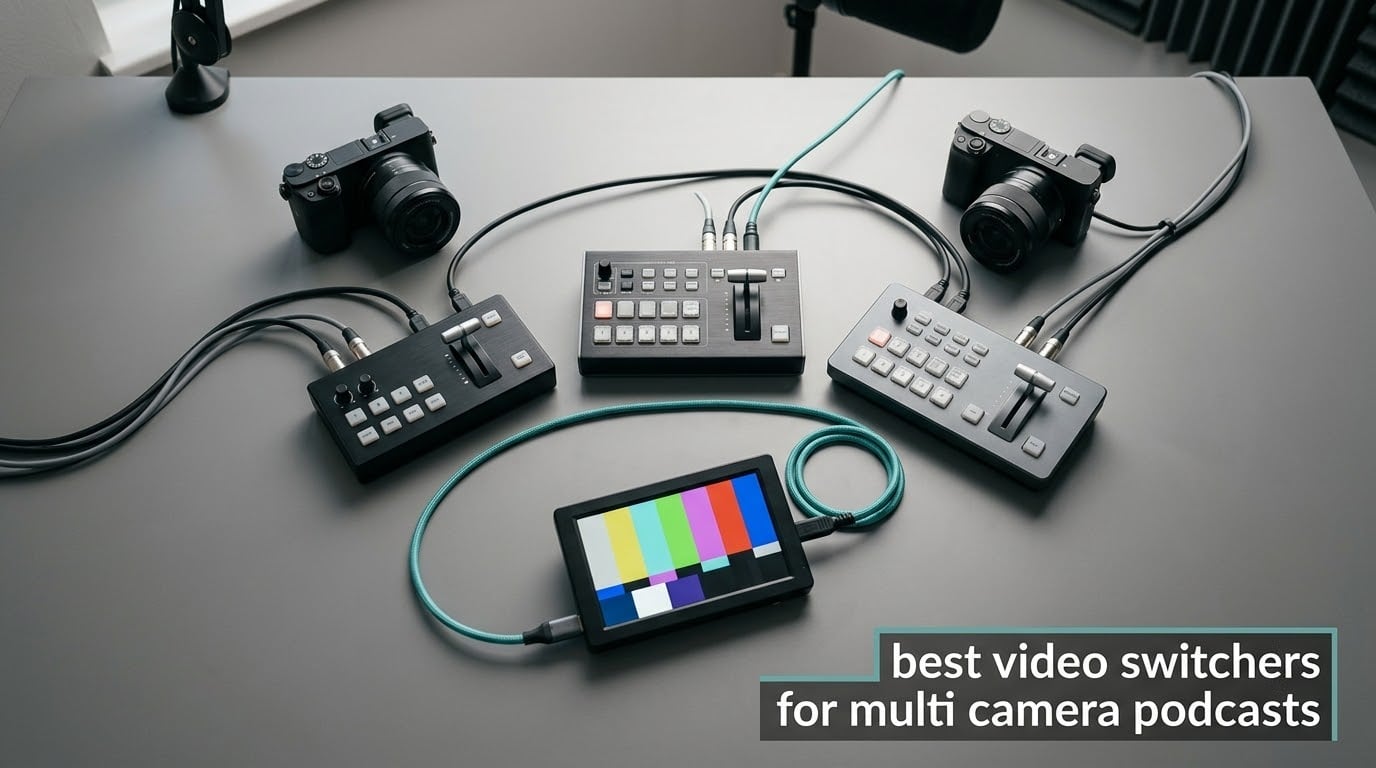
A video switcher lets you cut instantly between live camera feeds, so a multi-camera podcast changes angles the way a broadcast does instead of sitting on one static wide shot. Most of the confusion in this category comes from one decision made too late: whether you want a switcher that only sends a mixed program feed, or one that also records every camera separately. That single choice separates the picks in this guide, and it decides how much of your edit you get back.
I have spent months with switchers on podcast desks, lining up the same three-camera interview rig across ten of them, watching what happens when a guest fumbles an answer, when a mic channel is hot, and when the stream drops halfway through. This guide covers the best video switchers for multi camera podcasts across a price range that starts under two hundred dollars and runs well past two thousand, and it is written for people filming two or three speakers in one room. If that is you, keep reading. If you are a solo creator with one camera who just needs a title card, skip to the note near the end about when OBS Studio on its own is enough.
Two things shape every recommendation below. The first is audio. Podcasters routinely buy a switcher for the video and then discover the mixer inside it cannot drive four microphones, cannot give each guest independent gain, and has no headphone monitoring for the people speaking. The second is ISO recording, meaning the switcher writes each input to its own file at the same time as the mixed program. ISO is not a luxury spec. It is the difference between a fumbled line being permanent and a fumbled line being a two-second fix in the edit.
Table of Contents
Top 3 Video Switchers for Multi-Camera Podcasts in 2026
These three cover the overwhelming majority of real setups. The ATEM Mini Pro is the safe default, the ATEM Mini Pro ISO is the one to buy if you edit at all, and the osee GoStream Deck delivers nearly the same feature list for a good deal less.

Blackmagic ATEM Mini Pro
- 4 HDMI inputs
- Built-in streaming and recording
- 4-camera multiview

Blackmagic ATEM Mini Pro ISO
- 5-stream ISO recording
- DaVinci Resolve project file
- 4-camera multiview

osee GoStream Deck
- 4 HDMI in and 2 HDMI out
- SuperSource and 2 keyers
- 3 simultaneous streams
Best Video Switchers for Multi-Camera Podcasts at a Glance in 2026
Every switcher below handles at least four live camera feeds and sends a program output you can record or stream. The rows are ordered by how much they suit a typical three-camera podcast, not by price.
| Product | Specifications | Action |
|---|---|---|
| Blackmagic ATEM Mini Pro |
|
Check Latest Price |
| Blackmagic ATEM Mini Pro ISO |
|
Check Latest Price |
| osee GoStream Deck |
|
Check Latest Price |
 RODE RODECaster Video RODE RODECaster Video |
|
Check Latest Price |
 FoMaKo KC800 FoMaKo KC800 |
|
Check Latest Price |
 YoloLiv YoloBox Pro YoloLiv YoloBox Pro |
|
Check Latest Price |
 RGBlink Mini RGBlink Mini |
|
Check Latest Price |
 YoloLiv YoloBox Extreme YoloLiv YoloBox Extreme |
|
Check Latest Price |
 osee GoStream Duet 8 ISO osee GoStream Duet 8 ISO |
|
Check Latest Price |
 RODE RODECaster Video S RODE RODECaster Video S |
|
Check Latest Price |
1. Blackmagic ATEM Mini Pro – the reference compact HDMI switcher
- Huge feature set for the money including multiview and DVE transitions
- Built-in streaming and USB recording means a streaming PC is optional
- Tactile buttons for real switching control
- Strong build that feels like broadcast gear
- Onboard audio mixer is basic next to a dedicated audio console
- No USB webcam input so webcams need external software
- Requires an external monitor for multiview
This is the switcher most multi-camera podcast setups end up on, and after months of comparing it against everything else in this guide it remains the one I recommend first. Four HDMI Type A inputs at 10-bit 4:2:2 sit next to two 3.5mm analog audio inputs, and the whole thing weighs 1.2 pounds at roughly the footprint of a paperback. It does not need a computer to stream, and it records straight to a USB drive when you are only producing.
The switching feel is what separates it from cheaper boxes. Cut, mix, dip, wipe and DVE transitions all sit on physical buttons, so you are not hunting through a menu mid-sentence. Upstream luma, linear, chroma and pattern keys plus a downstream keyer cover lower-thirds and logo bugs without extra hardware.
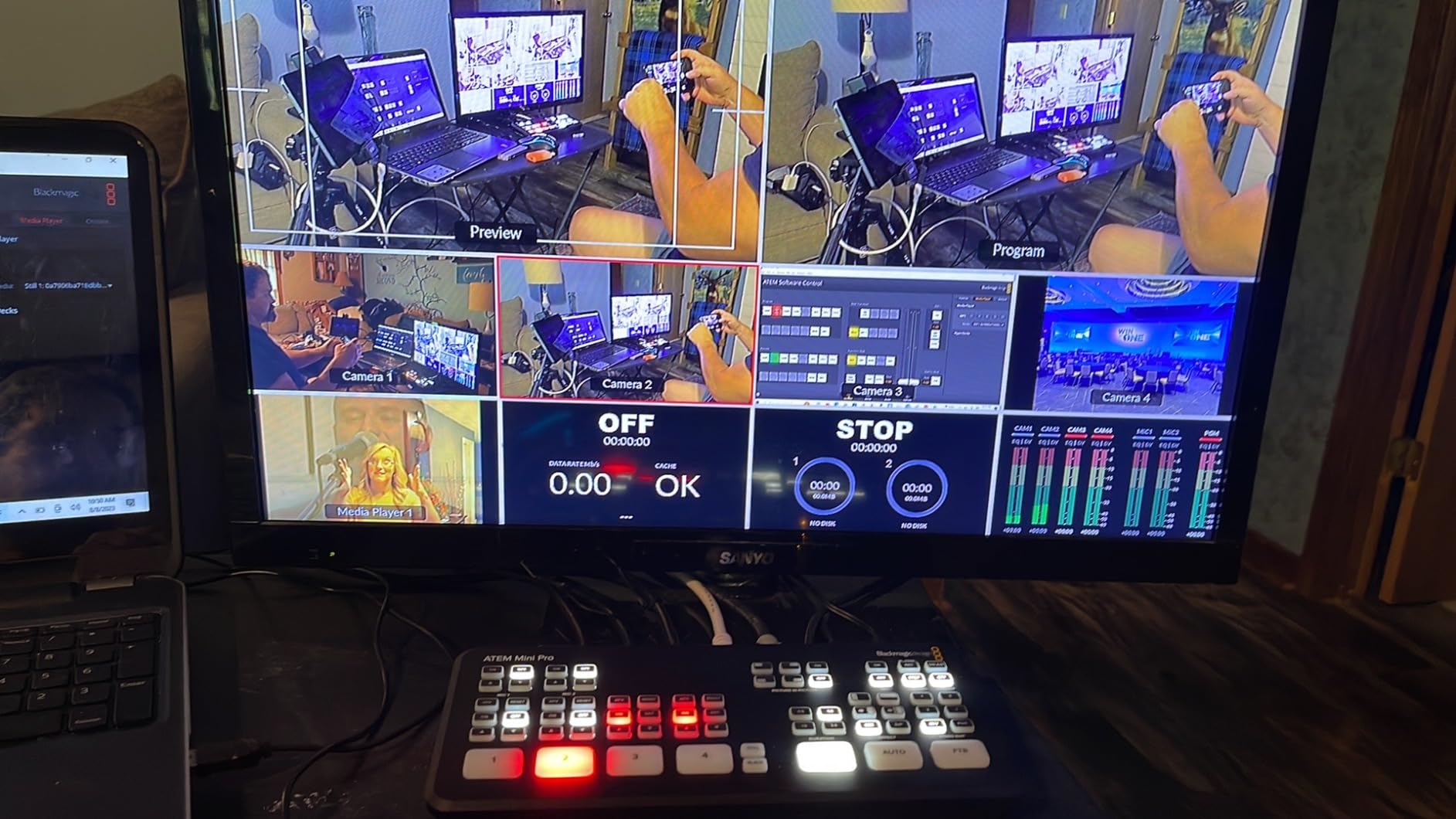
Streaming and recording are built in over the Ethernet port and the USB Type-C connection, which also exposes a webcam output for software. That flexibility is why it stays useful whether you are producing a live show or just quietly making an episode on a Tuesday. Over nearly two thousand reviews the box holds a 4.7-star average, with 86 percent of those reviews at five stars, and the feedback is unusually consistent about what it does well.
The honest limitation is audio. The 6-input, 2-channel mixer handles two analog inputs and embedded HDMI audio, which is fine for one host mic and a guest mic with an audio interface doing the real work. It is not fine for four dynamic microphones plugged straight in. The other recurring complaint is the missing USB webcam input, which forces USB webcams through a capture path rather than a dedicated port.
When the ATEM Mini Pro is the right call
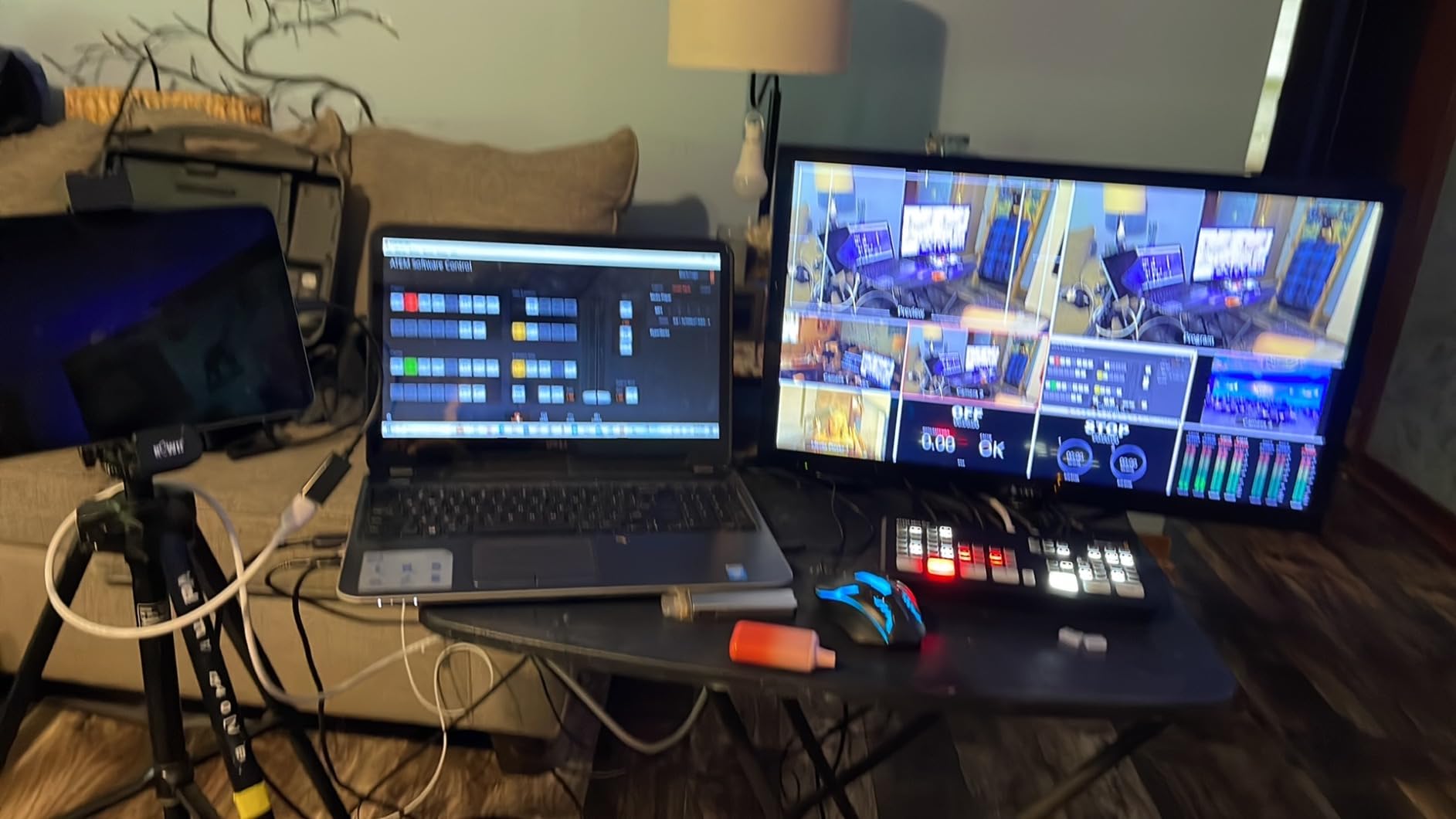
Choose it when you run two to four cameras, record locally, and want a switcher that keeps working after the next firmware update. The built-in encoder means you can produce an entire episode without a laptop in the room, which removes a whole category of failure. A 4-camera multiview output lets one operator see every source at once, and the physical buttons mean you can run the show while looking at your guests rather than at a mouse.
It also suits anyone with existing ATEM knowledge, since the software ecosystem is mature and well documented compared with smaller brands. For a straight two-camera video podcast with a separate interface handling mics, there is nothing in this list to beat it.
When you should buy something else
Skip it if you are running more than four sources, because every input you add for a camera or an overlay is an input you cannot use for the next one. It also caps out at 1080p processing, so 4K camera feeds arrive downscaled. If your audio comes from four XLR microphones rather than an interface, an all-in-one console will save you more trouble than this box will.
2. Blackmagic ATEM Mini Pro ISO – records every input separately
- ISO recording of every input with a Resolve project file streamlines multicamera editing
- Can relink ISO files to higher resolution camera footage
- Compact with full button-based switching
- Built-in Ethernet streaming removes the streaming PC
- Manual and ATEM Control software have a steep learning curve
- 1080p only with no 4K version
- Some users report USB drops and temperamental network behaviour
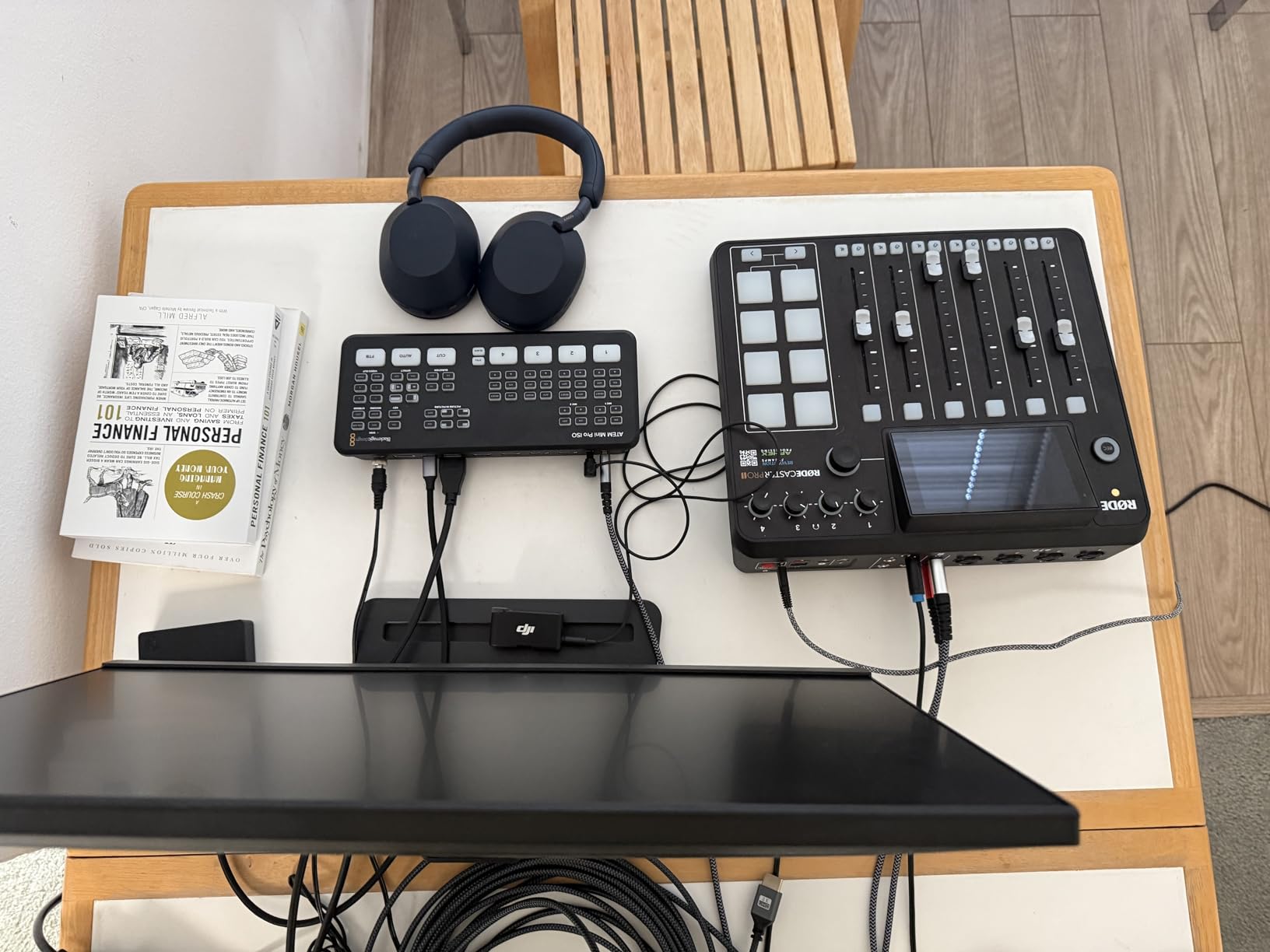
If you edit at all, this is the one I would buy over the standard ATEM Mini Pro. It records up to five separate H.264 streams in real time alongside the program feed, and it writes a DaVinci Resolve project file that drops the isolated feeds onto a timeline already synced. That single feature removes the most tedious part of multicamera editing, which is aligning four angles by eye.
Everything else matches the model above: four HDMI Type A inputs at 10-bit 4:2:2, two 3.5mm analog audio inputs, a 6-input 2-channel audio mixer, a 4-camera multiview output, and the same set of cut, mix, dip, wipe and DVE transitions with luma, linear, chroma and pattern keys. Built-in Ethernet streaming and a USB Type-C webcam output are both present, so the streaming computer remains optional.
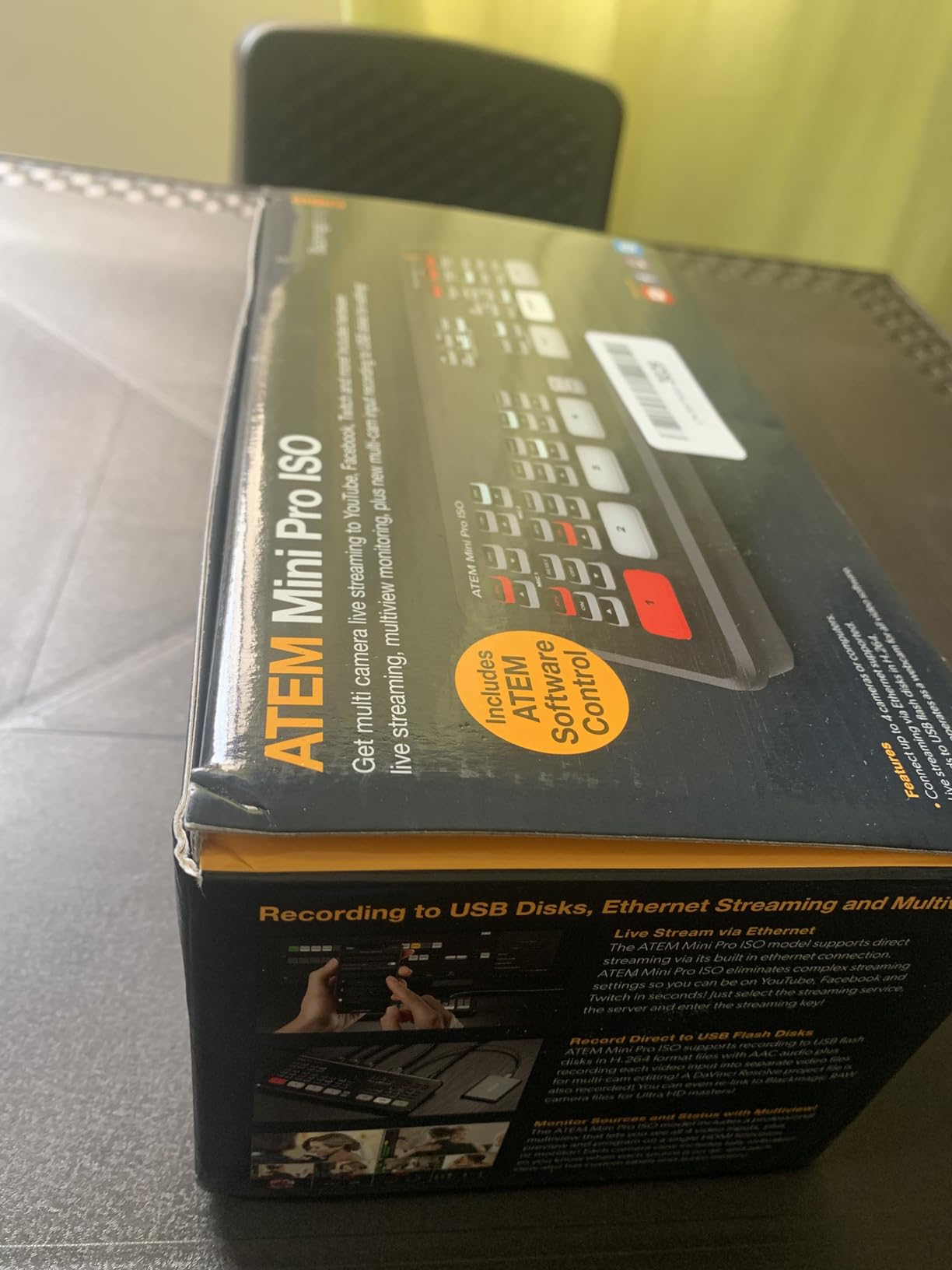
The post-production angle is what reviewers talk about most. Being able to relink the ISO files to the original higher resolution camera footage on export is a genuine advantage when your cameras record to cards, and several owners describe moving up from an ATEM Television Studio class setup where the price difference was the deciding factor. At a 4.7-star average across more than 300 reviews, the sentiment is strongly positive with 85 percent at five stars.
The complaints are consistent too. ATEM Control and the documentation carry a real learning curve, so budget an evening with them. A smaller group reports intermittent USB output drops and network behaviour that needs manual configuration, and the RGB camera control features simply do not work with non-Blackmagic cameras such as Sony models.
Why ISO recording changes the way you shoot
With ISO feeds on disk, you stop treating the live cut as final. If a guest looks away during the answer that matters, you cut to the second angle in post. If the host misreads a stat, you can cover it with a cutaway that was never taken live. That safety net changes how boldly you can switch, because the cost of a bad live cut drops to roughly nothing.
It also changes storage planning. Five simultaneous 1080p H.264 streams for a one-hour episode is a meaningful amount of drive space, and the fast media you need will matter more than the capacity.
When to choose the standard Pro instead
Buy the plain ATEM Mini Pro if you never open an editor, or if you stream live and simply publish the program file. ISO adds a workflow, not just a feature, and if nobody will ever re-cut the episode it is capability you will not touch. Neither model reaches beyond 1080p, so both are disqualified if 4K is a hard requirement.
3. osee GoStream Deck – most features per unit of money
osee GoStream Deck HDMI Pro Live Streaming Multi Camera Video Mixer Switcher
- Delivers SuperSource two keyers multiview and three streams at a fraction of the Blackmagic price
- Two HDMI outputs allow a dedicated multiview monitor alongside program
- SD card recording and playback removes a separate recorder
- Operable from the built-in screen without a computer
- No video scalers so inputs must be matched manually
- Build feels like cheap plastic and the buttons have a crunchy feel
- Runs very hot and needs a ventilated surface
This is the box I recommend to anyone who wants the ATEM Mini Pro feature set without the ATEM Mini Pro budget. Four HDMI inputs and two HDMI outputs for program, preview and multiview, a SuperSource layer with dual video windows plus background and graphics, and streaming to three platforms at once over Ethernet. Owners routinely describe it as competitive with the Blackmagic unit and better in a couple of respects.
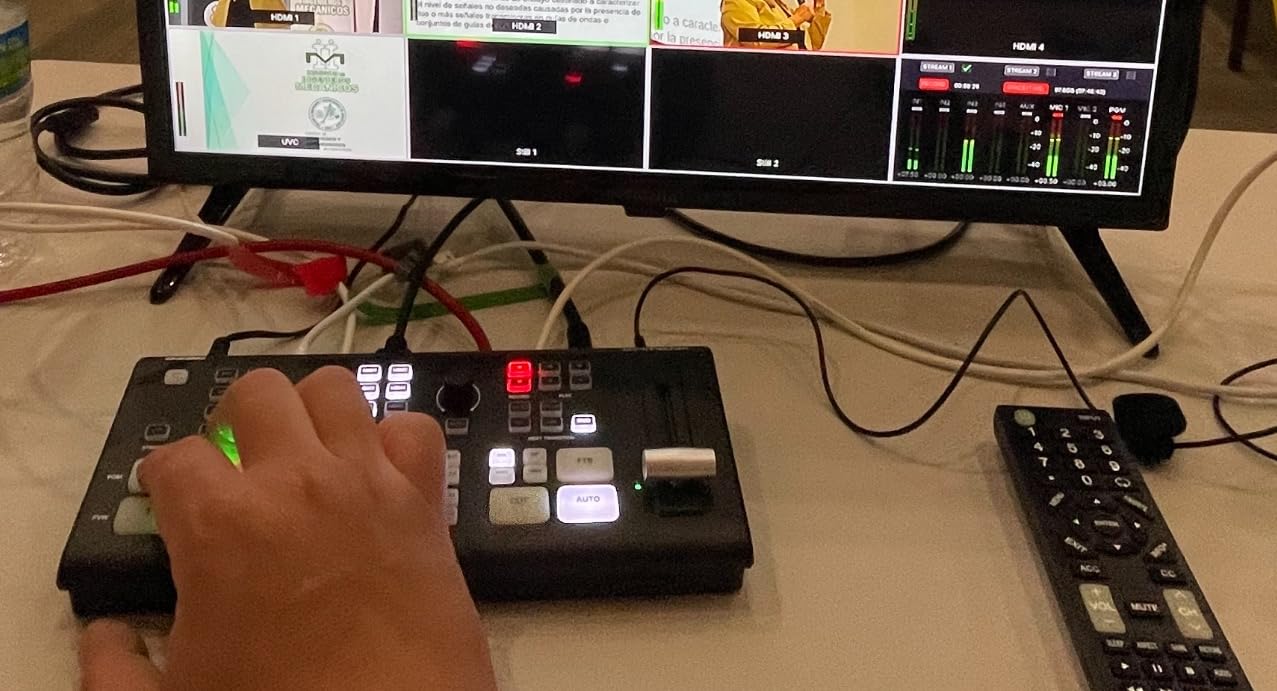
The PVW/PGM bus layout with a T-bar and macros feels like a broadcast switcher in a way the compact Blackmagic boxes do not, and the 11.81 by 5.51 inch body gives you real desk space to put your hand on the controls. SD card recording and MP4 playback let you drop an intro or ad break straight into the show. There is even an auto-switching mode for hands-free angle changes, which is genuinely useful when nobody is free to drive the cut.
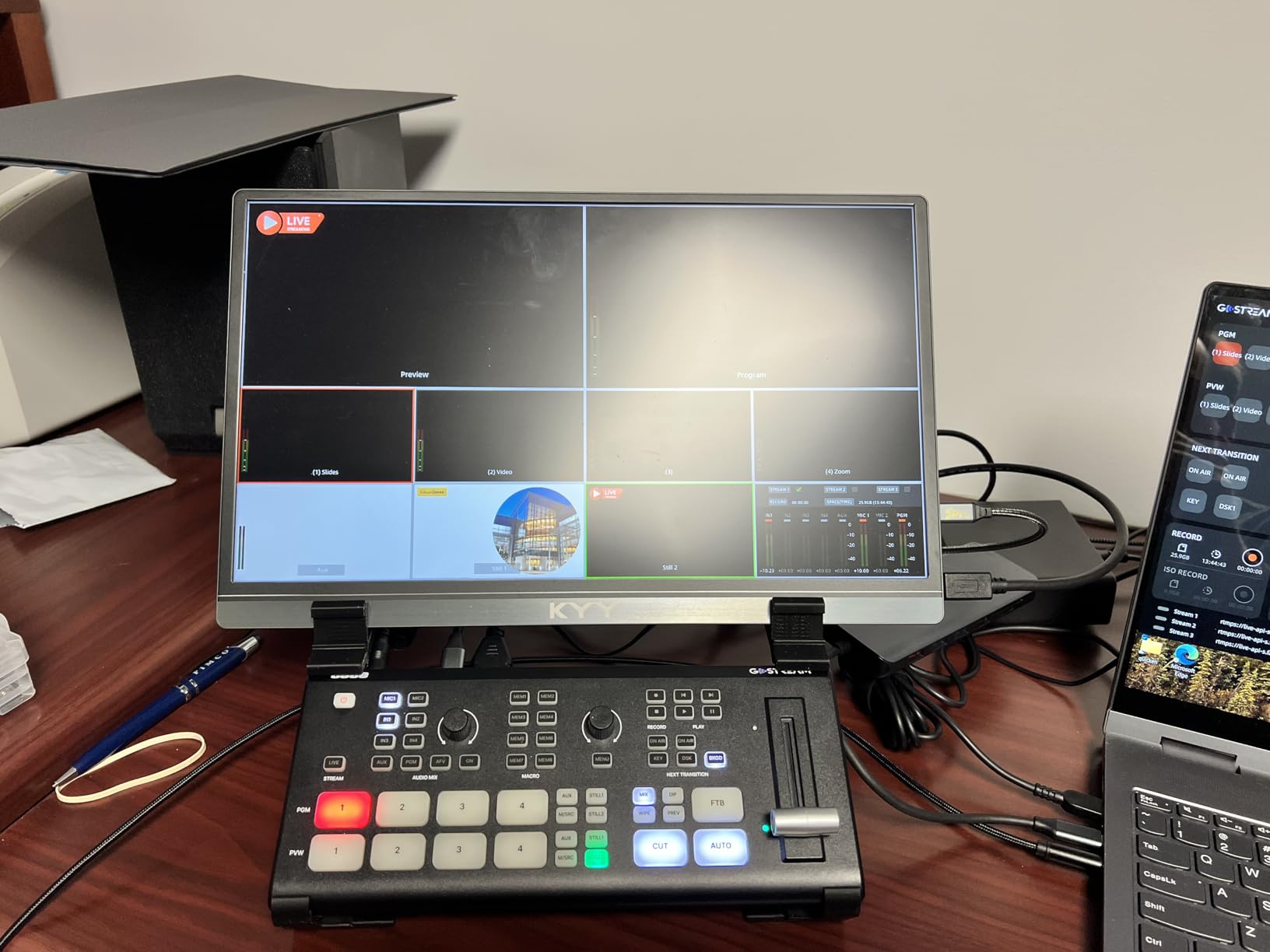
Two details stand out in the reviews. The second HDMI output is the one that changes workflows, because it lets you put a multiview on one screen and the program on another without a splitter. The second is that the USB output produces cleaner video in Zoom than the MJPEG output on the Blackmagic box, which matters if you deliver episodes to a video call host rather than to a platform.
At 4.6 stars across 385 reviews with 80 percent at five stars, the value case is well supported. The heat is the one practical warning worth repeating: multiple owners advise setting it on something ventilated, and that is a real complaint rather than a theoretical one.
Where the GoStream Deck beats the Blackmagic
It wins on output count, on SuperSource, on three-platform streaming out of the box, and on local SD recording for a recorded-only show. If your podcast includes a shared screen, an intro clip, or a second screen feed, the extra output and the playback features save you from adding a playback deck. For a live show with no overlays, the Blackmagic software is more mature and easier to configure.
The lack of scalers is the thing to plan around. Every input and the output must be matched to 1080p or 720p by hand before you record, and mismatched frame rates are the classic cause of a black or stuttering preview on these units.
Where it falls short
The plastic chassis and crunchy membrane buttons are the first complaints in reviews, and they are the reason it does not top this list despite the feature count. The on-device menu is less intuitive than the Blackmagic software, and for some owners the companion desktop control software was unavailable, which makes entering stream keys through the on-screen menus an irritating chore. If you need tactile build quality you can pound on for a decade, look elsewhere.
4. RODE RODECaster Video – switcher and preamp in one box
RØDE RØDECaster Video – Professional Video Switcher and Audio Interface –
- Combines a video switcher and broadcast quality audio interface in one box
- Revolution preamps cleanly drive an SM7B or other dynamic mic
- Scene builder simplifies complex multi camera layouts
- Records a finished program plus isolated audio and video tracks
- Only 1080p output with no 4K support
- Only two audio inputs which some owners found limiting
- Not compatible with every camera or webcam
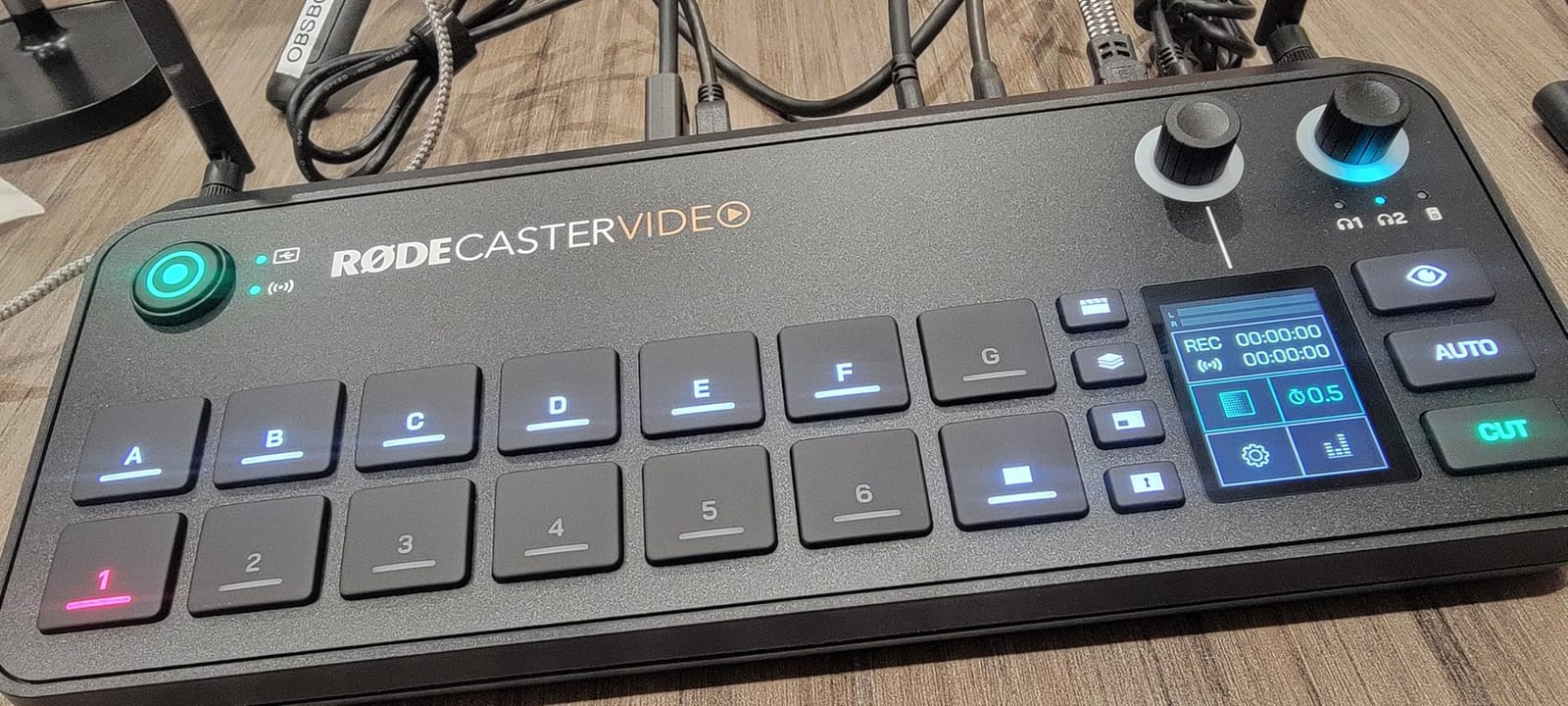
The RODECaster Video answers the question that comes up most on podcast forums: is there a device that does audio and video properly, or do I need two boxes. Six video inputs, split across four HDMI and two USB, sit on top of two studio-grade Neutrik combo jacks with Revolution preamps. For a podcast desk that already lives in the audio world, that pairing is the reason to buy it.
The preamps are the quiet headline. Owners report driving an SM7B cleanly without a separate interface, which removes a whole category of gain staging problems. Seven fully customisable multi-source scenes handle the awkward layouts that a two-window multiview cannot, and media playback, graphic overlays, automatic chroma keying and transitions are all controlled from the front panel rather than a menu.
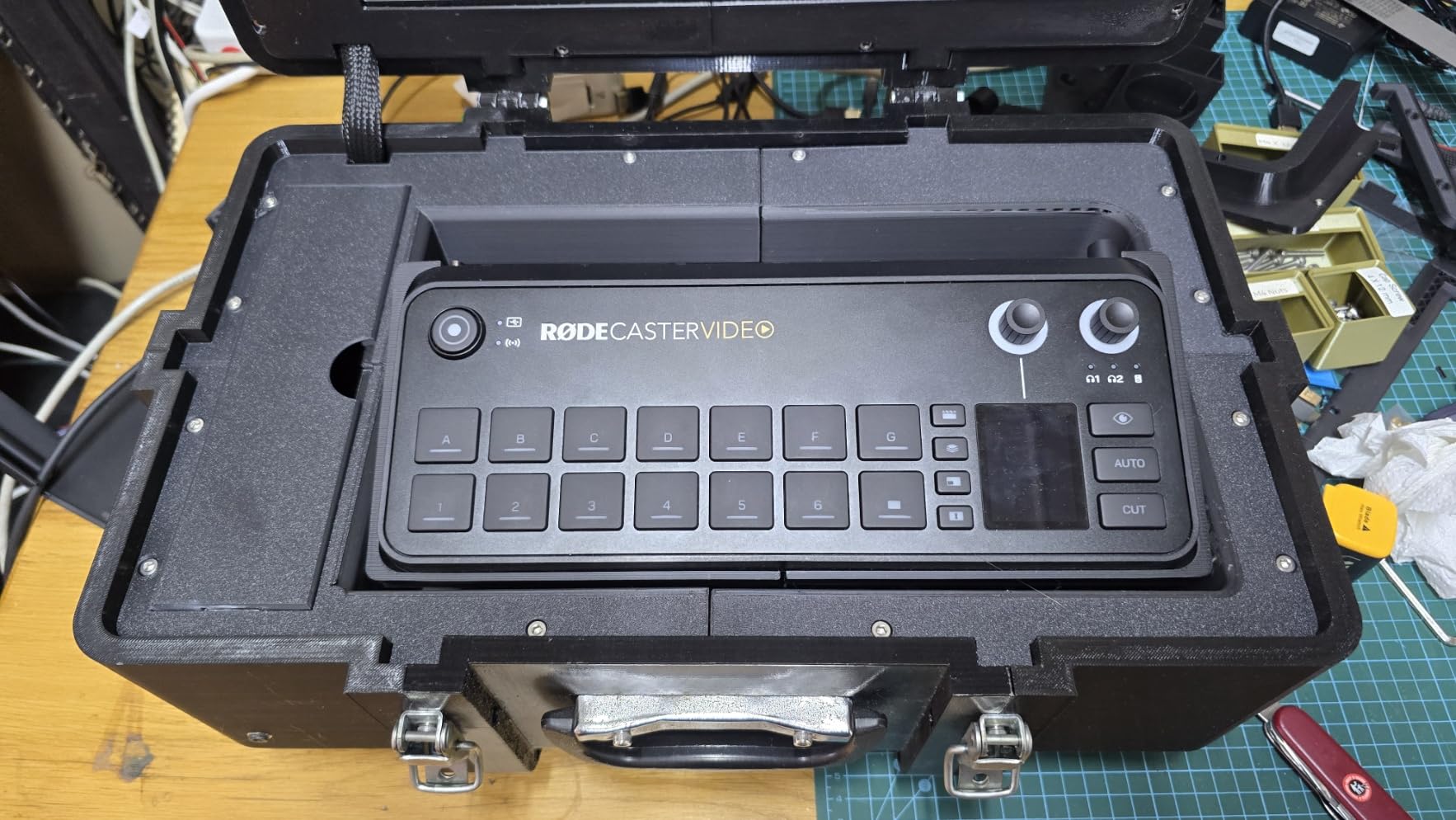
Recording goes to external USB storage and includes isolated recording, so you get the program file plus separate tracks. Streaming works over Wi-Fi, Ethernet or USB into software, and Inspect Mode lets you safely check an input before it goes live. The audio-driven auto-switching cuts between sources based on who is talking, which is a real asset when you are both host and operator.
At a 4.4-star average across 73 reviews, the enthusiasm is genuine, with several owners reporting it replaced an ATEM Extreme in their setup. But the review base is thin and the distribution shows a real tail of dissatisfaction, with 11 percent at one star, mostly around camera and webcam compatibility.
When the all-in-one architecture wins
It wins when your microphones are the priority. Two proper XLR preamps and 1080p60 output cover the majority of two and three-camera podcasts, and the scene builder makes multi-source layouts that a simple switcher cannot produce. If you are upgrading from a separate interface and a capture card, this replaces both and cuts your signal chain down to one box.
It also wins on setup time. People moving from an ATEM 1 M/E report a dramatic drop in how long it takes to get a show running, because there is one device to configure instead of two that need to agree with each other.
When two audio inputs is not enough
Two mic inputs is the hard limit here. A three-host show with a host mic, two guest mics and a room or music bed needs a small mixer or interface downstream, and at that point you have rebuilt the two-box setup you were trying to avoid. The 1080p-only output and the camera compatibility quirks are the other two reasons buyers pause.
5. FoMaKo KC800 – a switcher with a joystick built in
- Switcher and PTZ joystick controller combined in one unit
- AI tracking and one touch camera selection suit solo operators
- Four 4K HDMI inputs in RGB 24-bit
- XLR inputs with phantom power plus a 6 channel audio mixer
- Records to USB and SD without a computer
- Output limited to 1080p60 even though inputs accept 4K
- Dense feature set and many ports make the learning curve steeper
- Fewer reviews than the Blackmagic and osee boxes
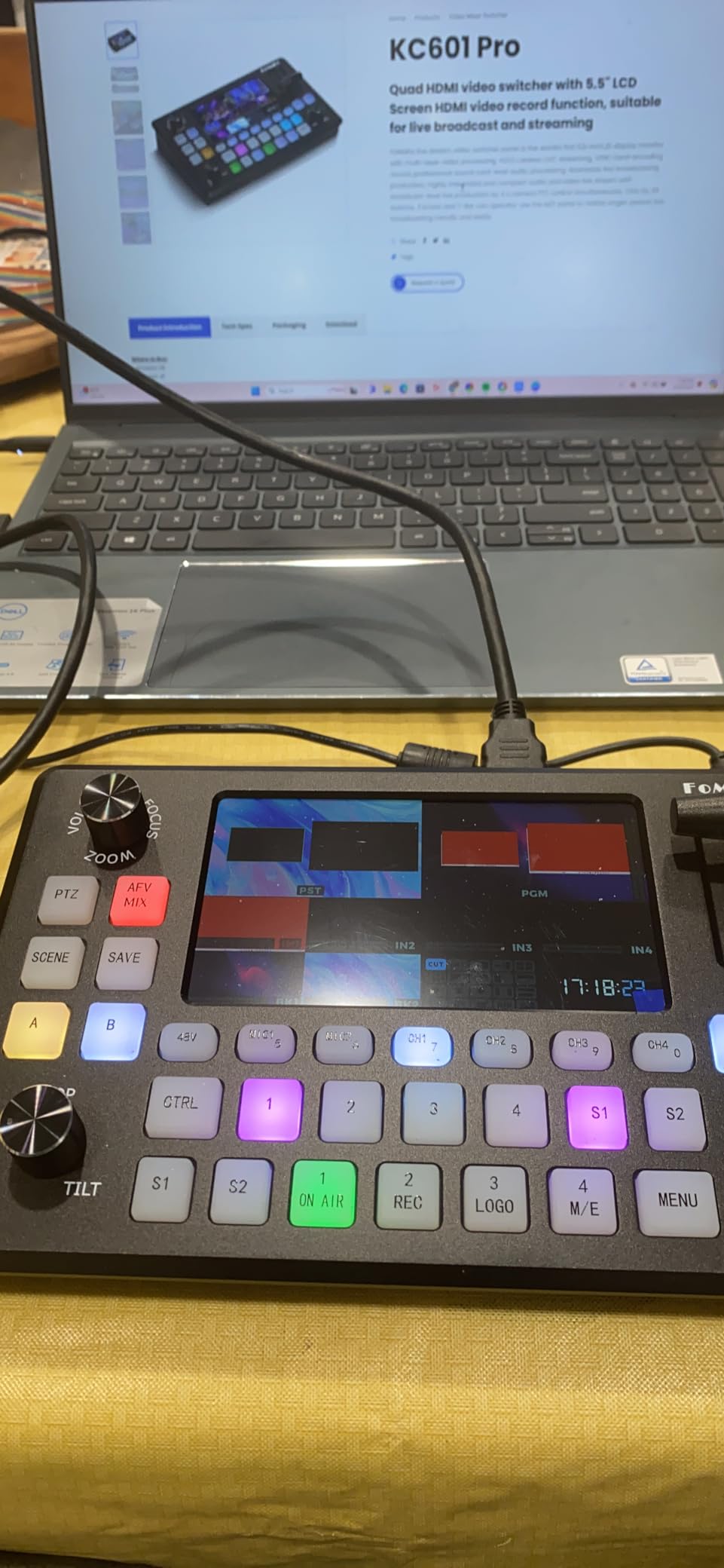
Most switchers assume someone else is driving the cameras. The KC800 folds that job into the switcher with a 4D joystick that controls up to four PTZ cameras over VISCA and VISCA-over-IP, plus one-touch AI tracking with 10 programmable presets. If you are running the show alone, that combination removes the single biggest obstacle to a multi-camera setup: nobody is free to pan.
The video side is 4 x 4K HDMI inputs in RGB 24-bit with three HDMI outputs for loop-through, multiview and program, plus a plug-and-play UVC output. A 5.5-inch LCD handles on-device control, and there is web-based remote management for backgrounds, logos, AI tracking commands and firmware.
The audio section is unusually serious for a switcher. A 6-channel mixer includes two XLR inputs with 48V phantom power, two 3.5mm mic or line inputs, a line out and headphone monitoring. That is enough to run two podcast microphones properly without a separate interface, which is a genuine advantage over every other box at this level except the RODE consoles.
Recording goes to USB disk or SD card in MP4 or TS at up to 16 Mbps, with a real-time storage and write-speed readout on screen so you can see a failing card before it loses an episode. Streaming runs to three platforms at once alongside the UVC feed, with an adjustable 2 to 12 Mbps bitrate. The 4.4-star average comes from 105 reviews, 74 percent of them at five stars.
Why solo operators care about this one
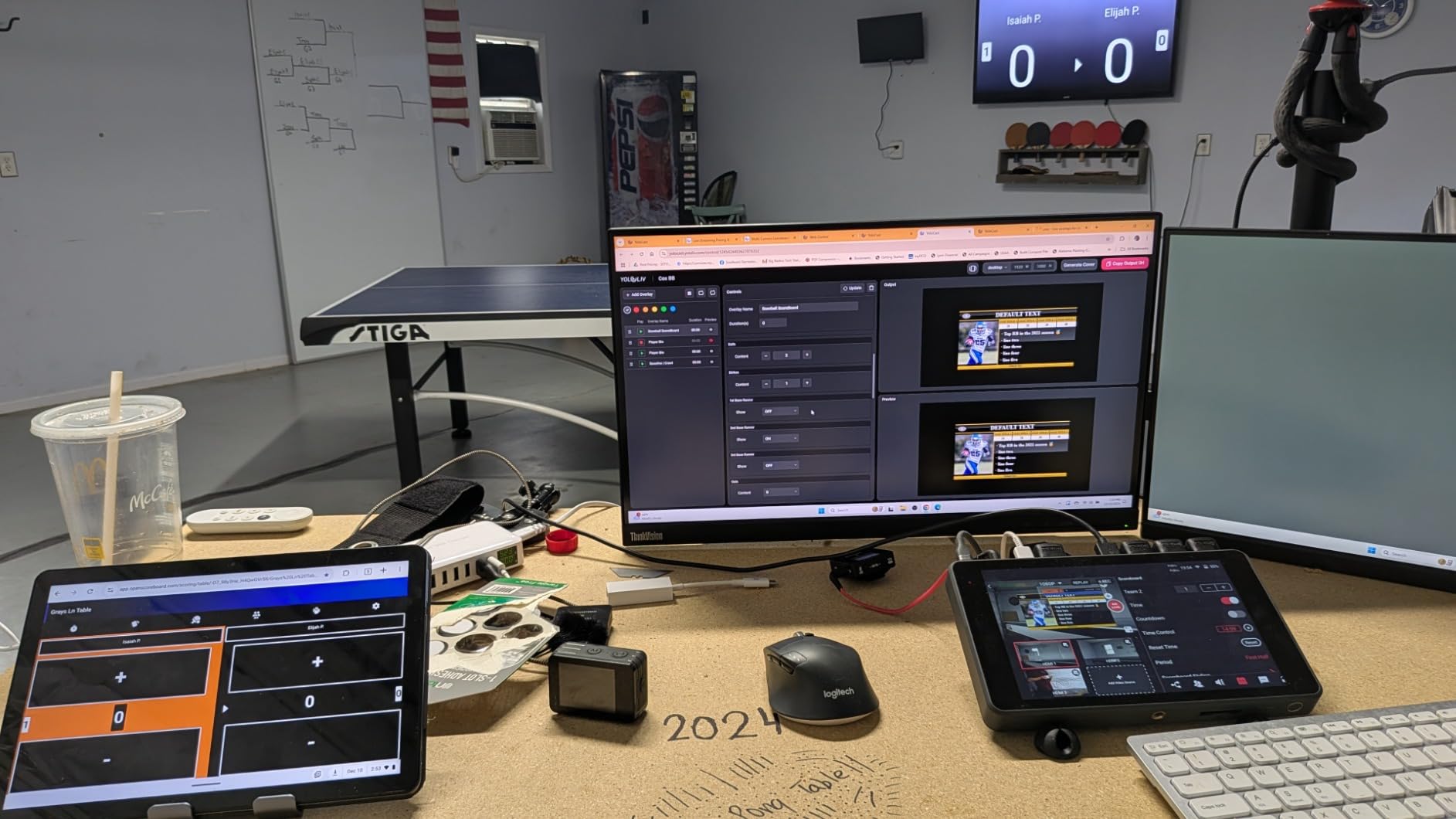
The PTZ-plus-switcher workflow is exactly what a one-person podcast needs. Preset positions plus one-touch AI tracking mean you can frame a tight shot when a guest speaks and a wide shot for the intro without touching a second device. The 3-year warranty is also the longest in this group, which matters for gear that gets handled constantly.
The joystick is not a gimmick. Broadcast crews have used dedicated PTZ panels for decades for the same reason, and folding one into the switcher is a genuine workflow saving rather than a feature-sheet entry.
Where the 4K claim stops
Inputs accept 4K, output is 1080p60. If you bought 4K cameras expecting 4K program output, this will not deliver it, and the mismatch is the single most repeated caveat in the reviews. The other honest limitations are the density of the feature set and the thinner long-term reliability record compared with the Blackmagic units.
6. YoloLiv YoloBox Pro – portable all-in-one with cellular bonding
YoloLiv YoloBox Pro, All-in-one Portable Multi-Cam Live Streaming Switcher
- Genuinely portable all in one that replaces a laptop encoder and switcher
- Built in 4G LTE and bonding solve weak venue internet
- Large 8-inch touchscreen is easy for a solo operator
- Over 4 hours of battery supports remote shoots
- USB-C and HDMI outputs cannot be used at the same time
- SD card recordings split every 10 minutes creating many files
- Some users report screen or HDMI port failures and slow warranty support
The YoloBox Pro is the answer when the studio is wherever you are. It is a full HD encoder, switcher, monitor and recorder in a 0.75 kg box with an 8-inch touchscreen, a 10,000mAh battery rated at over four hours, and connectivity across 4G LTE, Wi-Fi, Ethernet and bonding. Three HDMI inputs plus USB, USB-C, NDI and SD card support give up to eight live sources.
Bonding is the feature that quietly wins arguments. Venue Wi-Fi that cannot hold a stream is the most common cause of a failed podcast episode, and having cellular stitched in removes that failure mode entirely. The touchscreen also means on-the-fly switching and overlay work without a laptop, which is what makes this genuinely portable rather than a switcher with a small screen.
It streams simultaneously to up to three RTMP platforms with no subscription fee, and instant replay, auto-switching, URL overlays and video cropping are included. That bundled software is a real cost advantage over hardware that charges for effects.
What makes it popular with podcasters
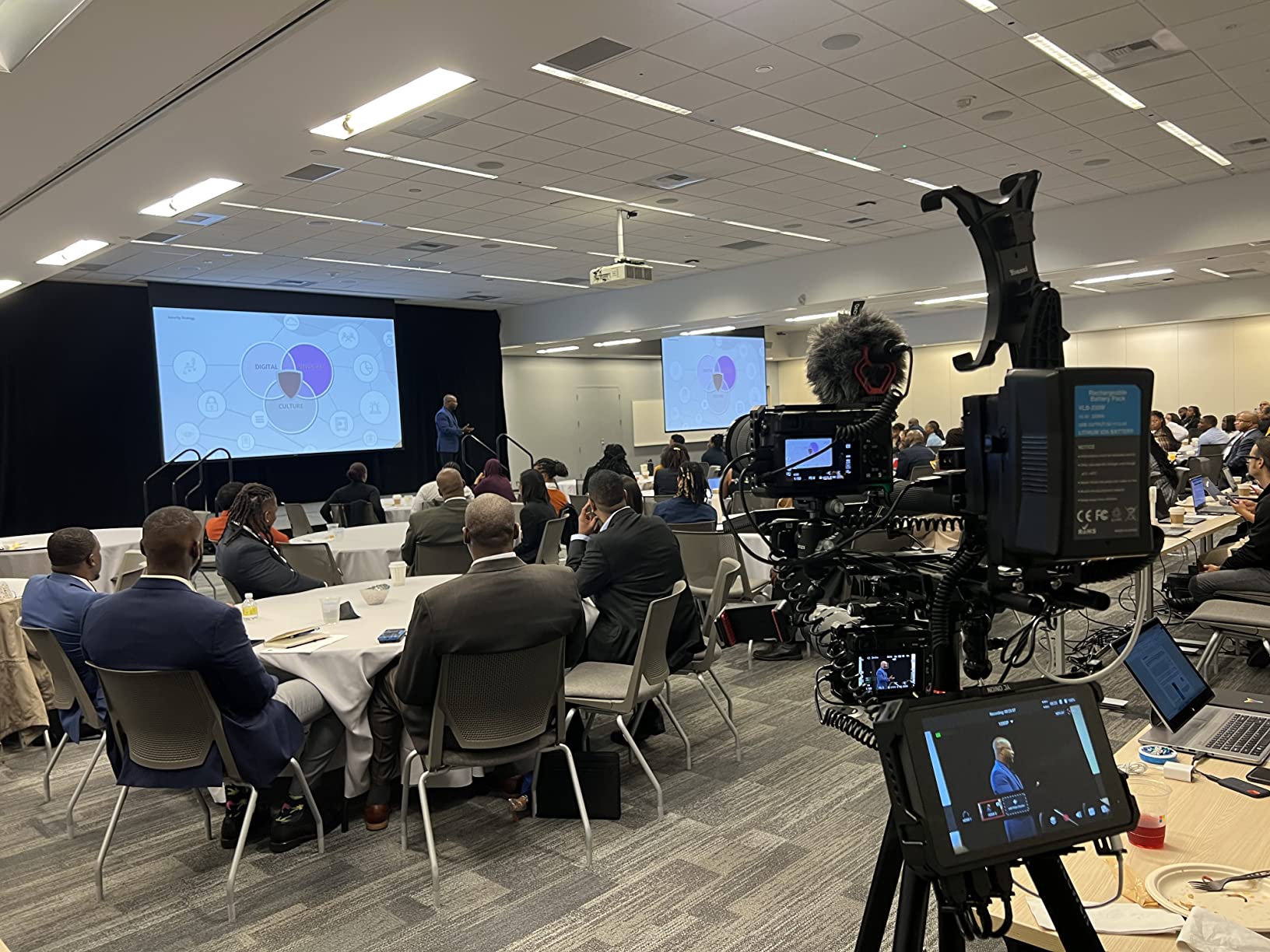
Setup and breakdown speed is the honest reason this unit gets recommended so often. On r/podcasting the YoloBox is the most commonly suggested answer for people who want one box to do most of the job, precisely because it is easy to set up and break down. Several owners describe it transforming mobile multi-camera work entirely.
At 4.2 stars across 365 reviews it has the lowest five-star share in this group at 67 percent, and the dissatisfaction is specific rather than general. It is almost entirely about outputs and file handling rather than about the switching itself.
Where the compromises bite
USB-C and HDMI outputs cannot run simultaneously, which constrains any workflow that needs a projector plus a conferencing feed at the same time. HDMI input handling of laptop sources is inconsistent across machines, and SD recordings split every 10 minutes, leaving you stitching a lot of files. A small but vocal group report hardware defects and slow warranty support, and the Android-based software does not feel as polished as dedicated broadcast hardware.
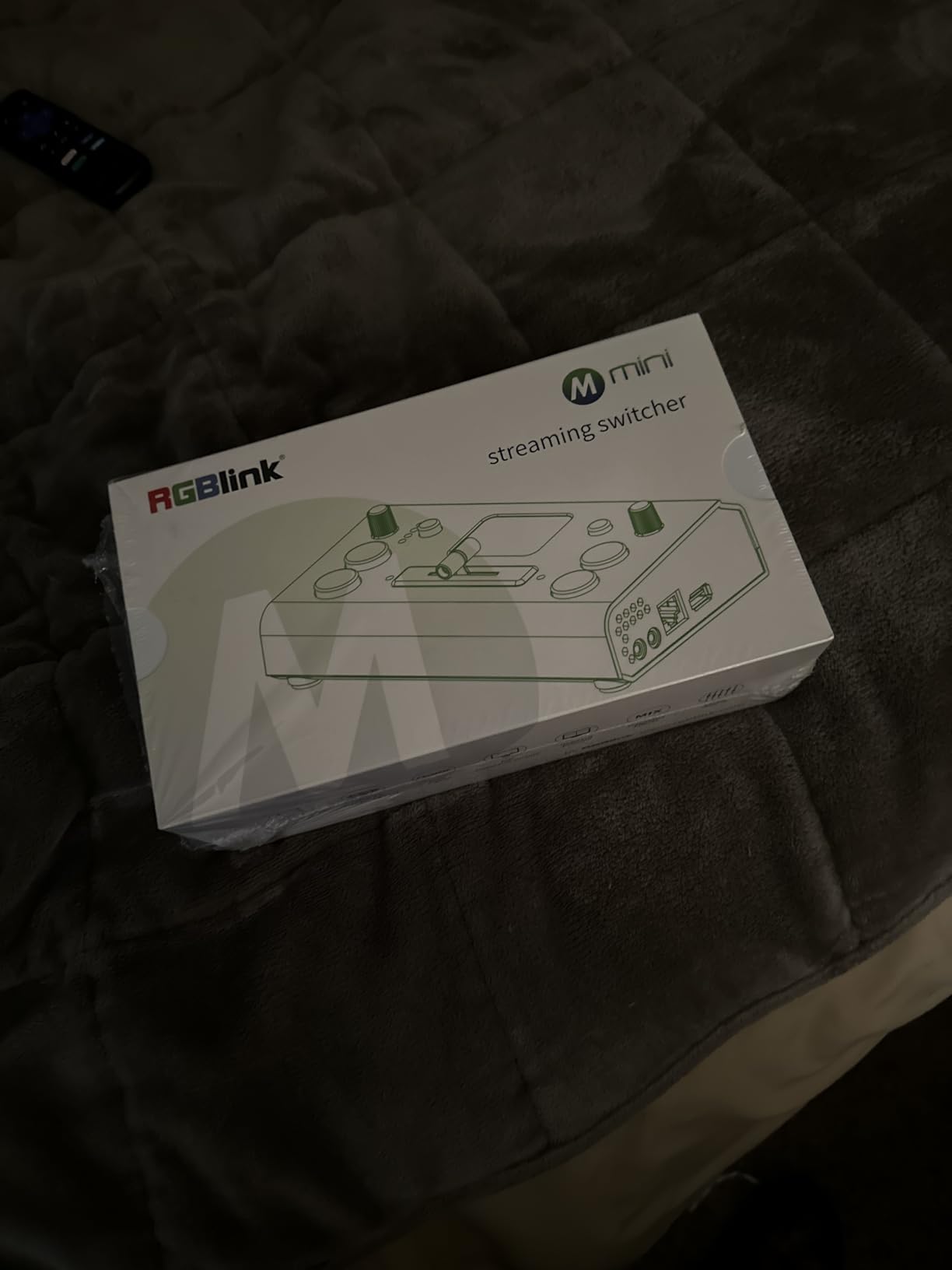
7. RGBlink Mini – the entry point for a first switcher
- Lowest cost four input switcher here and it handles multi camera podcast cutting
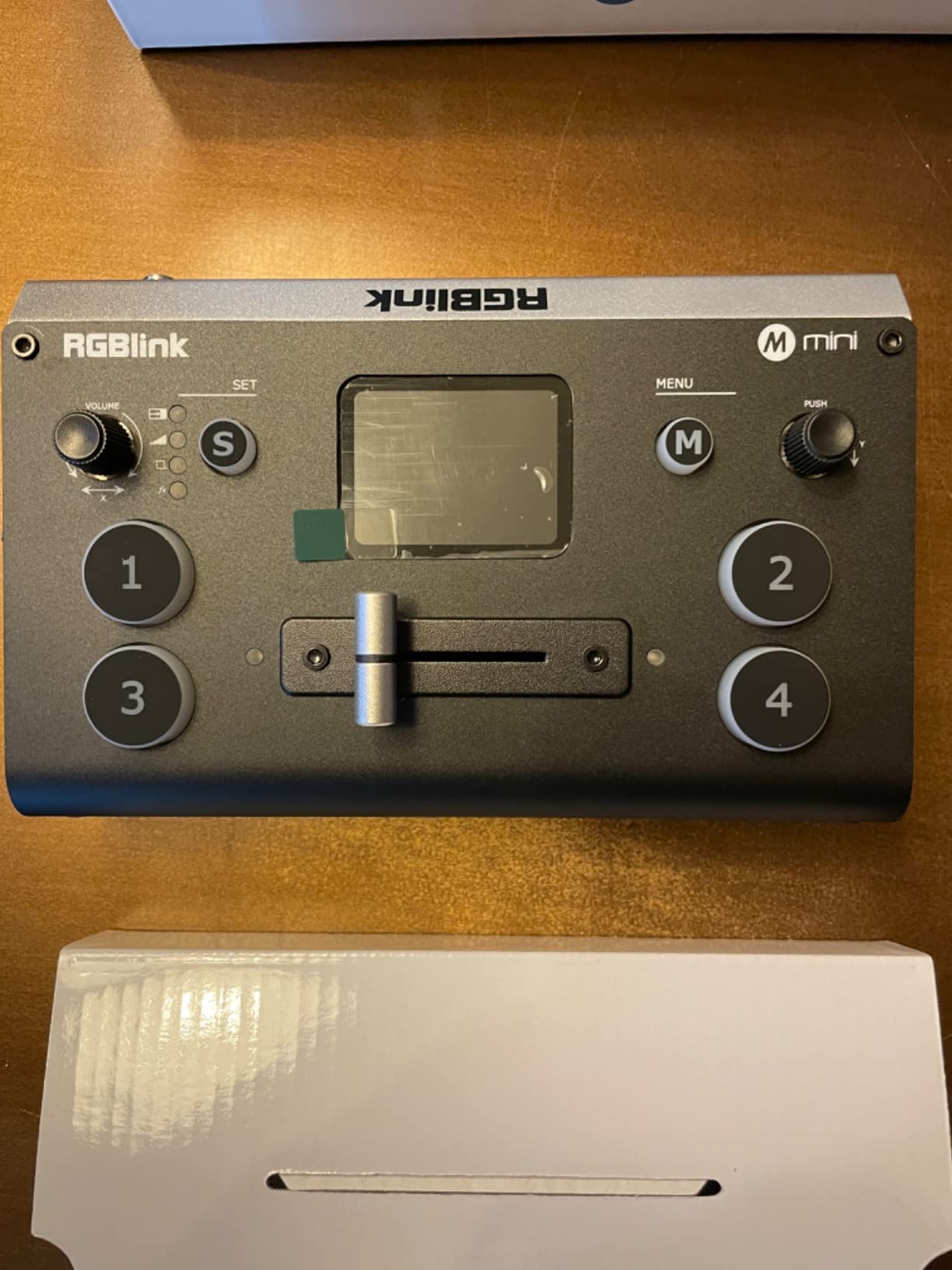
- Large clear source buttons plus a built in preview screen
- Instant transitions with no display re adjustment
- USB output is recognised as a webcam by major streaming software
- Frame rate mismatches cause glitching until settings are aligned
- No dedicated audio input per video source
- Control app reportedly fails to install on some machines
If you are building a first multi-camera rig and the rest of the budget is going to cameras and microphones, the RGBlink Mini is the honest starting point. Four 2K HDMI inputs, a six-picture preview or program output, 14 transition effects and 9 picture-in-picture layouts, all in a 16-ounce body with a built-in preview screen and large source buttons. USB 3.0 output is recognised as a webcam by OBS, vMix and Streamlabs.
It also auto-detects RGB 4:4:4, YUV 4:4:4, 4:2:2 and 4:2:0 colour depth, which quietly prevents a whole category of “why is my camera green” problems. LAN remote control from a phone or computer needs no additional software, and there is a tripod-ready screw for a portable rig.
The catch is a straightforward one. This base model has no onboard recording, so producing a recorded podcast means either a capture card in a computer or a higher model. Budget for that before you buy.
At 4.2 stars from 172 reviews, it has the lowest five-star share of any product in this guide at 60 percent, and owners are direct about why. The frame rate mismatch problem is the one that catches new owners: a camera at 30 fps feeding a switcher set to 60 produces glitching output until you align the settings yourself. The second structural limitation is audio, since each video input has no dedicated audio input that switches with the source.
Several buyers report the companion app and control software refusing to install on some laptops and phones, which blocks remote control and firmware updates entirely. There are also reports of units arriving with blank screens or non-functional HDMI output, and customer support is widely criticised.
Who this one actually suits
It suits a two-camera podcast on a tight budget where a computer is already in the room doing the recording. Instant switching between sources without touching a display, a preview screen so you are not flying blind, and webcam output into existing software is a genuinely complete package for that use. If you are streaming live, the USB output path is the reason to pick it.
It is also a reasonable second camera angle on a rig that already has a more capable switcher, for feeding a remote guest position.
Why most people should step up one tier
The combination of no onboard recording, no per-source audio inputs and a control app that does not reliably install means the cheapest box is also the one that generates the most support problems. If you can stretch it, a step up buys built-in recording, real audio handling and a software ecosystem that does not lock you out. The 60 percent five-star share is the market telling you exactly that.
8. YoloLiv YoloBox Extreme – eight HDMI inputs with 4K ISO
YoloLiv YoloBox Extreme, 4K All-in-One Multi-Cam Live Streaming Equipment
- Eight HDMI inputs with 4K60 scaling handled multiple cameras and graphics with no dropped frames
- 4K ISO recording across all inputs is rare and highly useful in post
- Bright 2.5K OLED touchscreen is fast for scenes overlays and switching
- Free integrated NDI HX removes the licensing step
- 10-hour battery plus SIM support makes it field deployable
- Very high cost for a podcast scale setup
- Very loud mic input can cause cameras to drop during auto levelling
- Audio only routes to one HDMI output when two are connected
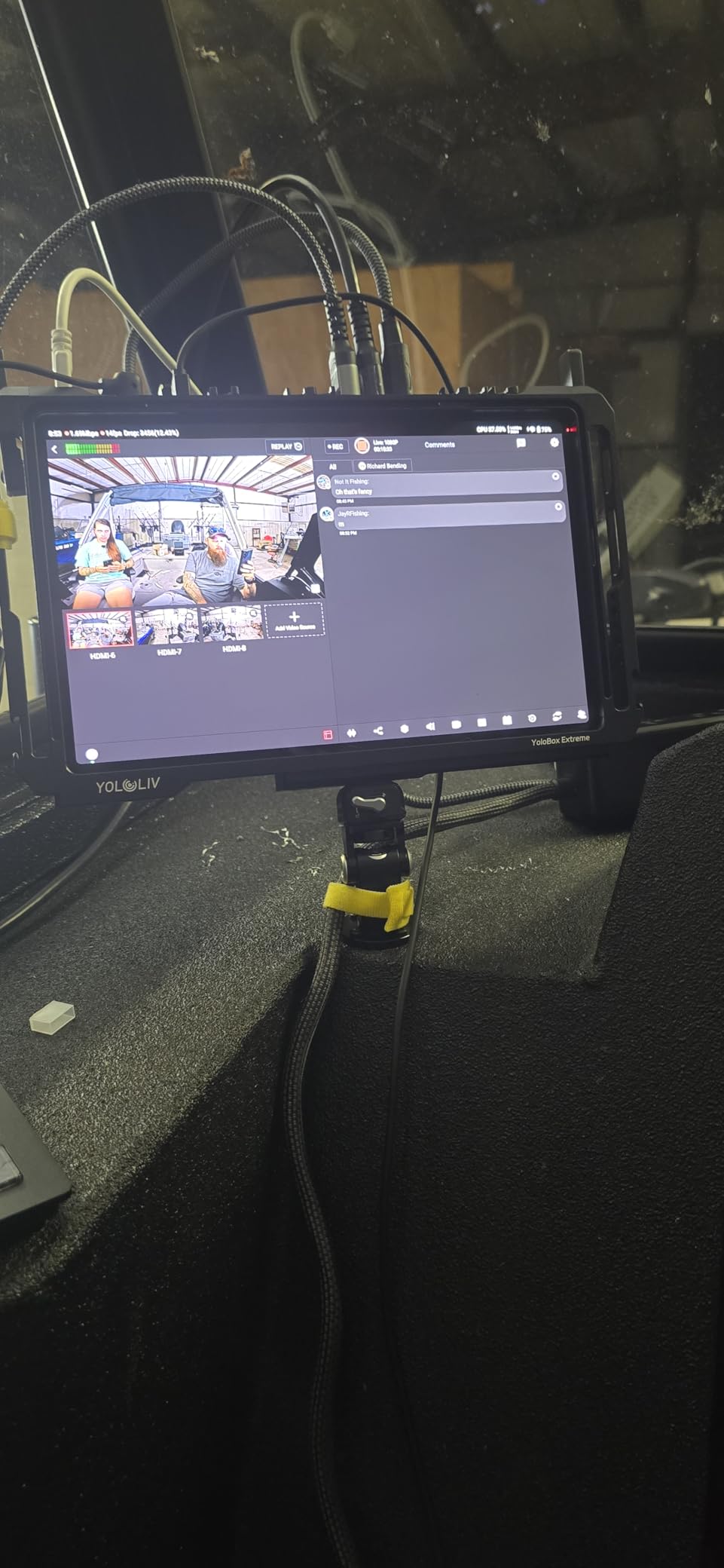
The YoloBox Extreme is the most capable box in this guide, and the gap between it and everything else is mostly input count and resolution. Eight HDMI inputs with built-in 4K60 scaling, plus three USB and up to six NDI inputs, drive an 11.2-inch 2.5K OLED touchscreen running at 120Hz and up to 1000 nits. That screen is not a gimmick at this size, it is the entire control surface.
The ISO recording is what separates it from other all-in-ones. Every input is recorded simultaneously at up to 4K30 across five inputs or 1080p60 across six, and MultiCam instant replay works across six cameras at 1080p60. Integrated NDI HX support is included at no cost, which removes the usual licensing step for IP-based camera workflows.
A 10-hour battery and SIM card support make it genuinely deployable, and it is compact and backpack-portable despite replacing a rack of gear. RTMP, RTMPS and SRT are all supported, and the 4.6-star average comes from 103 reviews with 79 percent at five stars.
Where the investment pays off
Owners with live production backgrounds describe it as broadcast-grade, running six or more sources smoothly with 4K ISO and instant replay delivering real post-production value. If you produce a show that grows over time, the eight inputs mean you can add cameras and graphics feeds now without the input exhaustion that forces a switcher upgrade every eighteen months.
Two assignable 4K HDMI outputs for program, multiview or preview give you a proper control room layout, and the bright screen is readable in a lit studio, which matters more than it sounds.
The price and the rough edges
For most three-camera podcasts this is more machine than the job requires, and that is the honest reason most readers should not buy it. The two specific complaints worth knowing are technical. Very loud audio into the mic channels can cause the system to drop cameras while it attempts auto-levelling, and audio only routes to one HDMI output when two are connected. It can also act as a Wi-Fi hotspot, which surprises people in crowded venues.
9. osee GoStream Duet 8 ISO – HDMI and SDI on one board
Osee GoStream Duet 8 ISO Live Streaming Video Switcher, 4 HDMI & 4 SDI
- Mixes HDMI and SDI inputs on one board avoiding external converters
- True multi-input ISO recording with selectable inputs
- Dedicated PVW and PGM buses owners wanted
- Onboard noise gate compression EQ and delay on all channels
- Only four of the eight channels can be active at once
- XLR inputs accept mic level only with line level on the 3.5mm jacks
- Some users report streams dropping after 25 to 30 minutes
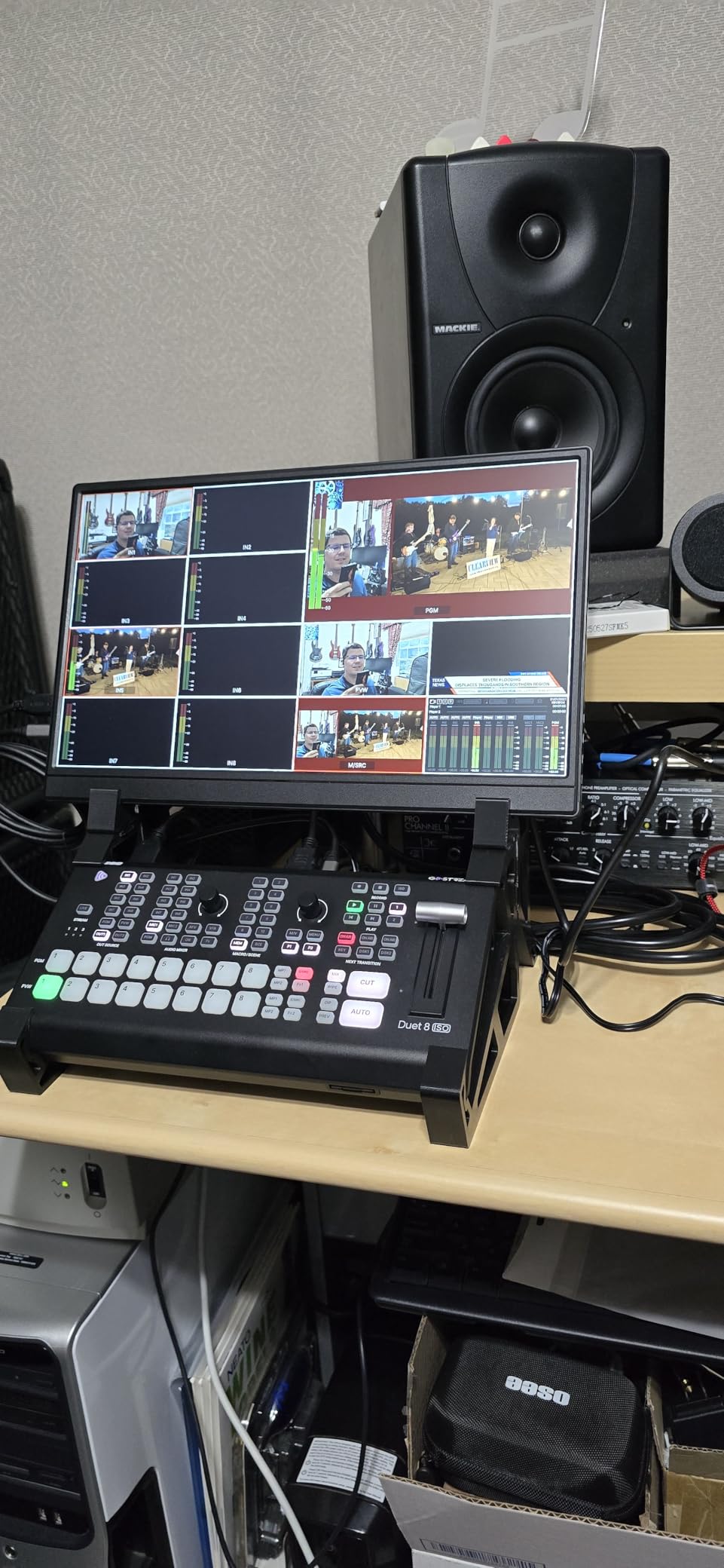
Almost every consumer switcher is HDMI only, which becomes a problem the moment you own one professional camera. The GoStream Duet 8 ISO solves that with eight hybrid inputs, four 4K HDMI and four SDI, on a single board. The 24-port chassis also carries two balanced XLR and two 3.5mm audio jacks with onboard noise gate, compression, EQ, delay and panning.
It records all eight channels to an external SSD or SD card at once, and you can choose which inputs get recorded rather than being stuck with a fixed set. Dedicated PVW and PGM buses are a specific request owners coming from ATEM SDI ISO gear asked for and got. Streaming covers triple RTMP plus SRT and custom RTMP over Ethernet, with NDI HX and two USB outputs opening up more input routes.
It runs without a computer through the onboard menu on an external monitor, and it is Stream Deck compatible for macro control. Onboard audio processing on every channel is the quiet differentiator, because most switchers in this price range hand you two analog inputs and no processing at all.
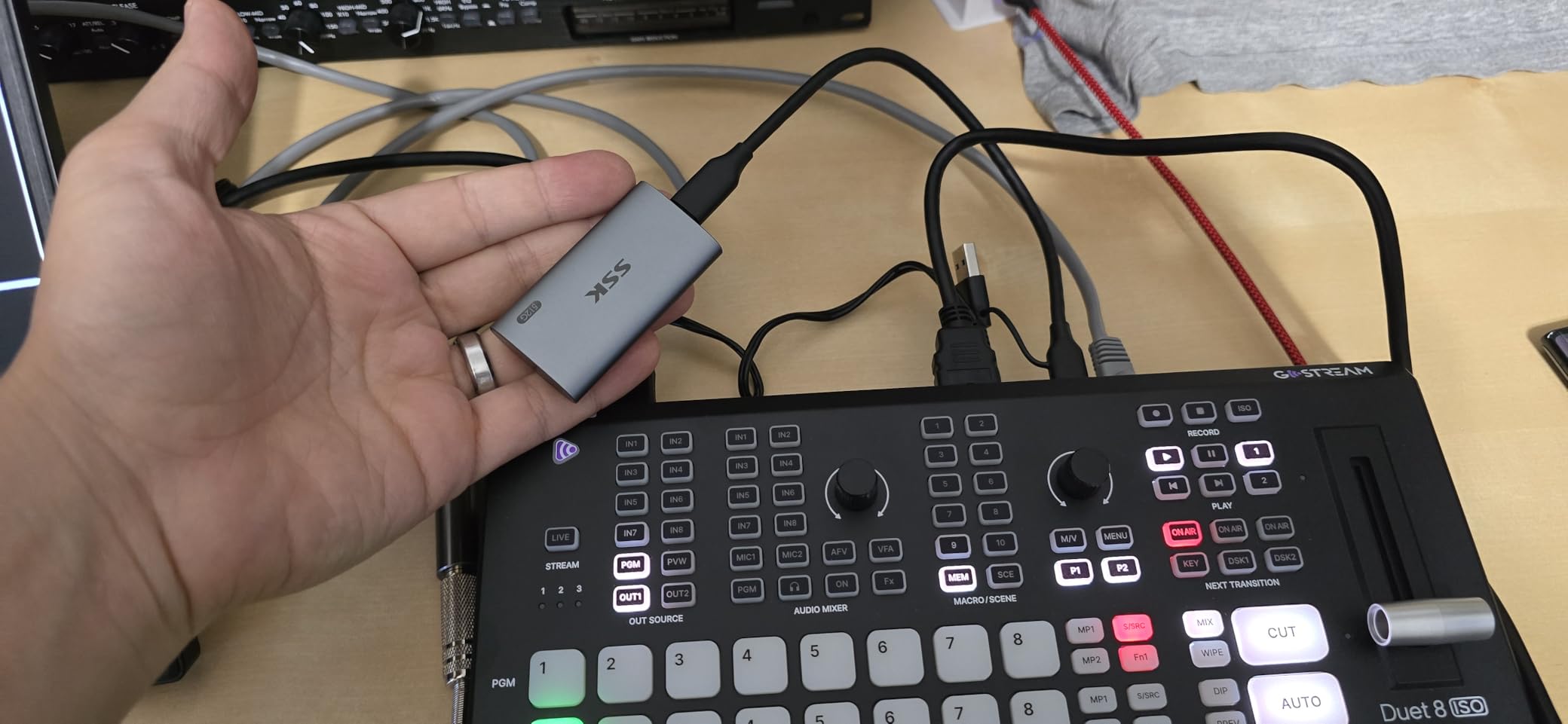
At 4.2 stars from 34 reviews, this is the least battle-tested box here, and the feedback genuinely splits. Broadcast-experienced owners rate it very highly for the hybrid connectivity and real bus layout, while others report unit-level reliability problems including random recording stops, audio delay, and streams dropping after 25 to 30 minutes on wired and bridged networks. Firmware updates are widely recommended as a first step, and there is a known panning bug in one firmware version affecting headphone and program outputs.
When the hybrid board earns its place
It earns its place when your camera plan includes any SDI source, whether that is a broadcast camera, a capture output from a camera you already own, or a plan to mix consumer and pro gear. Owners describe it as roughly twice the functionality of an ATEM SDI ISO for less money, which is a fair characterisation for a hybrid board at this level.
The onboard audio processing also makes it attractive for a podcast with several mics, because the gate and compressor are on the box rather than in software.
Where the specification is generous but the reality is not
Eight inputs that only allow four active at once is a headline number that does not survive contact with a real signal list, and ISO recording needs an external SSD because the SD slot handles the program feed only. The XLR inputs are mic level only, so line sources have to go through the 3.5mm jacks. With a 13 percent one-star share of reviews and reports of slow firmware updates and refunds, I would treat this as a purchase for someone comfortable with early firmware.
10. RODE RODECaster Video S – compact console for a small desk
RØDE RØDECaster Video S – Podcast Video Switcher and Audio Interface –
- Compact footprint suited to podcast desks while combining switching and audio capture
- Revolution preamps give clean XLR mic capture without a separate interface
- Five customisable multi-source scenes simplify multi camera layouts
- ISO recording to USB storage gives post editing flexibility
- Two-year warranty
- Only 1080p60 output with no 4K support
- Only two audio inputs and no multi-track audio capture
- Thin review base of 40 reviews limits long-term reliability data
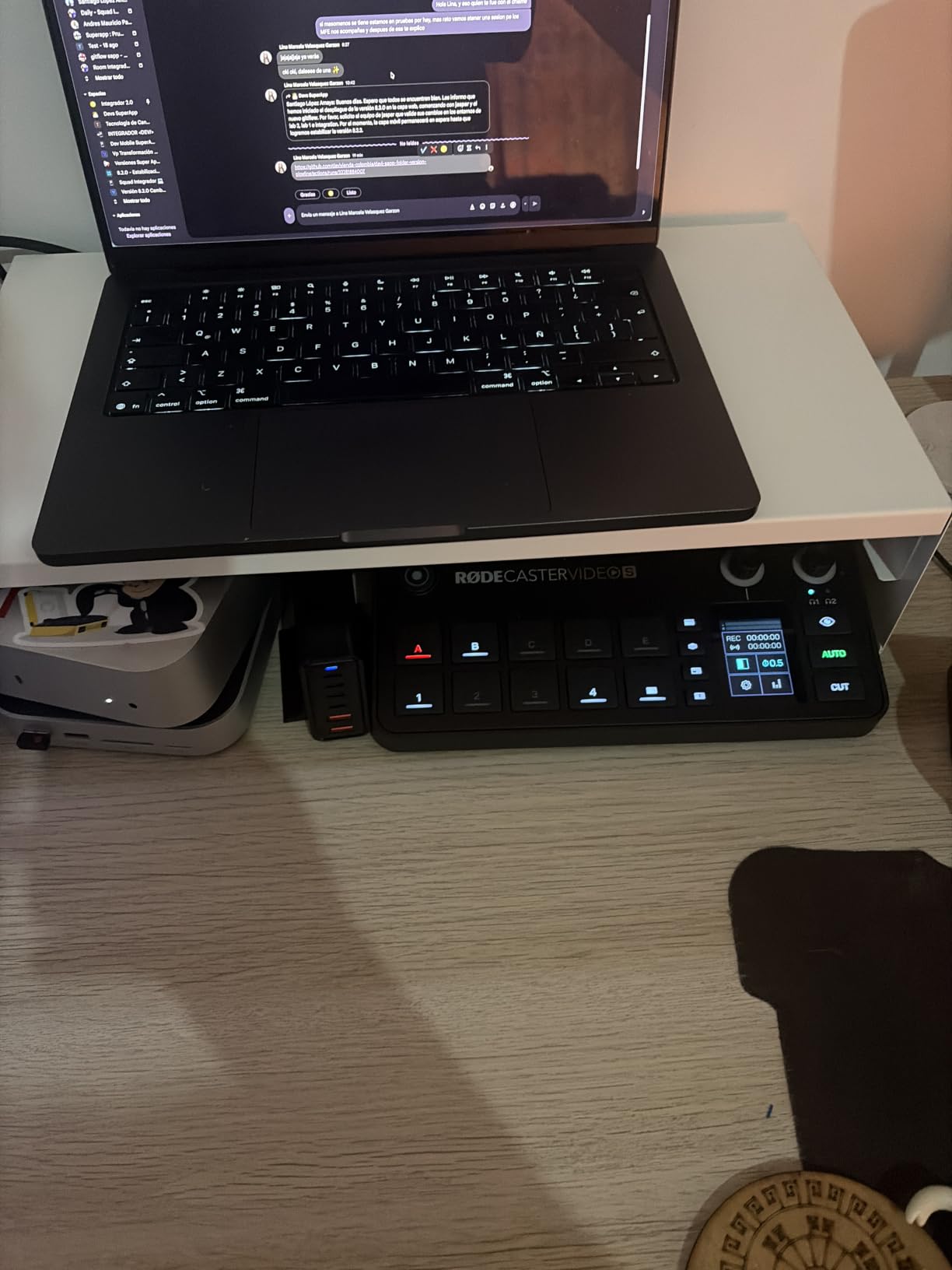
The Video S is the smaller sibling of the full-size RODE console, and the difference that matters for a podcast desk is footprint. At 875 g and 10.4 by 10 inches it fits where the full-size box does not, while keeping the two Neutrik combo jacks with ultra-low-noise high-gain Revolution preamps. For a two-host show with XLR microphones, that is the whole argument.
Four video inputs, three HDMI and one USB, feed five fully customisable multi-source scenes. Media playback, graphic overlays, automatic chroma keying and transitions are all on the front panel, streaming runs over Wi-Fi, Ethernet or USB into software, and recording goes to external USB storage including isolated recording. Inspect Mode and audio-driven auto-switching round it out.
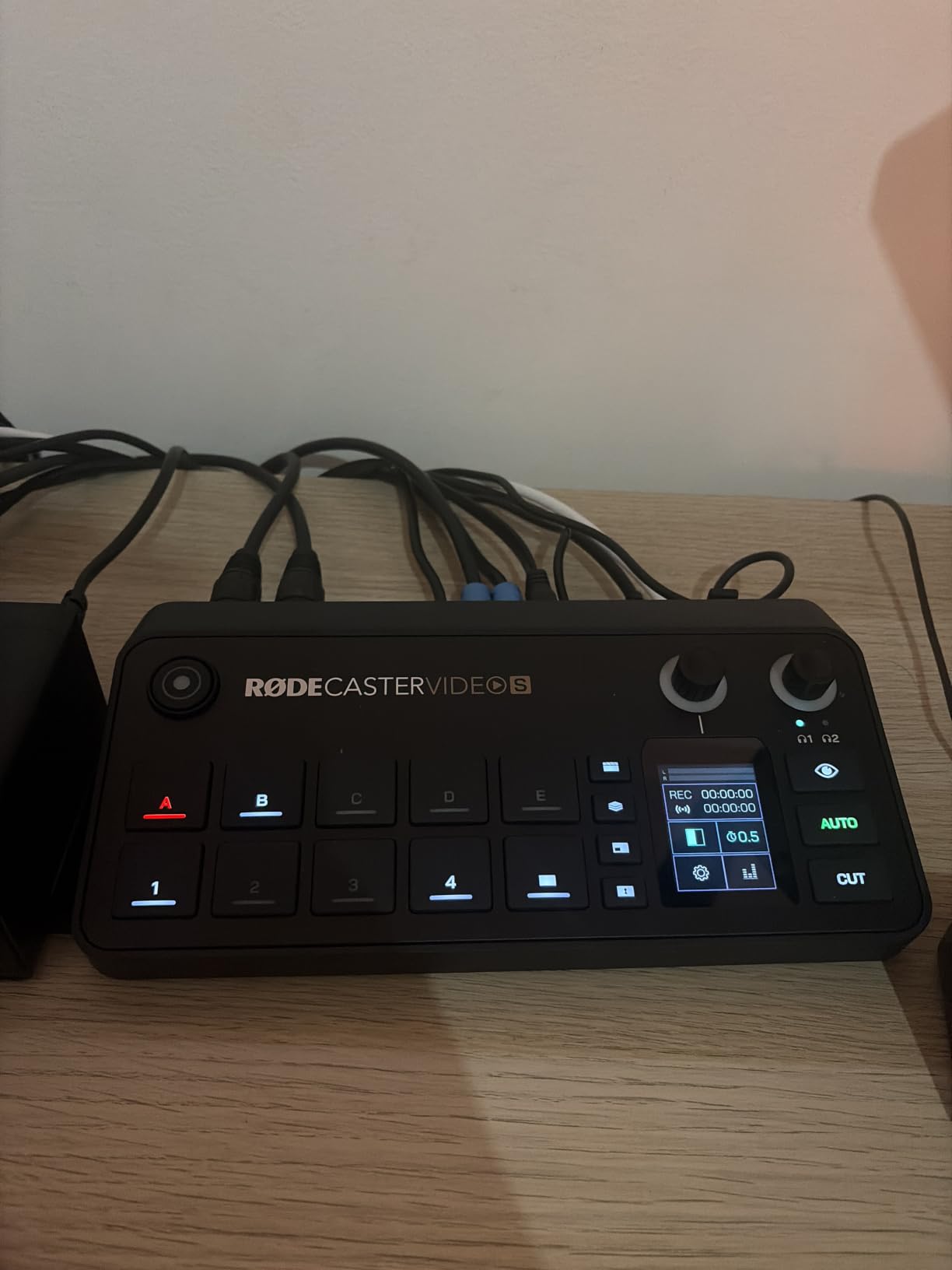
At a 4.2-star average from 40 reviews it is early in its life, with 70 percent of reviews at five stars and 12 percent at one star. The reception is net positive but genuinely mixed, and the standouts owners mention are the clean preamps, the five customisable scenes, ISO recording and audio-driven auto-switching.
The one structural loss against the full-size model is inputs. Three HDMI and one USB against four HDMI and two USB is the difference between a tight two-camera desk and a comfortable three-camera desk, and it is the reason the smaller model is not simply the better buy here.
Why a podcast desk specifically suits this one
The reasons are practical rather than technical. Compact size means it sits next to your audio gear instead of displacing it, front-panel control means you adjust gain and cut angles without a mouse, and the preamps remove the interface from the signal chain. The two-year warranty is also longer than most in this group.
ISO recording to USB storage means the same post-production safety net as the larger units, which matters even more in a small rig where a mistake is expensive to reshoot.
When the trade-offs bite
Only two audio inputs and no multi-track audio capture is a real constraint for a three-mic show. Combined with 1080p60-only output, it is disqualified if you plan to grow into more hosts or need 4K. The 40-review base also means you are buying with less long-term data behind the unit than behind the Blackmagic picks, which is worth weighing against a two-year warranty.
How Many Cameras Do You Actually Need?
This is the question that comes up constantly in podcast forums, usually with someone trying to line-item a studio build-out. The honest answer is that two cameras is the point where multi-camera starts paying for itself, and three is the sweet spot for a two or three-person show. Four cameras is a production decision, not an upgrade decision.
With two cameras you get a wide shot of the whole conversation and a tight shot of whoever is talking. That is a complete edit. It is also the setup most guests can handle without feeling watched, which matters when you are inviting people onto your show regularly.
With three cameras you add a dedicated reaction angle, usually a profile or over-the-shoulder shot of the person listening. This is the configuration most professional interview podcasts use, because listening faces cut well and they fill the frame in a way a second frontal angle does not.
With four cameras you add a detail shot, an insert, or a second guest position. Only add a fourth camera if you can name what it will be used for. An extra camera with no job in the edit is an input you are paying to use badly.
One practical note. Every extra angle has to arrive over a cable and land on a switcher input, and switcher inputs are the scarcest resource in this category. Count your sources, not your cameras, before you choose a box.
What to Look For in a Video Switcher for Podcasts
Six criteria decide whether a switcher works for a podcast desk, and they matter in roughly this order. The first two are where most wrong purchases come from.
1. Real input headroom, not headline input count
Count every source, not just cameras. Two cameras, a shared screen, an intro clip and a remote guest feed is five sources before you consider a second screen. Four-input switchers are common and they fill up instantly, which is the most repeated complaint in podcast forums about this entire category. A six-input unit like the RODECaster Video gives you room to grow, and a unit with separate preview and program outputs saves you a splitter.
2. ISO recording
ISO recording means the switcher writes each input to its own file while simultaneously recording the mixed program feed. It is defined that way because the isolated files are the point, and it is the single feature that most changes how you shoot. With ISO on disk, a bad live cut is a two-second fix instead of a reshoot. If you edit at all, prioritise this over every transition effect and keyer on the spec sheet.
3. A built-in audio mixer with per-channel gain and headphone monitoring
Audio is the number one pain point in podcasting, and switcher audio is usually the weakest part. What you need is independent gain per microphone, a mute per channel, and headphone monitoring so your guests can hear themselves. Two balanced XLR inputs with phantom power covers a two-mic show properly. A 2-channel mixer with embedded HDMI audio does not, and you will end up buying an interface anyway. Look for onboard gating and compression too, since that saves a plugin and a round trip.
4. HDMI versus SDI
HDMI is what consumer cameras, laptops and capture cards output, and it is cheaper over short distances. SDI is the professional standard, it uses locking connectors, and it carries broadcast cameras and long runs more reliably. A switcher with both input types on the same board lets you mix consumer and pro gear without converters. Do not buy SDI-only hardware for a podcast built on webcams and mirrorless cameras, and do not buy HDMI-only hardware if a broadcast camera is realistically in your future.
5. NDI and network bandwidth
NDI is a protocol that sends video over an Ethernet network instead of a cable. It is useful for cameras in awkward positions and for laptop sources, but each stream is bandwidth-hungry, and over a home network with two or more NDI sources you can add noticeable latency or lose sources entirely. Use a dedicated wired network switch rather than sharing a consumer router, and prefer free integrated NDI HX support over paying a licence per source. If your cameras sit ten feet from the switcher, a cable is cheaper and more reliable than the network.
6. Latency and how the switching feels
Any switcher adds a small delay between pressing the button and seeing the result, and the figure that matters is how it feels when you are cutting live conversation. Physical buttons and a preview or multiview output make a real difference, because you are not waiting on a software interface to respond. If you are running the show alone, a T-bar, PVW and PGM bus layout, and preset or auto-switching modes are worth more than any transition library.
Switcher or All-In-One Podcast Console?
This is the architectural decision that determines whether you buy one box or two, and the answer depends on where your audio already lives. If your microphones run through a decent interface and you are happy with that signal chain, a standalone switcher gives you more inputs, more outputs and more control for the money. If you are starting from a blank desk and want microphones, switching and recording handled together, an all-in-one console removes a whole stage of signal routing.
The RODE consoles in this guide represent the second path. Two Neutrik combo jacks with Revolution preamps mean the SM7B or the dynamic microphone in your hand plugs straight in, with clean gain and no interface in the chain. The cost is flexibility, because two audio inputs is a genuine limit on a three-host show.
There is a third path worth naming honestly. If you film one camera, or you are comfortable running software, OBS Studio on a laptop handles switching, recording and streaming for no hardware purchase at all. Adding a hardware switcher on top of OBS is a very common and very effective pattern, since the switcher handles the physical cutting and OBS handles the rest. A person on r/podcasting put it plainly: OBS is all you need, and an ATEM Mini can help you switch through cameras more easily. Do not buy hardware because a list told you to, buy it because you are hitting a limit.
How ISO Recording Changes Your Edit
ISO turns the live cut into a first draft instead of the final version, and the workflow is simpler than most people expect. The switcher writes each source to its own file with a matching timecode, so the first step is a sync. In DaVinci Resolve, the project file written by the switcher does this for you, placing the isolated feeds on tracks already aligned to the program. In Premiere, the automatic multicam sequence import handles the same job.
Once the angles are on a timeline, the edit changes character. You can hold on a listening face during a long answer and cut to the speaker only for the key line. You can cover a cough, a dropped word or a guest who suddenly looks down. You can punch in and out without touching the framing, and you can build a version for vertical social delivery from the same files.
The important habit is to decide your hero angle per question rather than per episode. Pick the framing that best serves the sentence being spoken, and treat every other angle as available coverage. That is the whole reason to record isolated feeds in the first place.
Plan for storage, though. Five simultaneous 1080p H.264 streams for an hour is a lot of data, and the sustained write speed of your media matters more than its capacity. Format and test the drive before the shoot, not during it.
How to Plan Your Input Budget
Worked example for the most common request, which is three cameras plus a shared screen, with four microphones. That is four video sources before audio, and it is why four-input switchers feel instantly full.
Step one, list the video sources: two or three cameras plus a screen share is three or four inputs. Step two, add anything that arrives by network or USB, because those often consume a separate port. Step three, count where each source must come out, since a program feed to a recorder and a multiview to a monitor can be two outputs or one output plus a splitter.
Step four, match the total to a box with headroom. Three cameras plus a screen share on a four-input switcher leaves nothing spare, so the osee GoStream Deck with its second HDMI output or the six-input RODECaster Video are the shapes that fit. Step five, decide your audio separately: four XLR microphones need a console with four real mic inputs, and the two-input RODE units or the two analog inputs on most switchers will not cover it without a downstream mixer.
If you want a wider read on the hardware around your switcher, our guides to video switchers for live streaming and HDMI matrix switchers cover the routing side, and NDI cameras for multi-camera streams covers the source side when you want to go over the network instead of over cable.
Frequently Asked Questions
What is the difference between a video mixer and a switcher?
There is no real difference. Video mixer and video switcher are two names for the same device, and manufacturers use them interchangeably. What you are actually choosing between is a hardware switcher that cuts video itself and a software switcher like OBS Studio that cuts video on a computer.
How many cameras do I need for a multi-camera podcast?
Two cameras is the point where multi-camera starts paying for itself, giving you a wide shot plus a close shot of whoever is talking. Three cameras adds a reaction angle of the person listening, which is the configuration most professional interview podcasts use. A fourth camera is only worth adding if you can name exactly what it will be used for in the edit.
Do I need ISO recording for a podcast?
If you edit at all, yes. ISO recording writes every input to its own file alongside the mixed program feed, so a fumbled answer or a guest looking away can be fixed with a two-second cut instead of a reshoot. If you stream live and simply publish the program file, you will rarely touch the isolated files.
Is a video switcher better than OBS for podcasts?
They solve different problems. OBS Studio is free, handles recording and streaming, and is all you need for a single camera. A hardware switcher gives you tactile buttons, a multiview output, built-in encoding and the option to produce with no computer in the room. Many creators use both, with the switcher handling the physical cut and OBS handling the rest.
How do I sync isolated camera feeds in post?
DaVinci Resolve is the easiest route, because ISO-capable switchers write a project file that drops the isolated feeds onto a timeline already aligned to the program feed. In Premiere, the automatic multicam sequence import performs the same job. Once the angles are on a timeline, hold on a listening face during long answers and cut to the speaker only for the key line.
Can I use a video switcher without a computer?
Yes, as long as you do not need software in the loop. The Blackmagic ATEM Mini Pro, the osee GoStream Deck and the YoloLiv boxes all stream and record natively over Ethernet or to storage, so an episode can be produced with no laptop in the room. Software is still needed for advanced keying, advanced mixing or editing.
Bottom Line
The Blackmagic ATEM Mini Pro is the best video switcher for multi camera podcasts in 2026 for most people, because it runs four sources, streams and records without a computer, and holds a 4.7-star average across nearly two thousand reviews. If you edit, step up to the ATEM Mini Pro ISO and let the isolated feeds do the work. If your budget is the deciding factor, the osee GoStream Deck gives you more outputs and more features for less money than anything else at that level.
Match the architecture to your audio instead of your video. Two XLR microphones and a two-camera desk suit the RODE RODECaster Video S. A solo operator running PTZ cameras alone should look at the FoMaKo KC800. Remote shoots with unreliable venue internet call for the YoloLiv boxes, and any SDI camera in the plan means the osee GoStream Duet 8 ISO. Start with the source count, pick the switcher with headroom, and the rest of the decision makes itself.