

The mistake almost every first-time loop builder makes happens before they buy a single fitting. They read a case spec sheet, see “radiator support: up to 420mm,” and assume the radiator will fit. The spec is real, but it only measures the radiator itself. Your real budget is radiator thickness plus the height of the fans bolted to it, and a 52mm push-pull stack turns a 30mm radiator into an 82mm object that almost certainly will not clear the same slot.
That single piece of arithmetic is why the best cases for water cooled builds are not simply the biggest or the best-looking. It is also why every pick in this roundup is judged on the same shortlist: does the radiator position survive a thick rad in push-pull, is there a real pump and reservoir position rather than a marketing one, can you drain and flush the loop without pulling the motherboard, and does the front position still leave room for a card that is 3 slots thick and 360mm long.
We put twelve chassis through those checks and ranked them by how much loop they can actually host. Along the way we flagged the honest gate first: for most people a 360mm AIO in an airflow-focused mid-tower is the correct answer, and the case is the one part of a water-cooled build that is almost impossible to change later. This guide is for the people who have decided they want coolant moving, and want the case to stop fighting them.
Table of Contents
Top 3 Picks for Best Cases for Water Cooled Builds in October

Corsair 4000D RS ARGB Frame
- Dual 360mm radiator support
- Removable PSU shroud and drive trays
- InfiniRail sliding fan mounts

HYTE Y70 Touch Infinite
- 360mm side rad up to 125mm thick
- Adjustable 68mm top rad mount
- Vertical GPU with included riser

Best Cases for Water Cooled Builds in 2026 The Full Comparison
Every case below is listed with the cooling capacity that actually determines whether your loop fits. Radiator position and thickness headroom matter more than fan count, because you can always add fans and you can never add radiator depth.
| Product | Specifications | Action |
|---|---|---|
| Corsair 4000D RS ARGB Frame |
|
Check Latest Price |
 Corsair Air 5400 RS ARGB Corsair Air 5400 RS ARGB |
|
Check Latest Price |
 Thermaltake Tower 600 Thermaltake Tower 600 |
|
Check Latest Price |
| NZXT H5 Flow |
|
Check Latest Price |
 NZXT H9 Flow NZXT H9 Flow |
|
Check Latest Price |
 Antec Performance 1 FT Antec Performance 1 FT |
|
Check Latest Price |
 Antec Flux Pro Antec Flux Pro |
|
Check Latest Price |
 Corsair iCUE Link 2500X RGB Corsair iCUE Link 2500X RGB |
|
Check Latest Price |
 Okinos Cypress 7 Walnut Okinos Cypress 7 Walnut |
|
Check Latest Price |
 Thermaltake View 270 Plus TG ARGB Thermaltake View 270 Plus TG ARGB |
|
Check Latest Price |
 FOIFKIN F600 FOIFKIN F600 |
|
Check Latest Price |
| HYTE Y70 Touch Infinite |
|
Check Latest Price |
1. Corsair 4000D RS ARGB Frame: Best Overall for Water-Cooled Builds
- Highest-rated airflow mid-tower in this group at 4.7 across 1872 reviews
- Modular FRAME system lets the PSU shroud and drive trays come out
- InfiniRail steel rails let fans slide to wherever the loop needs them
- Removable internal side panel doubles as cable cover or side rad mount
- Bundled fans are standard airflow orientation so novices get poorer rad pressure
- Drive trays take two SSDs or one HDD but not both
- Top-mounted 360mm rad can crowd tall RAM depending on the board
The Frame is the pick I keep coming back to, because it is the only case here where the cooling layout is a system rather than a fixed arrangement. The FRAME rails run steel channels around the interior, so a fan or radiator can move to a different position as the build changes instead of the whole layout being redesigned around one factory decision.
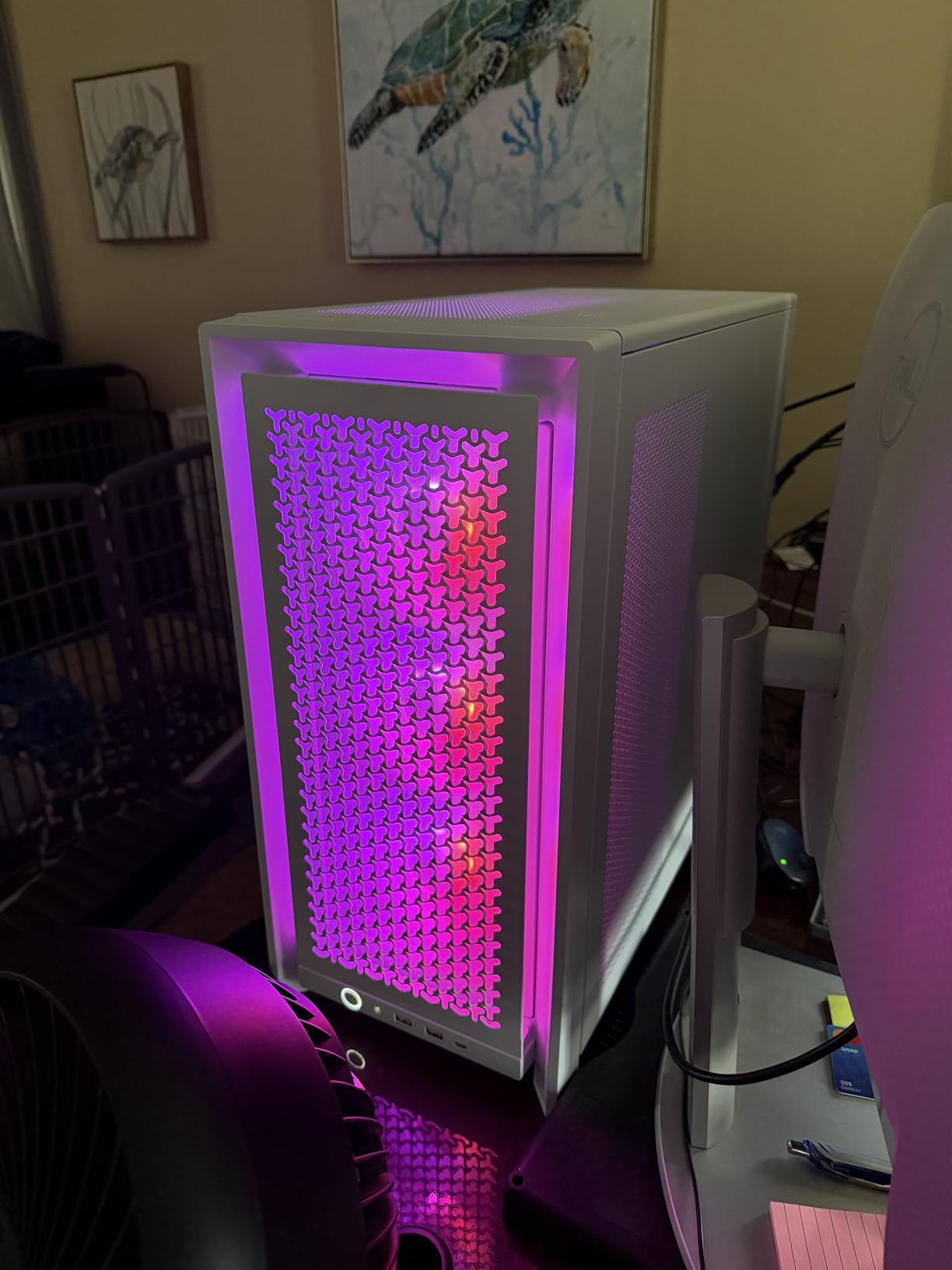
Three RS ARGB PWM fans come pre-installed and plug straight into the motherboard, which means an entry loop can be assembled without a separate fan controller. The 3D Y-pattern perforated steel front panel is the part reviewers single out most, and owners report component temperatures dropping noticeably against solid-fronted cases they moved from.
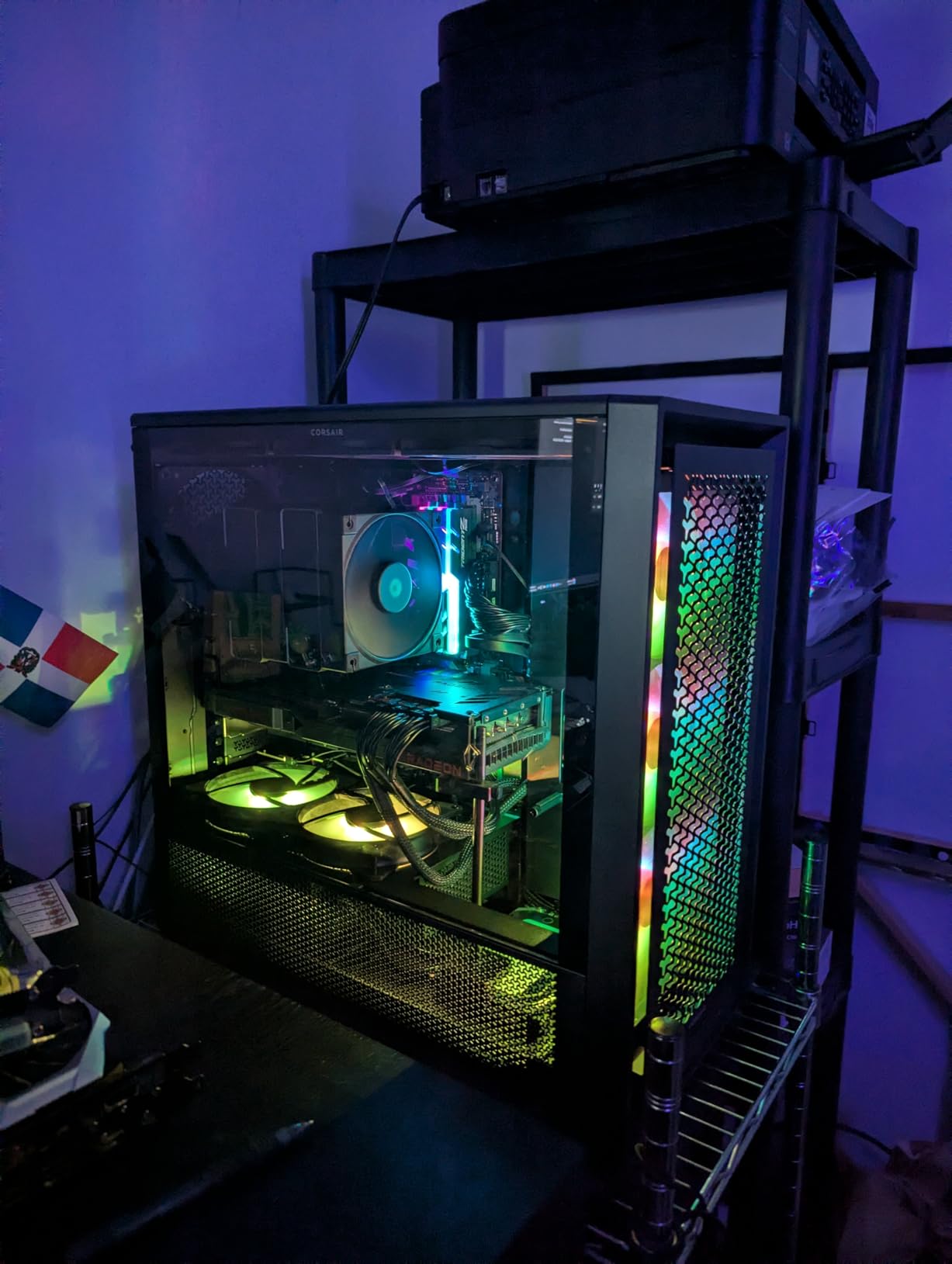
For water cooling specifically, the removable internal side panel is the underrated feature. It comes out to become either a cable cover or a side fan mount, which means the side position is genuinely usable for tubing runs and a second rad instead of being decorative glass.
Support for ATX, mATX and ITX boards plus reverse-connector layouts means the cable side of a loop can be built properly. The built-in GPU anti-sag arm matters more here than in a typical air-cooled case, because a card on a loop still weighs a lot and still sags the PCIe slot over time.
Who the Frame suits
It suits builders who want a case that can grow from a 360mm AIO to a soft-tube loop in the same chassis. It also suits anyone who values airflow, because at this rating and review volume the perforated front panel is proven rather than claimed.
For dual 360mm builds, the top and front positions are the two that work, and the removable tray architecture is what makes that realistic. Paired with quiet PWM fans, it holds a CPU-plus-GPU loop without a distribution plate fighting for space.
Who should skip it
Skip it if your plan is hard tubing with a full distribution plate, because the routing space behind the tray is generous for cables but not laid out for rigid acrylic runs. Also skip it if you only have a 360mm AIO and want a case with more character – this is a functional chassis first.
Reviewers do report the panels feel thin in the hand, so treat it carefully during a build. The online-only manual is thin documentation for a first build too.
2. Corsair Air 5400 RS ARGB: Best for Isolating a CPU Radiator
CORSAIR AIR 5400 RS ARGB Triple-Chamber Panoramic Mid-Tower PC Case – Black
- Isolated CPU cooling chamber that vents heat out of the side instead of recirculating it
- Owners report 5-20C improvements after switching from a single-chamber case
- Tool-less front and top panels with a side panel that swings open for PSU access
- Reverse-connector motherboard support for cable-free builds
- AIO pump must mount hoses-up because the front heat shield blocks bottom-hose routing
- Standard 400mm AIO tubing is very tight in this layout
- Horizontal CPU chamber limits maximum GPU length
- No top fans included
Most cases treat the front radiator as a filter for air that then recirculates through the entire chassis. The Air 5400 does not do that. It splits into three chambers, and the front one holds a 360mm radiator for the CPU alone with its own exhaust path to the side.
That architectural decision is why owners measuring before and after report 15-20C lower CPU and GPU readings. The GPU chamber gets clean air directly rather than air that has already picked up heat from the radiator sitting in front of it.
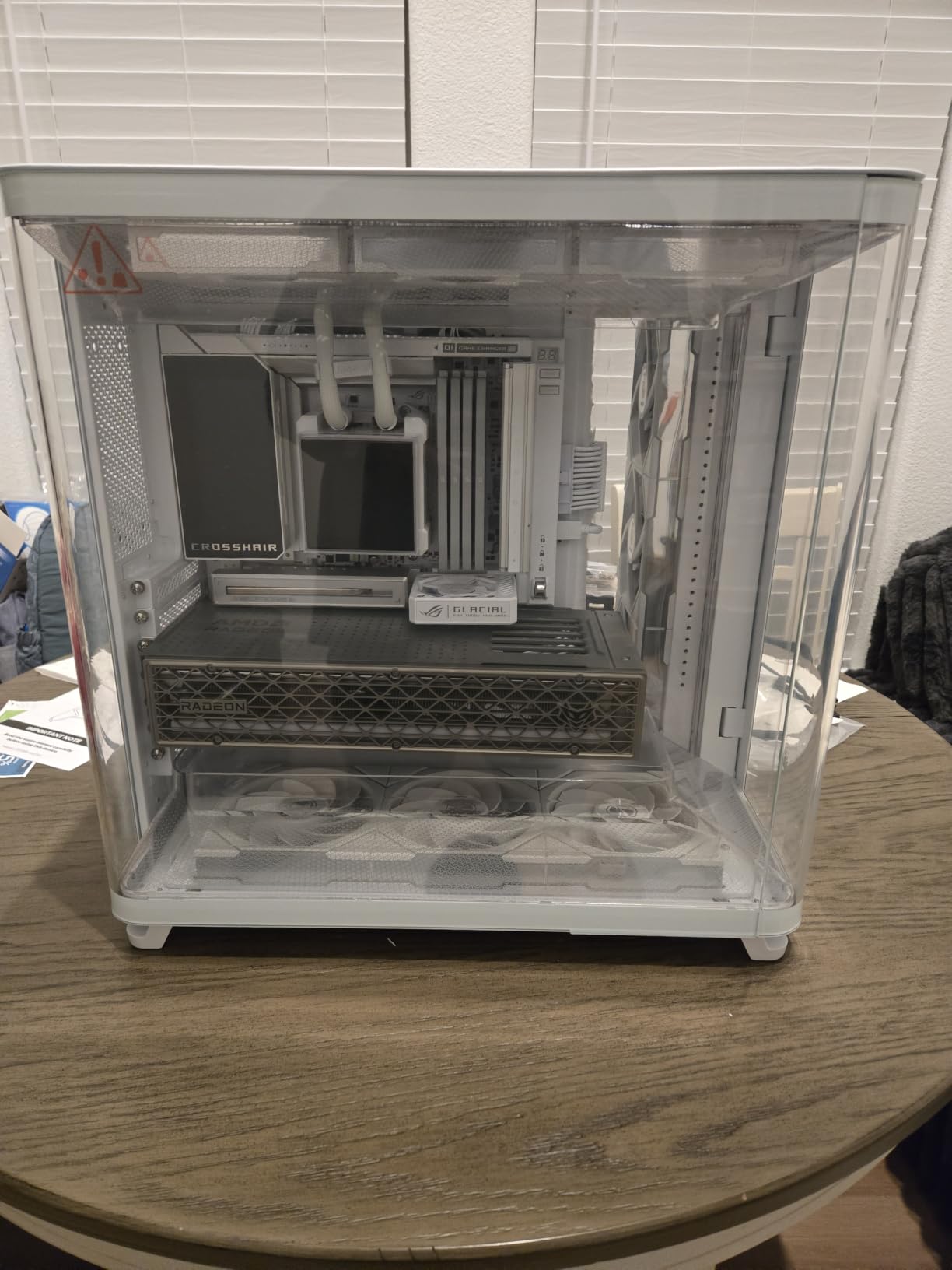
The wraparound panoramic tempered glass makes it a display piece as well, and the bottom airflow duct raises air velocity without needing faster or noisier fans. That is a genuine win for thick radiators, which need static pressure more than raw CFM.
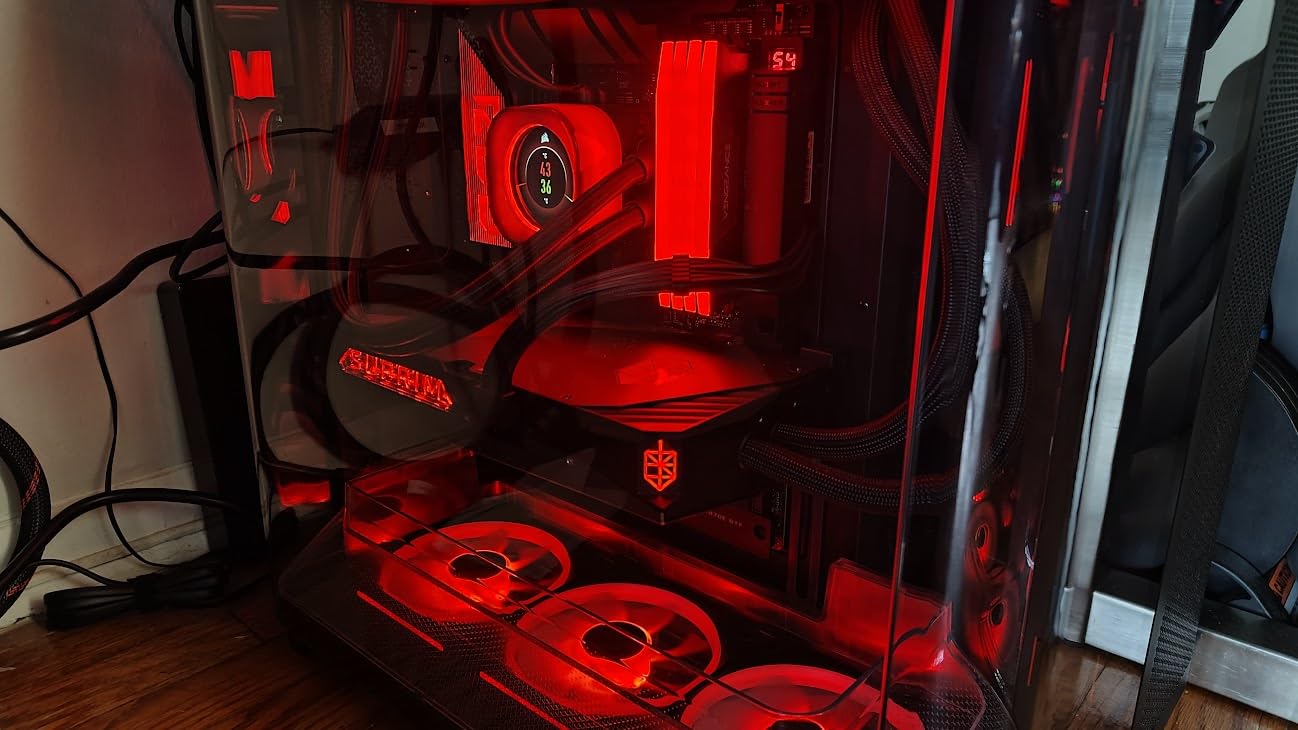
The reason this is second and not first is hose routing. The front heat shield forces the AIO pump to be mounted with hoses at the top, and standard 400mm tubing is very tight. Longer hoses are a common and necessary addition, which is an extra cost and an extra step most buyers did not plan for.
Who the Air 5400 suits
It suits anyone water-cooling a hot CPU who is still using air on the GPU, because the isolated chamber is the whole point. It also suits dual-chamber shoppers who want the thermal separation without moving up to a full tower, and we cover that category in more detail in our dual chamber case guide.
For a single-CPU loop it is close to ideal, because the front position is dedicated and does not have to share volume with a front-mounted reservoir.
Who should skip it
Skip it if you plan to water-cool the GPU as well and want both blocks on one loop through the front chamber – the geometry does not want that. Also skip it if you have a long GPU, because the horizontal CPU chamber caps maximum card length below what flagship cards now reach.
The CPU chamber airflow duct also has to come out when an E-ATX board is fitted, which changes the airflow story for workstation boards.
3. Thermaltake Tower 600: Best for 420mm Radiators
- Radiator support up to 420mm
- among the highest ceilings in the mid-tower class
- Tool-free triple tempered glass for fast access to the loop
- Rotational PCIe slots with a floating VGA bracket for GPU orientation
- Three-year manufacturer warranty
- Only one internal drive bay listed
- so storage capacity is limited
- Unusual octagonal footprint may not fit under smaller desks
- Glass-heavy build needs care when moved
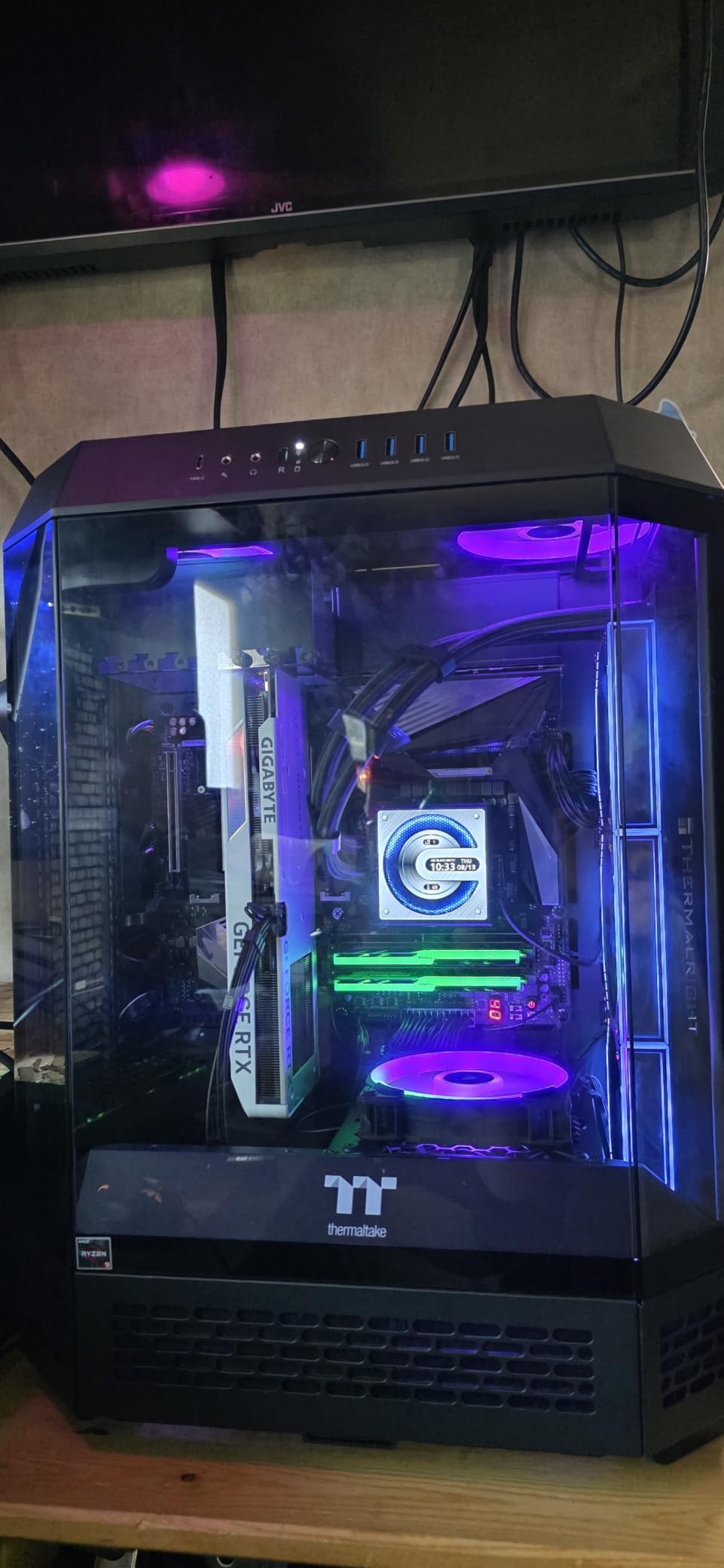
The 420mm ceiling is the entire argument here. A 420mm radiator gives roughly 16 percent more surface than a 360mm, and on a CPU that pulls serious power in 2026 that difference is the gap between a comfortable loop and a loop that is simply big enough.
Its octagonal chassis with three tool-free tempered glass panels is unusual enough that it reads as a deliberate object rather than a standard tower, and the panels come off without tools, which matters when you need to get a hand on a pump or a fill port.
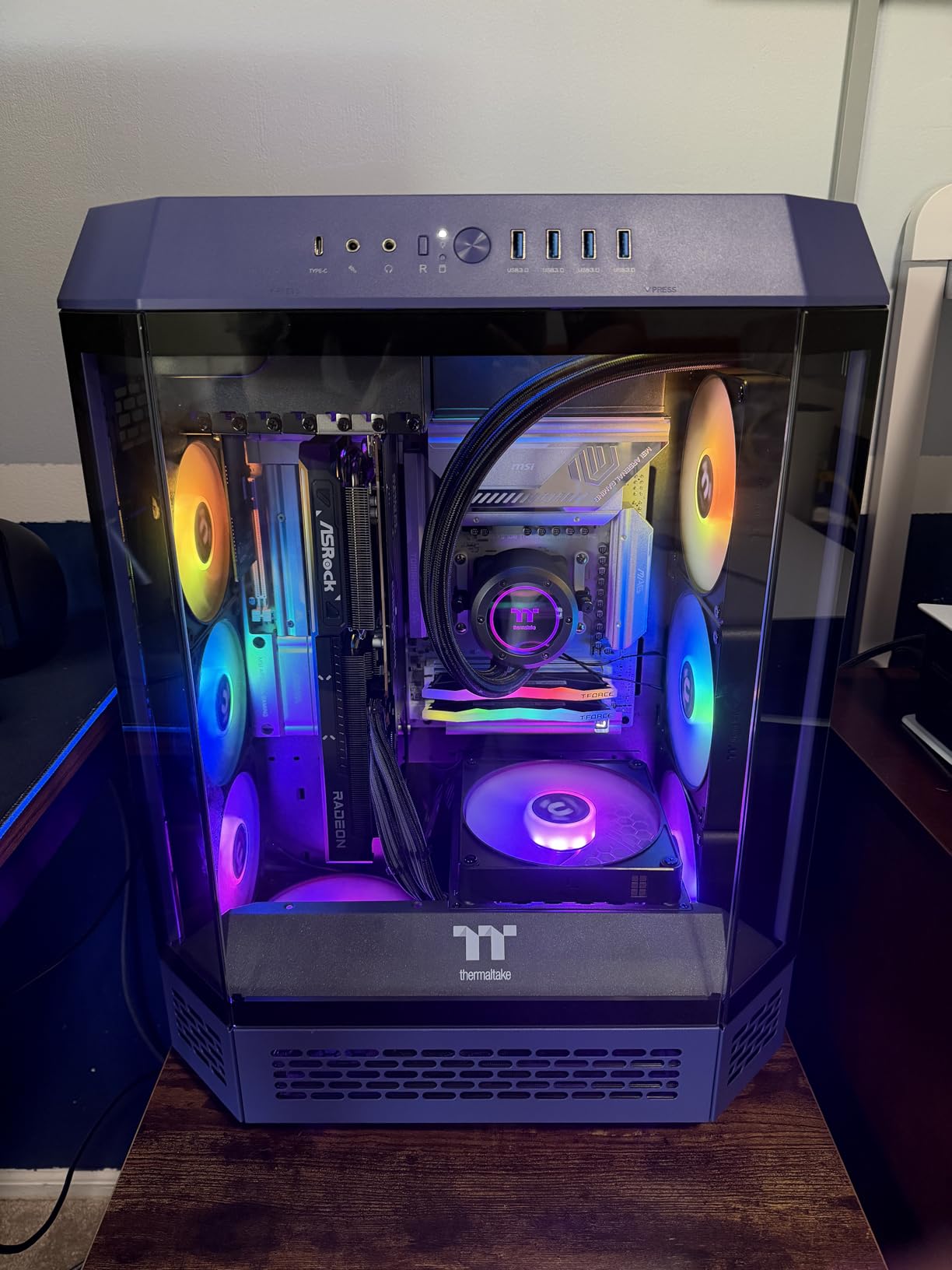
Rotational PCIe slots and a floating VGA bracket give real flexibility for GPU orientation, which interacts directly with a GPU water block. If you want a vertical card on a riser, or a horizontal card with the block facing a side rad, this is one of the few mid-towers that does not fight you.
Hidden-connector motherboard support means the cable side of the loop can be built properly with no visible wiring, and up to nine fans leave room for rad fans plus a proper exhaust set.
Who the Tower 600 suits
It suits CPU-plus-GPU loop builders who want maximum radiator surface in a footprint smaller than a full tower. It also suits anyone who has decided a 360mm rad will not be enough and wants the 420mm option without moving to a chassis the size of a small filing cabinet.
For dual-radiator builds it is less of a fit – the mid-tower volume is generous but not the sort of volume that comfortably holds two thick rads plus a reservoir.
Who should skip it
Skip it if you have more than one drive. One listed internal bay is a real constraint for anyone running a storage-heavy machine or a NAS-adjacent build.
Also skip it if your desk is narrow or your monitor stand is small, because the octagonal footprint is wider than a conventional tower. It is a 21.4 pound case with three glass panels, and that is a lot to lift under a desk.
4. NZXT H5 Flow: Best Value for a First Loop
- Real liquid-cooling headroom in a compact chassis
- 360mm front and 240mm top
- Ultra-fine mesh on top
- front and side panels filters dust while allowing airflow
- Two pre-installed 120mm fans plus a perforated PSU shroud that takes two more
- Excellent cable channels
- hooks and straps for loop tubing
- Only two fans included so a serious rad build needs more purchased fans
- No bottom PSU fan intake which makes it slightly louder
- Front I/O is basic for the class
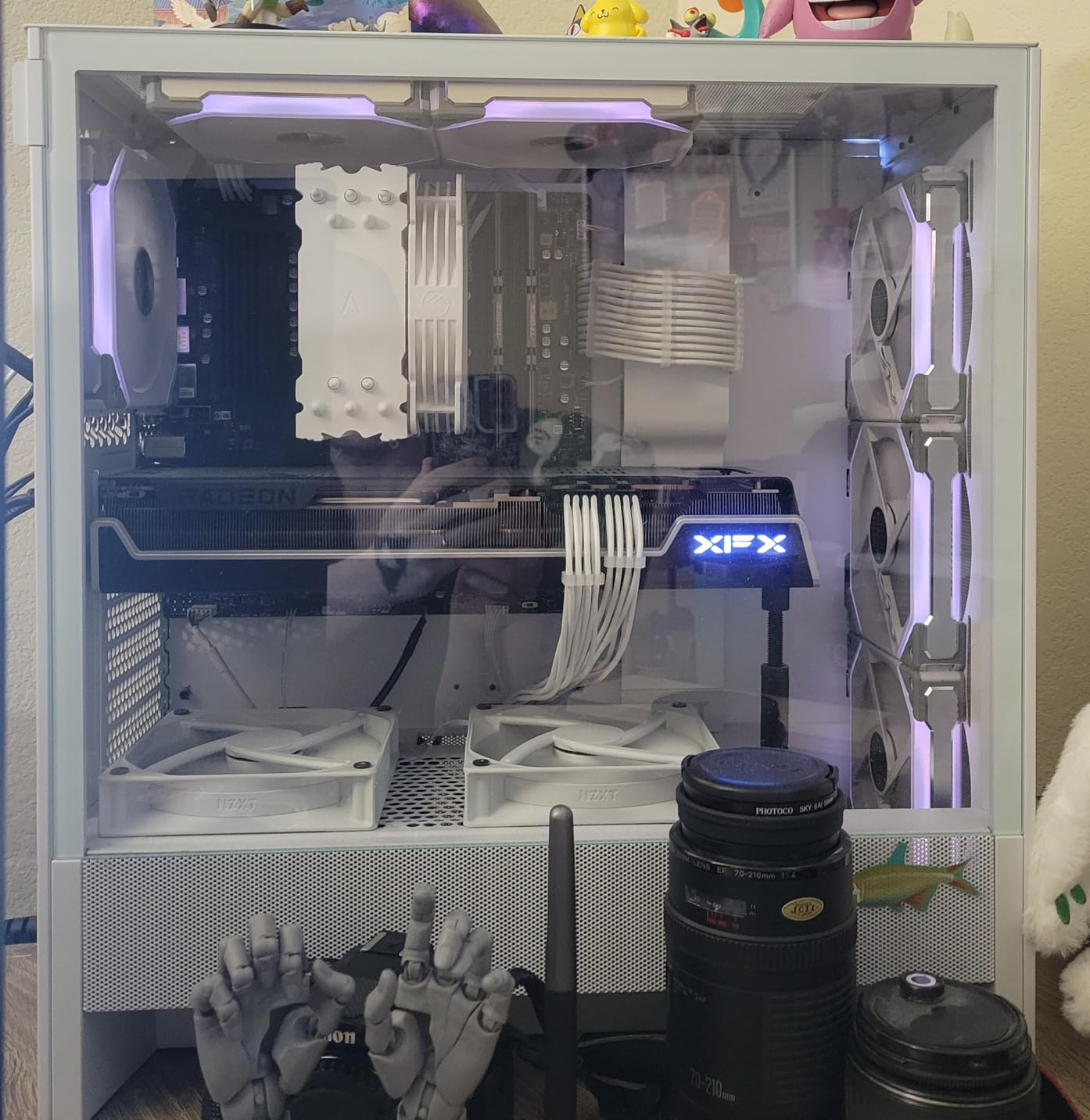
At 8 kg and 8.86 inches deep, the H5 Flow is the only case in this roundup that fits on a small desk. What makes it a water-cooling pick rather than a budget air-cooled pick is the 360mm front position combined with 240mm on top.
That pairing is genuinely enough for a single-CPU loop with a soft tube, and for a 360mm AIO it is a safe fit in a chassis that is smaller than most of its competition. Ultra-fine mesh on three panels keeps dust out without throttling the intake.
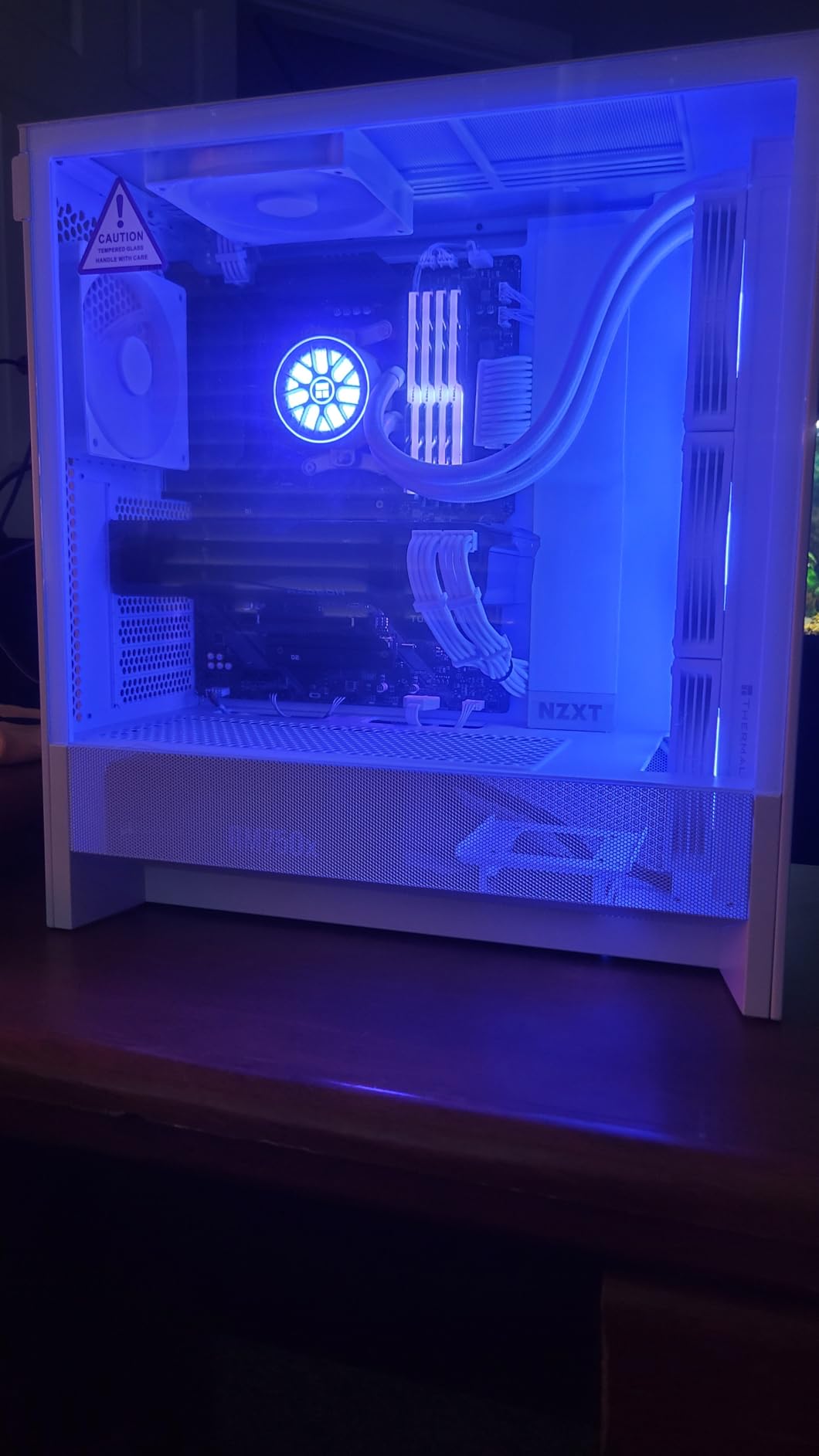
The perforated PSU shroud takes two optional 120mm fans on its side and bottom, which means the cooling budget grows without needing a bigger case. Cable channels, hooks and straps are wide enough to route tubing without sharp bends, and that is a real loop consideration rather than a cosmetic one.
All-metal construction and GPUs up to 410mm make it the sturdiest-feeling chassis at this weight class. Tool-free panel removal is a small thing that matters repeatedly during a first build.
Who the H5 Flow suits
It suits first-time loop builders who want a case that will not dictate their hardware choices. If you later decide to move to a 360mm rad, the front position is already there waiting.
It also suits anyone who has a 360mm AIO and just needs a case with the right mounting point and good mesh. That is a legitimate use of this chassis and a cheaper path than a full custom loop.
Who should skip it
Skip it for dual-radiator or thick-radiator builds. Two 140mm-thick rads plus a reservoir will fill the interior, and the compact dimensions leave little margin for the error we described in the opening.
Reviewers also note the lack of a bottom PSU fan intake, which makes it slightly louder under sustained load, and only two bundled fans.
5. NZXT H9 Flow: Best for Large GPUs and Long Loop Runs
- 420mm radiator support on both top and front-right positions
- Angled front-right mounting gives long GPUs clearance while still feeding the card
- Side-mounted PSU on a swing-out bracket makes cabling and loop routing far easier
- Wraparound panoramic glass with a very clean finish
- Bundled fans are 3-pin DC so swapping to PWM needs a BIOS change
- No built-in GPU support bracket
- Very large and heavy at 12.5 kg for a mid-tower
The H9 Flow solves a problem most water-cooling cases create: the front radiator position and the graphics card want the same volume. Its front-right mount is angled rather than square-on, so air still reaches the card while a long rad sits above it.
That geometry is why this is the pick if your GPU is a thick, long flagship. The dual-chamber layout moves the PSU and drives out of the main volume, which is exactly the space a loop needs for tubing runs and a reservoir.
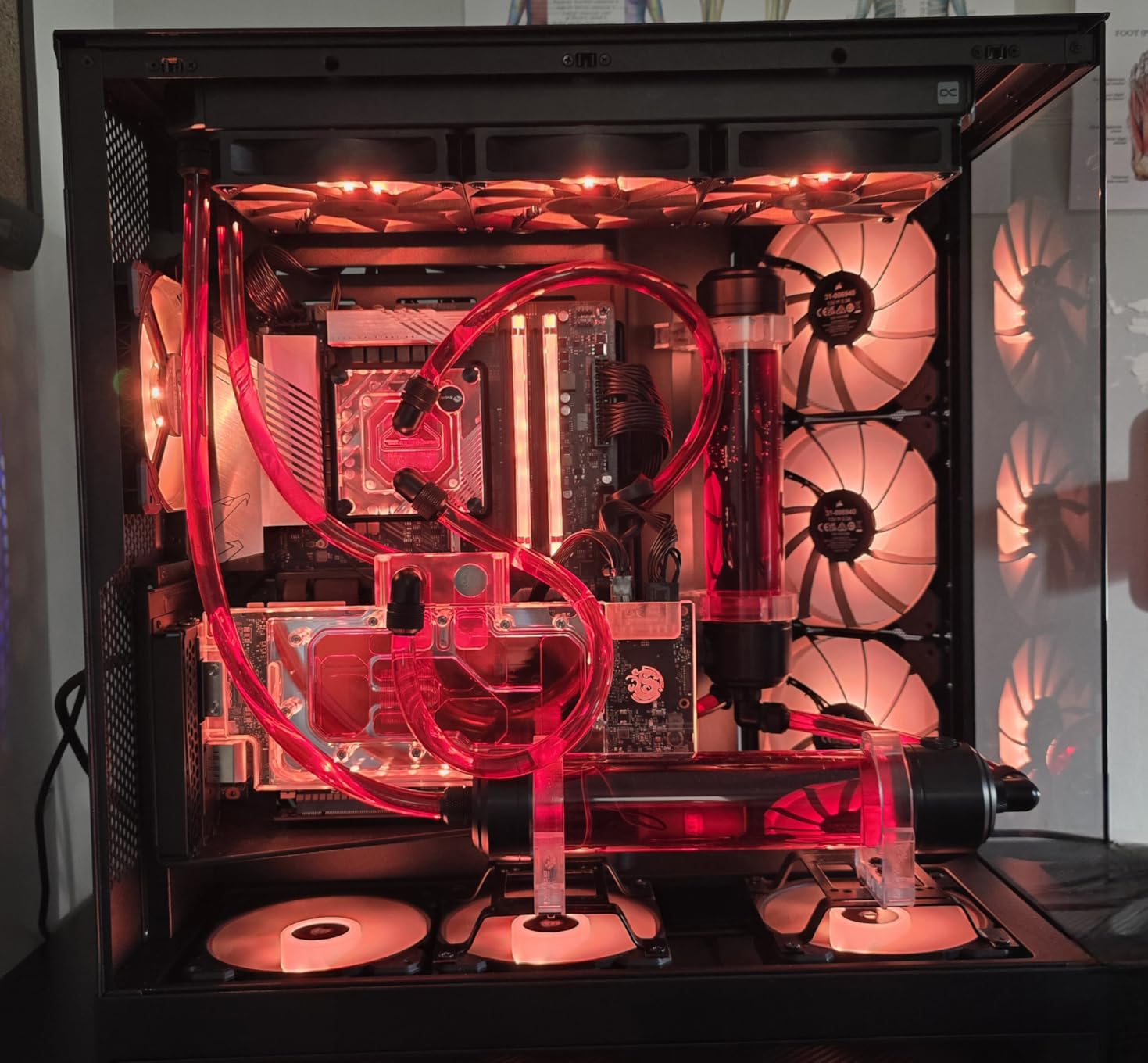
Support for 420mm radiators on top and front-right, plus ten-fan capacity, gives room for a CPU-plus-GPU loop with fans on both positions. The side-mounted PSU on a swing-out bracket is a small decision that saves hours on cable routing, and the extra-wide channels behind the tray give soft tubing a clean path.
Back-connect motherboard support and SGCC steel construction round out a chassis that reviewers consistently describe as solidly built. It solved thermal problems in dense builds for the people who bought it.
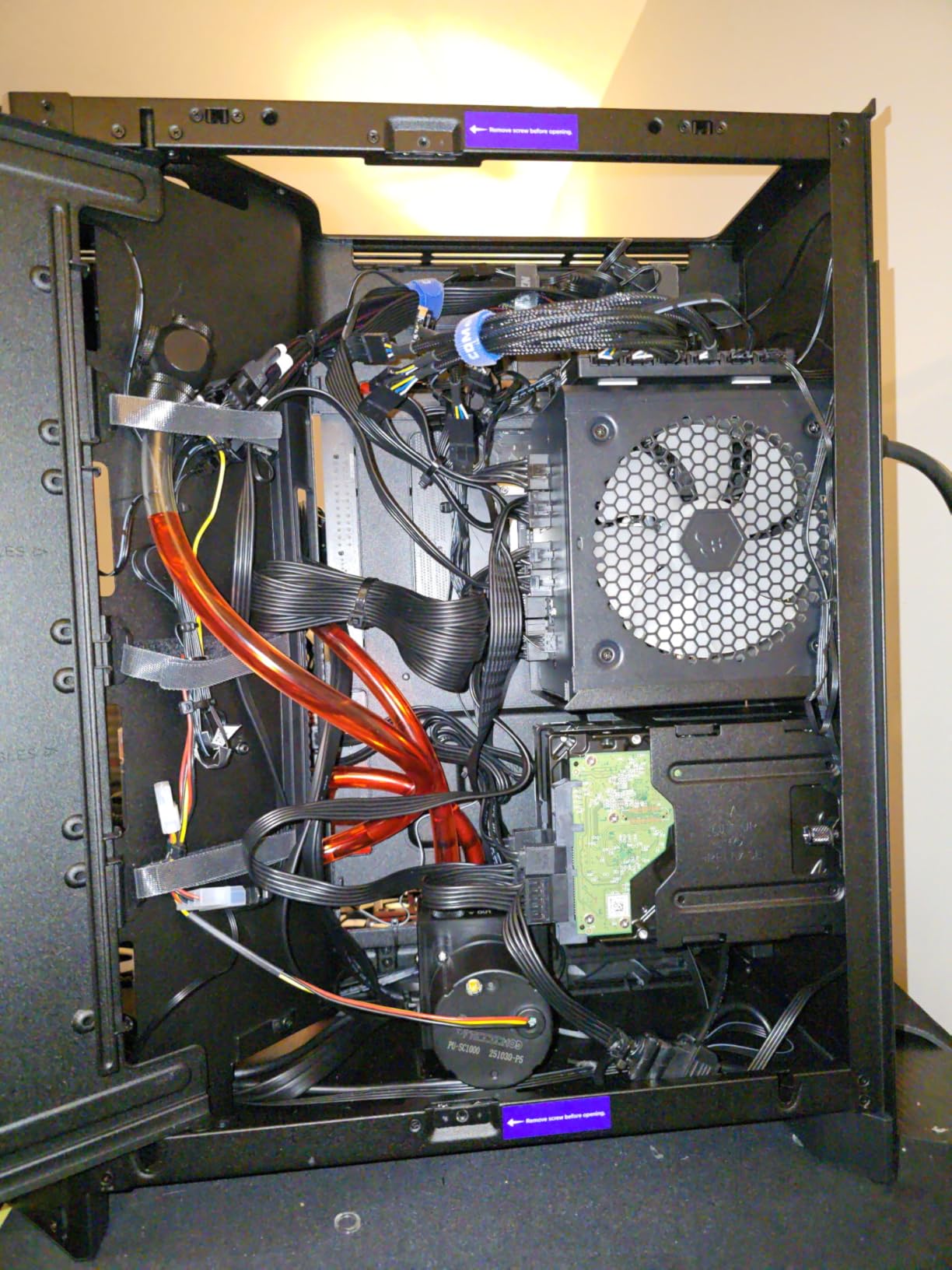
Who the H9 Flow suits
It suits dual-chamber buyers with a long GPU, which is our most common build pattern for a first water-cooled system. If you want a top rad on the CPU and a front rad on the GPU, this is the layout that works without improvisation.
It also suits anyone who plans a riser or vertical GPU later, because the extra chamber volume and angled mount make that conversion realistic.
Who should skip it
Skip it if you want a compact desk footprint. At 12.5 kg and 20 inches deep it will not fit a typical monitor stand, and reviewers say to measure desk space first.
The bundled 3-pin DC fans are the other real drawback – they are louder than premium PWM alternatives, and swapping them requires a firmware setting change. Some builds also need longer SATA cables because the drive bays sit in unconventional positions.
6. Antec Performance 1 FT: Best Full Tower for E-ATX Workstations
Antec Performance 1 FT Full Tower E-ATX PC Case, 3 PWM Fans
- Roomy full-tower interior fits E-ATX boards
- full-length GPUs and tall air coolers
- Fits a 360mm rad comfortably on top and a 420mm in front
- Removable top bracket with two screws gives easy rad access
- Top-mounted PSU on a quick-release plate makes swaps and cabling fast
- Front magnetic mesh panel pops off if the case is nudged
- Very heavy and large for a desk
- A temperature display depends on Windows-only software
Workstation boards are the reason full towers still exist, and this is the clearest water-cooling example of that. E-ATX support plus a top-mounted PSU frees the entire lower rear of the case, which is precisely where a reservoir and pump normally want to live.
Reviewers report a 360mm radiator sitting comfortably in the top position and a 420mm fitting in the front. That is a dual-radiator chassis with real clearance, and the removable top bracket means you only undo two screws to get at a rad for servicing.
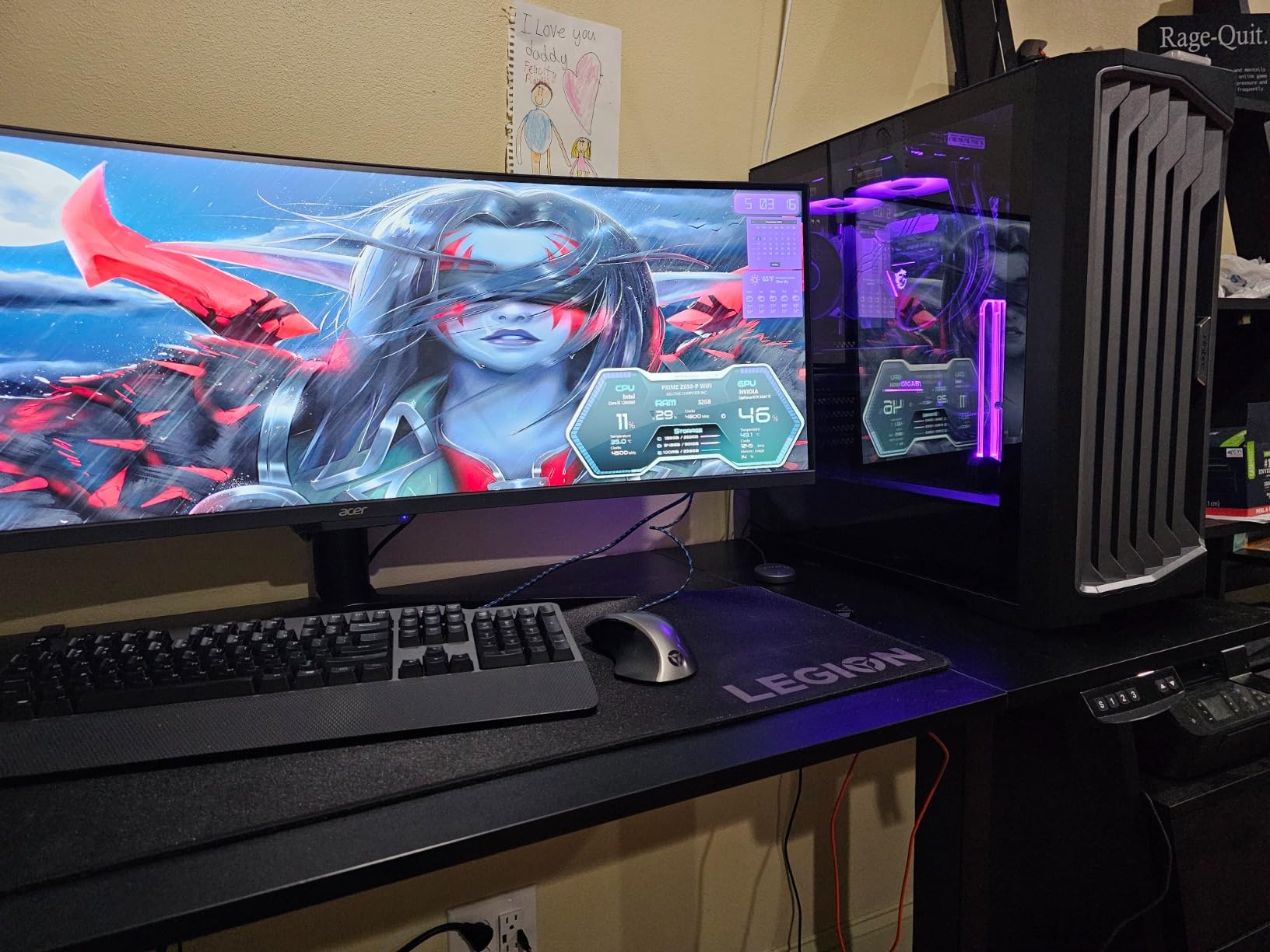
Rubber-padded grommets, two included cable covers and a dedicated rear compartment make cable routing unusually good for a full tower, and the bundled 140mm PWM fans are quiet enough to use as-is. Sliding dust filters at the front and bottom are easy to pull and clean, which matters more in a water-cooled build than the spec sheet implies.
The top-mounted PSU on a direct release plate is a genuine serviceability win. Swapping a power supply in most cases means dismantling half the build; here it means removing a plate.
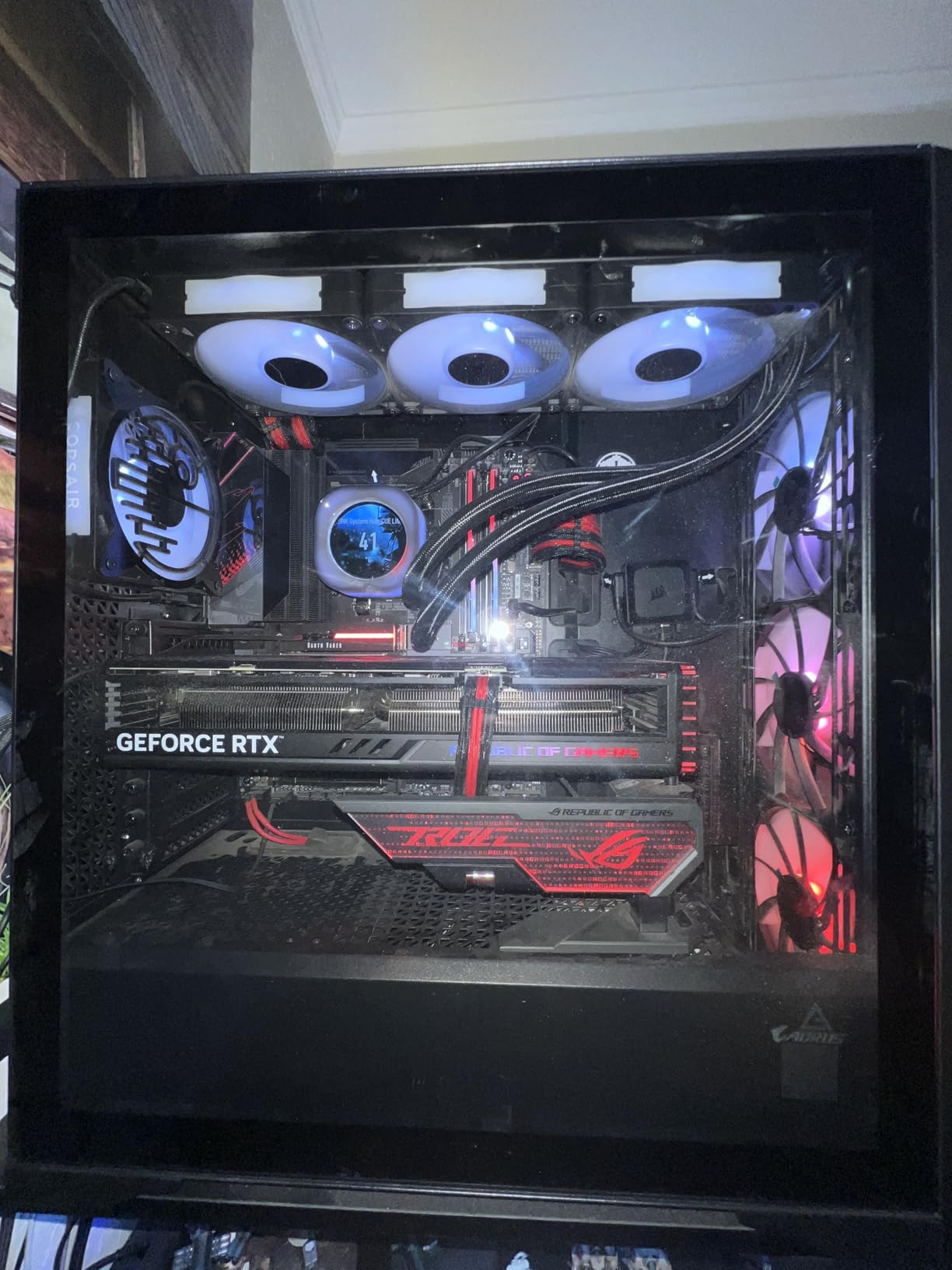
Who the Performance 1 FT suits
It suits E-ATX builders, workstation users, and anyone running a long GPU alongside a thick radiator who has run out of top position. The 420mm front position paired with a 360mm top is one of the cleanest dual-radiator arrangements here.
It also suits first-time full-tower buyers who want a big case that is still easy to work in, because the removable brackets and slide-out filters take away the usual full-tower frustration.
Who should skip it
Skip it if you plan to move the case often – 20.55 inches on each face is genuinely large. Reviewers also flag the magnetic front panel coming loose when the case is moved, which is an easy fix with a light push back.
The Antec iUnity software dependency for the temperature display is Windows-only and cannot be minimized, and some builds need long screws for the bottom mounts that are not included.
7. Antec Flux Pro: Best Multi-Radiator Headroom
Antec Flux Pro Full-Tower E-ATX PC Case, 6 PWM Fans Included, Black
- Simultaneous 420mm and 360mm radiator installation
- the largest dual-radiator capacity here
- Removable cooling brackets on top
- front and PSU shroud make rad and fan swaps straightforward
- Six pre-installed PWM fans wired to a front daughterboard
- Spacious interior fits large air coolers and long GPUs on all sides
- Very heavy at 29 pounds once built
- Full-tower footprint will not fit under most desks
- Included fans are non-RGB
- Display needs the Antec iUnity app
If your build has two heat sources worth cooling – a flagship CPU and a flagship GPU – this is the case built for exactly that. It supports a 420mm and a 360mm radiator at the same time, and no other case in this roundup states that combination.
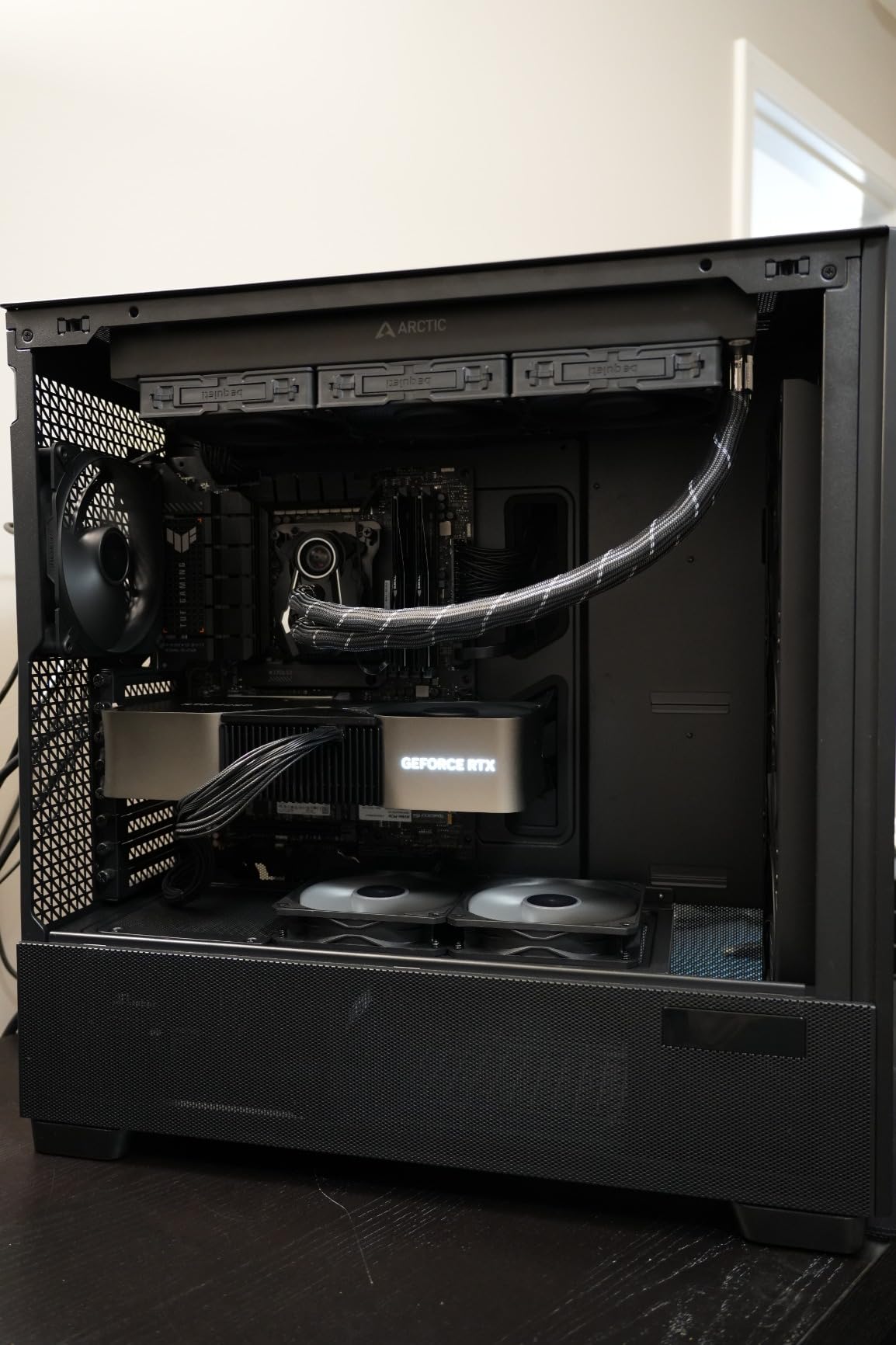
The removable cooling brackets on the top, front and PSU shroud are the reason that claim holds up in practice. A radiator is a heavy, expensive object that you will eventually need to remove, and a bracket you can lift out instead of unscrew from fixed rails is the difference between a five-minute job and a rebuild.
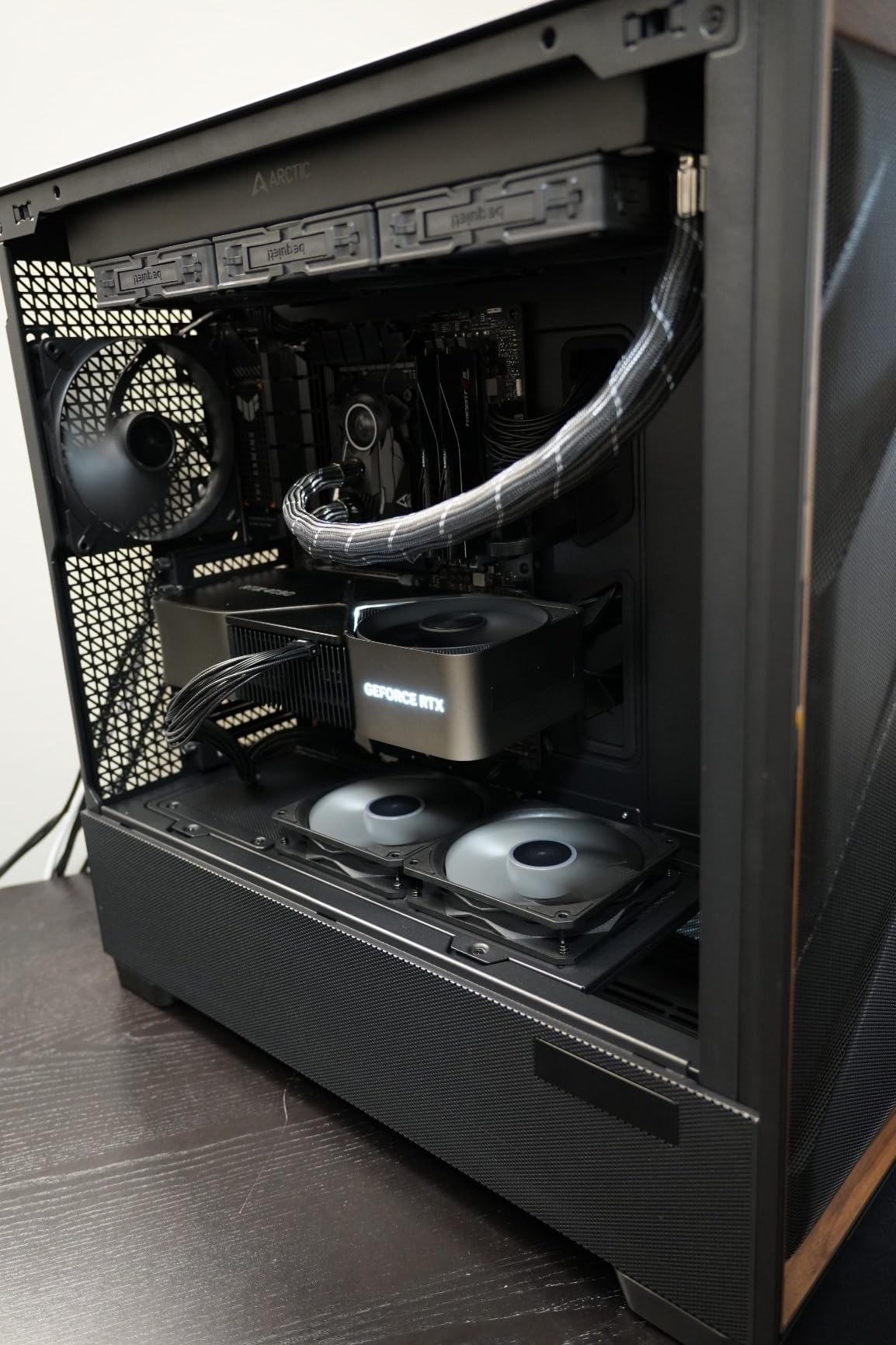
Six PWM fans come pre-installed and wired to a front daughterboard, with twelve-fan total capacity, so a dual-radiator push-pull configuration has fans available without a second purchase. Sliding tracks on top and rear plus a five-position front assembly make it easy to experiment with fan placement.
The iShift 90-degree rotated PSU mount is a small engineering decision that meaningfully improves both installation and cable access. The walnut wood front panel also makes this the least conventionally gaming-looking case we tested, which is a genuine differentiator for a display build.
Who the Flux Pro suits
It suits dual-block and dual-radiator builders, which is our most requested build type. If the plan is a CPU block plus a GPU block on a shared loop, this is the case where both sides of the loop have somewhere to go.
It also suits anyone who wants a full tower that is quiet, since six included fans means you do not need to add more to fill a dual-radiator array.
Who should skip it
Skip it if you will ever have to move the case once it is built. At 29 pounds it is impractical on a desk and genuinely awkward to lift, and the full-tower footprint will not go under most desks.
Long-time builders on enthusiast forums single this chassis out for acoustics, so it is worth considering if noise is your main criterion – but the weight is a real cost.
8. Corsair iCUE Link 2500X RGB: Best for Compact Micro-ATX Builds
- 360mm radiator room in both the roof and the bottom position
- which is rare in a compact mATX chassis
- Dual-chamber layout separates the cooling chamber from cable
- PSU and storage
- Micro-ATX and Mini-ITX only keeps the footprint smaller than ATX mid-towers
- Dual tempered glass panels give a clean showcase look
- Only mATX and Mini-ITX motherboards fit
- with no ATX support
- Only two fans included so most liquid builds need more
- iCUE LINK adds a proprietary hub and cabling requirement
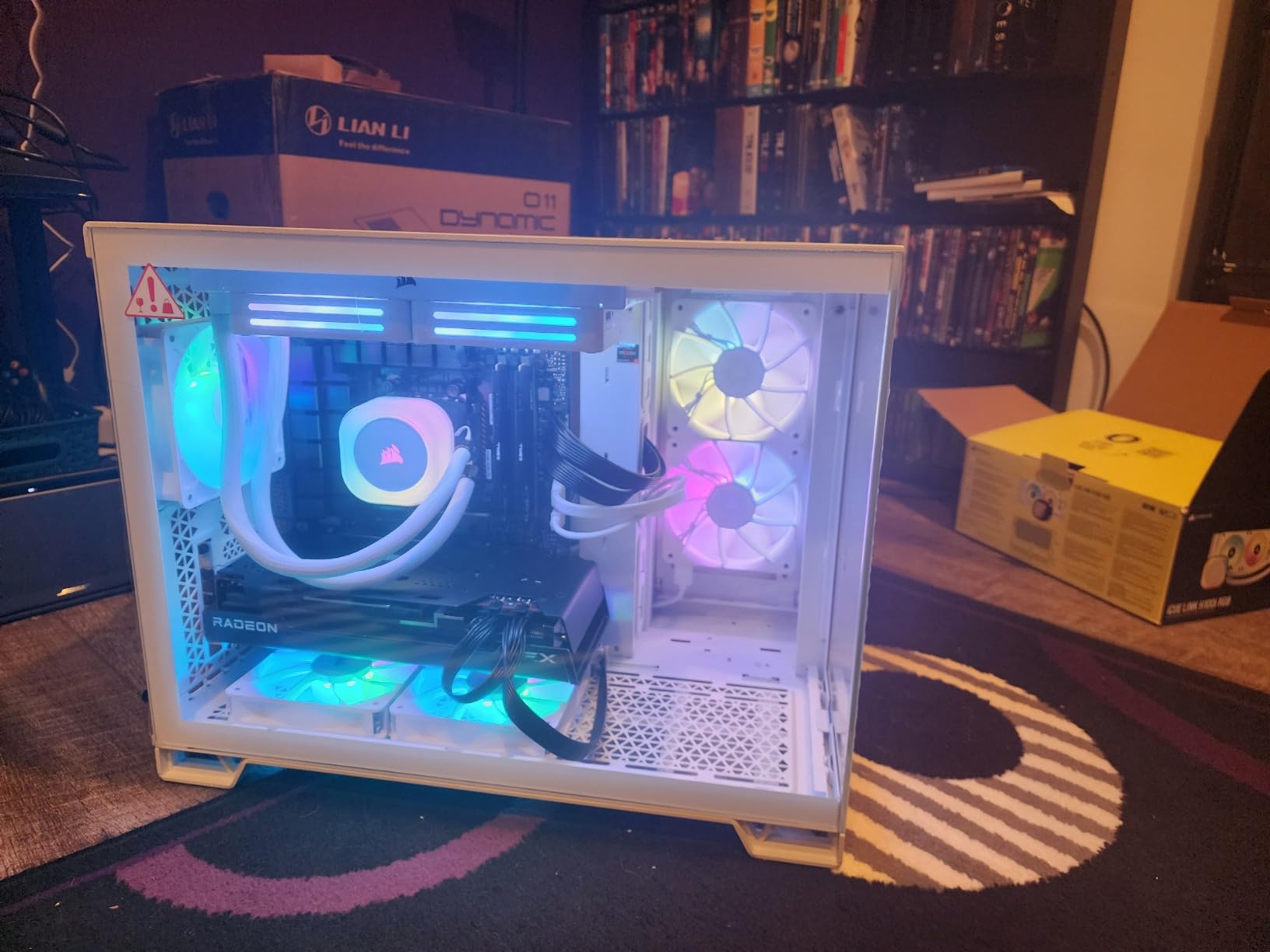
Compact mATX cases usually compromise hard on cooling, and this one does not. It fits a 360mm radiator in the roof and another 360mm in the bottom, which is a dual-radiator layout in a chassis far smaller than any full tower here.
Roof and bottom is the right pairing for a CPU-plus-GPU loop. The bottom rad sits in the cooling chamber and pulls cool air up past the card, while the roof rad handles the CPU with its own exhaust path, so the two do not fight for the same air.
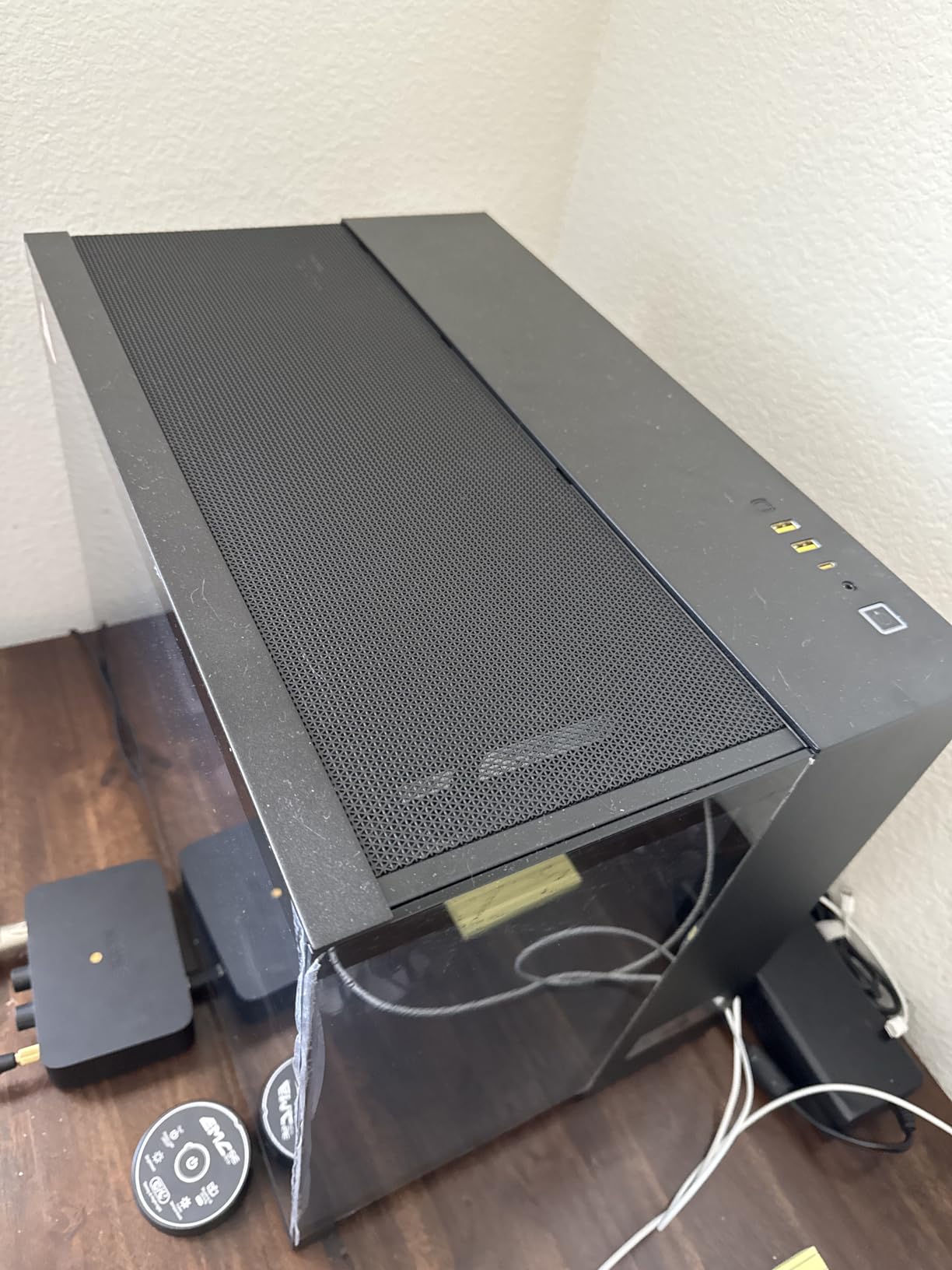
It supports up to nine 120mm or four 140mm fans, so there is fan capacity for both radiators plus exhaust. Reverse-connector motherboard validation means the cable side stays clean behind the chamber wall, which is what keeps a compact dual-chamber looking tidy.
Two pre-installed RX120 RGB iCUE LINK fans and an included System Hub reduce the cable complexity that normally makes a two-radiator build messy. Dual tempered glass on both sides make it a display piece rather than a box.
Who the 2500X RGB suits
It suits builders on a Micro-ATX or Mini-ITX board who want a real dual-radiator loop without a full tower footprint. If you have ever been told that mATX means compromised cooling, this is the counterexample.
It also suits anyone moving from a 360mm AIO toward a loop later, because the 360mm positions are already there.
Who should skip it
Skip it if you have or plan an ATX board. There is no ATX support, and that is a hard stop rather than a preference.
Also weigh up the iCUE LINK ecosystem, which brings a proprietary hub and specific cabling with it. Only two fans are included, so a full dual-radiator build means buying more.
9. Okinos Cypress 7: Best Walnut Finish With a Side Radiator Option
- Genuine walnut wood front panel gives a furniture-grade look
- Four pre-installed 120mm PWM fans delivering roughly 200 CFM of intake
- 360mm radiator on top plus 280mm on the side gives two usable loop positions
- Type-C 3.2 Gen 2 front port and magnetic tool-free side panel
- Does not support vertical GPU installation
- Side SSD mounts conflict with fans in that position
- Only a 1-year manufacturer warranty
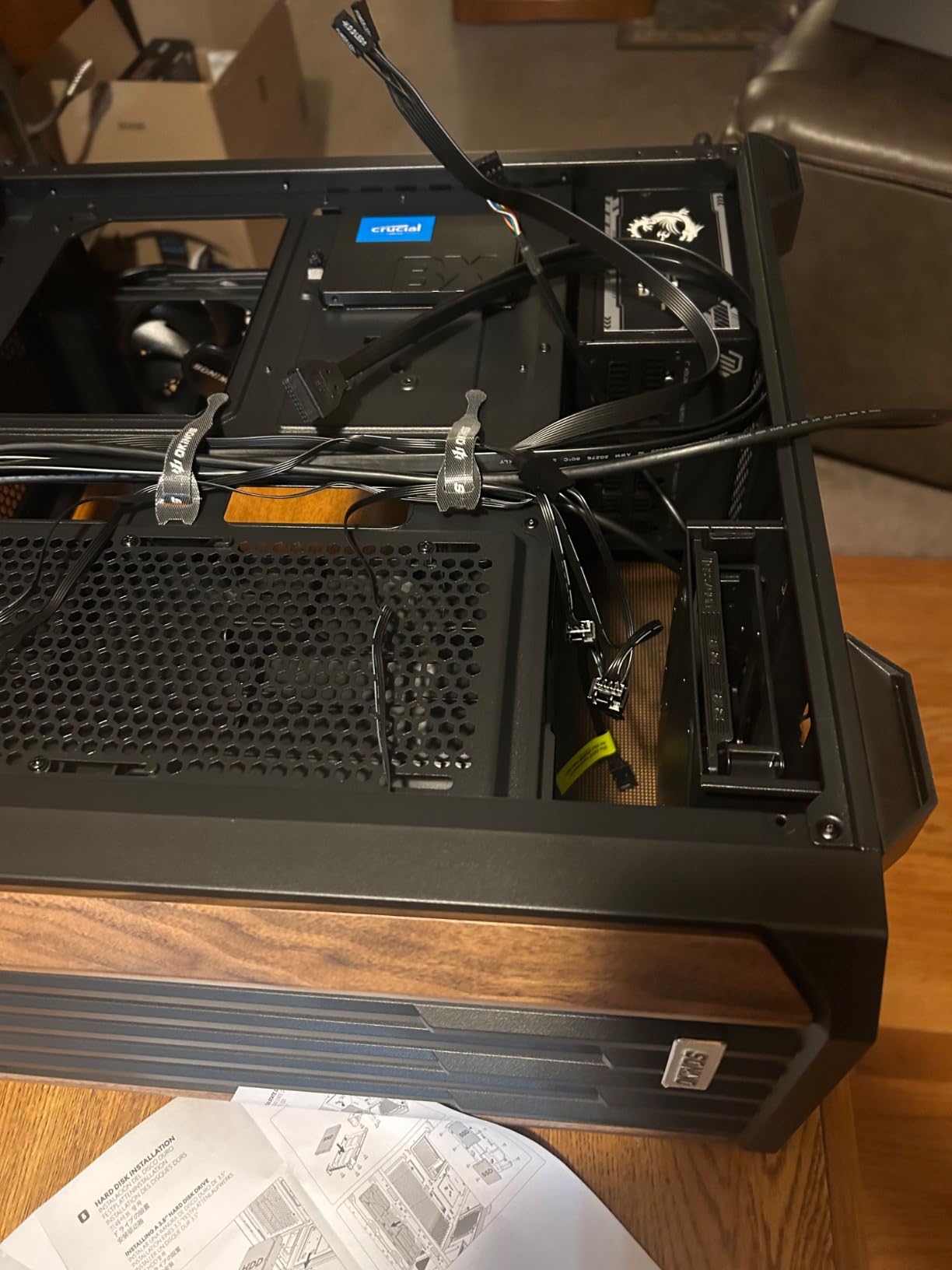
This holds the highest average rating of any case we reviewed, and the reason is not a spec sheet. The genuine walnut front panel is real wood, and paired with the magnetic tempered glass side it reads like furniture rather than a PC component.
For a loop, the 360mm top position plus a 280mm side mount gives two positions that no other case in this list combines at this size. A CPU block on top and a smaller rad on the side is a workable split for a single-GPU build.
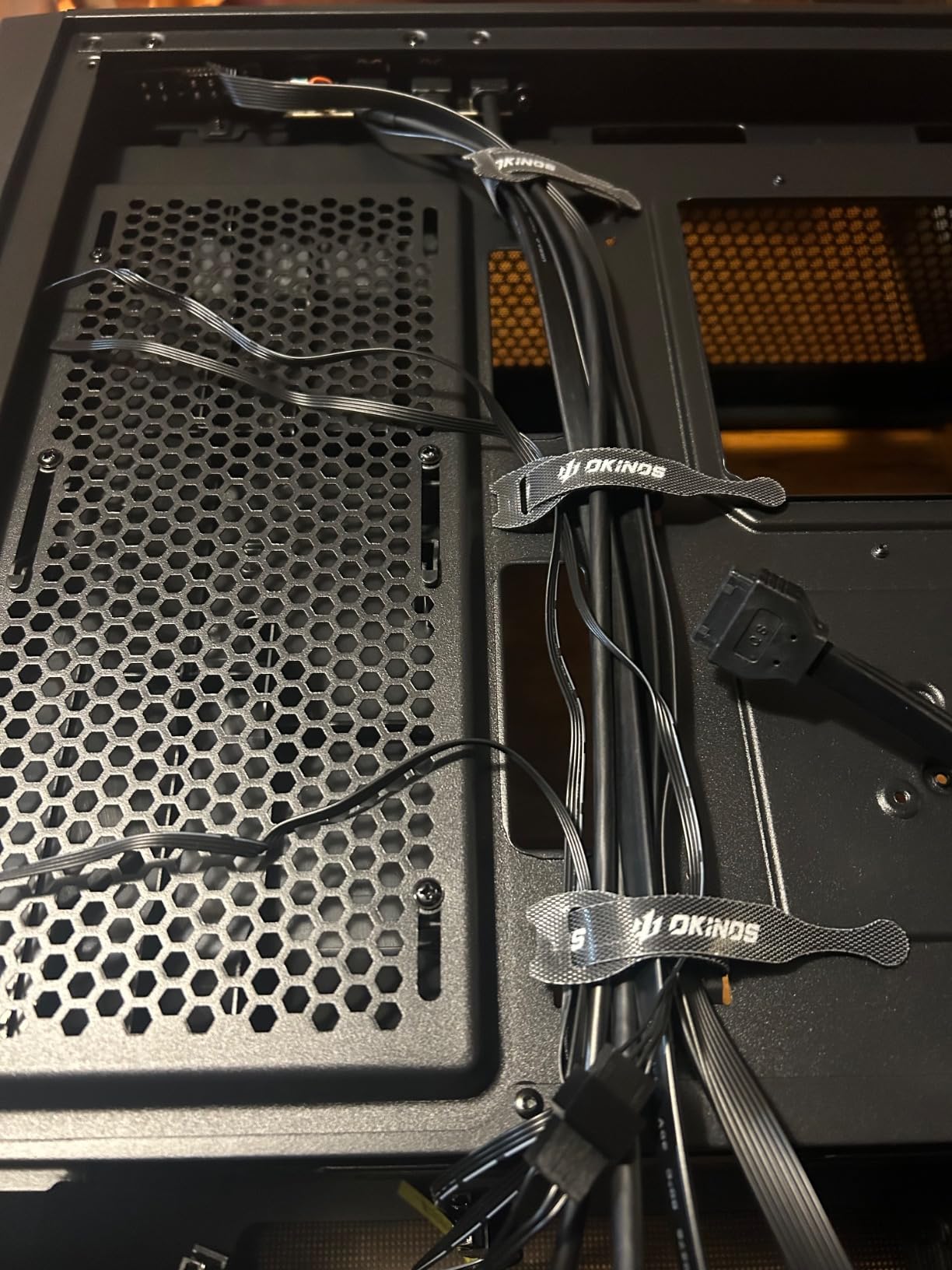
Four pre-installed 120mm PWM fans supply roughly 200 CFM of intake out of the box, which is unusually generous and means a top radiator has fans immediately. The rear cooling position has a 37mm negative pressure gap, a small detail that helps pull air through the chassis.
Five SSD positions including two on the side, a Type-C 3.2 Gen 2 10Gbps front port, and a magnetic glass panel that comes off without tools all add up to a case that is pleasant to build in. GPU clearance is 415mm at the front position and 390mm at the rear.
Who the Cypress 7 suits
It suits builders who want a loop in a case that does not look like a gaming PC, and who want a second radiator position. The wood finish also suits anyone moving a display build into a living room or office where black plastic would look out of place.
It also suits storage-heavy builds, with up to five SSD mount positions.
Who should skip it
Skip it if you plan a vertical GPU mount on a riser – this case is horizontal only. We cover that layout in our vertical GPU case guide if a card mount is your priority.
A 240mm side water cooler can also conflict with GPUs wider than 280mm, using the two side SSD mounts limits fans in that position, and the one-year warranty is the shortest of any case we reviewed.
10. Thermaltake View 270 Plus TG ARGB: Best for Pillarless Glass and E-ATX
- Pillarless front and side tempered glass gives an unobstructed view of the loop
- 360mm top radiator support at this chassis size
- Three 120mm ARGB fans included so a rad has fans immediately
- Front I-O includes USB 3.2 Gen 2 Type-C
- Generous GPU clearance up to 420mm
- Only three internal bays limits storage expansion
- Wide chassis footprint may not suit compact desks
- Dual glass panels add weight and need careful handling
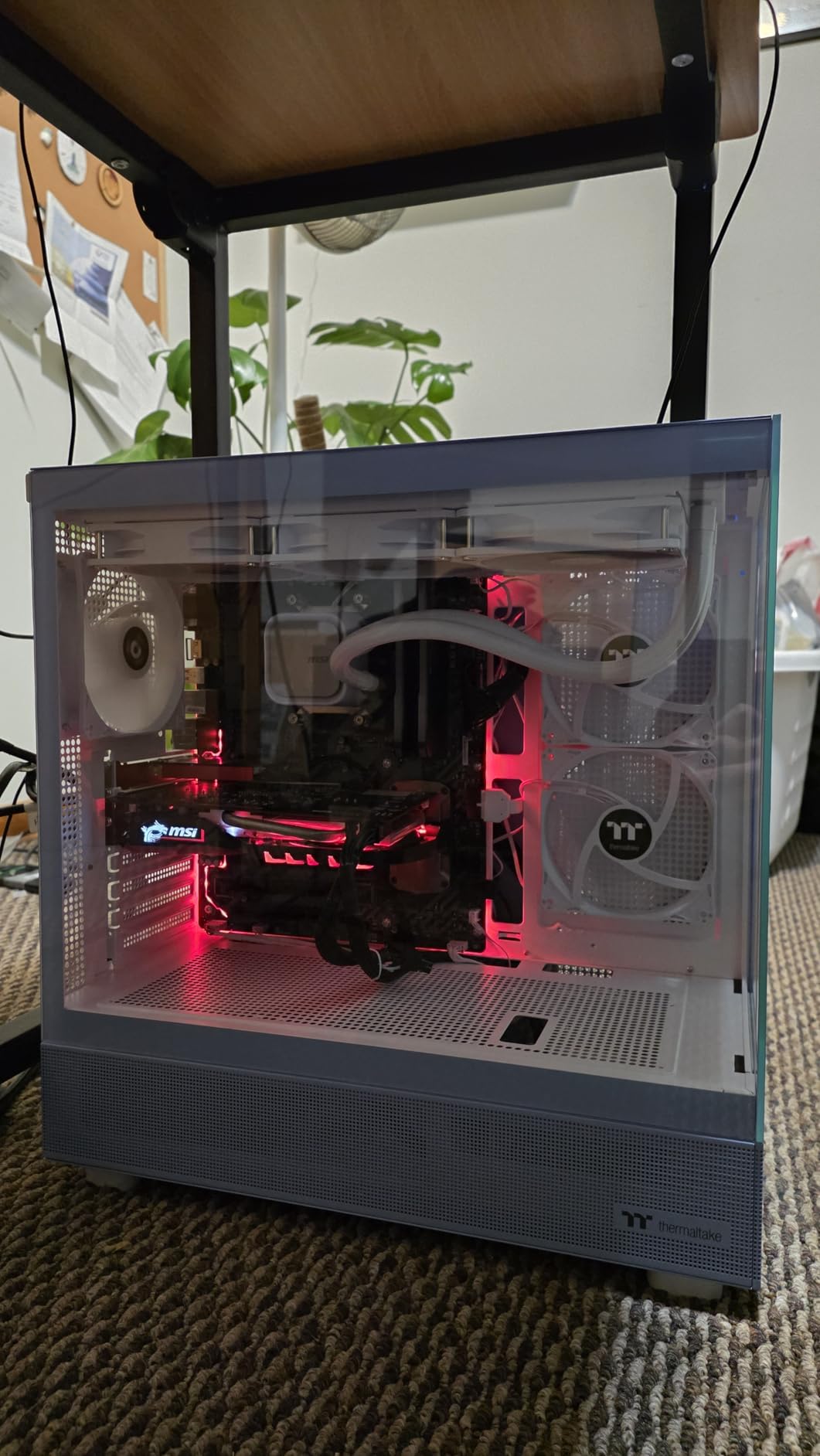
A water-cooled build is a display object, and the pillarless front and side glass on the View 270 Plus means the loop is visible without a support column cutting through the middle of it. That matters more here than in an air-cooled case.
It supports a 360mm radiator at the top and E-ATX motherboards, which is an unusual pairing – most chassis in this size stop at ATX. Three 120mm ARGB fans come pre-installed, so a top radiator can be built without a separate purchase.
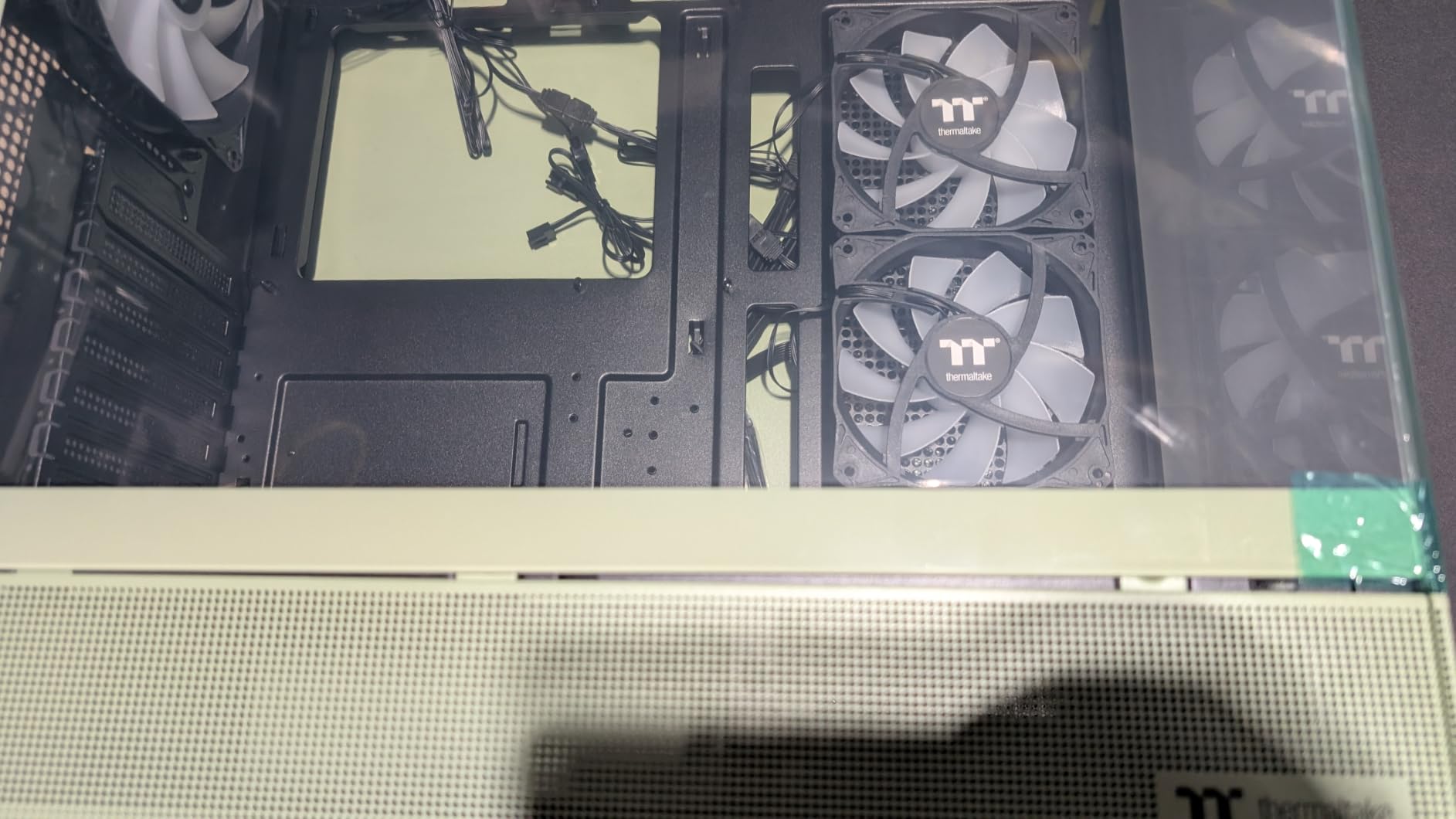
GPU clearance up to 420mm covers the longest cards currently shipping, and the three-year warranty is among the longest we saw. Five USB ports on the front panel is generous for the class.
For a soft-tube CPU loop with a reservoir mounted in the basement, the pillarless view is what makes the build look finished. The trade is weight – dual glass panels need care when moving a 14 pound chassis.
Who the View 270 Plus suits
It suits showcase builders who want the loop visible and want a big card next to it. The 420mm GPU clearance plus a 360mm top rad is a clean combination for a single-CPU, single-GPU water-cooled build.
It also suits E-ATX buyers on a smaller footprint than the full towers require.
Who should skip it
Skip it if you run multiple drives – three internal bays is a real limit for a storage-heavy machine. And skip it for dual-radiator builds, because a second rad has nowhere sensible to go in a chassis this size.
The wide chassis footprint is worth checking against your desk before ordering.
11. FOIFKIN F600: Best Fan Bundle and Triple-Radiator Claims
- Seven pre-installed 120mm ARGB PWM fans
- six reverse and one forward
- among the largest bundles available
- Listing claims capacity for three 360mm radiators simultaneously
- Dual-chamber design separates hardware from PSU and drives
- 270-degree high-hardness tempered glass showcase panels
- Spec sheet inconsistently lists fan count between seven and six
- Only one HDD and two SSDs supported despite a 10-bay attribute
- Plastic elements in construction are less premium than all-metal rivals
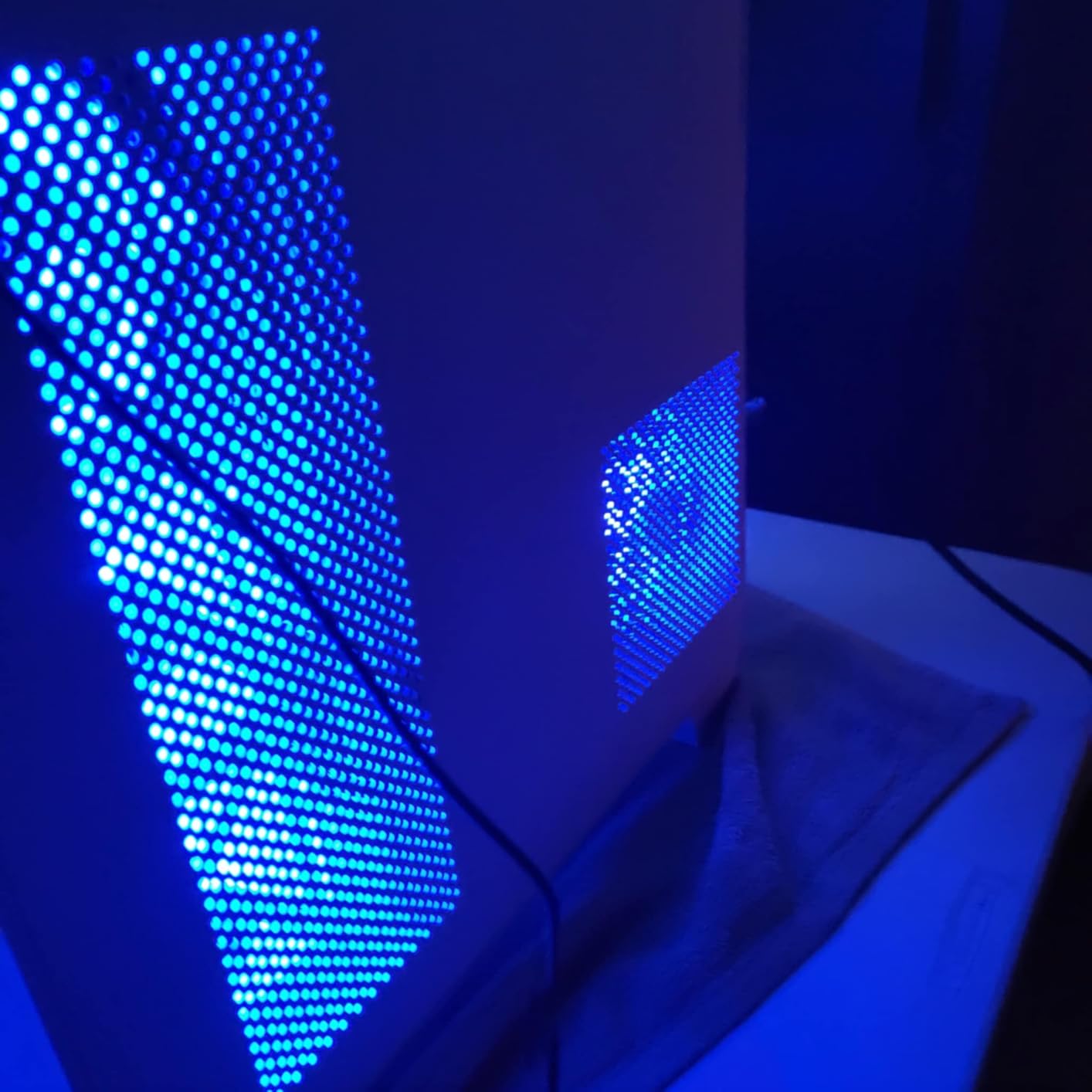
On fan budget alone, the F600 wins. Seven pre-installed ARGB PWM fans means a 360mm radiator in the front and a 360mm in the top both have fans available immediately, which removes the single largest cost from a liquid-cooling build.
The dual-chamber layout keeps the PSU and drives out of the main volume, so the cooling chamber is not fighting storage hardware for air. Seven fans with 270-degree panoramic glass is an unusual amount of lighting for a case at this level.
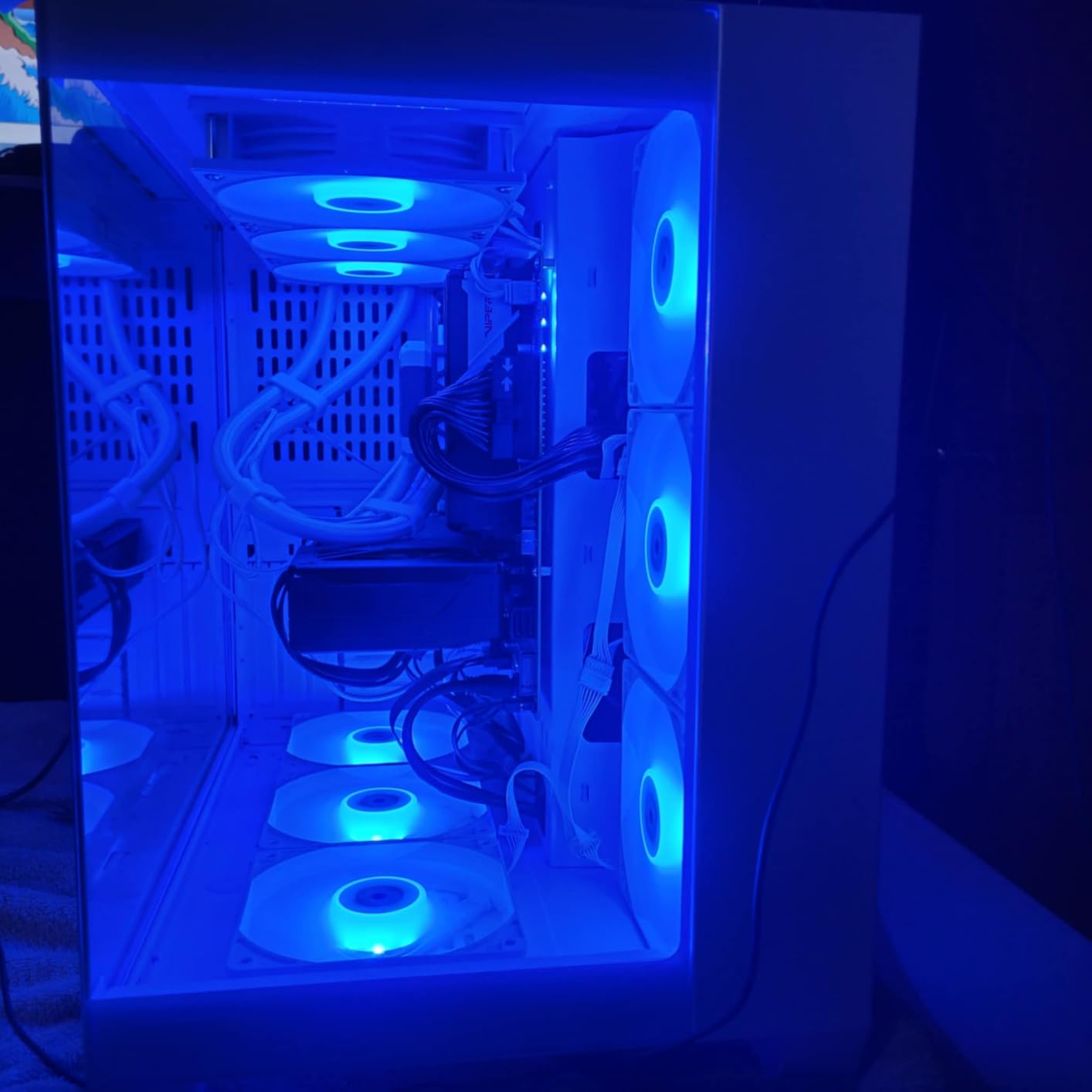
Radiator support is listed for 360, 280, 240 and 120mm, and the case claims it can hold three 360mm radiators at once. We would treat that figure optimistically and verify the actual stack depth against the case’s own clearance before committing to a triple-radiator plan.
PSU support up to 200-220mm and GPUs up to 400mm cover most current hardware. Type-C front I/O is present, and black, white and walnut wood colorways are available.
Who the F600 suits
It suits builders on a budget who want maximum fans per pound spent. If the total cost of a loop is the deciding factor, the included fans change the arithmetic more than any other single feature on this list.
It also suits anyone building a lit showcase system who wants glass and ARGB without a separate fan purchase.
Who should skip it
Skip it if you value a well-documented spec sheet. The listing inconsistently lists the pre-installed fan count, and storage support is stated as one HDD and two SSDs despite a ten-bay attribute – those are the kinds of contradictions that turn into returns.
Plastic elements in the chassis are a step down from the all-metal rivals here, and the front I-O is limited to two USB 3.0 ports and one USB 2.0.
12. HYTE Y70 Touch Infinite: Premium Showcase Pick for Thick Radiators
- 360mm side radiator support up to 125mm thick
- the deepest radiator clearance on this list
- Adjustable top radiator mount up to 68mm thick
- Four-slot vertical GPU mounting with an included color-matched riser
- Integrated 14.9-inch 2.5K touch display and three-piece panoramic glass
- Very large and heavy
- significantly wider than most cases
- Included riser is PCIe 4.0 only and no fans are included
- Screen needs a direct motherboard connection and software setup
This is the only case here that publishes a radiator thickness figure rather than just a length. The side mount accepts a 360mm radiator up to 125mm thick, which is the clearance a push-pull stack on a 45mm rad actually needs – the exact measurement most spec sheets omit.
The top mount adjusts to 68mm, so a 360mm with a 25mm fan and a 280mm with a 15mm fan both fit. Combined with cold-floor cooling for 3x 120mm or 2x 140mm fans, this is the most radiator-surface-capable mid-tower we reviewed.
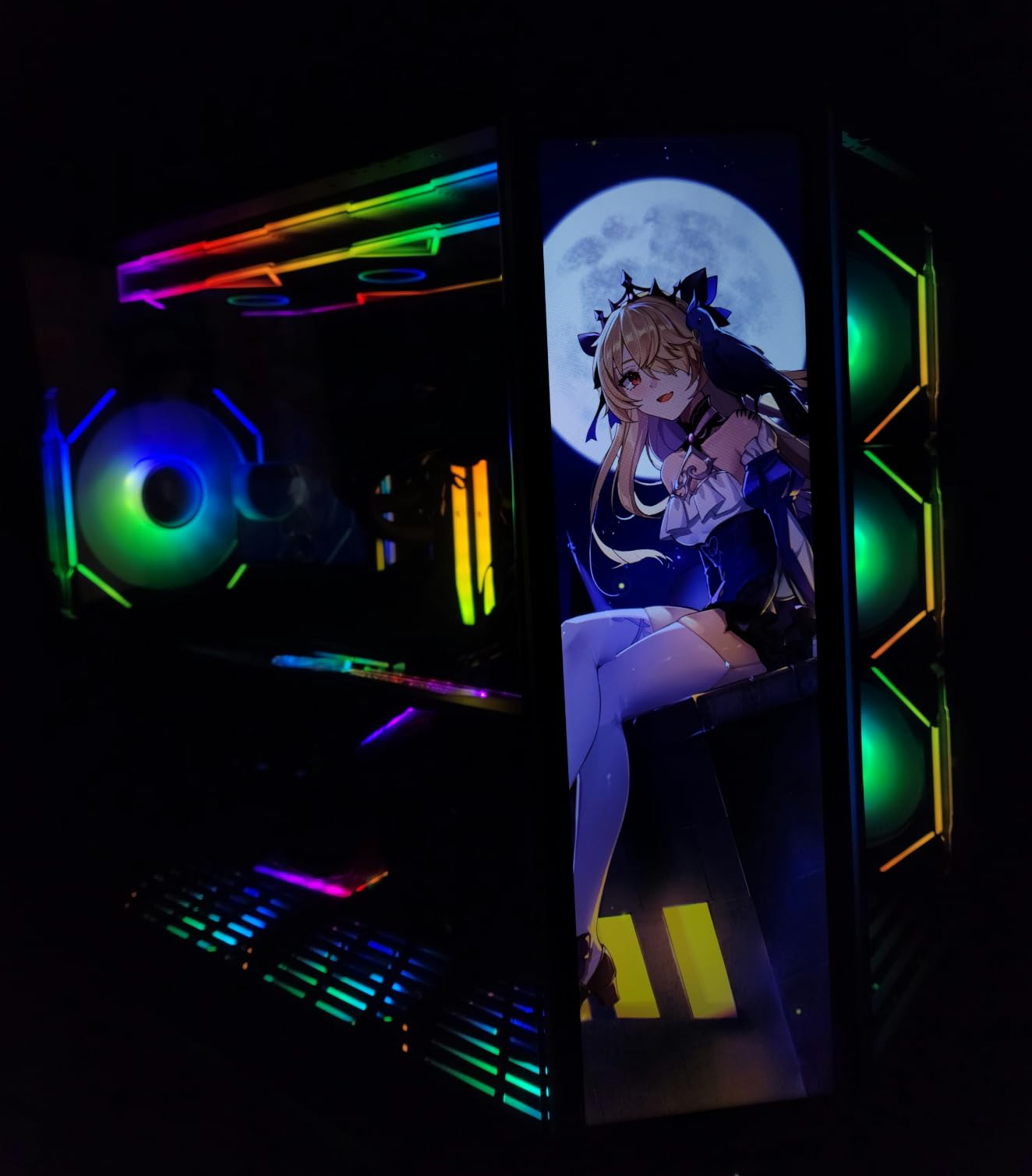
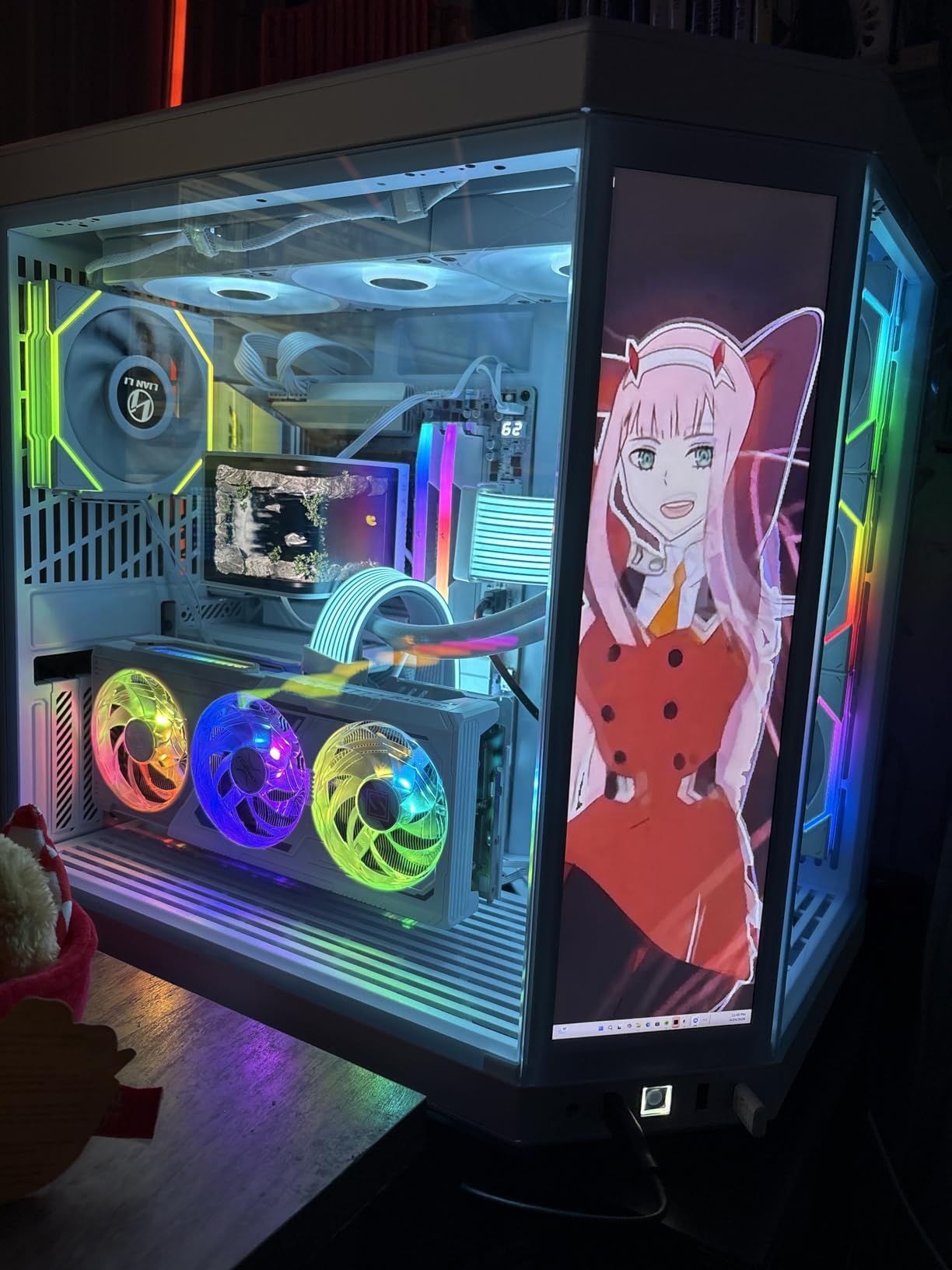
The four-slot vertical GPU mount with an included color-matched PCIe 4.0 riser is a genuine water-cooling feature, because a vertical card leaves the floor free for a reservoir and gives the GPU block a clean vertical run. The integrated 14.9-inch 2.5K touchscreen is 43 percent brighter than the previous panel.
Panoramic three-piece glass over a dual-chamber interior makes this a display piece, and most panels are tool-free with removable dust filters that are easy to clean – which matters when the radiator is the thing collecting dust.
Who the Y70 Touch Infinite suits
It suits showcase builds where the case is the centerpiece and thick radiators are non-negotiable. The 125mm side clearance is the number to look for if your plan is a 45mm rad in push-pull, because most cases would not take it.
It also suits vertical GPU builders, and there is more on those layouts in our vertical GPU case guide.
Who should skip it
Skip it on size unless you have measured. At 24.4 pounds and 23 inches deep it is wider than most cases, and it will not go under a monitor stand. Reviewers are consistent on this point.
Also skip it if you want a complete build in one purchase – no fans are included, and the bundled riser is PCIe 4.0, so PCIe 5.0 boards need a separate riser. The screen also needs a direct motherboard connection and its own software setup.
How to Choose a PC Case for a Custom Water Cooling Loop
Should you even water-cool this build?
Honest answer: most people should not, and that framing comes before any recommendation. A good 360mm AIO in an airflow-focused mid-tower will handle a top-bin CPU, and the case you pick for it costs far less than a chassis chosen for loop headroom.
Water cooling earns its place when you are cooling a GPU as well as a CPU, when you want a specific look that only coolant provides, or when you plan to service and tune the system rather than just switch it on. Those are legitimate reasons. “It runs cooler” on its own is not, because a thick radiator with mismatched fans can be louder than a good AIO.
How much radiator surface do you actually need?
The working rule is roughly 120mm of radiator surface per 100-150W of heat. A 360mm radiator covers a CPU block comfortably and a CPU block plus a modest GPU block with a good fan set. Add a second 360mm and you have genuine thermal headroom for a flagship card that throttles under sustained load.
Budget for the fans separately. A thick radiator needs high-static-pressure fans, and pairing a 45mm rad with low-static-pressure fans wastes the surface you paid for.
Where should the radiator go: front, top, side or bottom?
Front is the default because it pulls cool outside air directly through the radiator. Top works well for the CPU, since the heat rises to that position anyway, but it puts a rad directly over the board where RAM height and VRM clearance get tight.
Side is the enthusiast position – it gives a long, straight tubing run and keeps the rad away from the power supply, and it is the only option here with a published thickness figure. Bottom suits compact mATX cases, where a bottom rad doubles as the chamber’s cold floor.
The conflict to watch is always the same: front and top are shared with tall RAM, long GPUs and reservoirs. The NZXT H9 Flow angles its front mount to solve it; the Air 5400 dedicates a chamber; the H5 Flow simply accepts you will not fit both.
Should radiator fans push, pull or do both?
Pull (exhaust) on a radiator gives the best flow through the fins and is the safest default. Push (intake) on both sides – push-pull – adds static pressure, which matters once radiator thickness passes about 30mm, and adds cost, noise and a second stack of fans to fit in the same slot.
Check the depth before committing: radiator thickness plus fan height on both sides is the number that has to clear the case, and it is the number manufacturers rarely print.
Reservoir, pump and distribution plate placement
A pump needs a flat, rigid position that will not flex – a reservoir mount is the usual answer. A distribution plate is the enthusiast alternative, and it only works if the case has the flat mounting area and enough free volume for the plate plus the tubing runs feeding it.
Fill ports need to be reachable with the case assembled. A reservoir you have to half-dismemble the chassis to fill is a reservoir you will stop maintaining, and an unmaintained loop is how you get corrosion and pump noise.
AIO or custom loop: pick the case for the cooler you will actually run
If you are only running a 360mm AIO, you do not need a case chosen for a reservoir. You need 360mm of mounting clearance, decent airflow, and cable management – a much cheaper requirement, and our premium cases under 200 guide covers that tier well.
If you might upgrade to a loop later, buy for the loop. A case sized only for a 360mm AIO is the single most common regret reported on enthusiast forums, because the rad plus a tube reservoir plus a distribution plate in the same position does not fit after the fact.
Check radiator clearance before you buy
Take the radiator thickness you plan to use and add the fan height on both sides if running push-pull. Compare that total against the case’s published position clearance, not its radiator-only spec.
Then check RAM height against a top or front rad, GPU length against the front position, PSU length against the basement, and confirm the reservoir or plate has a flat surface to mount to. Those five numbers decide whether a loop is a weekend or a month.
Frequently Asked Questions
What are the best cases for custom water cooling?
The Corsair 4000D RS ARGB Frame is the best overall for custom water cooling because its modular FRAME system, removable PSU shroud and dual 360mm radiator positions give you room for both an AIO today and a soft-tube loop later. The Antec Flux Pro takes the top spot for dual-radiator builds with simultaneous 420mm and 360mm support, and the HYTE Y70 Touch Infinite wins on radiator thickness with a side mount up to 125mm.
Are watercooled PCs worth it?
For a single CPU, usually not. A good 360mm AIO in an airflow-focused case handles a top-bin processor and costs far less in both money and build time. Water cooling earns its place when you are cooling a GPU as well as a CPU, when you want coolant as part of the build’s appearance, or when you plan to service the system. A thick radiator with mismatched fans can be louder than a good AIO.
Where should I place the radiator in my PC case?
Front is the default because it pulls cool outside air straight through the radiator, and it is the only position that is fed with genuinely cool air. Top is excellent for a CPU block because heat rises to that position anyway, but it sits over the board where tall RAM and VRM fins can foul it. Side is the enthusiast position, offering the longest straight tubing run and the most room for a thick radiator. Choose based on which position your case clears a thick stack in, not on preference.
Should PC radiator fans push or pull?
Pull, meaning exhaust, is the best default because it drives the most air through the radiator fins. Push-pull adds static pressure and only starts to pay off once radiator thickness passes roughly 30mm. Remember that push-pull doubles your fan stack height, so total depth becomes radiator thickness plus fan height on both sides – the number most case spec sheets do not publish.
Do I need a bigger case for water cooling?
Yes, generally. A custom loop needs room for a radiator, a pump, a reservoir or distribution plate, and the tubing runs between them, all of which compete with the graphics card, RAM, power supply and cable space. A case chosen only for a 360mm AIO will often not fit a thick radiator plus a reservoir in the same position, which is the most common upgrade regret reported by loop builders.
Conclusion: Our Top Water-Cooling Cases in 2026
The Corsair 4000D RS ARGB Frame is our pick for the best cases for water cooled builds in 2026, because radiator positions, a removable internal panel and a modular interior make it the case that adapts when your loop changes. The NZXT H5 Flow is the answer if a 360mm AIO is genuinely the plan and your desk is small.
Beyond that, the choice narrows quickly. Dual-radiator or CPU-plus-GPU builds point to the Antec Flux Pro, thick-radiator and showcase builds point to the HYTE Y70 Touch Infinite, and a 420mm ceiling points to the Thermaltake Tower 600. Check the radiator-plus-fan depth before you order, and you will not be the builder who discovers the problem after the loop is assembled.