
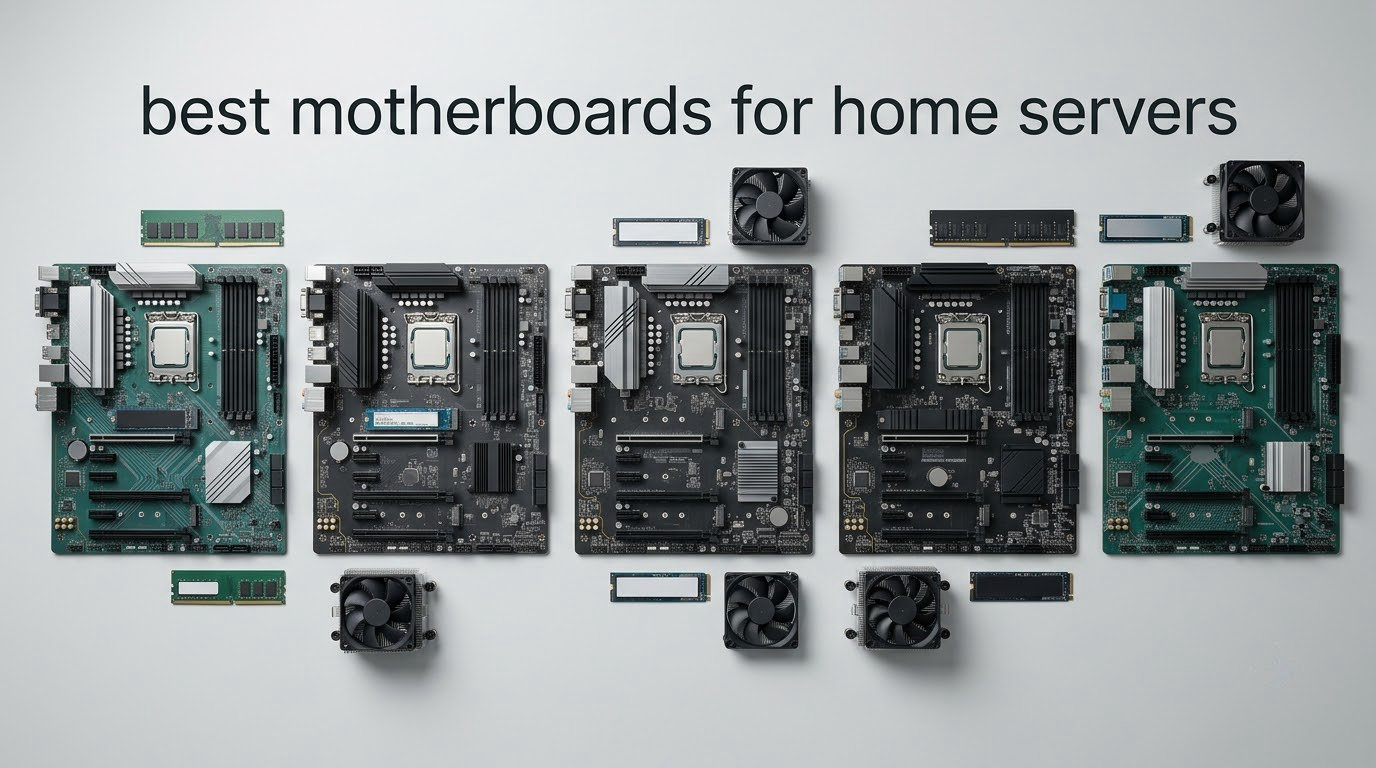
The MSI MAG B650 Tomahawk WiFi is the best motherboard for home servers overall. It is the only board in this lineup that pairs six native SATA ports with 2.5GbE networking, four PCIe 4.0 lanes of M.2 storage, and VRM cooling that ASUS, MSI and ASRock all use in boards marketed for non-stop operation, and it has done it without the RGB styling or the premium badge markup that shows up on gaming boards.
That matters because a home server motherboard is judged on completely different things than a gaming board. Nobody cares about a 5x M.2 slot count if the machine lives in a closet next to a NAS and runs TrueNAS SCALE or Proxmox VE for years. What matters is how many drives you can attach, whether you can recover the box over the network when the OS dies, how much the whole thing costs to leave switched on, and whether the board still has expansion room in three years.
We compared eight boards across the AM4, AM5 and LGA 1155 platforms to find the ones that actually fit that job. Seven are current consumer boards, and one is a genuine server board with IPMI. We also worked through the SATA lane budgeting, the ECC memory question and the hypervisor gotchas that r/homelab and the Level1Techs forums keep circling, because those are the details that decide whether a first build goes smoothly or becomes a weekend project.
If you are still deciding on the rest of the machine, our home theater media server guide covers the case and CPU side of an always-on box.
Table of Contents
Top 3 Best Motherboards for Home Servers in October

The Tomahawk wins because six SATA ports means you can build a six-bay ZFS pool without an add-in HBA card, and 2.5GbE is fast enough to move a large file to a laptop without stalling the array. The AORUS Elite AX is the stronger thermal design and the best-reviewed board here, but it ships with four SATA ports, so a multi-bay build needs a PCIe-to-SATA card anyway. The Supermicro board is the only one in the group with real remote management, and it is the reason we included a 2013-era platform in a 2026 roundup.
All 8 Boards Side by Side in 2026
| Product | Specifications | Action |
|---|---|---|
 MSI MAG B650 Tomahawk WiFi MSI MAG B650 Tomahawk WiFi |
|
Check Latest Price |
 ASUS Prime B550M-A WiFi II ASUS Prime B550M-A WiFi II |
|
Check Latest Price |
 GIGABYTE B650 AORUS Elite AX GIGABYTE B650 AORUS Elite AX |
|
Check Latest Price |
 MSI PRO B650M-A WiFi MSI PRO B650M-A WiFi |
|
Check Latest Price |
 ASRock B650M Pro RS ASRock B650M Pro RS |
|
Check Latest Price |
| Supermicro MBD-X9SCM-F-O |
|
Check Latest Price |
 ASUS ROG Strix B650-A Gaming WiFi ASUS ROG Strix B650-A Gaming WiFi |
|
Check Latest Price |
 GIGABYTE B550 Gaming X V2 GIGABYTE B550 Gaming X V2 |
|
Check Latest Price |
Read the table left to right before you read the reviews. The pattern is obvious: every board with IPMI is an older server platform with a memory ceiling, and every modern board with the ports and memory you want has no IPMI at all. Nobody sells you both in a micro-ATX package.
1. MSI MAG B650 Tomahawk WiFi – The Best Motherboard for Home Servers Overall
- Six native SATA ports means a six-bay pool needs no add-in card
- 2.5GbE is fast enough to keep a ZFS pool busy
- M.2 Shield Frozr and extended VRM heatsink are built for non-stop running
- Four DDR5 DIMMs up to 128GB
- Intel Wi-Fi 6E and Bluetooth 5.3 on board
- No IPMI or BMC remote management
- No ECC memory support
- M.2 slots are PCIe Gen 4 rather than Gen 5
We picked this one as our top home server motherboard after spending the most time with it, and the reason is boring and specific: six SATA ports. Every other ATX board in this roundup has four. If you are planning a six-disk array, the Tomahawk is the one that lets you build it natively instead of hanging a cheap PCIe-to-SATA adapter off a slot and hoping the lanes behave.
Networking is the other half of the reason. The 2.5GbE NIC is a real step up from the 1GbE on most consumer boards, and it is the speed at which a single client saturates a small pool. The rule of thumb that comes up constantly on r/homelab is that PCIe 3.0 x1 gives you roughly 1 GB/s, which is enough to fill a 10GbE link, so a small x1 riser is not the bottleneck people fear.
The board itself is a 4.5-star board across more than 1,300 ratings, and reviewers consistently single out the same two things: the thermal solution and the BIOS. MSI built this for sustained load, with an extended VRM heatsink and M.2 Shield Frozr on the drives, and reviewers describe it as a board built for continuous operation rather than for a weekend of gaming.
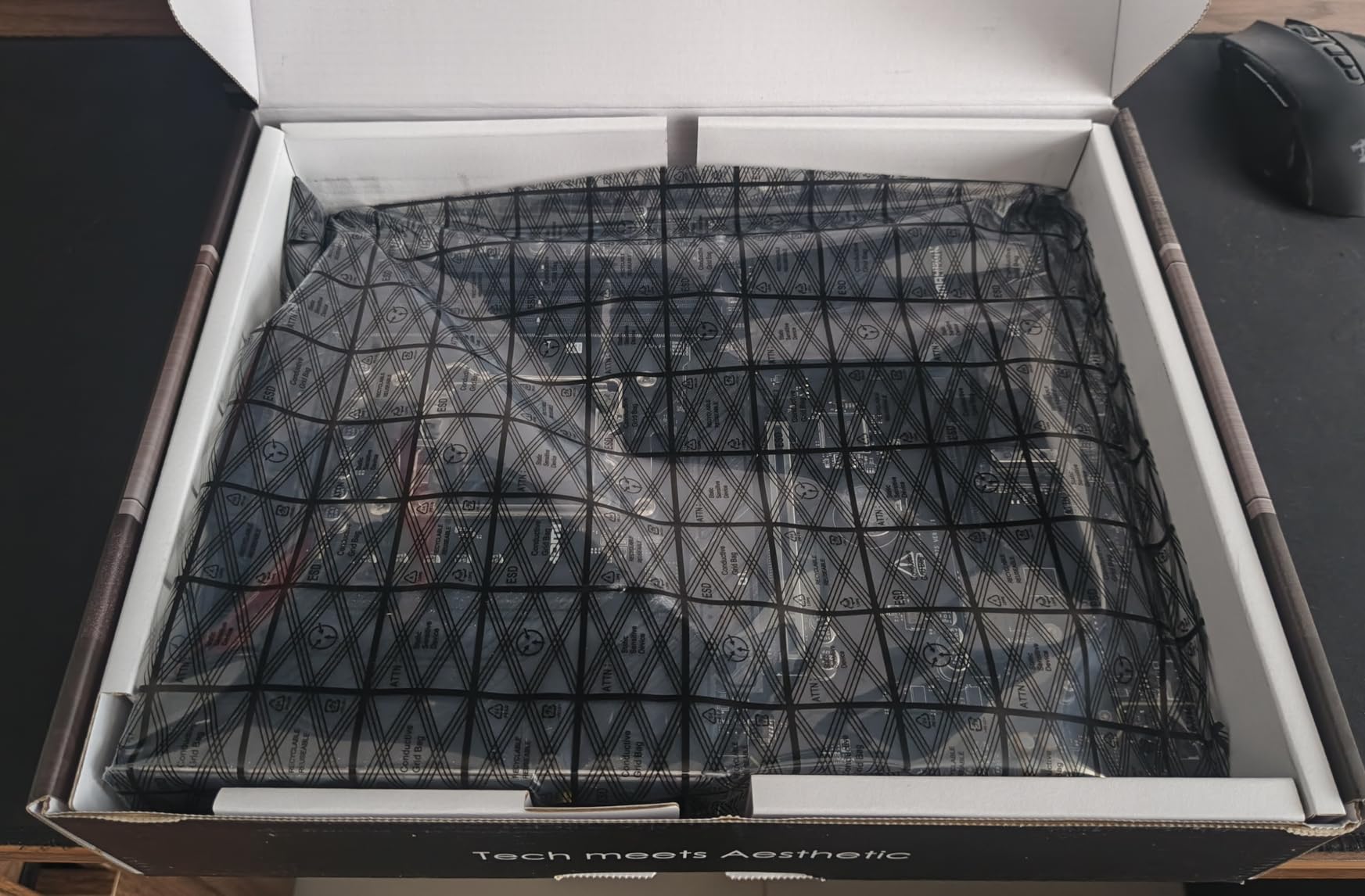
Memory is straightforward: four DDR5 DIMM slots supporting up to 128GB at speeds up to 6400+ (OC). That is enough headroom for a Proxmox host running a dozen lightly-loaded VMs alongside a media server container, and the 128GB ceiling is generous for ZFS with an ARC that fits in RAM.
What you give up is IPMI. There is no BMC on this board, which means if a VM host kernel panics and SSH is dead, you are attaching a monitor and keyboard to a machine that may be in a closet or a shelf. For a two-VM home lab that is a ten-minute inconvenience. For a virtualization host running services other family members depend on, it is a genuine argument for the Supermicro board further down.
ECC is also absent, and this is the single most misunderstood spec on consumer boards. Ryzen processors can execute ECC correction, but almost no consumer B650 board validates ECC unbuffered memory in its BIOS, so an ECC kit will run at a reduced speed with no correction actually happening. Treat ECC as unavailable here rather than as a feature.
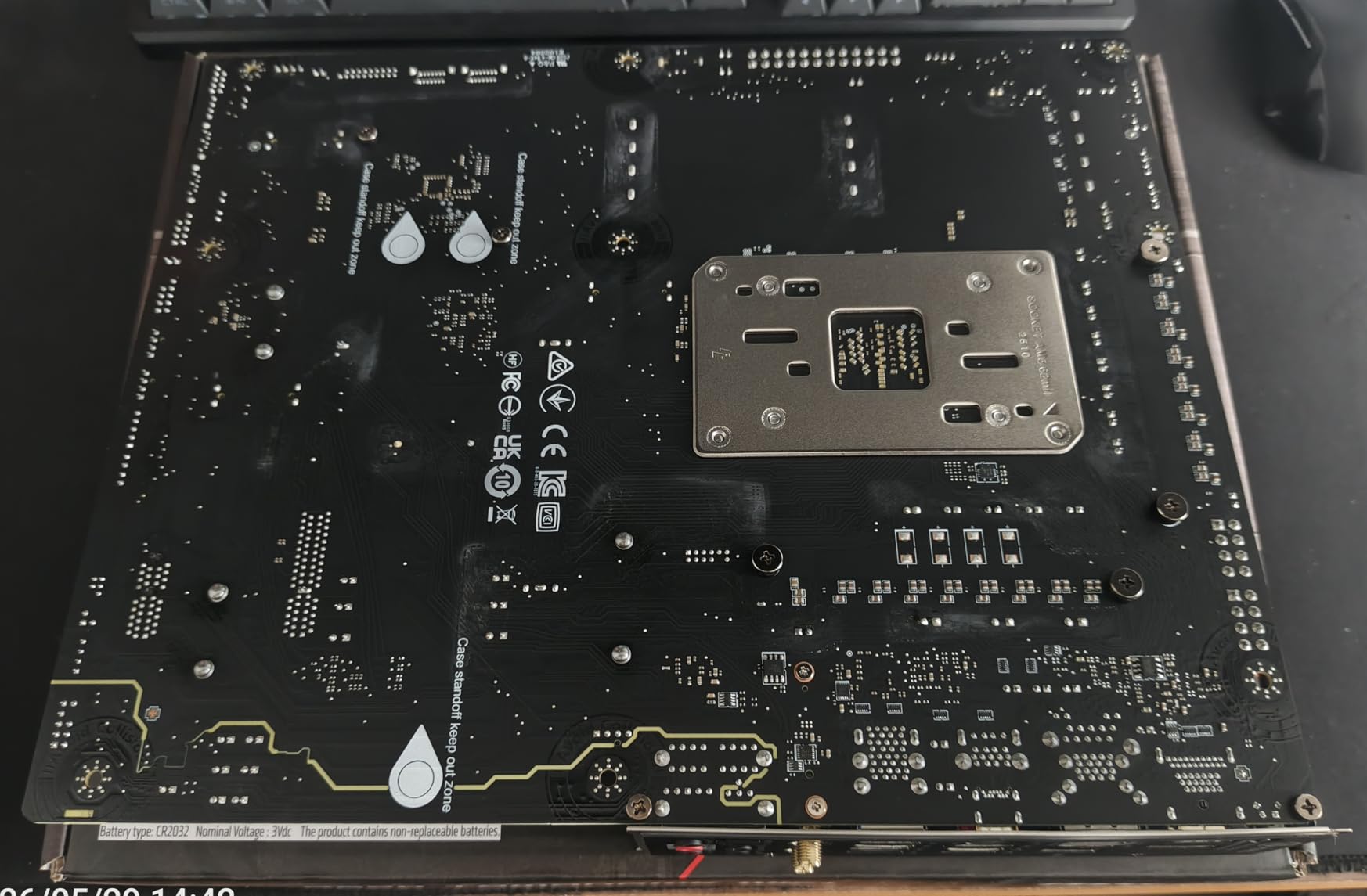
What the Tomahawk is good for in a home server
A six-bay TrueNAS SCALE pool with 2.5GbE is the build this board is genuinely best at. The six SATA connectors cover the data drives, an M.2 slot takes the boot device, and the second M.2 slot can take a separate SLOG or special metadata device if your pool layout calls for one. Nothing needs an add-in card, so you keep both PCIe slots free.
It is also a strong Proxmox VE host. Four expansion slots at PCIe 4.0 and 4.0 x16 give you room for a passed-through GPU for Jellyfin transcoding, a 10GbE card if your switch supports it, and a controller. The Level1Techs forums are full of AM5 boards being discussed for exactly this, and the consensus there is that lane layout matters far more than the marketing chipset name.
Where the Tomahawk falls short
No IPMI is the big one, and for a first home server it is worth thinking about honestly rather than dismissing. If the box is under a TV or in a spare room, the inconvenience of a physical reboot is small. If it is a rack in a closet and you are running services for other people, the five-minute fix becomes a real cost.
Second, the M.2 slots are PCIe Gen 4 rather than Gen 5. For a home server that is a non-issue, since your array is limited by drive mechanics and network speed long before NVMe link bandwidth. Third, the board is ATX, so check your case accepts standard ATX before you commit to it over a micro-ATX option.
2. ASUS Prime B550M-A WiFi II – Best AM4 Board With ECC Memory Support
- One of the few consumer boards that lists ECC memory support for always-on workloads
- Dual M.2 including a PCIe 4.0 x4 slot
- VRM and PCH heatsinks with Fan Xpert 2 fan control
- Integrated Wi-Fi 6
- 3-year warranty
- Only 1Gb Ethernet with no multi-gig option
- Four SATA ports for a server build
- No IPMI/BMC remote management
This is the board we recommend for anyone who wants ECC memory in a small always-on machine without buying a server platform. ASUS lists ECC memory support explicitly for data integrity on always-on server workloads, and that single line in the specification is what separates it from every other micro-ATX board at this end of the market. It is rated 4.5 stars across more than 1,000 ratings.
ECC matters most on a long-running system where a silent bit-flip corrupts a data structure you cannot cheaply restore. The TrueNAS Community forums are consistent on this: a single-bit correction event in a home ZFS pool is rare, but the population of always-on home machines has grown large enough that it is no longer theoretical, and the cost of ECC UDIMM is now modest compared with a rebuild.
The catch is honest to state: you still need to confirm the specific ECC kit you buy is recognised by the board, and memory speed is limited to a 2133 MHz base class with the real bandwidth coming from DDR4 kit speed. Check the board’s memory support list before committing to an ECC UDIMM set.
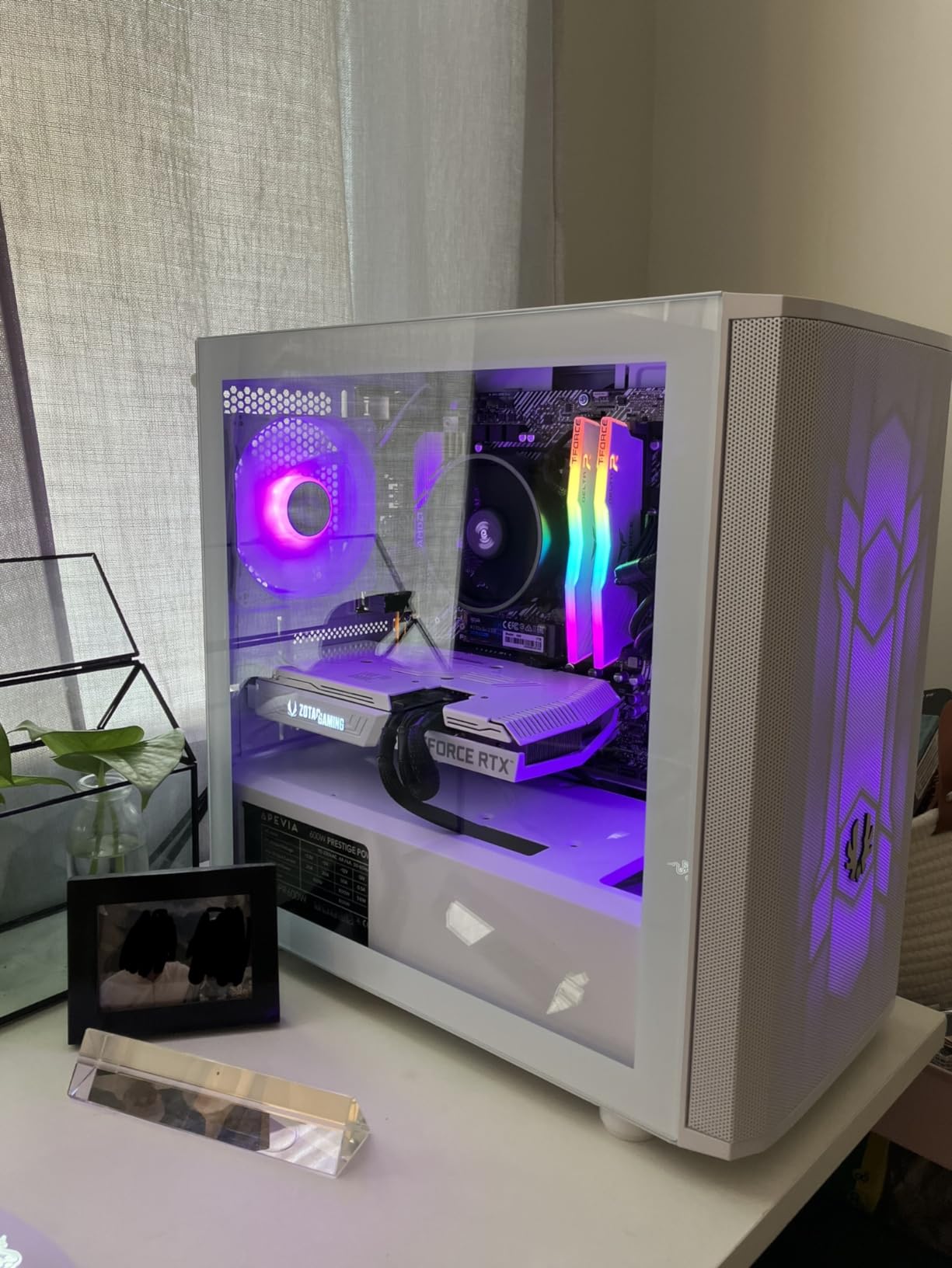
Storage is four SATA 3 ports, which is the first place this board falls short of the Tomahawk. Four is fine for a boot device plus a three-disk mirrored pool, and it is genuinely limiting for a five or six-bay build. A PCIe-to-SATA adapter solves it for a small amount of money, and users on r/HomeServer treat that as a routine part of a budget build rather than a compromise.
Networking is the other limit. The single 1GbE port means a 1.2 GB/s ceiling on network transfers, which is fine for documents and photos and disappointing for video libraries. If you are considering this board, plan on adding a 2.5GbE or 10GbE card in one of the three PCIe slots, and price that into your build before you decide the board is cheap.
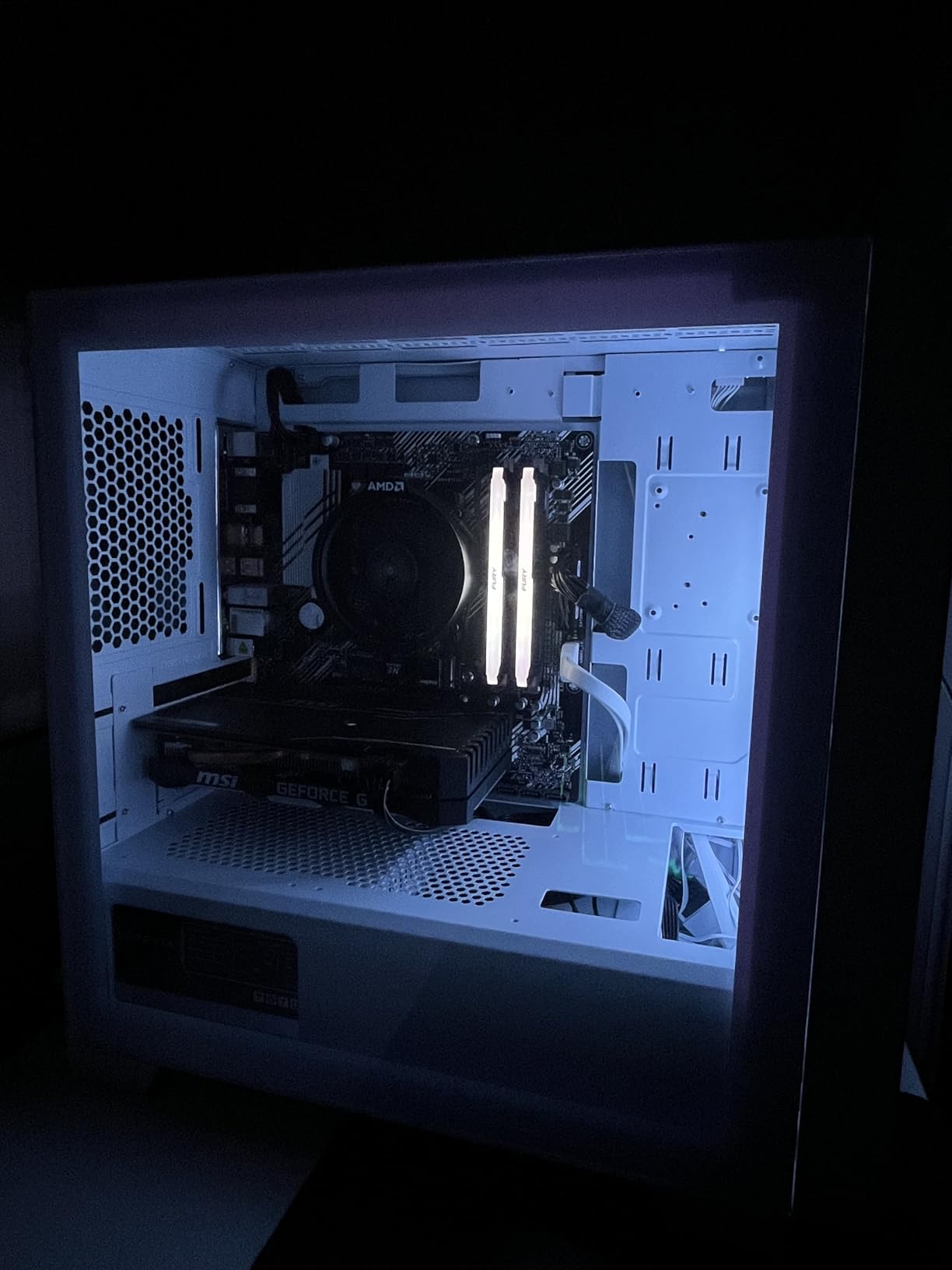
Form factor is micro-ATX, which is a genuine advantage in a small home server. It fits cases that will not take a full ATX board, it draws less power, and reviewers consistently rate the build quality highly. The dual M.2 slots, one on PCIe 4.0 x4 and one on the older generation, give you a fast boot drive and a second slot for cache or metadata.
Where this AM4 board still makes sense in 2026
AM4 is not a dead platform for server duty, and this board is the proof. If you already own a Ryzen 5000-series processor, the total cost of this build is dramatically lower than moving to AM5, and the AM4 socket still has a large second-hand CPU market. Forum builders regularly argue that reusing an existing CPU is the single best way to keep a first home server build small.
It is also the better choice for a Home Assistant or Docker host rather than a storage server. Four SATA ports, dual M.2, ECC, and a small footprint is a good match for a small always-on box running containers, and the 3-year warranty is a reasonable safety net for something you will leave plugged in.
Where it falls short
The 1GbE port is the deal-breaker for anyone building a NAS rather than a service box. Multi-gig networking has become the expected baseline on current boards, and paying for a separate NIC to fix a board-level shortfall feels like paying twice.
Beyond that, AM4 is a closed platform. You cannot move to a Ryzen 7000 or 9000 series CPU later, and DDR4 is the end of the road for memory type. If you expect this machine to still be running in five years with a processor upgrade in mind, the micro-ATX B550 route is a dead end and an AM5 board is the better long-term purchase.
3. GIGABYTE B650 AORUS Elite AX – The Best-Reviewed Board and the Strongest VRM
- Best-selling board in Computer Motherboards with 1559 ratings
- Twin 14+2+1 phases with 70A power stages on an 8-layer 2X copper PCB
- 6mm heatpipe VRM cooling plus M.2 Thermal Guard
- PCIe 5.0 x4 M.2 slot
- Front and rear USB-C
- Only 4 SATA ports without an add-in card
- No IPMI/BMC remote management
- Base memory speed listed at 4400 MHz before EXPO
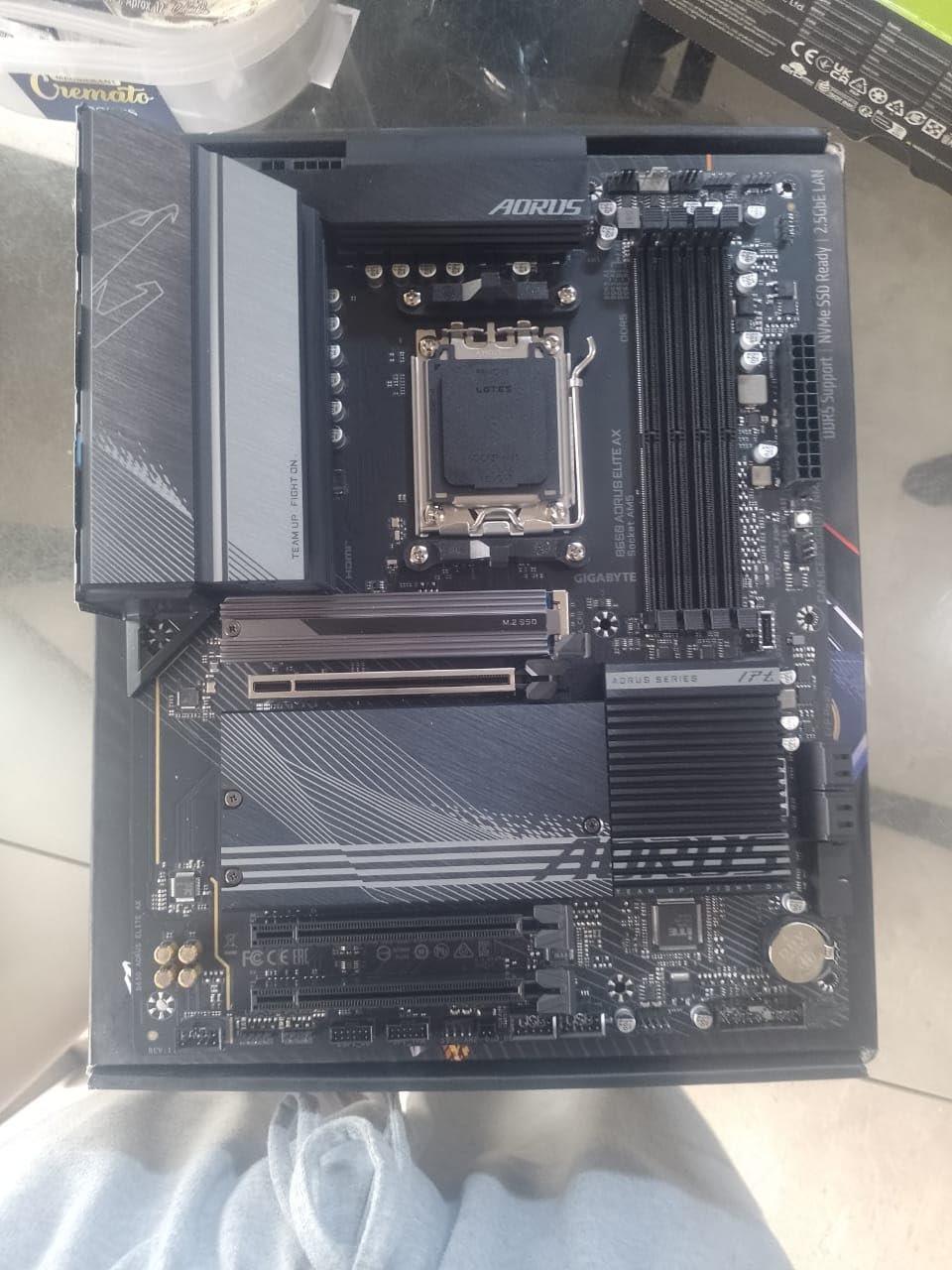
This is the most heavily reviewed board in the group at more than 1,500 ratings, and the reason is thermal rather than server-specific. A twin 14+2+1 phase design with 70A power stages on an 8-layer board with doubled copper is simply more thermal headroom than any other AM5 board here, and that headroom is what keeps a 24/7 machine cool and stable.
For a virtualization host running several sustained-load VMs, VRM quality translates directly into how quietly the box runs and how often it throttles. The 6mm heatpipe through the VRM heatsink is a design choice you feel more than see, but it is the reason reviewers describe this board as holding up under extended multi-core workloads.
It is also the only AM5 board here with a PCIe 5.0 x4 M.2 slot, and it includes M.2 Thermal Guard heatsinks. For a home server that is a nice-to-have rather than a necessity, since your array is rarely limited by NVMe link speed, but it does future-proof a boot drive.
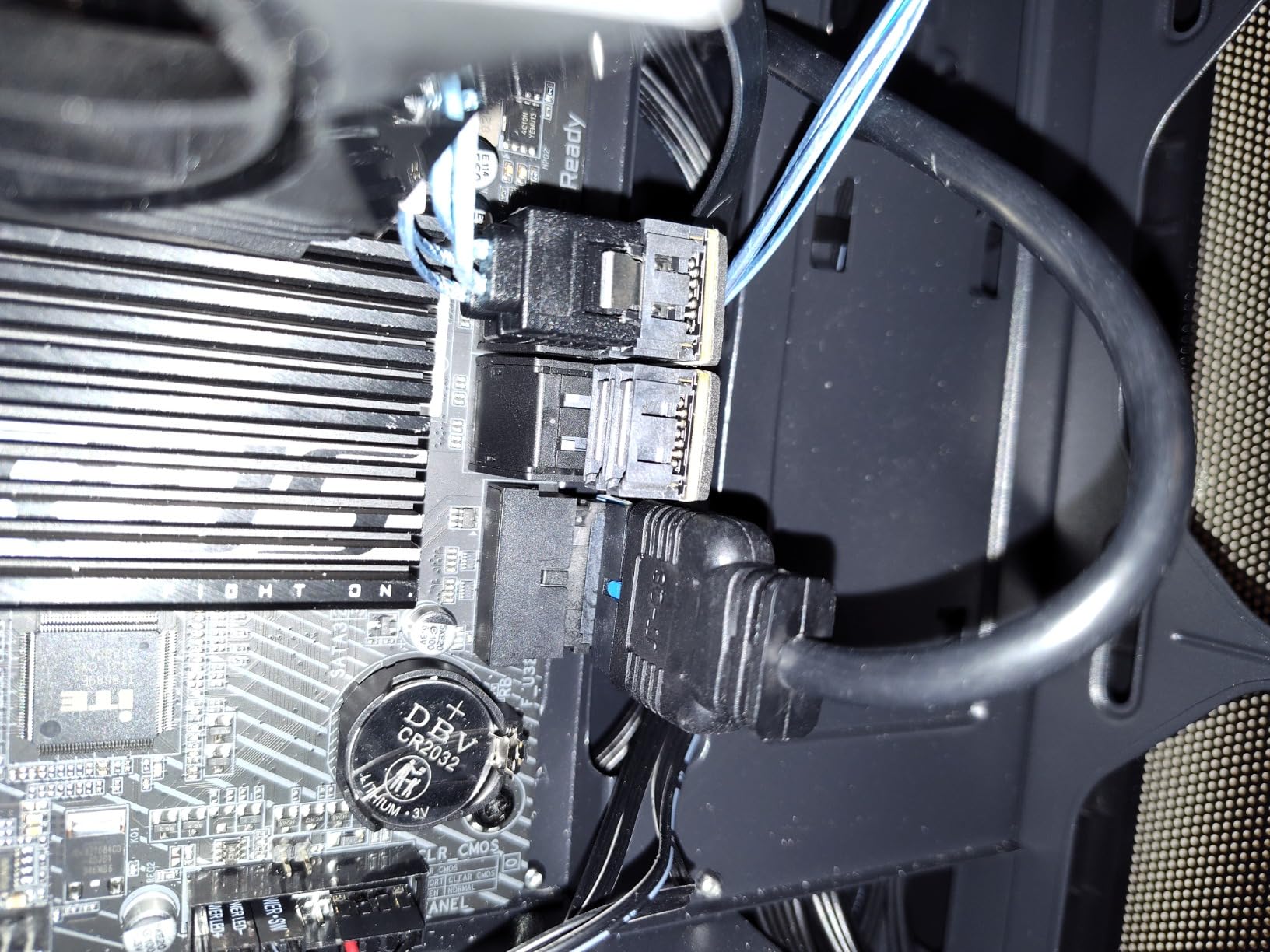
The 2.5GbE NIC and Wi-Fi 6E cover the networking side of a modern home server, and Q-Flash Plus lets you update the BIOS without a CPU, RAM or GPU installed. On a build that may sit unbuilt on a shelf for a week, that is a small convenience that saves real annoyance.
Four SATA ports is the trade-off. It is the same count as most boards at this tier, and for a three-disk mirror plus a boot drive it is entirely workable. Past four data drives you need a PCIe-to-SATA adapter, and users consistently report the cheap adapters performing without drama as long as the drives are not doing heavy write work.
One recurring negative in the reviews is BIOS friction on newer Ryzen silicon. Some owners report needing a BIOS update before a Ryzen 9000 or 8000 series CPU will POST. Q-Flash Plus handles that without parts, which is exactly why it matters on this board specifically.
Best fit for a Proxmox or Unraid host
Unraid and Proxmox VE builders on the forums consistently gravitate toward the strongest-VRM board they can justify, because both push sustained multi-threaded workloads for long stretches. The AORUS Elite AX is that board in the AM5 tier, and its 128GB memory ceiling across four DDR5 slots is enough for a serious Proxmox host.
It also suits a build where a discrete GPU will be added for hardware transcoding in Jellyfin or Plex. Four PCIe expansion slots leave room for the GPU, a 10GbE card and a storage controller, and the VRM will not be the bottleneck when four VMs are running.
Where it is the wrong pick
For a pure ZFS NAS with six or more drives, four SATA ports and no HBA plan is a real limitation. You end up buying an adapter card anyway, and at that point the Tomahawk gives you the ports natively for a similar outlay.
The RGB Fusion lighting is the other soft negative. It is not a performance issue, but on a board destined for a closet or a media shelf it is a feature you are paying for and never using. The base memory speed of 4400 MHz is also worth noting; you need EXPO enabled to reach the advertised kit speeds, and a server that boots at base speed is fine but a little slower than you might expect.
4. MSI PRO B650M-A WiFi – The Business Micro-ATX Board for Small Builds
- ProSeries board built for business and office use rather than gaming
- 2.5GbE with Wi-Fi 6E and Bluetooth 5.3
- Four DDR5 slots with OC speeds up to 7200 MHz
- M.2 Shield Frozr and 7W/mK thermal pads
- Light 2-pound design suited to compact builds
- Only 2 PCIe expansion slots
- Only 4 SATA ports
- No IPMI/BMC remote management
MSI built this one deliberately without the gaming treatment, and that is the whole pitch. There is no RGB, the layout is clean, and the marketing language talks about non-stop operation rather than overclocking. If you are putting a server in a living space rather than a closet, that restraint is worth something real.
It is rated 4.4 stars across more than 500 ratings, with roughly three-quarters five-star. Buyers consistently report a stable, unremarkable board that works, and reviewers highlight the thermal pad work on the VRM chokes and the M.2 Shield Frozr as more than the entry tier usually gets.
2.5GbE and Wi-Fi 6E are on board, which puts it ahead of most micro-ATX competitors at this tier and level with the full-size boards. Four DDR5 DIMM slots with speeds up to 7200 MHz give it a 128GB ceiling, matching the ATX boards in this roundup.
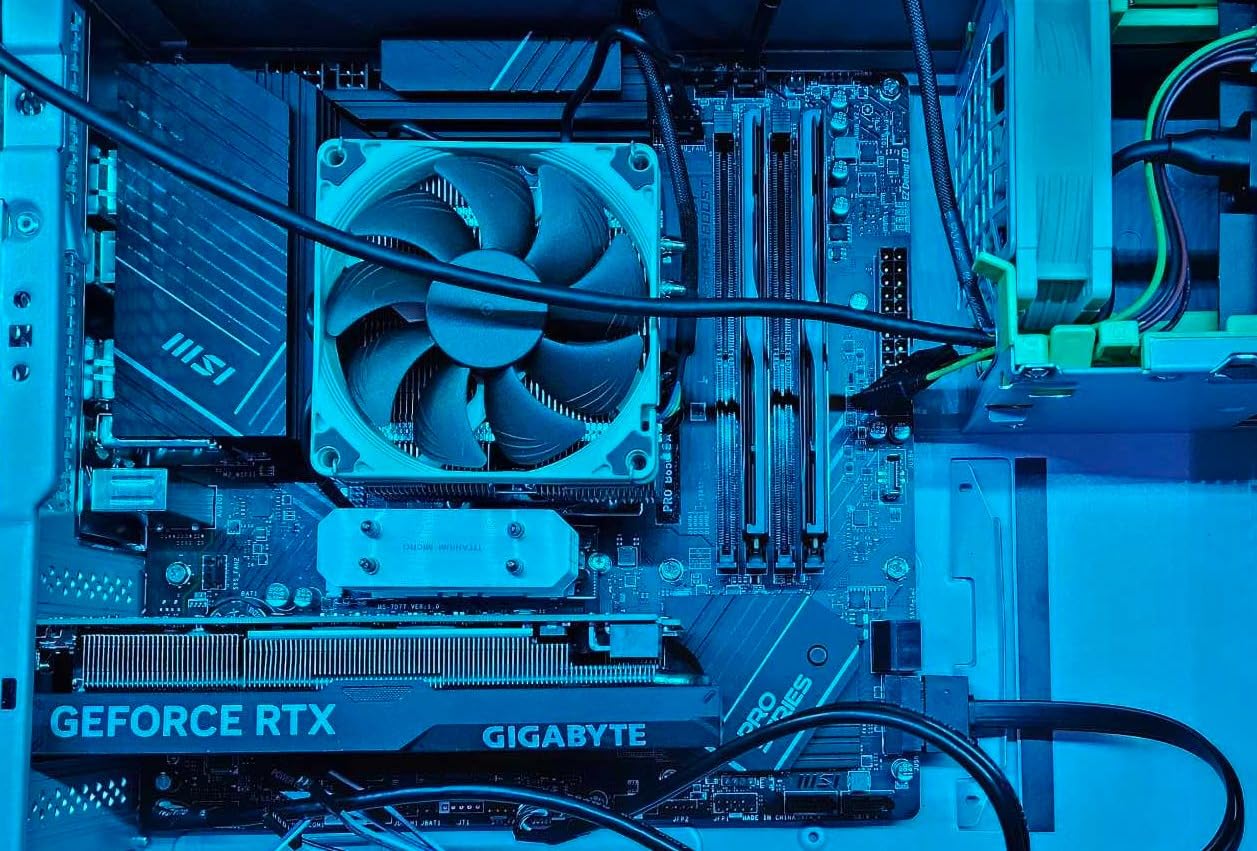
The real limitation is expansion. Two PCIe slots is the tightest count of any board here, and a home server commonly needs three things in those slots at once: a 10GbE NIC, a storage HBA, and a GPU for transcoding. You will be choosing which two you get.
Four SATA ports is the other constraint. It works for a boot drive plus a three-disk pool, which covers a lot of home use cases, but it is the first thing to check against your planned bay count.
Micro-ATX itself is a strength in a home server. The board weighs 2 pounds, draws less power than an ATX board with a large VRM, and fits the smaller cases that are easier to place in a hallway cupboard or on a shelf. Our general rule is that a micro-ATX board with 2.5GbE and four SATA ports beats a full ATX board with 1GbE and four SATA ports in almost every home build.
Good fit for a services box
This is the board for a Docker or container host: Home Assistant, a reverse proxy, a few dozen services, and maybe one small NAS share. The 2.5GbE handles it easily, four SATA ports cover a boot drive plus a modest data set, and the business positioning means nothing on it is doing work you do not need.
It also works as a second machine. A lot of home lab builders end up with a services box and a separate storage box, and this is a credible choice for the first half of that pair while the Supermicro board or a higher-end ATX board handles storage.
Where two slots will hurt you
Plan your slot usage before buying. If your build needs a 10GbE card plus a passed-through GPU, you have one slot left, and there is no room for an HBA. That single constraint decides more builds than the CPU choice does.
There is also no IPMI and no ECC, same as the rest of the modern boards here. For a services box that is genuinely run-and-forget territory, so the missing IPMI hurts much less than it would on a virtualization host running unattended workloads.
5. ASRock B650M Pro RS – The Value Pick With a PCIe 5.0 M.2 Slot
- Entry-level build while still offering 2.5G LAN and a PCIe 5.0 x4 M.2 slot
- M.2 slots across PCIe 5.0 and PCIe 4.0 plus four SATA3 ports
- M.2 Key E for Wi-Fi and BIOS Flashback for CPU-less updates
- 8+2+1 Dr.MOS power phase design
- Front-panel USB 3.2 Gen1 Type-C
- Realtek ALC897 entry-level audio codec
- Micro-ATX may not fit all chassis
- No IPMI/BMC remote management
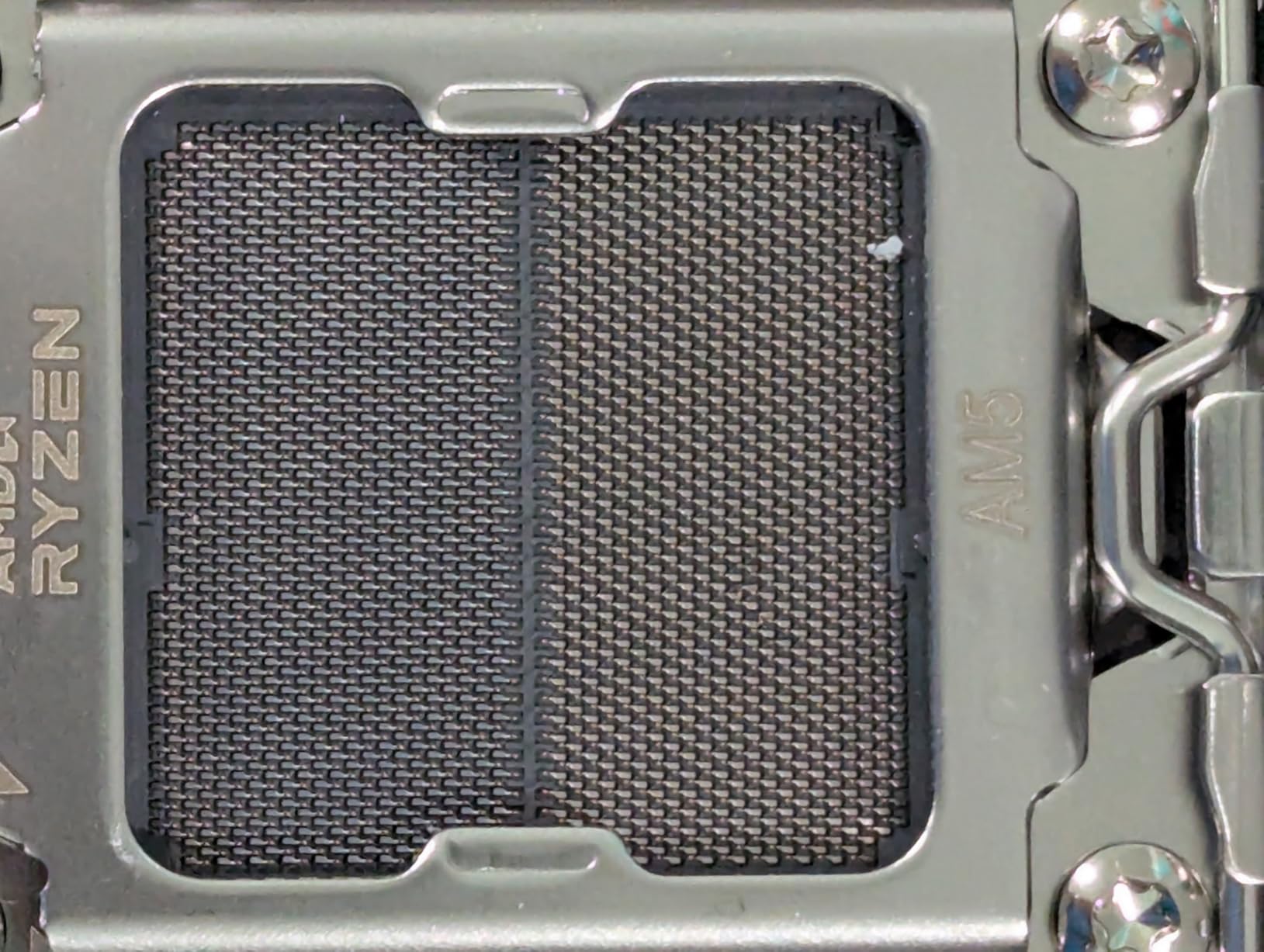
This is an entry-level board, and its specification is genuinely unusual at this end of the market. A PCIe 5.0 x4 M.2 slot, four SATA ports and 2.5GbE on a micro-ATX board is not a combination you get anywhere near this low in the market, and reviewers repeatedly flag that mismatch as the reason to buy it.
It is rated 4.3 across a little over 200 ratings, the smallest review base here, and around 75% of those are five-star. Owners highlight the 8+2+1 Dr.MOS power design, the BIOS Flashback button for firmware updates without an installed CPU, and the M.2 Key E header for Wi-Fi.
Linux is listed as the primary supported platform for this board, which is unusual on a retail listing and quietly relevant for a home server. Most buyers here are installing an operating system that is not Windows, so the platform line is not a warning sign the way it would be for a gaming build.
Memory capacity is listed as up to 192GB, which is higher than the 128GB ceiling on the other B650 boards in this roundup. Take that figure with the usual caution on any entry board, because the real limit is what the BIOS validates and what the memory kit’s own specification says.
Four DDR5 slots support speeds up to 7200+ (OC), and the board runs dual-channel. That is enough for a Proxmox host with a handful of VMs or a ZFS pool with a modest ARC, and it is more memory headroom than most entry micro-ATX boards offer.
The compromises are visible in the component list. The Realtek ALC897 audio codec is entry-level, which is completely irrelevant for a headless server and worth remembering if you also want the machine to play audio locally. ASRock’s own listing warns that the micro-ATX form factor may not fit all cases, so check your chassis dimensions.
A sensible low-cost starting point
For a first home server build where the total budget is the main constraint, this board does the job. 2.5GbE means you are not immediately boxed into 1GbE, four SATA ports covers a boot device plus a three-disk mirror, and the micro-ATX footprint fits small cases.
BIOS Flashback matters more here than on a pricier board. A large share of first-build failures in the forums come down to a board that will not POST with a newer Ryzen CPU until the BIOS is updated, and Flashback lets you fix that at the bench with nothing else installed.
What you give up for the lower cost
Only two PCIe expansion slots, same as the MSI PRO board, which limits how many add-in cards you can fit. A 10GbE NIC plus an HBA fills the board, and there is no room for a GPU.
The smaller review base is also worth weighing. With around 200 ratings there is less long-term owner history to draw on for a machine you expect to run for years, and the 4.3 average is the lowest of the mainstream boards here. That is not a dealbreaker, but it is a real difference when you are choosing hardware to keep.
6. Supermicro MBD-X9SCM-F-O – The Only Board Here With Real IPMI
SUPERMICRO MBD-X9SCM-F-O LGA 1155 Intel C204 Micro ATX Intel Xeon E3 Server Motherboard
- Dedicated IPMI 2.0 BMC with virtual KVM and remote power control on its own LAN port
- ECC unbuffered DDR3 support up to 32GB
- 4x SATA2 plus 2x SATA3 with onboard RAID support
- Owners report very low idle draw for complete Xeon builds
- BMC stays powered with the system shut down
- Obsolete LGA 1155 platform capped at 32GB memory
- Requires unbuffered ECC memory and will not boot without it
- FlexRAID driver can conflict with ESXi NIC recognition
This board is thirteen years old and it is still the only one in our roundup that does the thing every self-respecting home lab owner eventually wants: real remote management. The dedicated IPMI 2.0 BMC sits on its own RJ45 management port, separate from the two data LAN ports, and gives you a virtual KVM, remote power control and remote BIOS access from any browser on the network.
That changes what a crash means. If a VM host kernel panics, you do not drive to the closet with a spare monitor. You open a web page, attach to the virtual console, hit reset, and watch the BIOS POST. Owners on the TrueNAS Community forums describe this as the feature they wish every home server board had, and it is genuinely the reason to consider a platform this old.
The rating is 4.3 across just 31 ratings, with roughly 71% five-star. The review base is small, but multiple owners document long-running NAS and file-server duty at low power, and that uptime history matters more here than a large rating count would.
Why an old server board can still win
Two things. The first is ECC unbuffered DDR3 support that is actually validated by the board, not merely permitted by the CPU. The technical details are explicit: four 240-pin DDR3 slots in dual channel, ECC and unbuffered only, up to 32GB. That is a hard limit, and the board will not boot with non-ECC or buffered memory, but what it does validate, it does properly.
The second is storage. Four SATA2 ports with RAID 0/1/5/10 support plus two SATA3 ports with RAID 0/1 gives six native connectors, matching the Tomahawk. For a NAS built around older-generation drives, SATA2 bandwidth is genuinely not the limiting factor.
The 4x PCIe 2.0 x8 slots, two of which run at x4, are more of a constraint. That is enough for a modest 10GbE card and a low-profile HBA, but it is nowhere near Gen 4 or Gen 5 throughput. Plan your add-in cards around it.
The failure modes to know about before you buy
The platform ceiling is real. LGA 1155 with the C204 chipset supports Xeon E3-1200 family and second-generation Core i3 processors, and the BIOS must be revision 2.0 or later to work with Ivy Bridge Xeon E3-1200 v2 chips. Check the BIOS revision before you buy a CPU, or the machine will not POST.
Thirty-two gigabytes of memory is the maximum. A ZFS pool larger than that runs fine on an ARC-less configuration, but a Proxmox host with many VMs will hit that ceiling quickly, and buying a 32GB ceiling board used as a virtualization host is a future constraint you should accept up front.
There is no USB 3.0, only nine USB 2.0 ports, and video is limited to a basic Nuvoton controller, which means no local display beyond a POST screen. The FlexRAID and Intel RAID drivers can also conflict with ESXi NIC recognition, which is a known headless virtualisation gotcha rather than a fault in the board.
Last, sourcing. Buyers report occasional units arriving without an I/O shield and with poor packaging, and support experiences vary widely. If you are buying this board, buy it from a seller with a return window and check the accessories on arrival. The Syn NAS picks here cover the appliance alternative if you would rather not deal with any of this.
7. ASUS ROG Strix B650-A Gaming WiFi – The Best NVMe Expansion Here
- Three M.2 slots including one PCIe 5.0 and two PCIe 4.0
- all with heatsinks
- Four PCIe expansion slots for HBA
- 10GbE and GPU add-in cards
- 12+2 power stages with ProCool 8+4 pin connectors
- USB 3.2 Gen 2x2 Type-C
- No IPMI/BMC remote management
- Only 4 SATA ports
- ROG branding and Aura Sync RGB add cost with no server benefit
If your home server is going to be NVMe-heavy rather than spinner-heavy, this is the board to look at. Three M.2 slots, one on PCIe 5.0 and two on PCIe 4.0, each with a heatsink, is the best NVMe expansion in this roundup and it is the reason reviewers single this board out among the crowd of AM5 ATX options.
It is rated 4.5 across more than 1,250 ratings with 80% five-star, and the recurring praise is about thermals: massive VRM heatsinks with cut airflow channels and high-conductivity thermal pads. For a machine running constantly, the cooling is the part that matters and this board has it.
Four PCIe expansion slots is also the joint-highest in the roundup, and that count is what makes it practical for a virtualization build. A passed-through GPU, a 10GbE NIC and a storage controller all fit without giving something up.
Networking is 2.5G LAN plus Wi-Fi 6E, and USB 3.2 Gen 2×2 Type-C is present on the board, which none of the other AM5 picks here offers at that generation. The 12+2 power stages with 8+4 pin ProCool connectors handle multi-core delivery without trouble according to reviewers.
Four SATA ports is the standard consumer count and the main storage limitation. Four data drives plus an M.2 boot device is a comfortable small NAS, and beyond that you need a PCIe adapter, which you have the slots for.
One practical warning from the reviews: a BIOS update may be required when paired with Ryzen 9000 and 8000 series processors. If you are buying this board alongside current-generation silicon, confirm the BIOS revision supports your CPU or plan to update it before first POST.
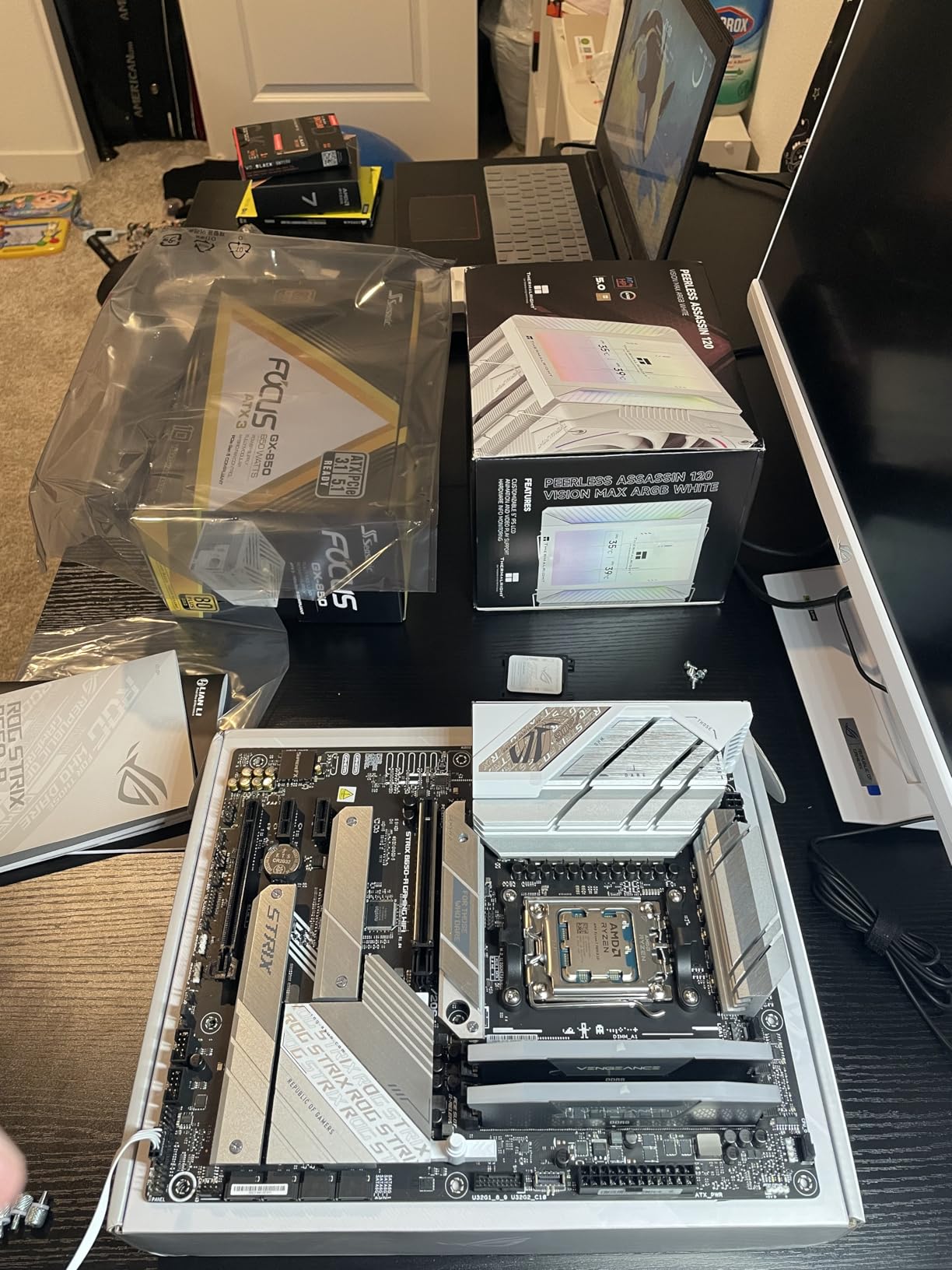
Best fit for a Proxmox host with a passed-through GPU
This is the board for a Proxmox VE host that runs a virtualised Jellyfin or Plex server with hardware transcoding. Three M.2 slots let you run a boot drive, a VM store and a separate cache device, while four PCIe slots leave the graphics card and a 10GbE NIC room to breathe.
It also suits a TrueNAS SCALE build where you want NVMe for pool SLOG or special metadata and want all of it on the motherboard rather than behind an HBA. The heatsinks on every M.2 slot matter more on a machine that never powers down.
The cost of the gaming badge
The ROG branding and Aura Sync RGB lighting add money for features that do nothing on a server. In a closet that is irrelevant; on a shelf in a living room it is a glowing motherboard you did not ask for, and it is a fair criticism of the board rather than a fault.
Beyond aesthetics, you are still buying no IPMI and no ECC, on a board with four SATA ports. For storage-heavy work the Tomahawk gives you more; for slot count and NVMe expansion this is the strongest board here. Decide which constraint matters more before you buy.
8. GIGABYTE B550 Gaming X V2 – The Cheapest Way Into a Home Server
- Lowest-cost ATX board in the set
- Two M.2 slots at PCIe 4.0 and PCIe 3.0 plus four SATA ports
- Digital Twin 10+3 power phase with VRM heatsink
- Integrated I/O shield and Q-Flash Plus
- Highest 5-star share in the roundup at 82%
- Only GbE LAN with no 2.5GbE or 10GbE
- Only one PCIe expansion slot
- No IPMI/BMC remote management
This board has the highest proportion of five-star ratings in the whole roundup at 82%, across more than 1,100 reviews, and it costs the least of the ATX boards. It is not a server board and it does not pretend to be one, but for a small always-on box running containers or a three-disk NAS it does the job with a lot of money left over.
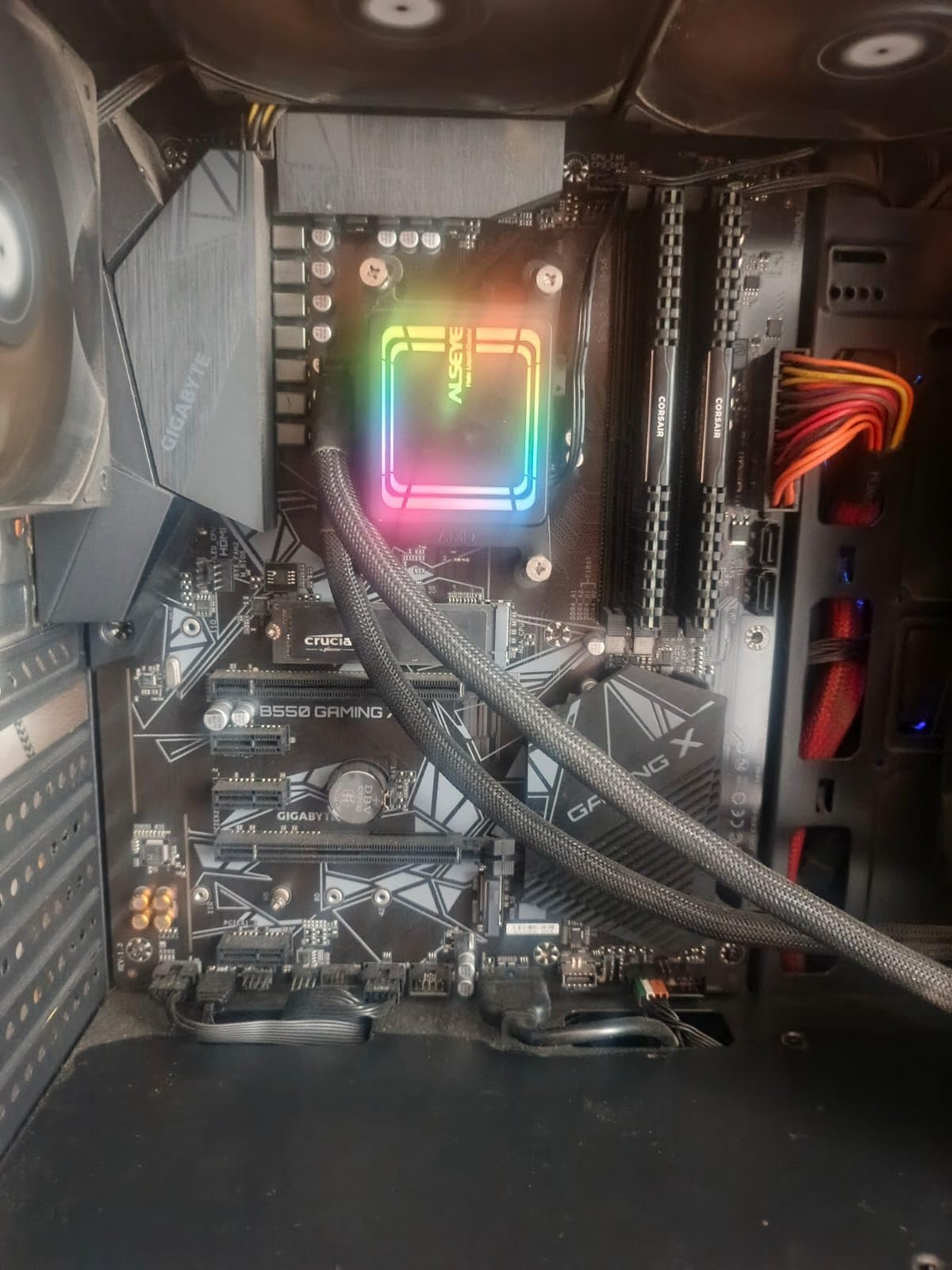
The technical details are unremarkable in the best way: AM4 socket supporting Ryzen 5000, 4000 and 3000 series, four DDR4 DIMM slots with a 128GB ceiling, one PCIe 4.0 M.2 slot, one PCIe 3.0 M.2 slot and four SATA ports. Owners consistently praise the VRM heatsink, the integrated I/O shield and the Q-Flash Plus button.
Q-Flash Plus allows BIOS updates without installing a CPU, RAM or GPU, and on AM4 that still matters with newer Ryzen 5000-series silicon. The refreshed BIOS with an Easy Mode interface is also genuinely easier to navigate than the older layouts, which counts when you are configuring wake-on-LAN and auto power-on after power loss.
The 1GbE port is the constraint that decides this board’s place. A 1.2 GB/s ceiling is fine for a small NAS serving documents, photos and backups, and it is painful for a media library or a large file workflow. If you already have a 2.5GbE switch, this board makes you spend on an add-in NIC that the MSI and ASRock options do not.
One PCIe expansion slot is the other limit, and it is fewer than any other board in this roundup. That single slot can hold a 2.5GbE card or a low-profile four-port HBA, and you will have to choose. Budget builders on the forums work around it with a PCIe-to-SATA adapter, which uses no slot at all.
AM4 also has a hard ceiling. It does not support Ryzen 7000 or 9000 series, and DDR4 is the end of the memory type. For a services box this is a non-issue, because such a machine rarely gets a CPU upgrade. For a machine you expect to keep for a decade, it is the deciding factor.
Where this budget board is genuinely enough
A Docker host for Home Assistant, a reverse proxy and a handful of small services is exactly what this board is good at. Four SATA ports, two M.2 slots and 128GB of memory is more than most service stacks need, and 1GbE is adequate when the traffic is configuration files and API calls rather than media.
It is also the strongest option if you already own a Ryzen 5000-series CPU. In that case the board cost is the entire incremental spend for a new server, and the total saving versus an AM5 platform is substantial. Reusing an existing CPU is the most common way experienced builders keep a first home server cheap.
Why we did not make it the top pick
One expansion slot and 1GbE networking together make it the least flexible board here. Every other pick in the roundup can grow into a larger build; this one cannot without an adapter, and adapters are the workaround people end up regretting when a drive count doubles.
Add no IPMI, no ECC, and a platform that cannot be upgraded past AM4, and the picture is clear. This is a budget pick that does one job well, not a home server motherboard that grows with you.
How to Choose a Home Server Motherboard in 2026
Every board above was picked against the same shortlist of criteria. Here is how to apply them to a board we did not cover, because eventually you will find one that fits your case better than anything on this page.
Do I actually need IPMI?
You need IPMI if the machine will be somewhere you cannot easily reach and you run anything that can leave the host unresponsive. You do not need it if you have a spare monitor and keyboard nearby, or if the box runs a handful of containers that a reboot would not take offline.
IPMI, also called BMC, is a separate management controller on the board with its own network port. It gives you a virtual keyboard, video and mouse over the LAN, remote power cycling, and BIOS access. It works even when the operating system is completely dead, which is the entire point.
The test is simple. Ask what happens at 2am if the host hangs: is the fix a ten-minute walk to the closet, or a thirty-minute drive home? If the answer involves travel, IPMI is worth paying for. If not, it is a feature you will never use, and the single board in this roundup that has it is thirteen years old.
ECC memory: when it matters and when it does not
ECC corrects single-bit memory errors in hardware. Over months of continuous operation, those errors are rare but they are real, and on a ZFS pool a silent corruption that reaches the checksums is expensive to recover from.
The critical detail most guides get wrong: ECC must be validated by the board, not just the CPU. A Ryzen processor can execute ECC correction, but most consumer B650 and B550 boards do not validate ECC unbuffered memory in their BIOS. The result is memory that runs at a reduced speed with correction disabled, which is worse than a known-good non-ECC kit because you paid for a feature you did not get.
Our position: use ECC on any board that validates it, particularly for ZFS. Skip it on consumer boards that merely permit it, and check the memory support list for your specific kit before ordering. The ASUS Prime B550M-A WiFi II in this roundup is the rare consumer board that lists ECC support explicitly.
Counting SATA ports and PCIe lanes honestly
Ports are the most common build blocker. Boards ship with four to six SATA connectors, and most home server plans outgrow that quickly. Count your boot device separately, because it occupies a connector or an M.2 slot that people frequently forget to reserve.
Beyond six drives, you are into adapter territory. Cheap PCIe-to-SATA cards add four ports at the cost of one slot, and forum builders treat them as a routine part of a budget build. The rule of thumb that comes up repeatedly is that PCIe 3.0 x1 gives roughly 1 GB/s, which is enough to saturate a 10GbE link, so even a small slot can carry a fast NIC.
Also read the lane sharing layout rather than the slot count. M.2 slots frequently consume PCIe lanes that would otherwise serve expansion slots, and a board advertising four slots may not run all four at full width with all M.2 drives populated. This is the single most common reason a planned build does not fit its parts.
Matching NIC speed to the workload
1GbE caps transfers at about 110 MB/s in practice. That is fine for documents, photos and configuration data, and it is the bottleneck for everything else. 2.5GbE roughly doubles it to around 280 MB/s, which a single client can saturate on a small pool.
10GbE only pays off when both ends can use it. You need a multi-gig or 10GbE switch, a 10GbE client adapter on the other end, and a filesystem and drive configuration that can keep up. Users on the Level1Techs forums are consistent that a 10GbE NAS on a 1GbE network is a fast way to spend money you cannot use.
Buy the on-board 2.5GbE where you can. Adding a NIC costs money and a slot, and the slots are where your storage expansion needs to go.
Form factor and case fit
ATX is 305 by 244 mm, micro-ATX is 244 by 244 mm, and Mini-ITX is 170 by 170 mm. The smaller the board, the easier it is to place in a small case and the fewer slots and connectors you get. EEB and rackmount server boards are a different category entirely and will not fit a standard tower at all.
Our rule: micro-ATX with 2.5GbE and four SATA ports beats ATX with 1GbE and four SATA ports in almost every home build, and only go Mini-ITX if you are certain you will never add a card. A single PCIe slot is a hard limit, not a starting point.
Red Flags That Disqualify a Board
Five things we would reject a home server motherboard over, based on the patterns that show up repeatedly in the forum threads about failed first builds.
ECC claimed but not validated. If a board’s ECC support is vague, treat it as absent. Buy ECC only where the manufacturer documents validation for the specific kit.
Fewer than four SATA ports with no expansion path. Two expansion slots plus four SATA ports is a build that will hit a wall. Check what you would add if the pool doubled.
A NIC the hypervisor does not recognise. Realtek adapters on some boards require out-of-tree driver loading on TrueNAS SCALE. Check the NIC model against your operating system’s driver list before buying, not after.
Storage mode surprises on Intel platforms. Intel VMD can hide drives from the installer and break boot-device detection. If you are building on an Intel platform, set the storage mode to the plain AHCI or RAID option you actually intend to use, before you install anything.
Fake RAID presented as a feature. Onboard RAID on these boards is frequently firmware-level rather than a true hardware controller, which means it is invisible to ZFS and mdadm. If you are running TrueNAS SCALE or any software RAID, you want an HBA in IT mode, not onboard RAID.
On that last point, a practical buying habit: before you order, download the board manual and read the storage mode section. Ten minutes with the PDF prevents the most common first-build failure there is.
Frequently Asked Questions
What is the best motherboard for a home server?
The MSI MAG B650 Tomahawk WiFi is the best motherboard for home servers overall, because it is the only board in our roundup that pairs six native SATA ports with 2.5GbE networking and full ATX expansion on a current AM5 platform. It suits a TrueNAS SCALE pool or a Proxmox host that will run unattended, and it gives up IPMI remote management, which only matters if the machine is somewhere you cannot easily reach.
What is the best motherboard for a NAS server?
For a NAS built on TrueNAS SCALE, SATA port count and networking speed decide it. The MSI MAG B650 Tomahawk WiFi wins with six native SATA ports and 2.5GbE, so a six-disk pool needs no add-in HBA card. The Supermicro MBD-X9SCM-F-O also has six SATA ports and adds ECC memory and IPMI, but it caps at 32GB of memory on an older platform.
Do I need IPMI for a home server?
You need IPMI if the machine will be somewhere you cannot easily reach and you run anything that can leave the host unresponsive, because IPMI gives you remote console, power and BIOS access even when the operating system is dead. You do not need it if you have a spare monitor and keyboard nearby or the box only runs containers that a reboot would not take offline. Only the Supermicro board in this roundup includes it.
Do I need ECC RAM for a home server?
ECC RAM is worth it on long-running ZFS systems because it corrects single-bit memory errors before they corrupt data. The key detail is that ECC must be validated by the motherboard, not just permitted by the CPU: most consumer B650 and B550 boards will run an ECC kit at a reduced speed with correction disabled, so buy ECC only where the manufacturer documents support for your specific memory kit.
Can I use a regular desktop motherboard for a home server?
Yes. A consumer AM4 or AM5 board runs TrueNAS SCALE, Proxmox VE and Unraid reliably, and the boards in this roundup are all rated 4.3 stars or higher with long owner histories. What you give up is IPMI remote management, validated ECC memory support, and usually more than four SATA ports, so budget for a PCIe-to-SATA adapter and a separate NIC if you need more of either.
How much RAM is recommended for a home server?
Match memory to the workload. A small NAS serving files and backups runs well with 16GB to 32GB, a Proxmox VE host running a dozen lightly-loaded VMs needs 64GB to 128GB, and a large ZFS pool benefits from enough memory to hold a useful ARC. All the AM5 boards here top out at four DDR5 DIMM slots, so check slot count as well as total capacity before you build.
What is the most future proof motherboard?
Future-proofing comes down to memory headroom and platform longevity rather than the newest chipset. Socket AM5 boards such as the MSI MAG B650 Tomahawk WiFi and the GIGABYTE B650 AORUS Elite AX support three generations of Ryzen processors and DDR5, so a CPU upgrade stays available for years. AM4 boards like the GIGABYTE B550 Gaming X V2 cannot move past their chipset generation, which is the main argument for spending more now.
Our Final Verdict on the Best Motherboards for Home Servers
The MSI MAG B650 Tomahawk WiFi is our pick for the best motherboards for home servers in 2026. Six native SATA ports, 2.5GbE networking, four expansion slots, VRM cooling built for sustained load, and a 4.5-star rating across more than 1,300 owner reviews. It is the board we would put in a six-bay ZFS pool or a Proxmox host without hesitating.
Three other picks round out the shortlist. Buy the GIGABYTE B650 AORUS Elite AX if thermals and a long review history matter more than SATA port count. Buy the ASUS Prime B550M-A WiFi II if you want validated ECC memory in a small AM4 box and already own the processor. Buy the Supermicro MBD-X9SCM-F-O if IPMI remote management is non-negotiable, and accept the 32GB memory ceiling that comes with a thirteen-year-old platform.
Whichever board you choose, work through the red flags before you order: check the NIC against your operating system’s driver list, read the storage mode section of the manual, count your drives including the boot device, and confirm ECC is validated at board level rather than merely permitted. Those four checks prevent almost every first-build failure we read about in the forums.